


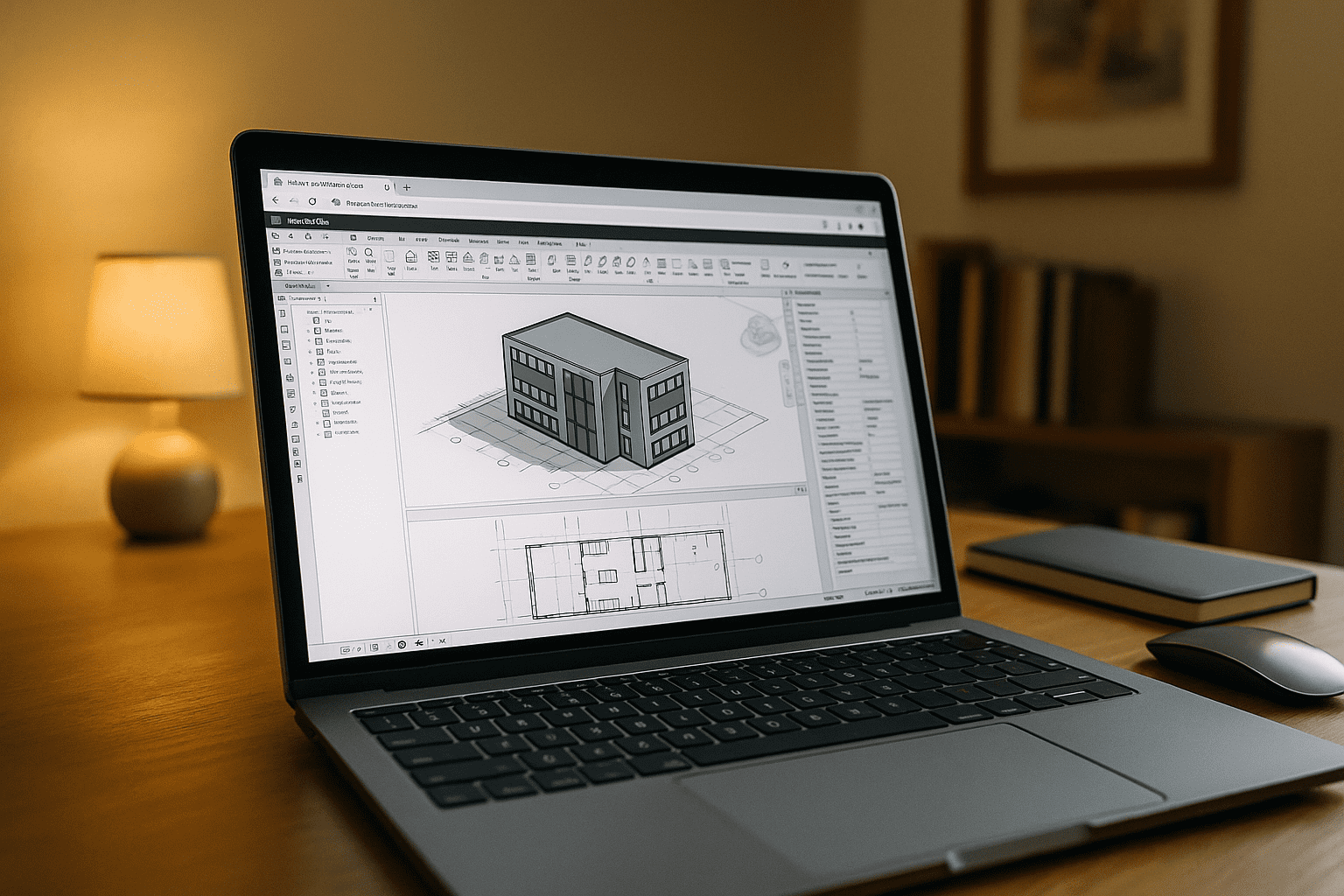
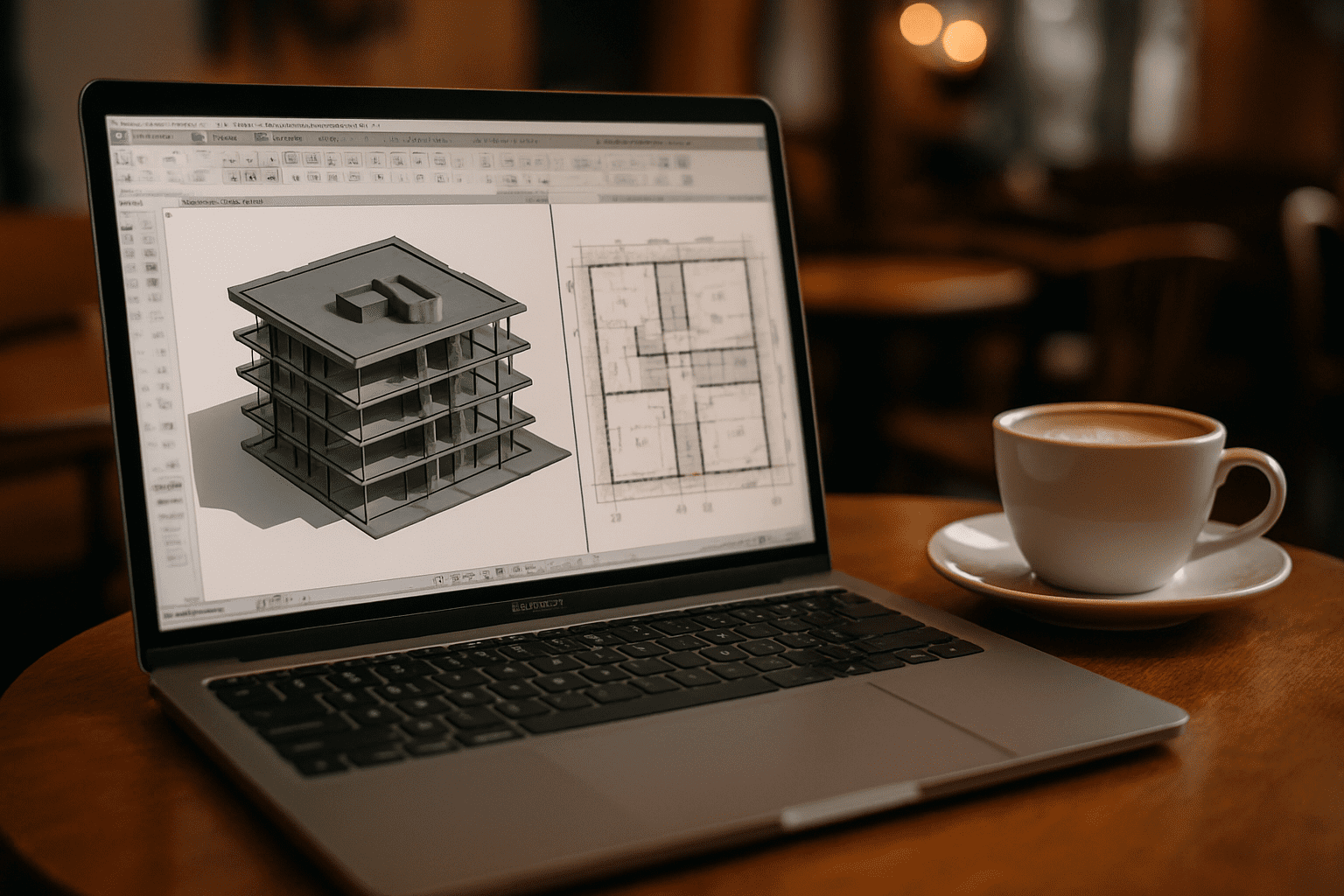
Your MacBook is your main machine, but Revit is still Windows-only. Projects move fast: you must open live models, match the team’s exact Revit build, keep custom add-ins, and preserve print/export settings. In short, you need Revit for MacBook that behaves like your office Windows setup — without risky conversions, file breaks, or juggling multiple machines.
Why a MacBook Revit Setup Can Drift From Your Team
Many professionals try installing Windows locally to keep everything “on the laptop.” It can work, but it introduces fragility and overhead over time.
- Apple silicon lacks native Boot Camp; virtualization adds overhead and compatibility quirks.
- Windows licensing, ISO management, and activation consume time and invite errors.
- Driver and graphics differences affect performance and view fidelity in complex models.
- Large Windows images eat storage, complicating backups and updates.
- IT compliance and security policies often block unmanaged Windows VMs on personal Macs.
Keeping Your Revit Version and Add-Ins Aligned
| Approach | Capabilities | Complexity |
|---|---|---|
| Virtualization on macOS | Runs Windows; install Revit and plugins; variable performance | Medium–High |
| Dual‑boot on Intel Macs | Full Windows access; dedicated resources | High |
| Remote into office workstation | Uses an existing Windows PC; depends on network | Medium |
| Browser‑based virtual Windows PC | Install any Revit version, plugins; persistent settings | Low |
For teams working to a fixed Revit build, Revit for MacBook is most useful when the same version, add-ins, templates, and project settings remain available across sessions.
Aristeem: A Persistent Revit Environment for MacBook Users
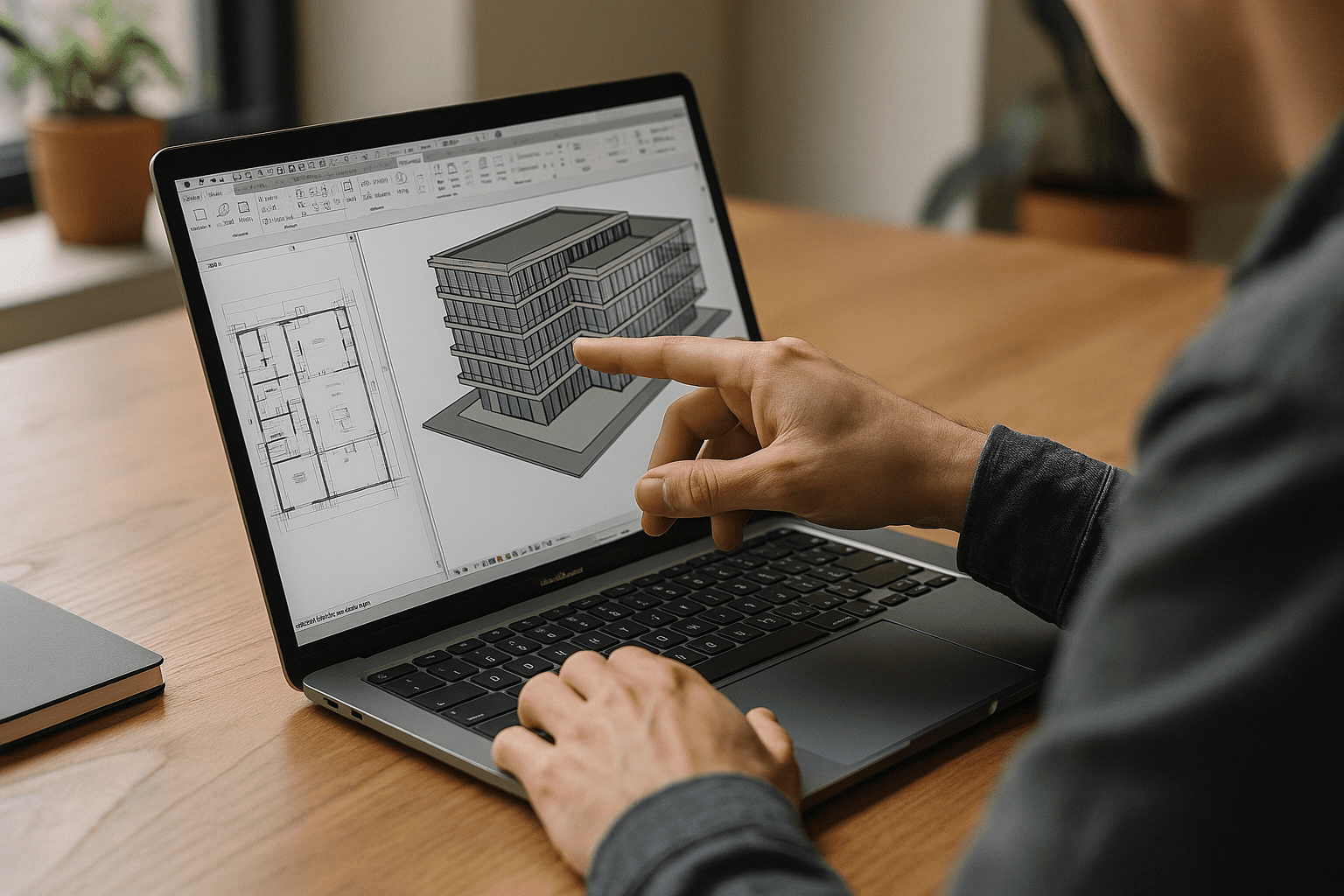
The Aristeem platform provides a full‑featured virtual Windows PC that runs in your web browser. It is not an emulator and not a remote desktop. You control the environment: install any Revit version your team uses, add required plugins or extensions, drivers, and utility tools, and keep files and settings persistent across sessions. Access is instant — open a browser on macOS and continue your work from any device.
For professionals evaluating this workflow, practical considerations around running Revit on macOS without installation are also available.
Conclusion: Revit for MacBook without compromise
projects depend on a specific Revit build, custom add-ins, and established team settings, keeping that same environment available on a MacBook can prevent unnecessary reconfiguration and compatibility issues. This turns Revit for MacBook into a stable, team‑aligned workflow supported by a focused Revit for Mac resource directly from your browser.


