


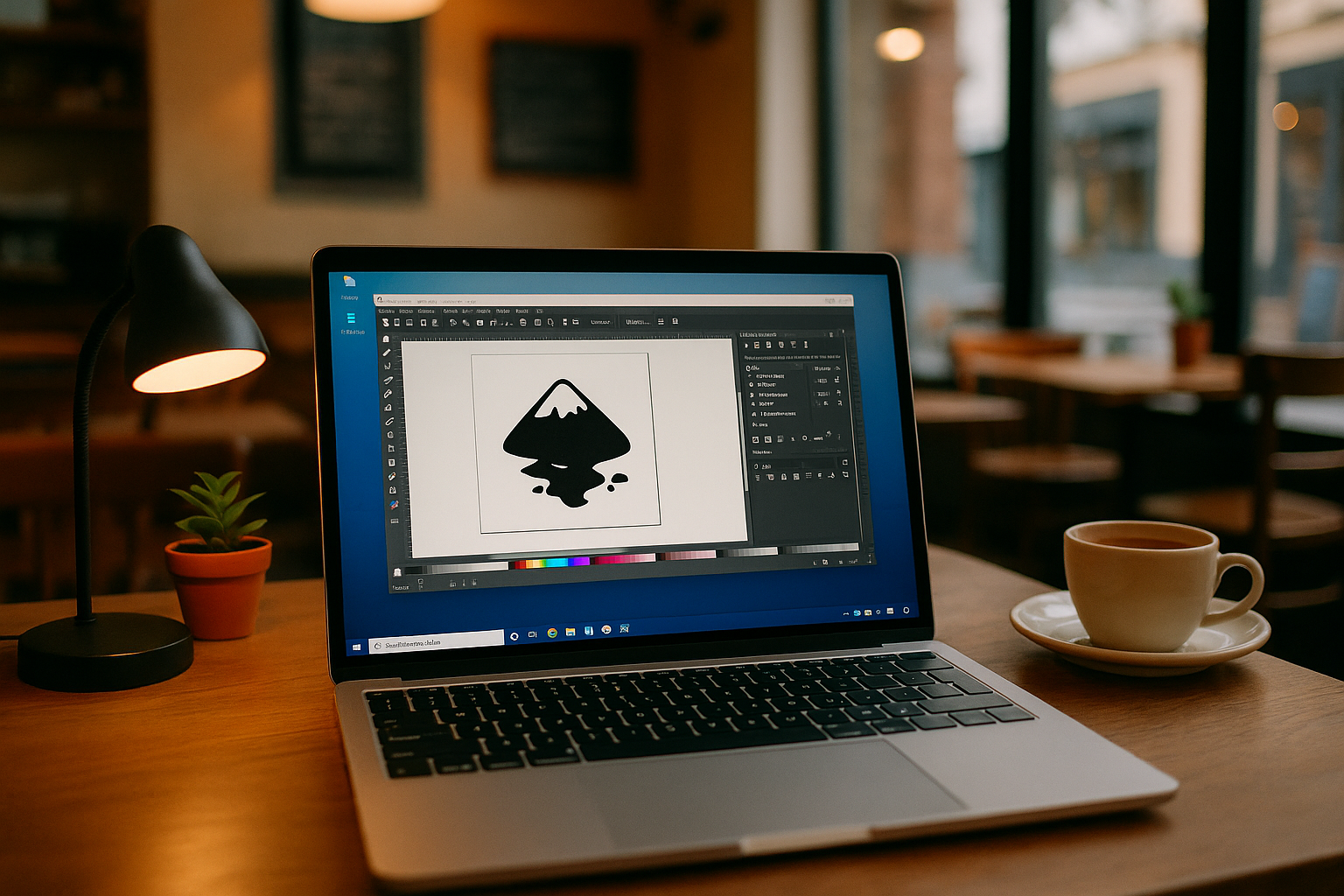
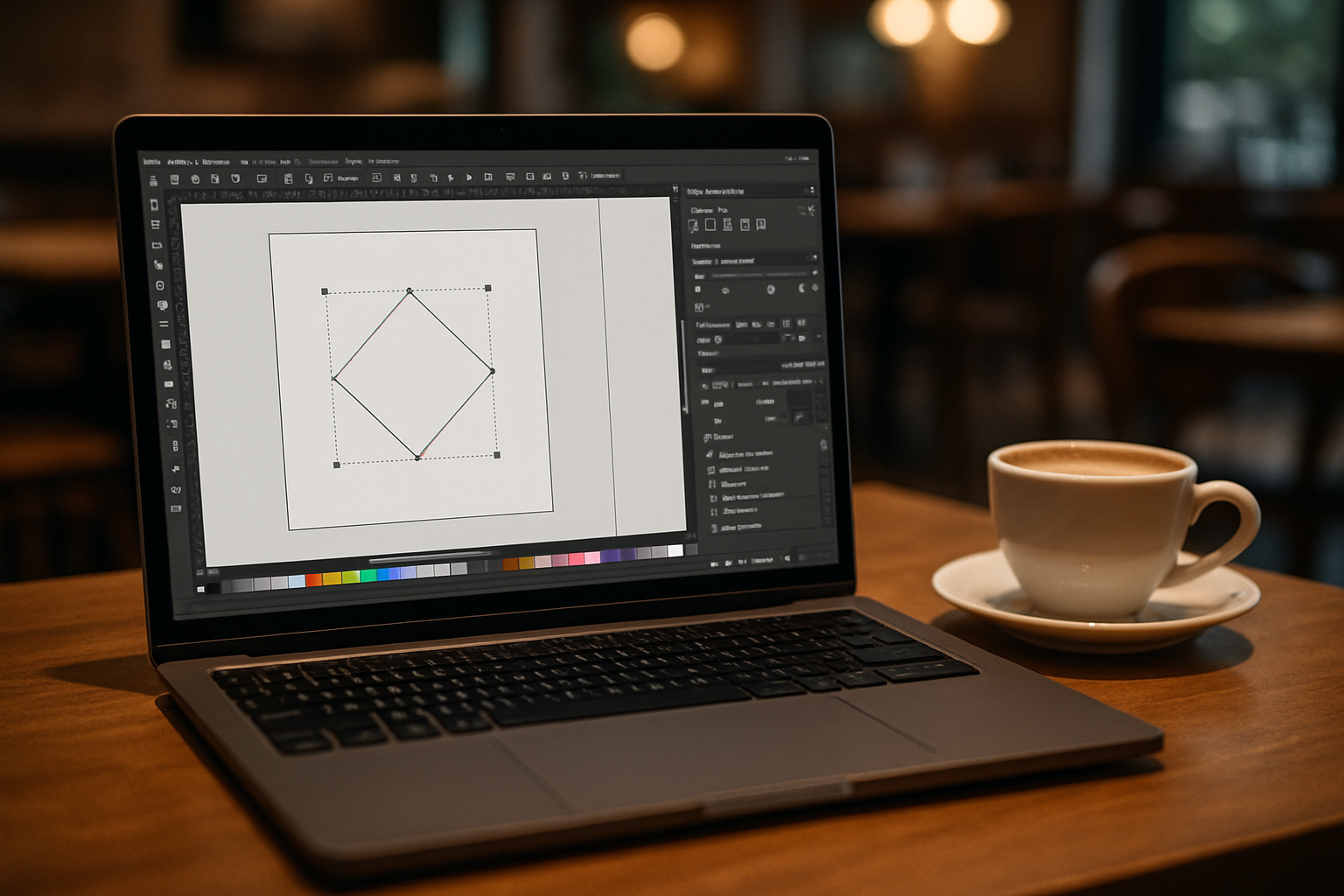
You need a release pinned for a client workflow, but your current setup refuses that installer or breaks dependencies. Extensions that depend on exact Python or script paths won’t load, and fonts your brand kit relies on keep changing between machines. Collaboration slows when teammates export SVG/PDFs from different builds and typefaces. You just need Inkscape software to open the same way every time — your version, your extensions, your fonts — without buying new hardware or battling admin policies.
Why Buying a New PC Doesn’t Solve Inkscape Version Control
Upgrading hardware seems like the straightest line to a fresh start. It can help with performance, but it rarely fixes version control and environment drift by itself.
- High cost and procurement delays, with minimal impact on version reproducibility.
- You still reinstall and reconfigure extensions, scripts, and font libraries from scratch.
- Team parity remains fragile — others may be on different builds and settings.
- IT or admin restrictions can persist, even on new machines.
- Time sink: drivers, updates, and migrating assets before you can work.
Best Ways to Keep an Inkscape Workflow Consistent Across Devices
| Approach | Capabilities | Complexity |
|---|---|---|
| Buy a new PC | More performance; may run latest builds | High cost; full reinstall of extensions/fonts |
| Self-hosted remote desktop | Reach an already-configured workstation | VPN, ports, latency, ongoing maintenance |
| Local virtual machine | Pin a specific version; sandbox extensions/fonts | Host performance hit; manual updates; large disks |
| Browser-based virtual Windows PC | Install any version, extensions, and fonts; persistent workspace | Low: sign in and work |
This makes a persistent browser desktop the cleanest path to a stable Inkscape workflow across devices.
2026 Trend: Standardizing Inkscape Across Devices
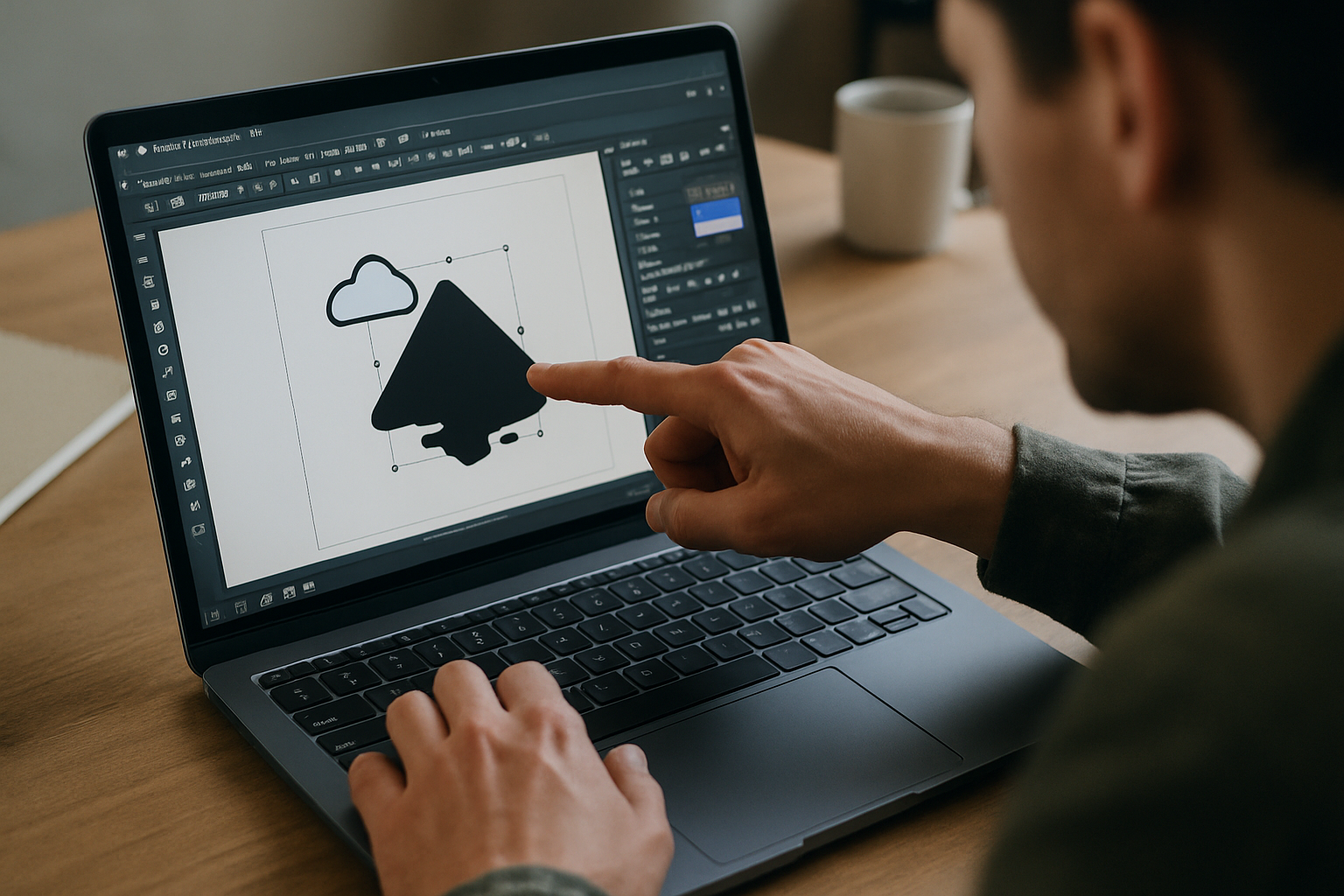
Studios are moving creative tools into persistent, browser-accessed desktops to lock a specific Inkscape version, keep extensions consistent, and decouple work from local hardware. This shift supports reproducible outputs, easier onboarding, and uniform font handling, while aligning with cloud-native practices and centralized asset policies.
Run Inkscape in a Browser With a Persistent Windows Desktop
The Aristeem platform delivers a full-featured virtual Windows PC in your browser so you can install any Inkscape release, add extensions and fonts, and return to the exact same workspace each session. It’s your environment — use your own software license if required, install utilities, and keep everything organized. Aristeem is not an emulator and not a remote desktop.
For designers and teams, this means instant access, zero local setup, and consistent Inkscape software behavior on any device.
Conclusion: a Stable Inkscape in Browser Workflow That Sticks
Locking your version, extensions, and font set in a browser-accessed virtual Windows PC keeps Inkscape software predictable and collaboration-ready without new hardware.
This consistency, combined with device independence, makes it easier to find and manage Inkscape and other browser-based applications from anywhere.


