


Blog
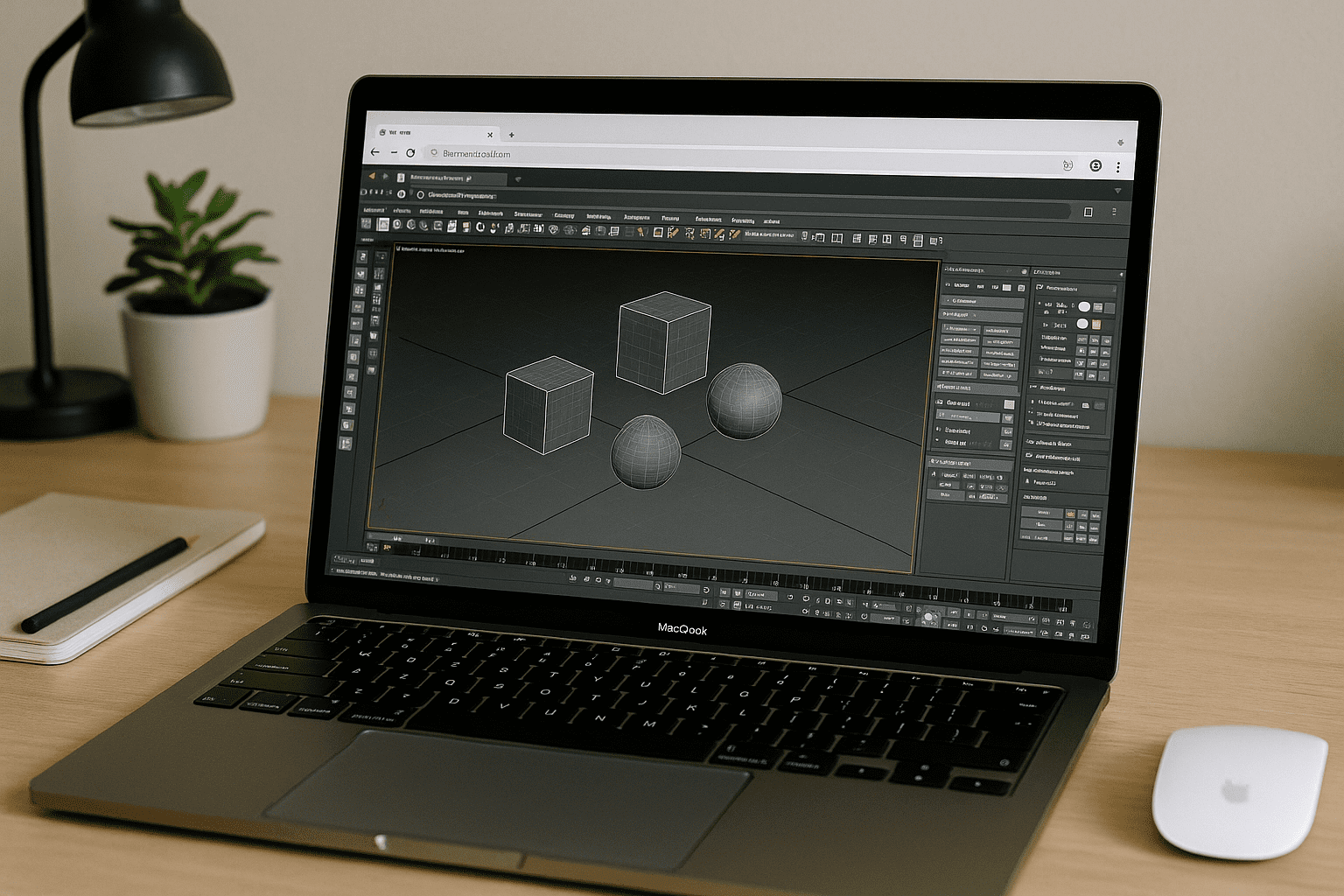
Cloud Rendering 3ds Max Without Installing Locally
Your machine is too slow or locked down to run 3ds Max, yet deadlines demand exact plugin and version matching for rendering. Here’s how to use cloud rendering for 3ds Max entirely in the browser while keeping your production setup consistent — without launching 3ds Max locally.
Read More
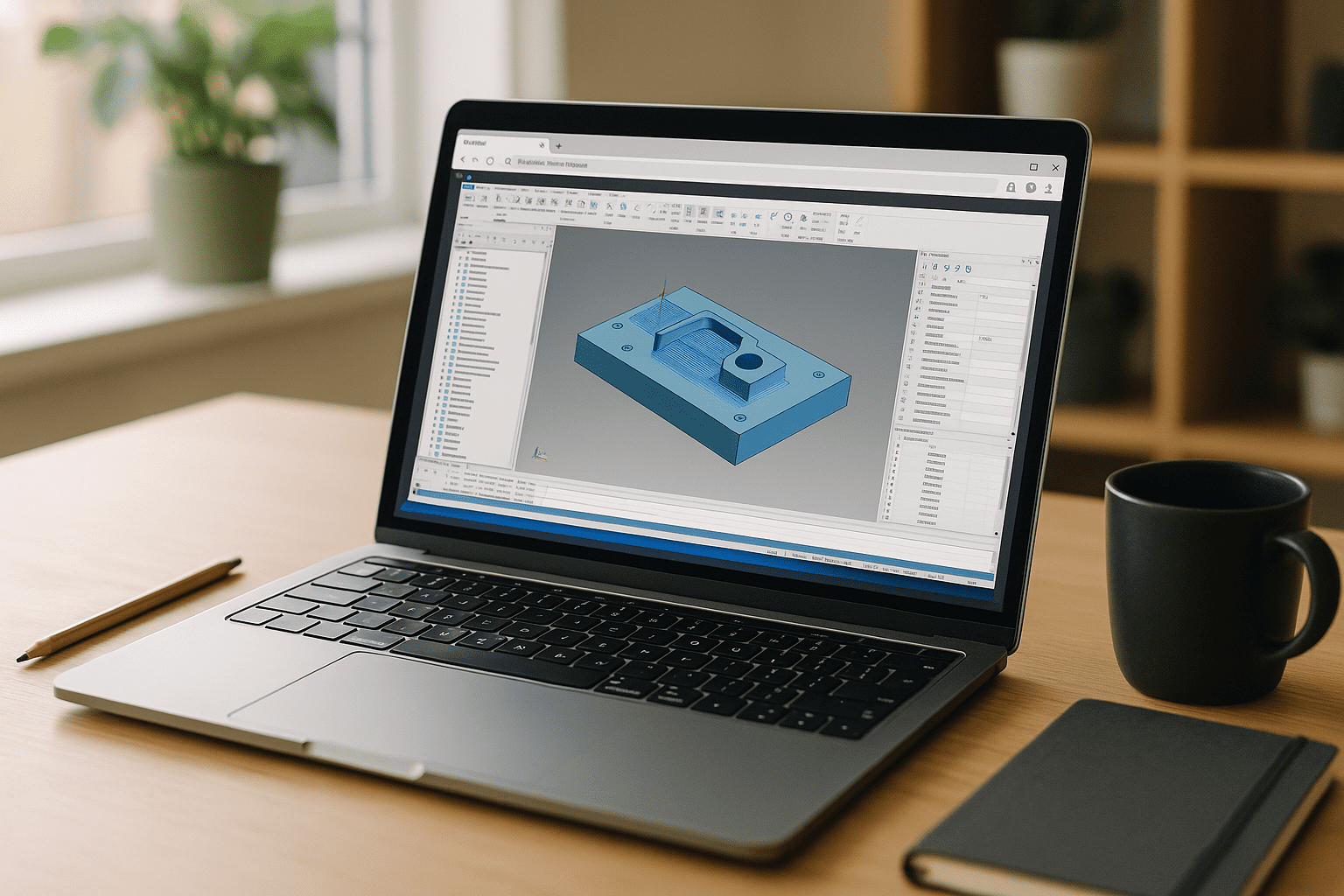
Mastercam Software for Consistent CAM Workflows
Keep your Mastercam workflow consistent with a persistent browser-based Windows environment. Preserve tool libraries, post-processors, plugins, and settings while preparing, verifying, and posting CNC toolpaths.
Read More
Software Archicad Online — Skip Installs, Full Power
You need Archicad now, but IT blocks installs, specs are too weak, or the required version and plugins clash with your setup. Here’s a practical way to work in the browser with full performance and version flexibility.
Read More
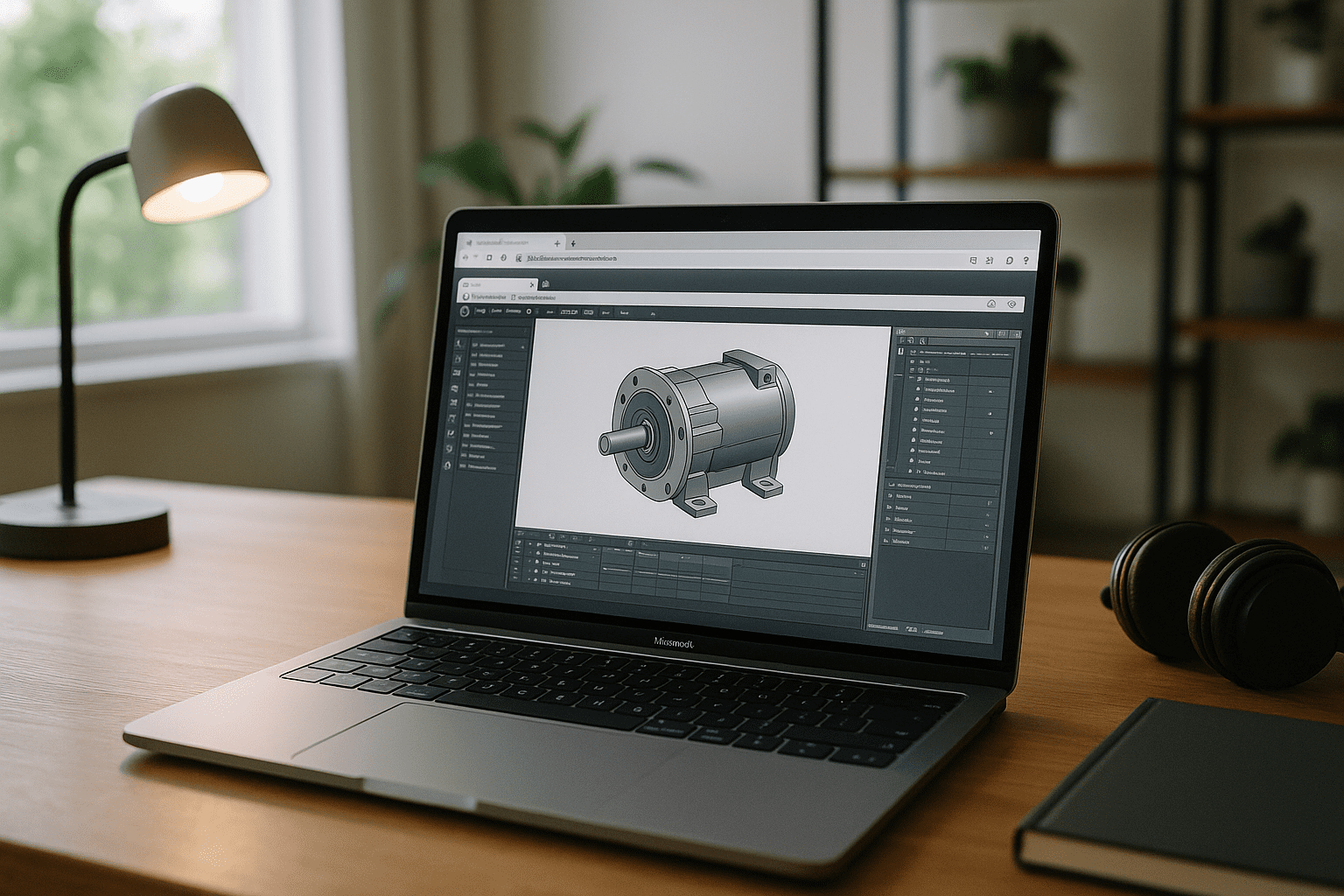
Inventor for Mac: Run the Full App on macOS
Run Inventor for Mac in a full Windows environment through your browser. Work with Autodesk Inventor, complex assemblies, add-ins, templates, and projects on your Mac without setting up a separate Windows computer.
Read More
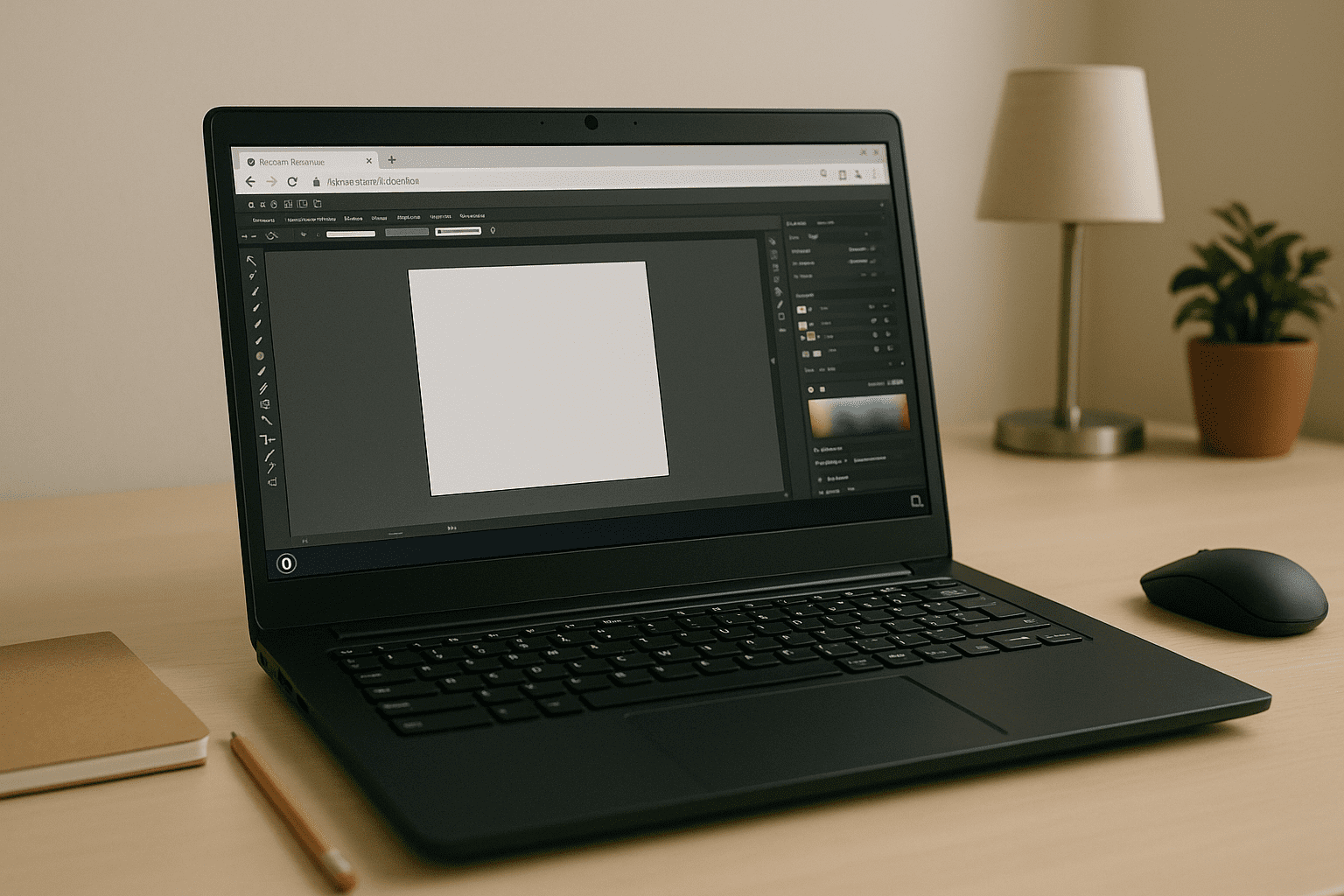
Adobe Illustrator on Linux for Reliable Production Workflows
Keep Adobe Illustrator on Linux workflows consistent with a virtual Windows PC. Maintain plugins, fonts, color settings, and project configuration without dual-booting or changing your Linux setup.
Read More
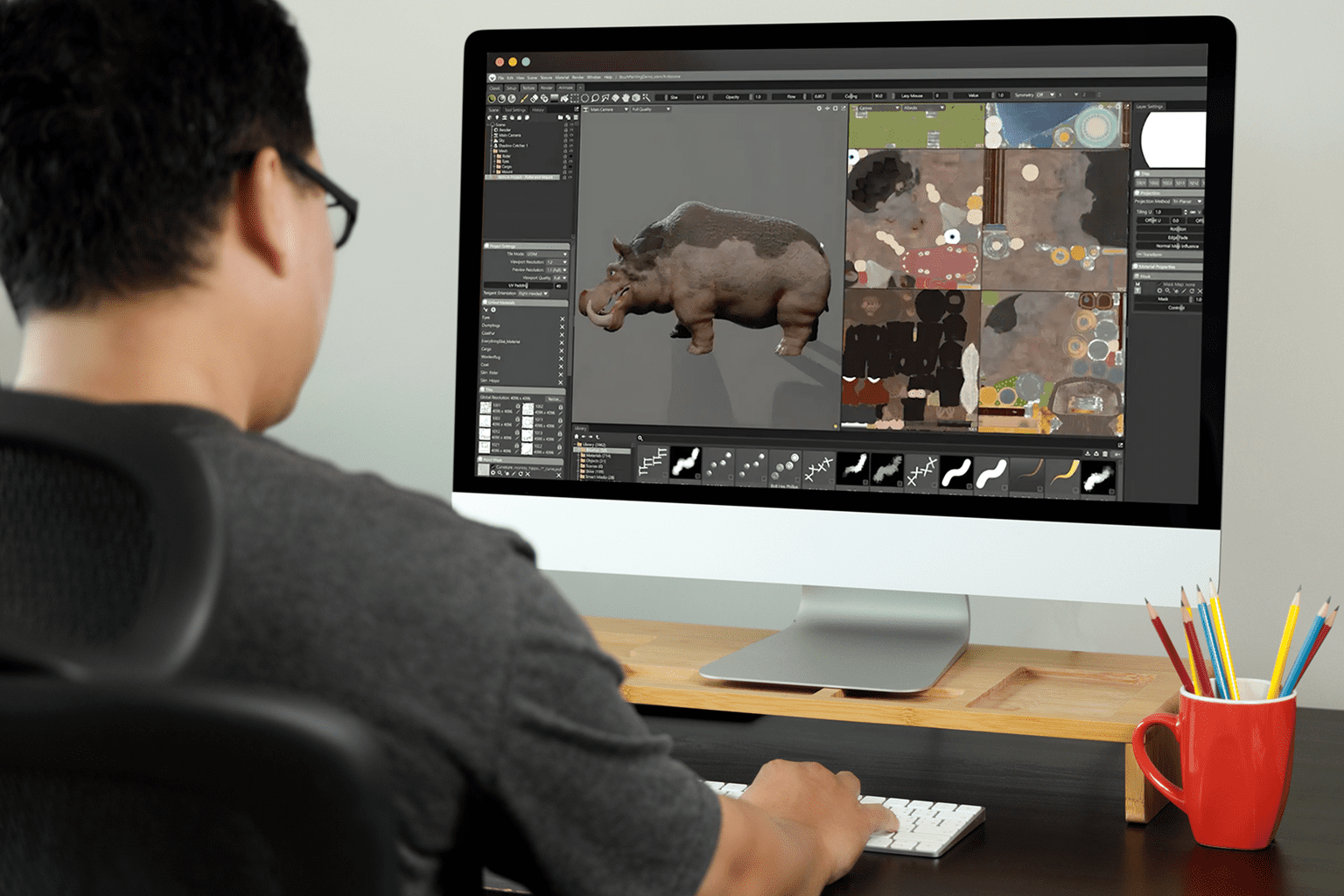
Marmoset Toolbag 5 on Mac: Run It in Your Browser
Marmoset Toolbag 5 runs natively on macOS, including Apple Silicon Macs. Learn when the native Mac version is enough and when a browser-based Windows environment can provide additional GPU capacity without replacing your Mac.
Read More

Run Cinema 4D Software in Browser: Fix IT & Version Drift
Bypass local installation blocks and version drift. Run your entire Cinema 4D software pipeline in a persistent, GPU-powered browser environment with zero local setup.
Read More
Blender Online: Real Desktop App in Your Browser
Blocked installs, hardware limits, and OS conflicts make it hard to run the full desktop Blender when you need it most. This guide shows a practical way to access the complete app in the browser—versions, add-ons, and settings included.
Read More
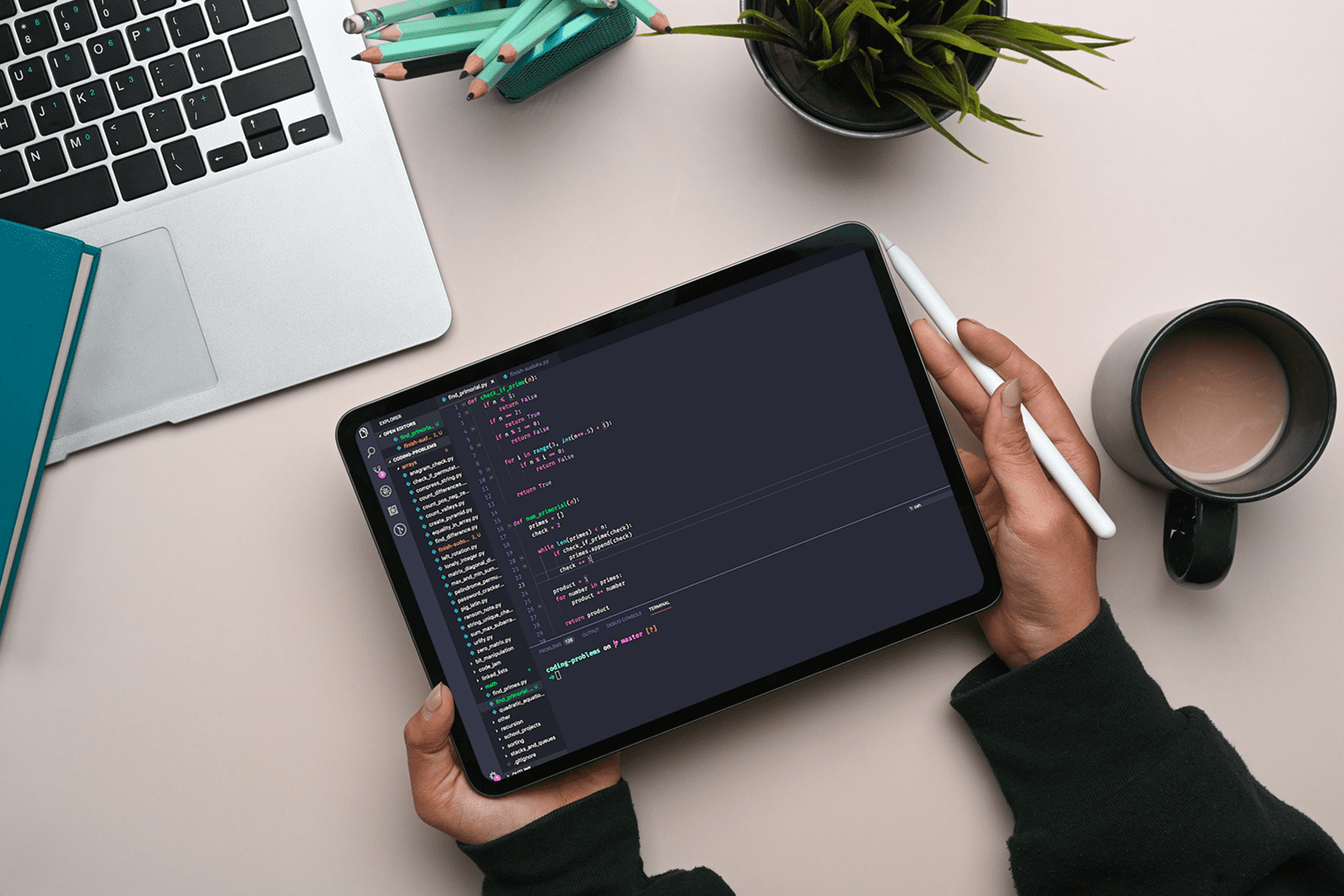
VSCode on Android: Full Windows Desktop in Browser
Android users can’t install full Visual Studio Code, and web editors miss extensions, terminals, and Git needed for real work. Here’s how to use the complete desktop experience in a browser without changing devices.
Read More

AutoCAD Online: Which Way Is Best for Full Desktop Access?
Need full AutoCAD online without being tied to one workstation? Compare web tools, remote desktop, VDI, and persistent virtual Windows PCs to see which option preserves desktop features, plugins, and project settings.
Read More


