


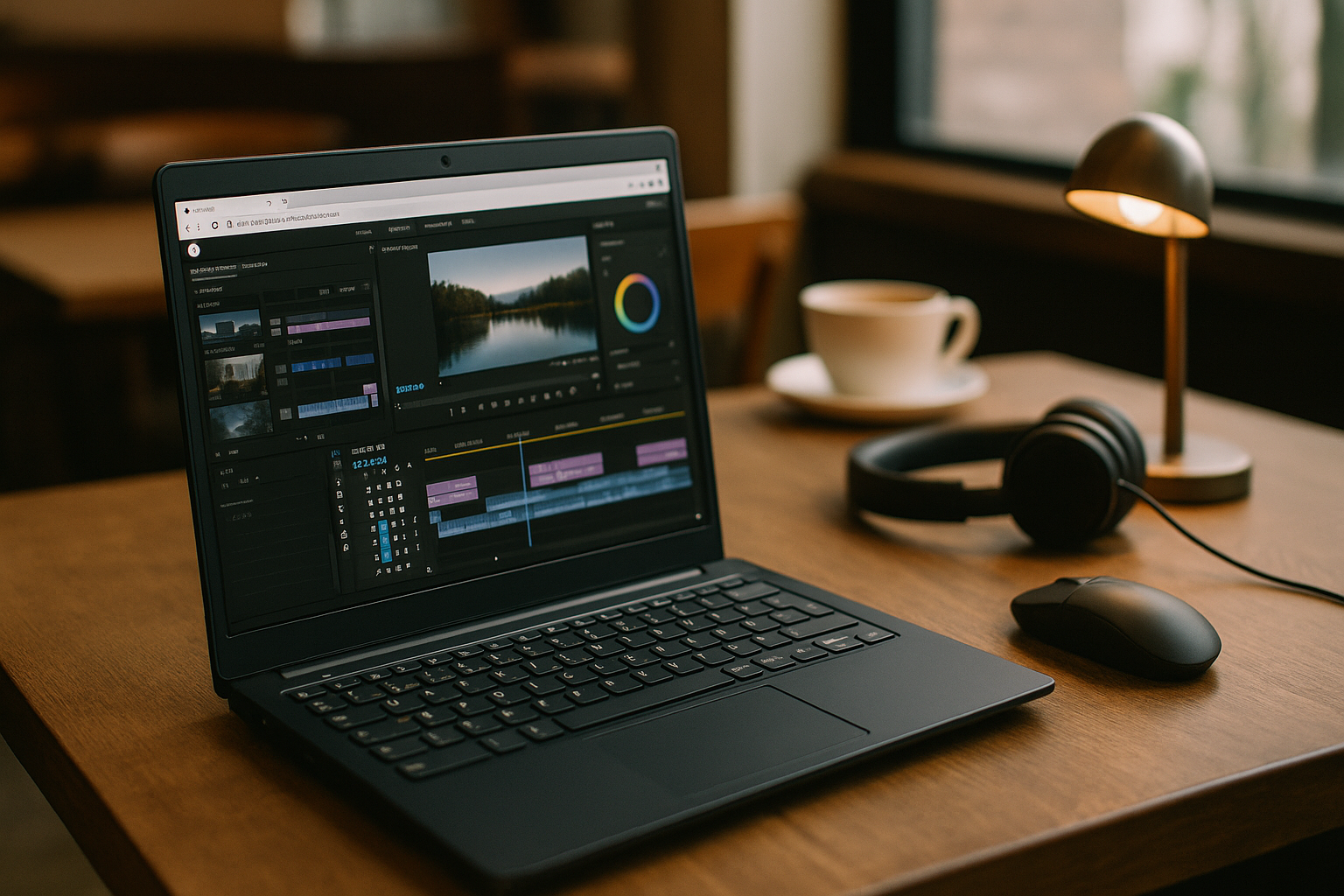
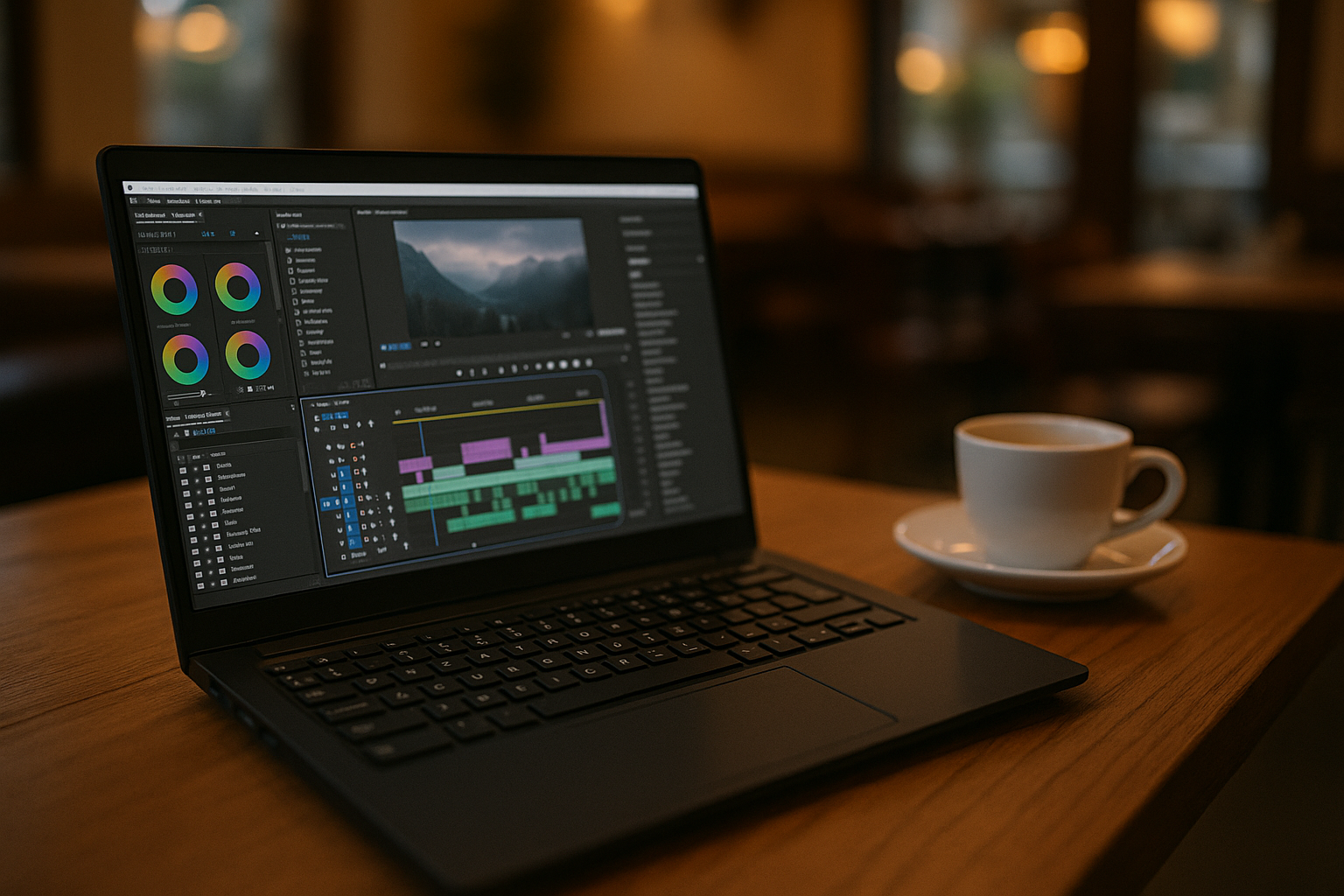
Editing on Linux hits a wall the moment a client sends a Premiere project that depends on a specific version, exact plugins, and licensed codecs. You try Wine and lose stability or plugin support; you dual-boot and waste time juggling drives, fonts, and media paths; you remote into a friend’s machine and the workflow falls apart. Post teams that hand off timelines across multiple contributors often require the same versioned environment and plugin chain, which is hard to guarantee on a mixed OS stack. If your day is built around color-managed timelines, custom effects, and tight delivery windows, you need continuity, not compromises.
Why Professional Premiere Projects Are Hard to Reproduce on Linux
For editors, Premiere is not just a timeline; it is the hub for precise color workflows, project bins, proxies, LUTs, audio buses, and the exact set of third-party effects that make a cut deliverable. Its panel extensions, native codec handling, and metadata tools shape how media is organized and finished. When a client expects parity, version control and plugin fidelity are the difference between shipping and slipping.
Switching to another editor sounds simple until you reopen the job and find that effects chains, color transforms, and transitions won’t translate the same way. Professionals who rely on custom plugin stacks and preset bins risk breaking their look, timing, and grading references by moving tools mid-project. Relearning workflows, remapping shortcuts, and rebuilding exports under deadline is costly and risky. Preserving the original project environment is often more practical than rebuilding the workflow around another editor.
Cloud Workstations and the Shift Away From Local Editing Setups
Cloud-based workstations are becoming an alternative to maintaining identical local editing setups across different machines. Editors, VFX artists, and producers can use cloud workstations to keep project environments consistent across different devices and locations. This shift prioritizes secure, identity-based access to a full desktop workspace that behaves exactly like a familiar machine.
Organizations are also reducing dependence on local installs to minimize drift in versions, drivers, and plugin stacks. Teams that work across locations increasingly expect their tools to travel with them, whether they are on a workstation, a thin laptop, or a Linux desktop. The winning pattern is clear: browser-delivered computing with full control, so heavy tools and licensed plugins stay consistent while the hardware underneath becomes irrelevant. This approach makes the editing environment more repeatable without requiring every machine to maintain the same local installation.
Preserving a Premiere Pro Workflow Across Different Environments
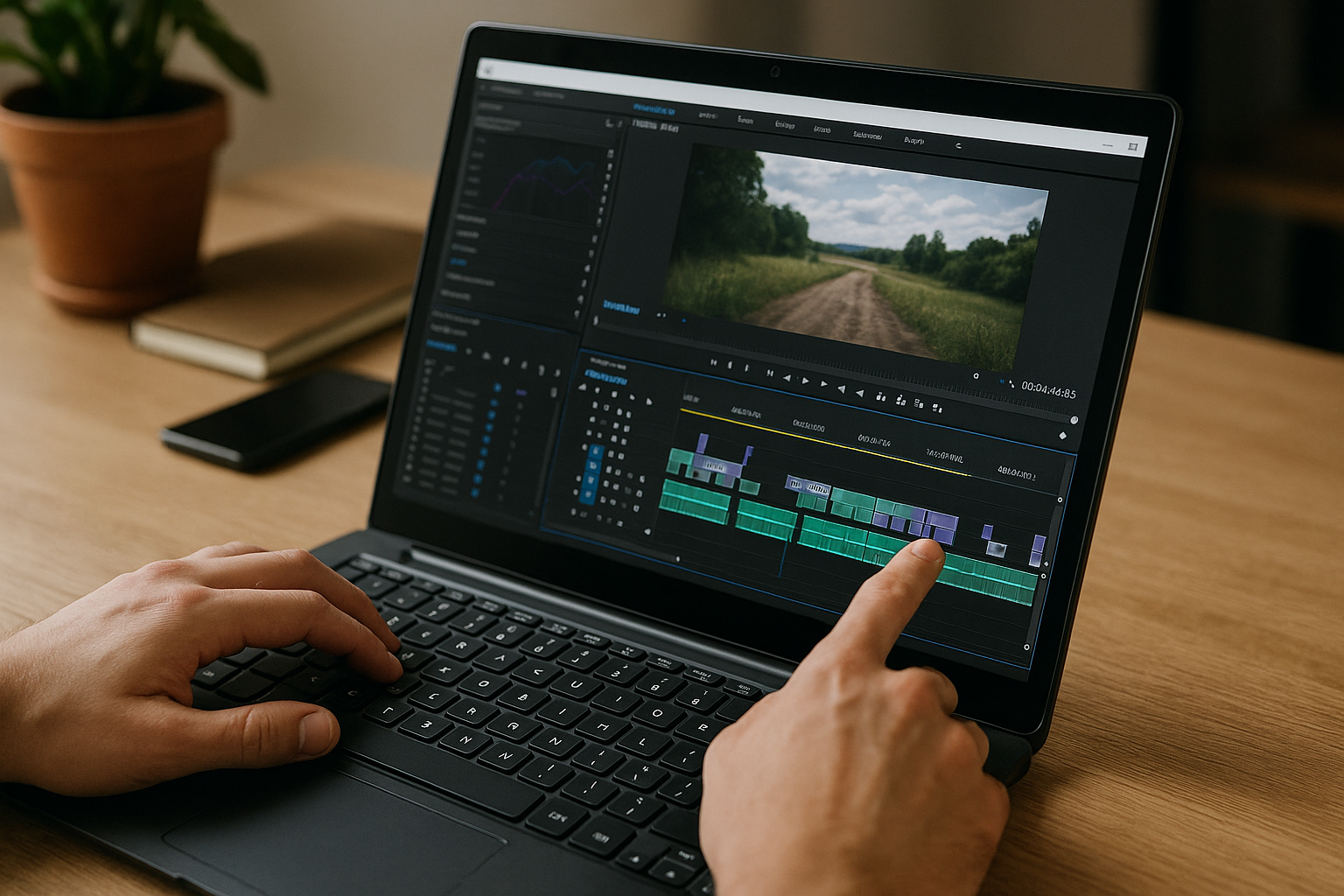
Dual-boot setups can fragment projects, fonts, plugins, and media paths, while Wine may introduce compatibility issues with specific versions or third-party effects. Switching editors can also change how effects, transitions, and presets behave, making project handoffs less predictable.
A cloud workstation keeps the Windows-based editing environment together while Linux remains the device you use to access it. Your Premiere Pro version, plugins, fonts, presets, and project resources stay in one consistent workspace instead of being rebuilt for each machine.
Aristeem for Consistent Premiere Pro Workflows
Aristeem provides a Windows-based cloud workspace that keeps the editing environment together. You can sign into Creative Cloud, use the required Premiere Pro version, and maintain compatible plugins, fonts, LUTs, presets, and project resources in the same workspace.
Because the workspace is accessed through a browser, the local operating system does not have to host the entire editing setup. This can make project handoffs and work across different machines more consistent without rebuilding the environment each time.
Conclusion: Keeping Premiere Pro Workflows Consistent
Professional Premiere projects depend on more than the editor itself. Version consistency, plugins, fonts, LUTs, codecs, and project resources all contribute to a workflow that needs to remain predictable from one machine or contributor to another.
For Linux users who need that consistency, a browser-delivered Windows workspace can provide a practical bridge without requiring the local system to become the editing environment. To see how Aristeem provides this type of access, explore Premiere Pro on Linux.


