



If you rely on 3D modeling or animation, finding a native 3ds Max Mac download is a constant roadblock. Because 3ds Max is Windows-only, Boot Camp doesn’t work on Apple Silicon, and most VMs can’t deliver the DirectX GPU acceleration you need for a responsive viewport. The result is lag, crashes, and wasted time when all you want is stable performance for modeling, rigging, simulation, and rendering.
Common 3ds Max on Mac workarounds and their trade-offs
Buying a dedicated Windows workstation with a high-end RTX GPU is the brute-force option. It will run 3ds Max well, but it’s expensive, takes time to procure, and adds another device to maintain. For freelancers or teams that move often, lugging a tower or relying on a single office machine defeats flexibility and introduces risk if hardware fails.
Installing Windows used to be the go-to for Intel Macs via Boot Camp, but Apple Silicon broke that path. On M1/M2 machines, you’re forced into ARM Windows or virtualization layers that typically lack full DirectX GPU passthrough. Remote desktop tools provide access to a Windows box, but they compress and stream the screen, often adding latency and uneven color that make 3D viewport interaction, animation scrubbing, and paint/unwrap work unreliable.
The best 3ds Max on Mac approach: open it in your browser
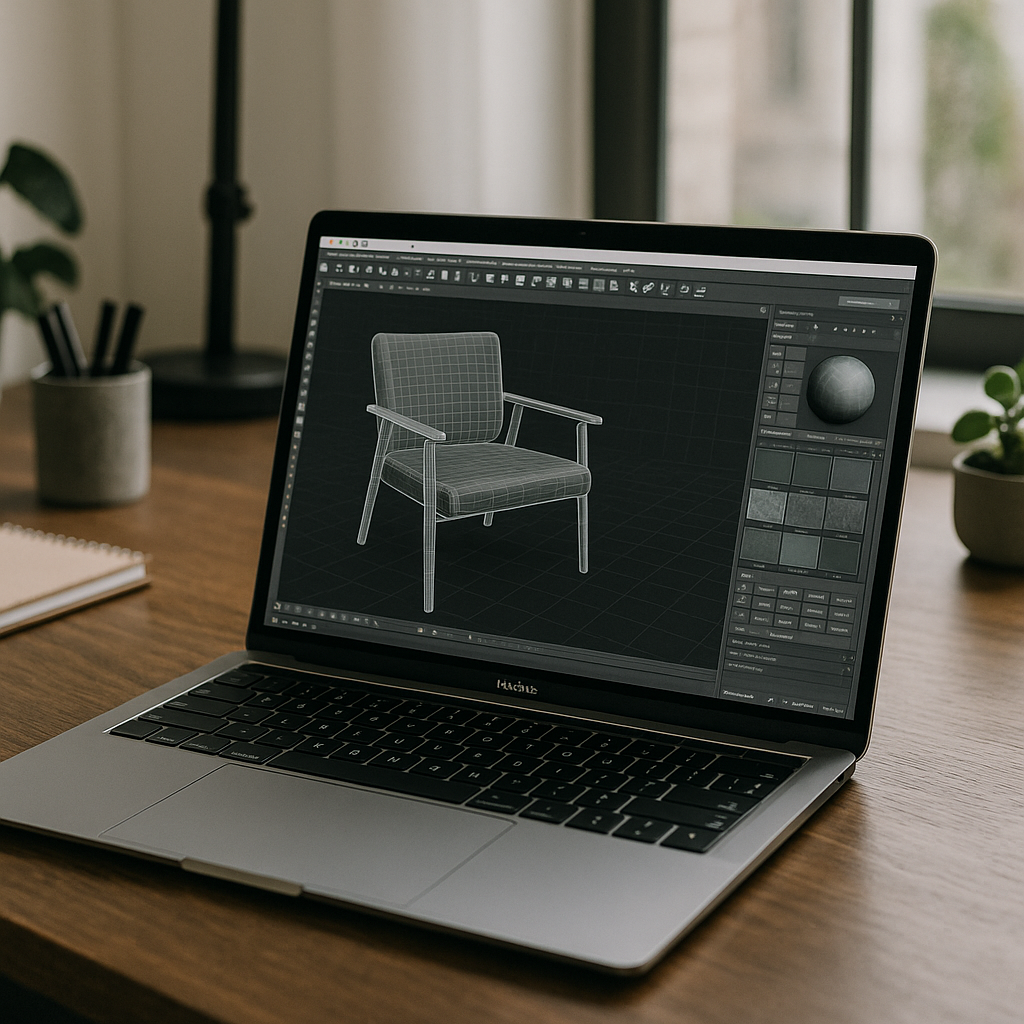
There’s a better way: instead of chasing a non-existent 3ds Max Mac download, you can run 3ds Max in a high-performance environment that lives right in your browser, complete with full GPU acceleration and proper DirectX support. You avoid device lock-in, skip risky installs on macOS, and still get a native Windows workspace for plugins, scripts, and renderers. Because the heavy lifting happens on a powerful machine with a dedicated GPU, your viewport remains responsive and your renders complete consistently.
This approach is not an emulator and not a traditional remote desktop; instead, you get a complete environment that opens instantly from Safari or Chrome on macOS. It handles modeling, animation, Arnold or third-party rendering, and large-scene navigation without the usual VM bottlenecks. For 3ds Max on Apple Silicon users, it removes the Boot Camp barrier and gives you a reliable path to ship work from any Mac you already own.
Aristeem: 3ds Max on Mac with instant GPU power
Aristeem gives you a ready-to-use environment in your browser for running 3ds Max with real GPU acceleration — no local installs, no VM tuning, and no Boot Camp. You sign in to Aristeem, launch the program, and access a stable, Windows-native environment optimized for heavy 3D workloads. It’s not an emulator and not a remote desktop; it’s a full working environment that removes the OS barrier while preserving the performance you expect.
With Aristeem, you can install 3ds Max, your plugins, render engines, and pipeline tools exactly as you would on a powerful PC — then access them from any Mac, including M1/M2. Scenes stay responsive because the GPU is allocated in the environment, so navigation, modifiers, and previews feel consistent even on complex assets. Learn in detail how to run 3ds Max on Mac and explore the pros and cons of each method to find the most reliable workflow for your projects.
Get 3ds Max on Mac working now — without new hardware
If you’ve been stuck choosing between buying a Windows tower, fighting with virtualization, or settling for laggy remote sessions, you don’t have to anymore. Aristeem lets you bypass the need for a local 3ds Max Mac download by enabling full Windows production workflows from your existing hardware, combining fast viewport interaction with a consistent Windows toolchain. You’ll ship scenes, renders, and revisions faster while keeping your Mac as your daily driver.
Stop losing time to workarounds and run the software you need where you need it. Open your workspace in a browser, keep your plugins and renderers, and move freely between office, studio, and home with the same setup. Start here: Run 3ds Max on Mac in your browser.


