


Why You’re Searching for Sony Vegas Pro online on non‑Windows devices
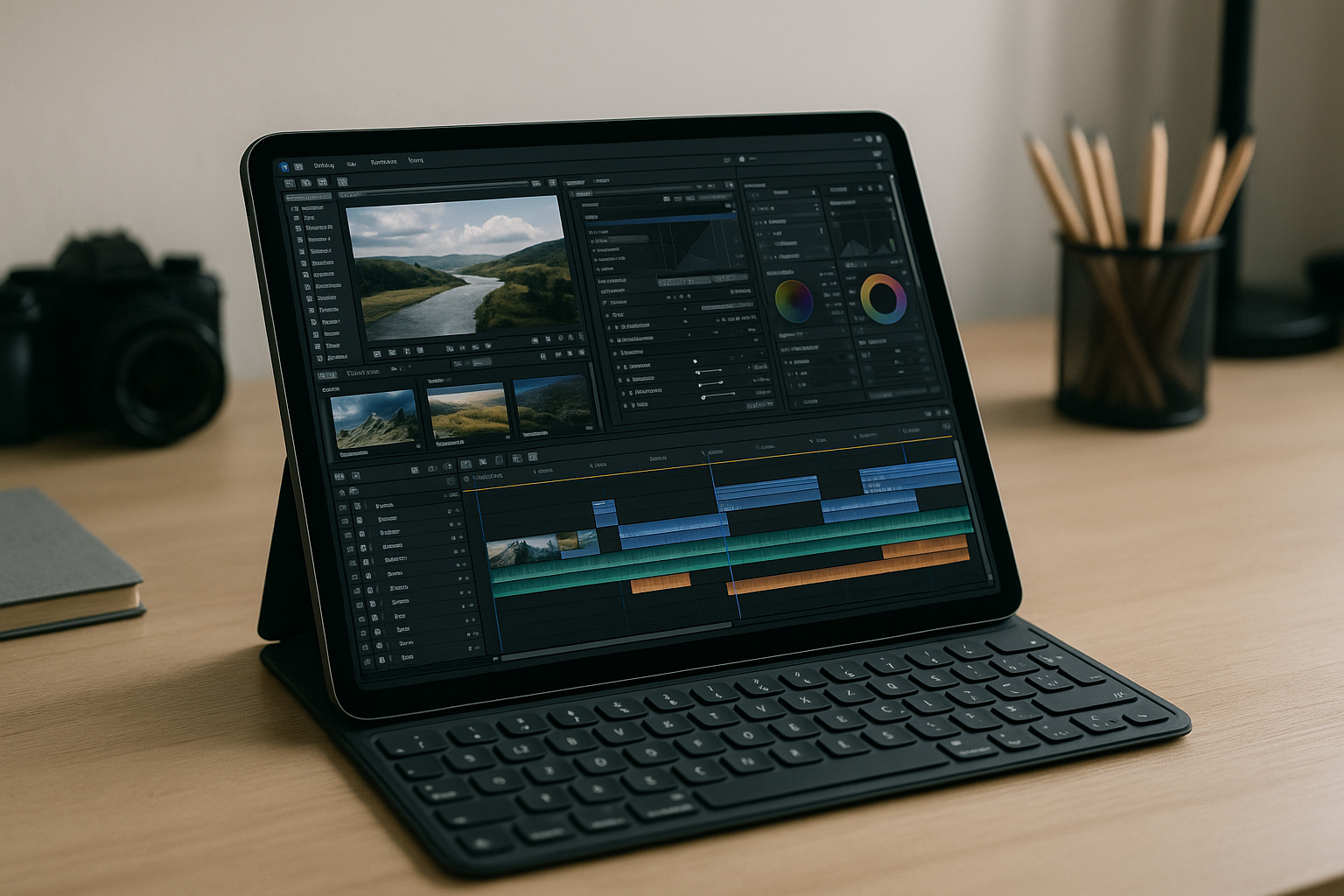
You’re looking for Sony Vegas Pro online because your hardware is underpowered, your OS can’t run the app, or IT policies won’t let you install anything. Maybe you edit on a Mac at the studio, take an iPad on shoots, or rely on a Chromebook for school where installs are blocked.
Since there is no official web version, you are usually left with three choices: buying an expensive Windows workstation, struggling with laggy remote desktop setups, or trying to dual-boot your OS. But is there a way to skip the stripped-down substitutes and run the real desktop Vegas Pro in your browser with your own license, all without buying a new PC?
Typical options before you try to run Vegas Pro in browser
One path is buying a new Windows PC with a strong GPU, lots of RAM, and fast storage. This can deliver excellent native performance, but it’s expensive, takes time to procure and configure, and adds another machine to maintain. If you travel or switch devices often, hauling a powerful tower or gaming laptop isn’t practical.
Another route is installing Windows locally through dual‑boot or virtualization. Dual‑boot requires disk partitioning, reboots, and on Macs it’s limited depending on hardware generation; virtualization often struggles with GPU acceleration and I/O throughput that Vegas needs. Both options usually demand admin rights and careful driver setup, which is not feasible on locked‑down school or work devices.
Some try a remote desktop to a PC at home or in the office. This can work on a fast LAN, but over the internet you’ll hit latency on scrubbing, color shifts from compression, and unstable sessions. You also have to keep that host PC powered, patched, and accessible, and footage still has to be uploaded to that machine before you can edit.
The best way to use Vegas Pro without installation
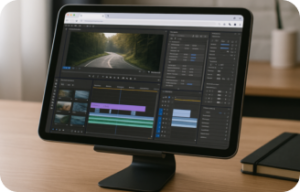
The most efficient path is a purpose‑built desktop environment that opens in your browser and runs the full Windows version of Vegas with proper GPU support, storage, and drivers. You avoid OS constraints, admin hassles, and hardware purchases, while still working with your projects and codecs. In practice, this feels like opening the editor on a powerful workstation, yet you can do it from Mac, Linux, iPad, Chromebook, or a weak PC.
- Compared to buying hardware, it’s instant.
- Compared to local VMs, there’s no driver wrangling.
- Compared to generic remote desktops, it’s engineered for creative workloads.
You get the flexibility to travel light, collaborate from anywhere, and keep editing on the device you already own. It’s the practical bridge between the lack of an official Vegas Pro online version and your need to use Vegas Pro without installation — with performance that stays stable under real projects.
Run the full Sony Vegas Pro online with Aristeem
Aristeem provides a ready-to-use, browser-based environment that launches the full desktop Vegas in minutes — no setup, no drivers, and no admin rights. It’s not an emulator and not a remote desktop; you get a complete workspace you can open from any device and pick up where you left off. Use your paid license as usual: start a session, sign in to your MAGIX account inside the environment, and your editor is ready.
Because the workspace is persistent, you can install plugins, templates, LUTs, and tools once and keep them for future sessions. The session is tuned for creative apps, giving you the responsive feel you expect when scrubbing, trimming, and rendering complex timelines. Get started instantly here: Launch Vegas Pro in your browser, and keep your production moving without new hardware or risky OS changes.
Your fastest path to Sony Vegas Pro online on any device
There’s no official web app for Vegas, but that doesn’t mean you’re stuck. With a browser-based workspace that runs the full desktop editor, you keep your license and workflows intact while skipping installs, drivers, and hardware upgrades. The result is the familiar Vegas experience — accessible wherever you are, on the device you already have.
If you’re ready to edit now, open a session and start cutting in minutes with Aristeem for Vegas Pro. You’ll run Vegas Pro in browser with stable performance, avoid the cost and delay of new gear, and focus on delivering your project on time.


