


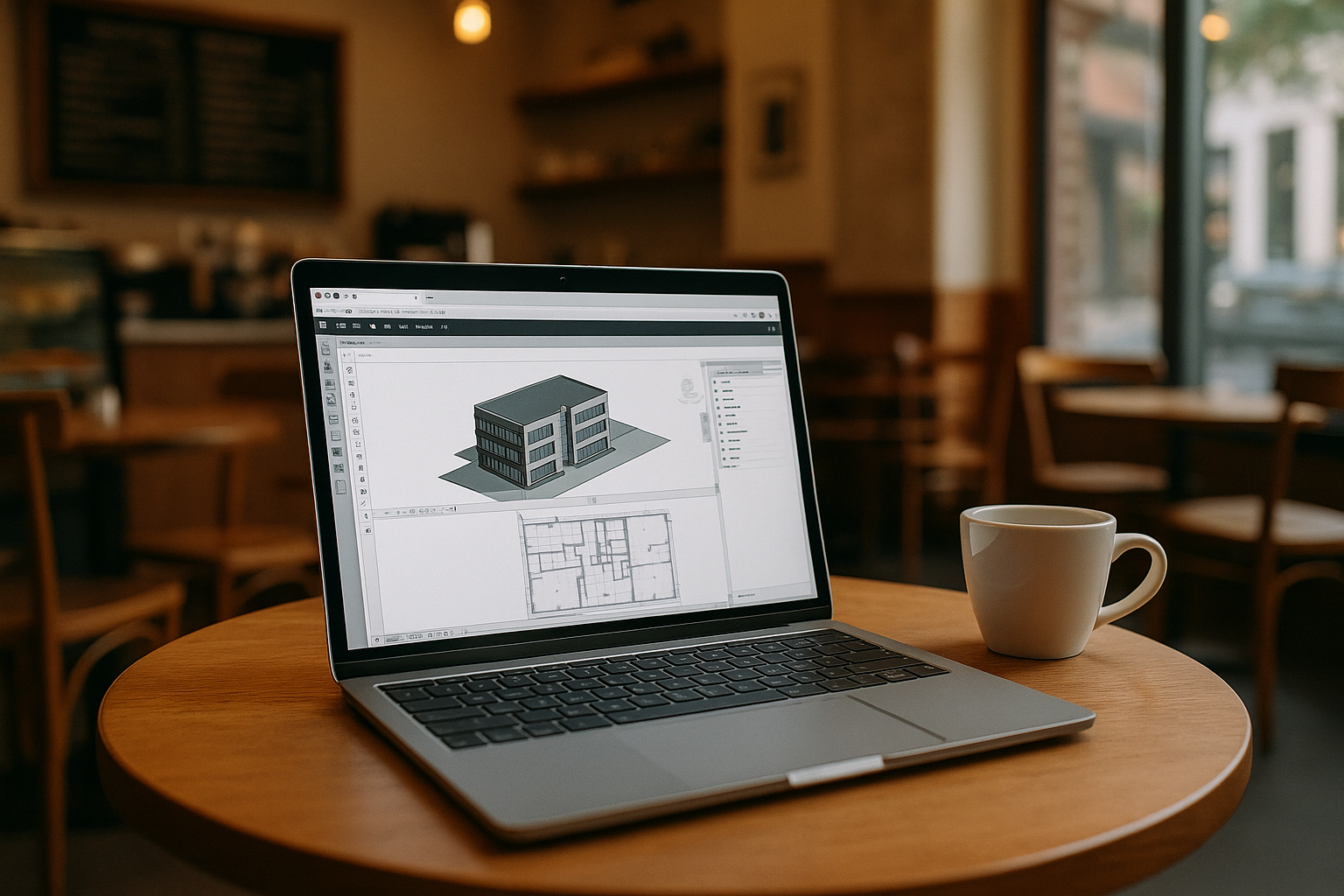
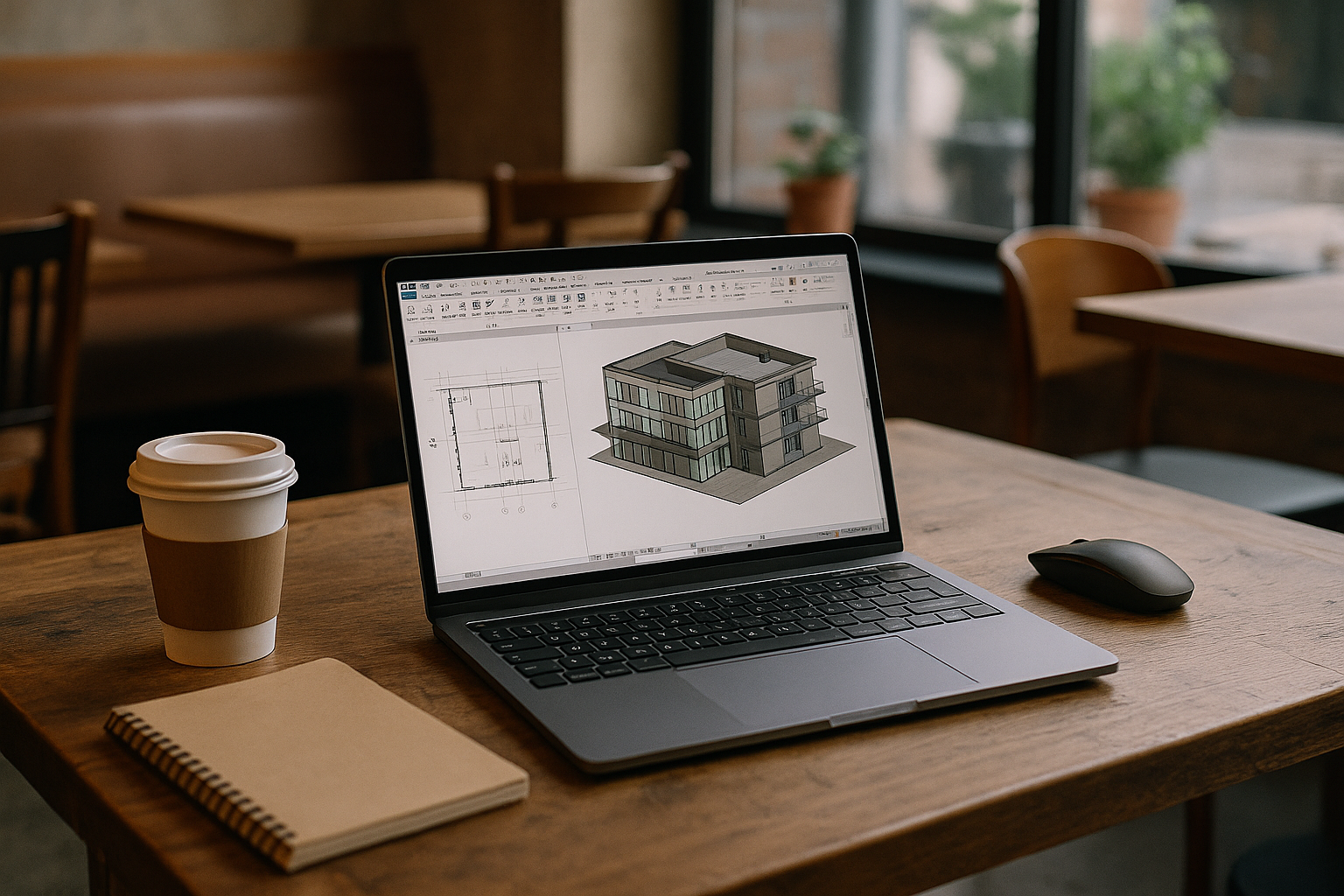
You have a deadline, a MacBook on your desk, and a Revit model waiting for edits. Then reality lands: Revit is Windows-only, and there is no native macOS installer. Double-clicking a .rvt file on your Mac gets you nowhere. On Apple Silicon laptops, Boot Camp is gone. The usual workarounds become a maze of drivers, emulation, and settings instead of actual work.
Real scenarios are everywhere. Navigation stutters, materials fail to render, or licensing and sign-in loops waste hours you do not have. On an M1 or M2 machine, Apple Silicon has no Boot Camp. Proven Intel-era paths are off the table, leaving you with only partial solutions when you actually need full Revit right now. Instead of settling for these compromises, you can find a definitive answer to the question does Revit work on Mac by exploring a solution that bypasses hardware limitations entirely.
Common ways to run Revit on Mac: buy a PC, install Windows, or use remote access
Buying a dedicated Windows workstation works because Revit runs natively with certified GPUs and drivers. The upside is predictability and vendor support, which matters for BIM at scale. The trade-offs are real: new hardware is costly. You also lose the simplicity of carrying a single Mac, and juggling files between machines risks version drift and lost time.
Installing Windows on a Mac used to be viable with Intel-era Boot Camp, but Apple Silicon changed the rules. Windows 11 on ARM inside a VM often relies on emulation for x64 apps. Advanced DirectX features can be limited or inconsistent, so Revit’s 3D performance, printing, and add-ins may suffer or fail. The result is a patchwork of tweaks, driver experiments, and forum tips. In the end, Windows ARM virtualization limits still show up when a project gets heavy.
Remote desktop into an office PC can be quick if you already have a machine waiting. However, it depends on network quality you don’t control. Latency spikes make orbiting and selecting elements frustrating, and color-calibrated work is harder through compression. You also inherit IT hurdles like VPNs, ports, and maintaining that remote box. What looks simple can turn into remote desktop latency and reliability pain during critical reviews.
The best way to run Revit on macOS without the pain
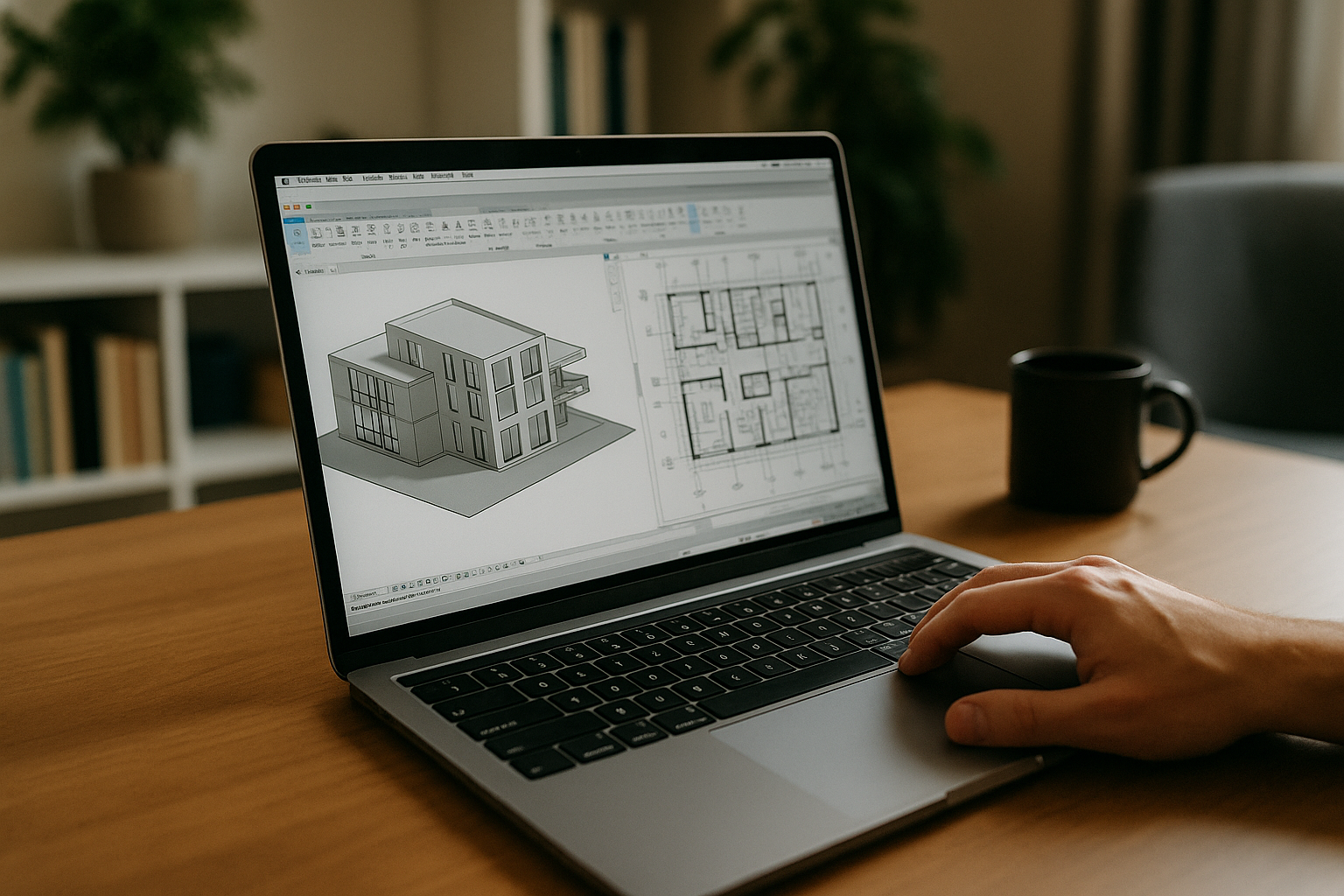
For professional BIM, you need Windows x64, stable GPU acceleration, and a workspace you can reach from any Mac without tinkering. A browser-based cloud PC provides a ready-to-use Revit for Mac experience without any local installation. It removes local OS limits while keeping full desktop capability. You can open a model, orbit smoothly, and publish sheets with consistent, predictable performance.
Compared to buying a PC, you avoid upfront cost and setup delays. Compared to Windows ARM VMs, you avoid driver surprises and emulation bottlenecks. Compared to ad hoc remote access, you get a controlled environment designed for heavy desktop apps, delivered in the browser with low input lag and reliable graphics. This approach lets you run Revit on Mac the way it was meant to be used: fully featured, immediately available, and unburdened by your local hardware.
Revit Mac M1 M2: a fast, reliable path to start working now
Aristeem is a browser-based cloud PC that gives you a full Windows environment inside your browser with no setup and instant access. It is not an emulator and it is not a traditional remote desktop; instead, it provides a complete working environment you can launch from any Mac, including M1 and M2 models, with performance tuned for heavy desktop software. You keep your Mac as-is, open a tab, and get to work without chasing drivers or wrestling with Windows ARM.
Because the environment is delivered in the browser, even a light MacBook can work with large models while Aristeem handles the heavy lifting. You are free to focus on sheets, schedules, coordination, and exports while Aristeem keeps performance stable. The result is a practical path to full desktop Revit on a Mac — without buying new hardware or accepting VM compromises.
Revit for Mac hits the same wall every time: Windows-only binaries, no Boot Camp on Apple Silicon, and brittle VM workarounds that break when projects get complex. A browser-delivered Windows environment removes those roadblocks so you can model, annotate, and deliver without changing your laptop. With Aristeem, you get instant access to a full working setup that respects how BIM teams actually work.
If you are weighing new hardware, patchy virtualization, or a remote box you do not control, skip the detours. Open Revit in Aristeem and start editing the model you needed to touch this morning. The outcome is simple: Revit for Mac becomes practical, fast, and dependable — so your next deliverable ships on time.


