


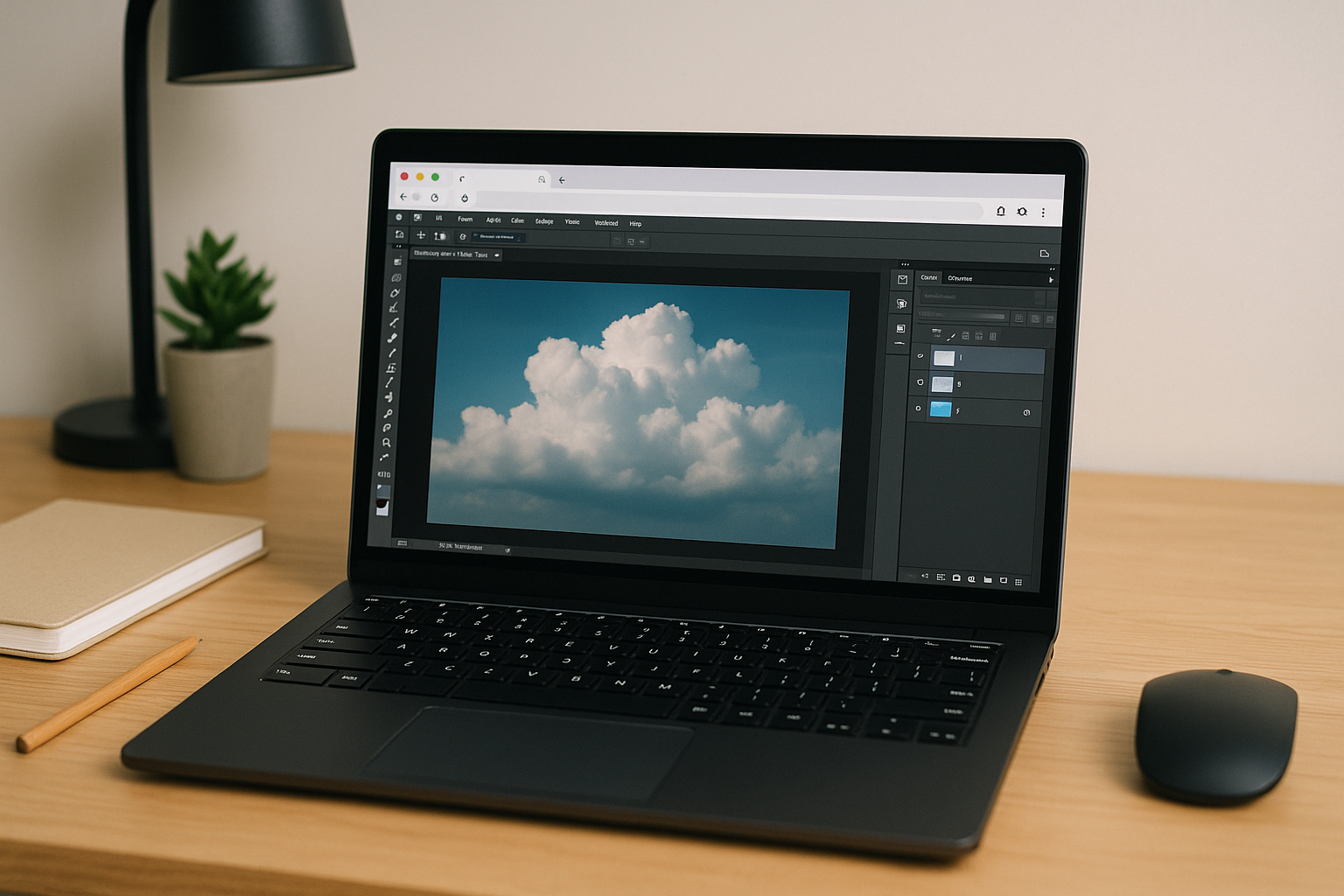
When Photoshop for Linux Becomes Part of a Professional Workflow
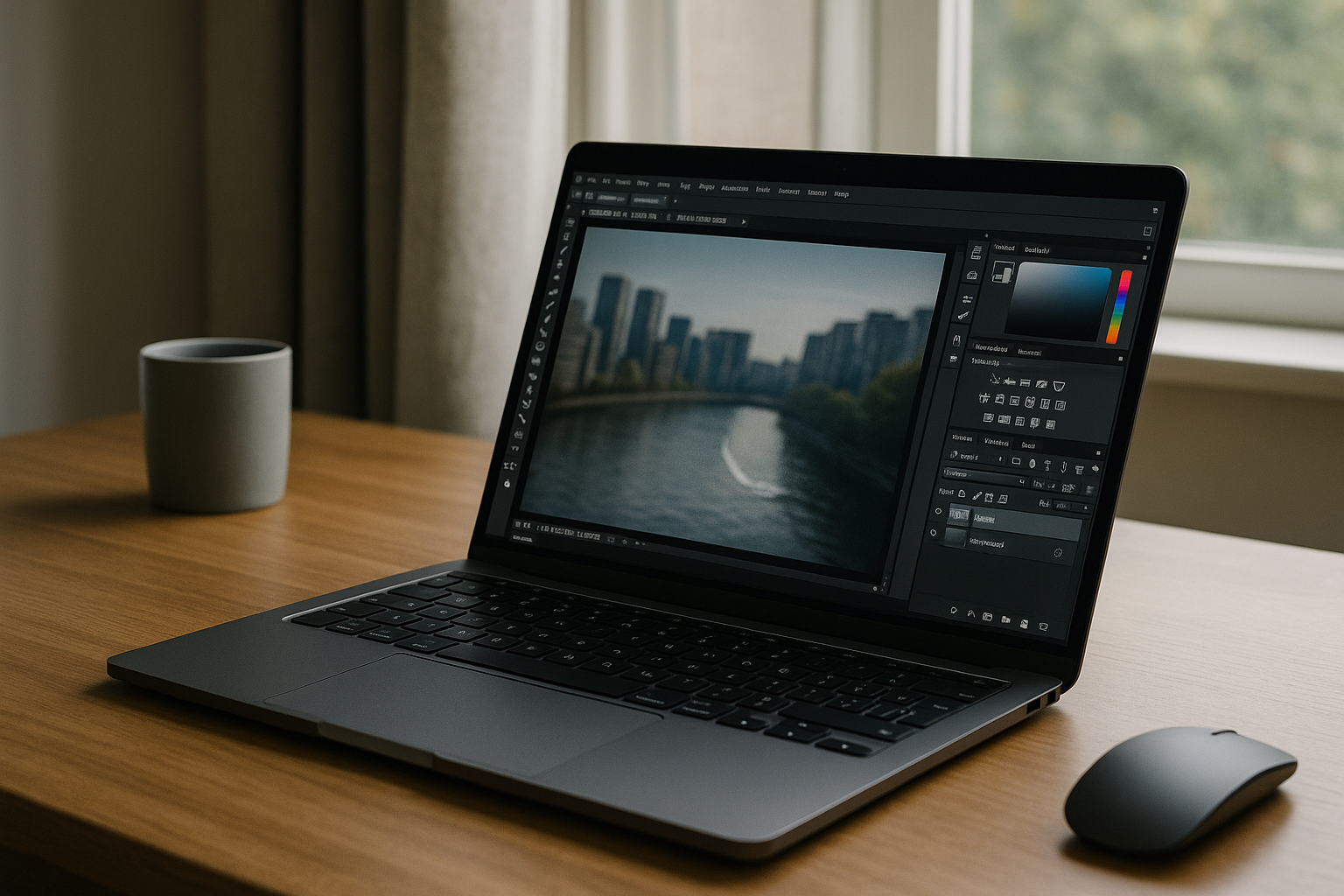 Creative professionals often choose Linux for development, 3D production, security, or system stability, yet image editing still requires Adobe Photoshop for many commercial projects. The challenge is no longer simply launching the application — it is maintaining a workflow that supports large PSD files, reliable color management, familiar plugins, and consistent performance across every project. When retouching, compositing, or preparing print-ready assets, every interruption slows production. A dependable Photoshop for Linux workflow should let artists move naturally between creative tasks instead of spending time rebuilding environments or troubleshooting compatibility problems.
Why Traditional Photoshop for Linux Workflows Lose Productivity
Many Linux users begin evaluating a Photoshop alternative, but switching applications often creates new compatibility issues and forces teams to rebuild established creative workflows. Every transition increases the chance of missing fonts, broken plugins, inconsistent color profiles, or duplicated assets. Even dual-boot configurations interrupt concentration because changing operating systems means stopping work entirely. As projects become larger and deadlines tighter, these small interruptions accumulate into hours of unnecessary overhead that has nothing to do with creativity.
Building a Modern Photoshop for Linux Workflow in 2026
Professional editing workflows are gradually moving away from device-dependent setups toward environments that remain available regardless of the computer being used. Instead of maintaining multiple operating systems or rebuilding creative tools after every hardware upgrade, artists increasingly rely on persistent workspaces where Photoshop, plugins, fonts, and project settings stay ready between sessions. This approach provides predictable performance while allowing teams to work from Linux desktops, laptops, or lightweight mobile devices without sacrificing the capabilities expected from the full desktop application.
What Makes Photoshop for Linux Practical for Daily Production
A productive Photoshop for Linux workflow depends on consistency rather than temporary fixes. Large PSD documents should remain responsive, GPU acceleration should support demanding filters, and color-managed assets must appear accurately throughout the editing process. Teams also expect custom brushes, actions, plugins, and fonts to remain available every time they open a project. When the editing environment stays identical from one session to the next, designers can focus on client work instead of maintaining operating systems or recovering broken software configurations.
Create Your Photoshop for Linux Workflow with Aristeem
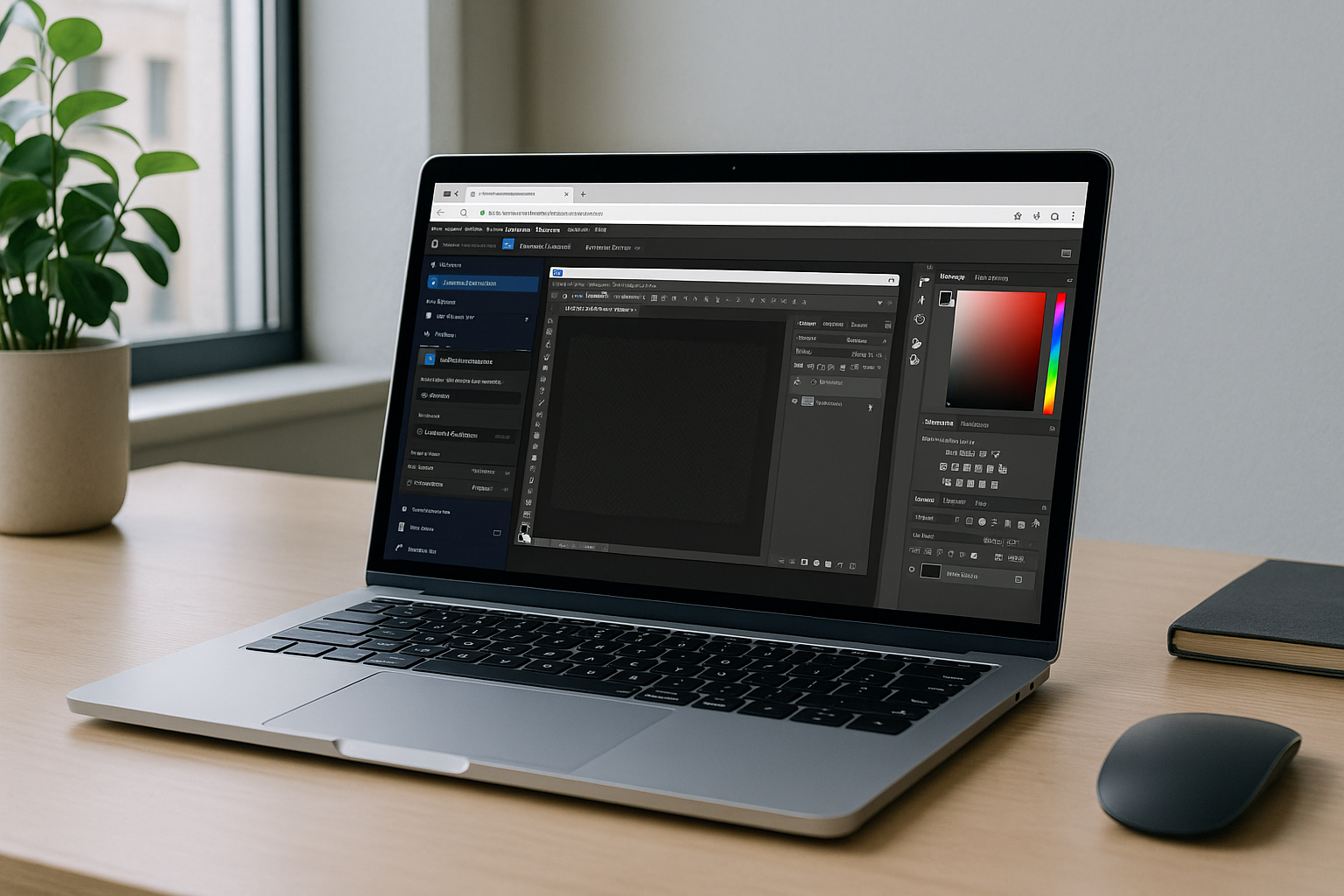
Aristeem provides a browser-based desktop workspace where Photoshop is already installed and ready to launch. Open the application from the software library, activate your Adobe license if required, and continue working inside a consistent production environment. Plugins, fonts, project files, and workspace settings remain available between sessions, while GPU resources are handled remotely for demanding editing tasks. Whether you work from Linux, Mac, Chromebook, iPad, or an older Windows laptop, the same professional workspace follows you without local installation, driver maintenance, or operating system changes.
A Smarter Photoshop for Linux Workflow
Modern creative work depends on reliable workflows more than powerful hardware alone. Instead of rebuilding environments, switching operating systems, or troubleshooting compatibility issues before every project, a browser-based workspace keeps Photoshop continuously available with the tools professionals expect. By centralizing your editing environment, Photoshop for Linux becomes a practical production workflow that delivers consistency, flexibility, and dependable performance wherever your creative work takes you.


