


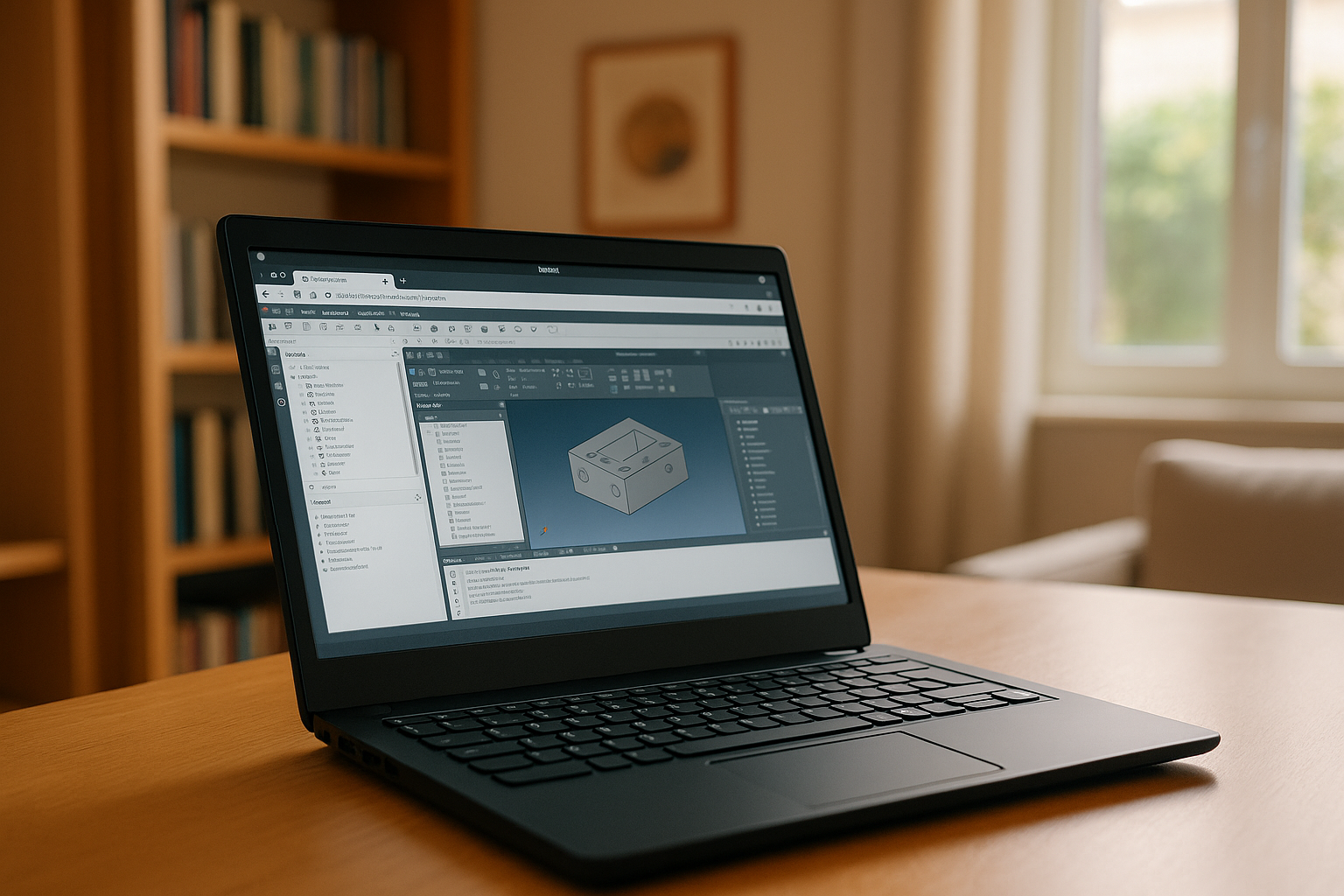
FreeCAD is a powerful CAD software widely used for engineering and design, including complex 3D modeling tasks. One of its key advantages is cross-platform compatibility — the software is available on Windows, macOS, and Linux, making it accessible to a wide range of users.
Is FreeCAD Available on Linux?
Yes, FreeCAD for Linux is fully supported and considered one of the most popular open-source CAD solutions in the Linux ecosystem. It can be installed on distributions such as Ubuntu, Fedora, and Debian using package managers, Flatpak, or AppImage.
In particular, users working with FreeCAD Linux Mint can install the software easily, although they may need to choose between repository versions and newer builds like Flatpak for better stability.
FreeCAD is a parametric modeler and a complete 3D modeling software, allowing users to modify designs through history and parameters — an essential feature for engineering workflows.
Linux users benefit from:
- Open-source compatibility
- Flexible customization
- Strong integration with development tools
However, despite these advantages, Linux FreeCAD setups are not always perfect for every workflow. For a complete overview of features and workflows, learn more about FreeCAD program.
Why Linux Users Look for Alternatives
Even though FreeCAD is widely used, many Linux users search for alternatives due to several challenges:
1. Complexity and Learning Curve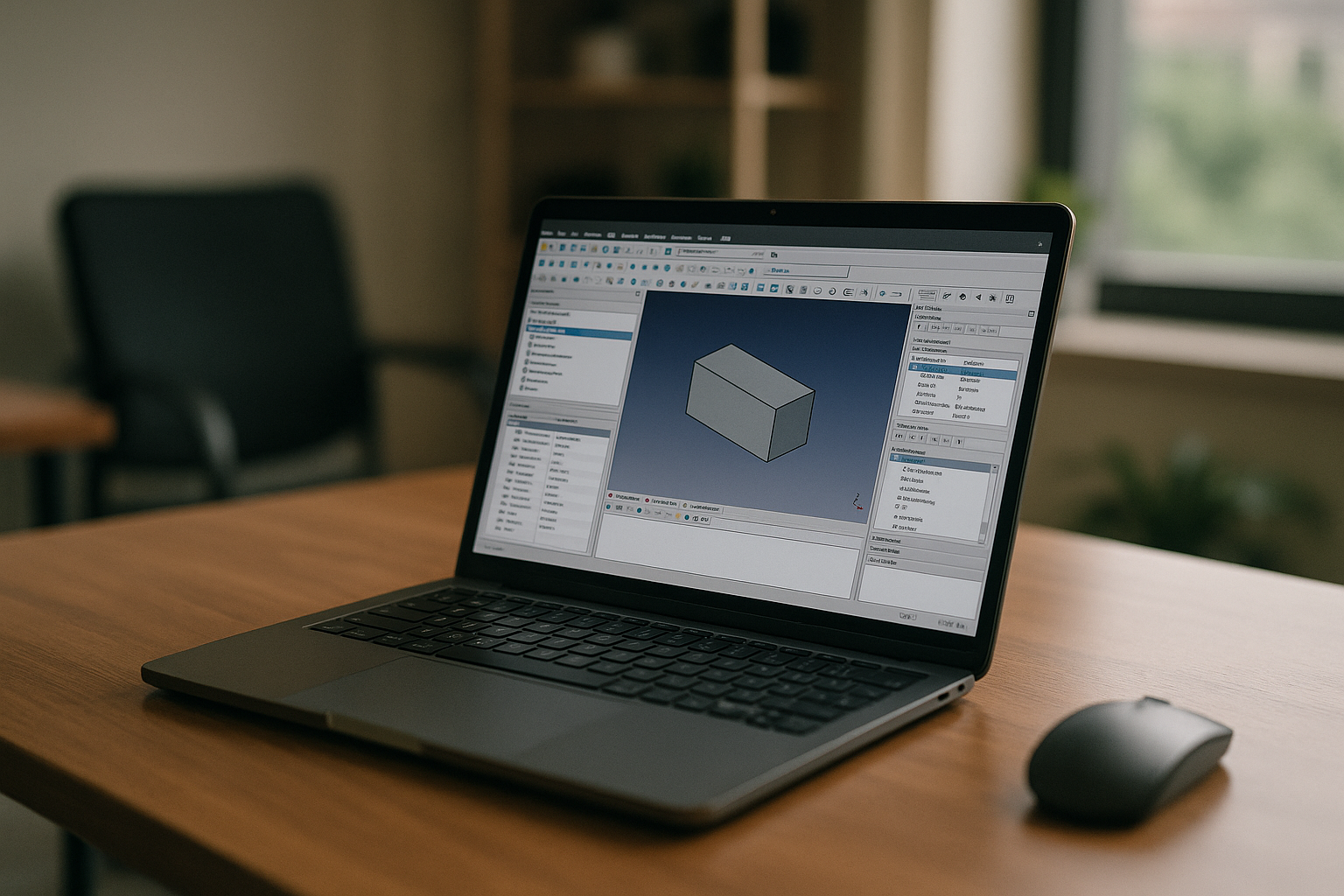
FreeCAD is powerful but not beginner-friendly. Its interface and workflow can feel unintuitive compared to commercial CAD tools.
2. Stability and Performance Issues
Some users report crashes, bugs, or unstable behavior, especially in complex projects or certain builds.
3. Limited Industry Adoption
Unlike tools such as AutoCAD or SolidWorks, FreeCAD is not always used in professional pipelines.
4. Installation and Dependency Issues
Linux users may encounter problems with packages, updates, or graphics compatibility depending on the distribution.
FreeCAD Alternatives for Linux Users
Linux users typically consider both native alternatives and different ways to run CAD software.
| Option | Type | Description |
|---|---|---|
| OpenSCAD | Native software | Script-based CAD tool for parametric modeling |
| Blender | Native software | Powerful 3D tool (better for modeling than CAD precision) |
| LibreCAD | Native software | 2D CAD solution for drafting |
| Onshape | Browser-based | Cloud CAD platform accessible from any OS |
| Fusion 360 (via workaround) | Emulation/cloud | Not natively supported on Linux |
| Cloud PC (Aristeem) | Cloud solution | Run full CAD software without installation |
Benefits of Using FreeCAD on Linux via Aristeem Cloud
For many users, the most efficient solution is not replacing FreeCAD, but changing how it is used. Running CAD software through a cloud platform like Aristeem eliminates most Linux-related limitations.
Feature → Benefit
- Cross-platform access
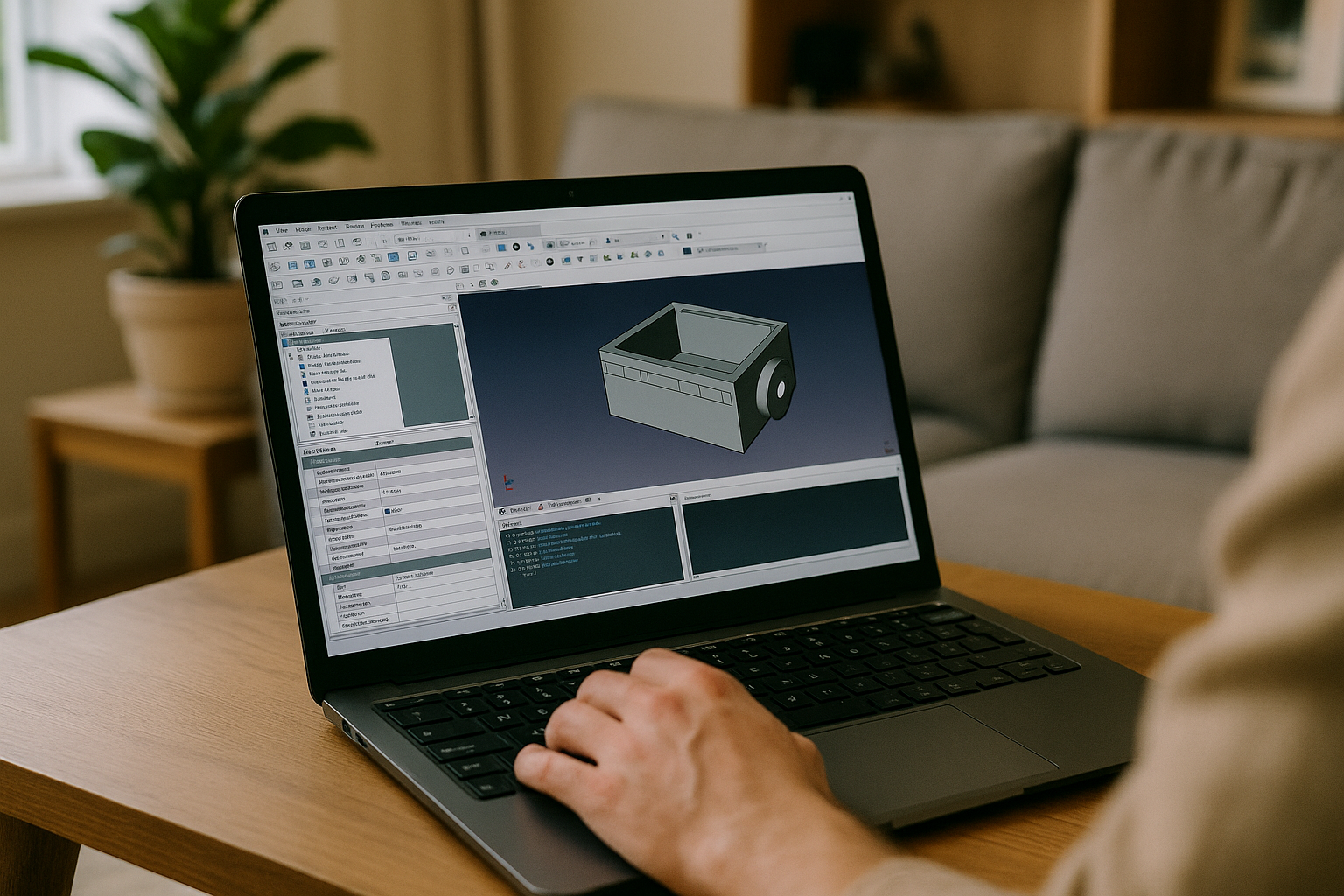
Run FreeCAD or other CAD tools on Linux without worrying about compatibility or OS limitations. - High performance
All modeling, rendering, and simulations are processed on powerful remote servers, not your local machine. - No installation issues
Skip package conflicts, dependencies, and manual setup completely. - Access to professional software
Use tools that are not natively available on Linux. - Work from any device
Launch your CAD environment from a laptop, tablet, or even browser.
Conclusion
FreeCAD remains one of the best CAD solutions available on Linux, offering flexibility, parametric modeling, and zero licensing costs. However, limitations such as complexity, stability issues, and lack of native support for some professional tools push users to explore alternatives.
Using FreeCAD through a cloud platform like Aristeem provides the best of both worlds — the flexibility of Linux combined with high-performance computing, allowing users to focus on design rather than system setup.


