


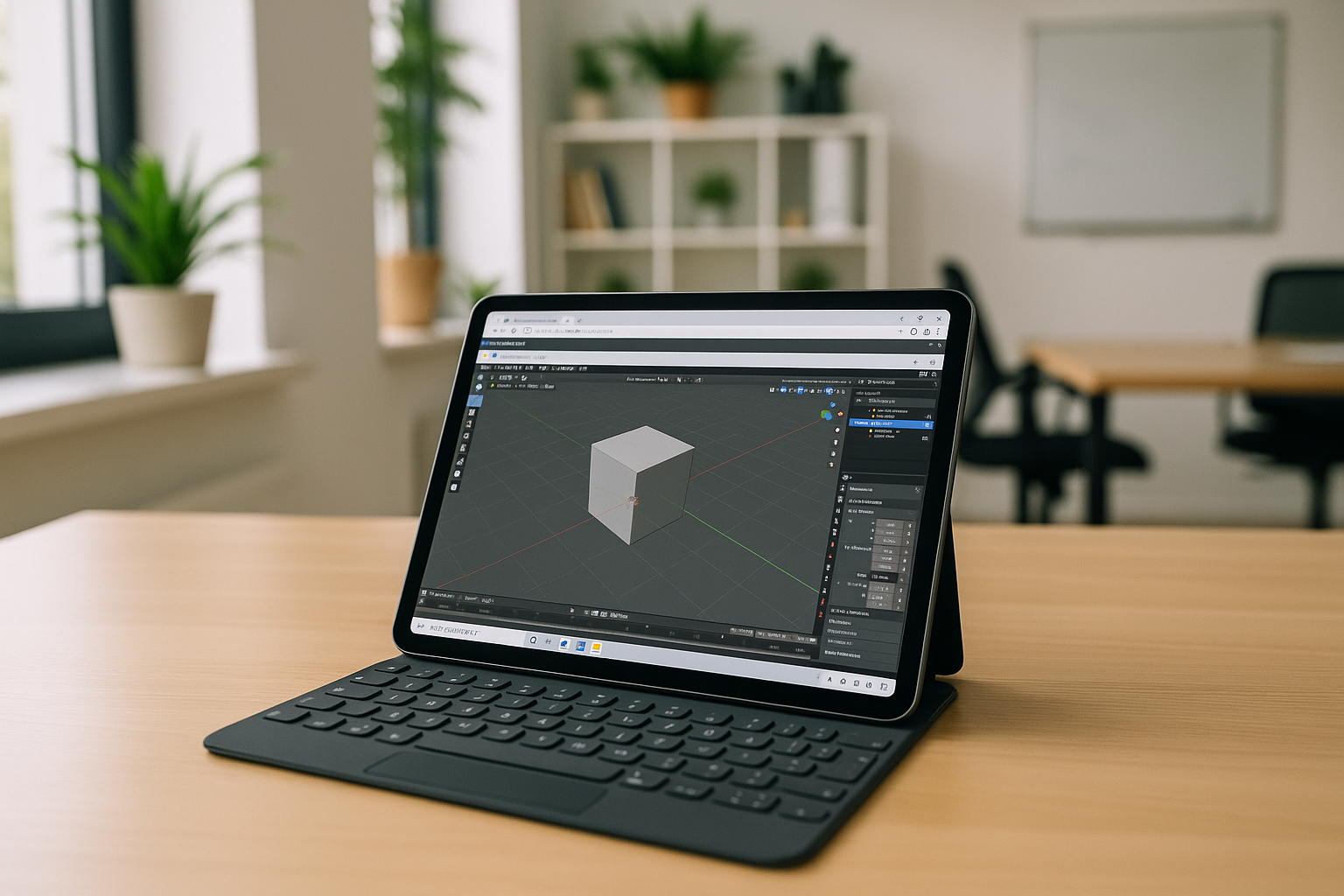
The real pain of Blender on tablet: you can’t install the desktop app
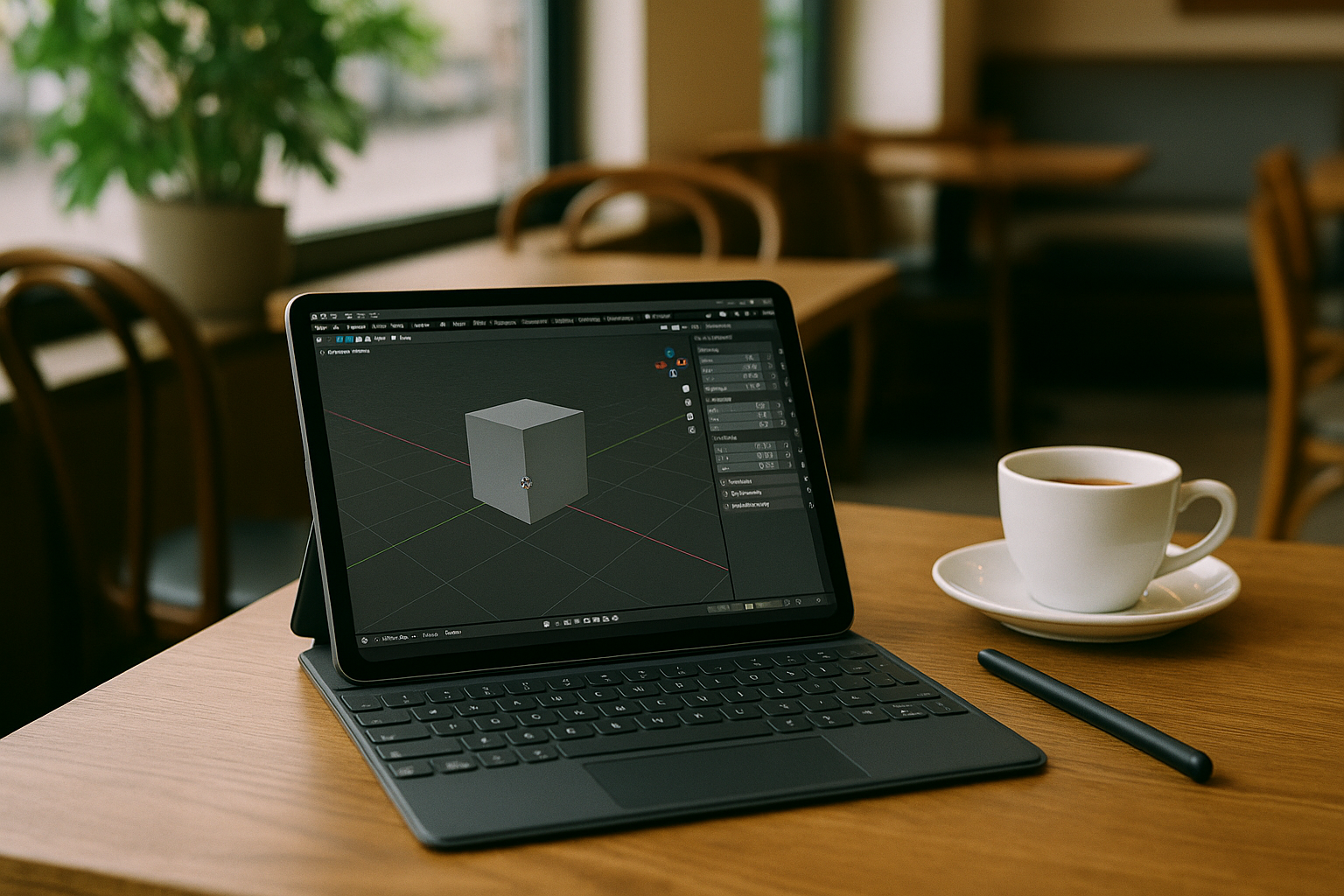
You open your iPad or Android tablet, connect a keyboard and stylus, and you’re ready to model — but the desktop Blender installer won’t run, and the app store doesn’t offer the full application. Mobile 3D tools exist, yet they miss critical features like full modifier stacks, scripting, add-ons, and production-grade rendering. The result is lost time, compromised workflows, and projects that can’t move forward when you’re away from a PC.
Professionals frequently ask how to run Blender on tablet during travel, client reviews, or classroom sessions, only to hit OS and hardware walls. iPadOS and most Android builds block native desktop binaries, and ARM vs. x86 architecture differences compound the issue. Even when you transfer .blend files, you can’t open them with the same capabilities, and you lose access to the exact pipeline you use at your desk.
Typical answers to how to run Blender on tablet: buy a PC, add Windows, or use remote desktop
One path is buying a new laptop or desktop with a strong GPU, which guarantees compatibility but undermines the portability you want from a tablet. It solves performance, yet it’s a costly decision for artists who need mobility for short bursts of work or reviews. Buying hardware just to bridge occasional gaps is expensive, and it still ties you to a device that you must carry, maintain, and keep updated.
Another idea is installing Windows or Linux directly on the tablet, but that’s not feasible on iPadOS and is fragile or unsupported on most Android devices. Even when dual-boot or container tricks are possible, GPU acceleration is inconsistent, drivers are a minefield, and setup time is significant. A third approach is remote desktop into a home workstation, but your session depends on your own PC being on, reachable, and stable, and network hiccups or power events can derail your work at the worst moment.
The best way to run Blender on tablet without installation
When you compare costs, complexity, and reliability, the most practical approach is a ready-to-use desktop environment that opens in your browser with Blender already configured. This avoids OS restrictions, sidesteps driver hunts, and delivers the feature parity you expect from your studio machine with your add-ons and hotkeys. Put simply, you want to run Blender on tablet without installation while keeping performance and compatibility stable.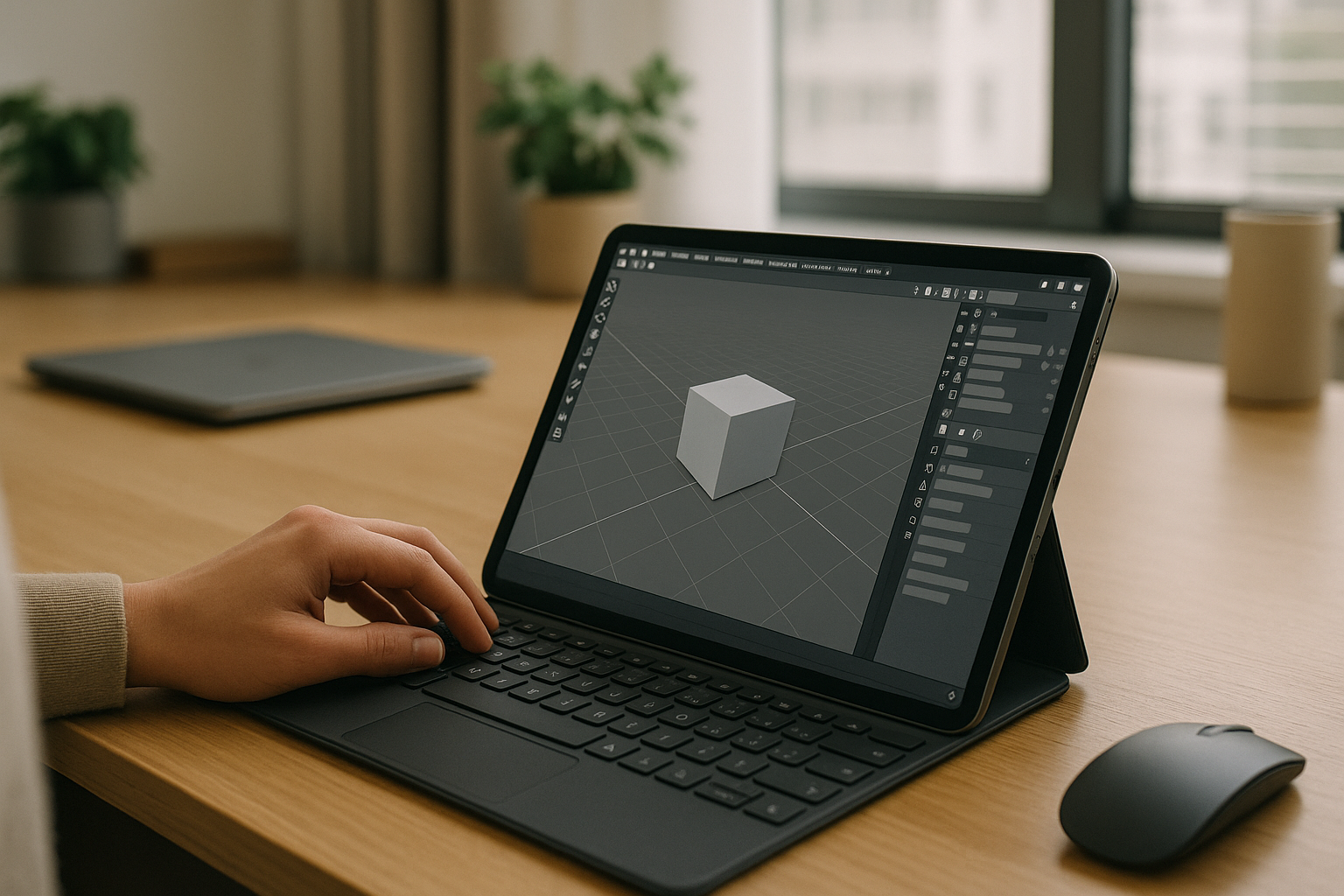
Traditional virtual machines can be tricky on consumer devices because GPU pass-through and driver support are inconsistent. What you want is a service that provides a fully prepared environment with tested graphics acceleration and zero local setup, accessed from Safari or Chrome across iPadOS and Android.
Aristeem: how to install Blender on tablet
Aristeem provides a full desktop environment that runs inside your browser, so Blender is ready the moment you log in — no installers, drivers, or command-line steps. You open Safari or Chrome on your iPad or Android tablet, sign in, and launch Blender in a clean workspace that has been tested for stability and performance. No setup and instant access mean you can model, sculpt, and render without touching your tablet’s OS or storage.
Because Aristeem is a virtual machine in the browser, you can install add-ons and other desktop utilities exactly as you would on a PC, and your environment persists across sessions. It works on iPadOS, Android, Chromebooks, and low-spec computers, and you can move files via cloud storage or external drives for a seamless pipeline. Aristeem is not a remote desktop; it gives you a stable, full working environment you control, so you keep the desktop Blender experience while using your tablet as the access point.
Blender on tablet, solved — your full workflow in the browser
With a browser-accessible environment that’s already configured for desktop Blender, you stop fighting OS rules and start building scenes, sculpting forms, and rendering frames wherever you are. The result is a practical, reliable way to work that doesn’t require buying new hardware or maintaining a home PC for remote access.
Aristeem turns your tablet into an instant door to a production-ready Blender setup, keeping your add-ons, shortcuts, and files in one workspace. Launch a session, open your .blend, and continue your pipeline from the studio, the classroom, or the road. Try Aristeem today to experience how to run Blender on tablet without installation and keep your workflow moving, anywhere.


