


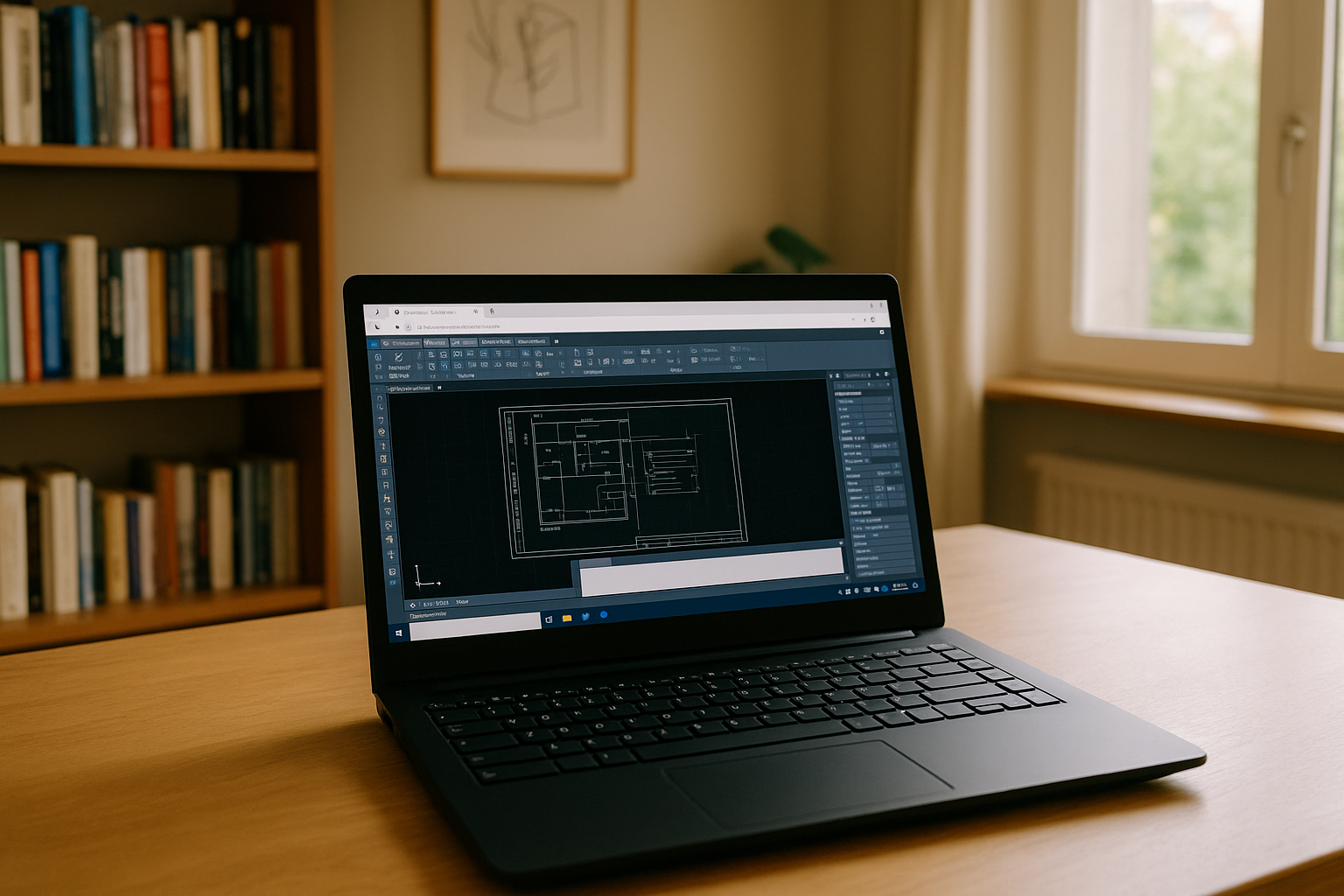
AutoCAD on Linux: the real pain of running it without installation
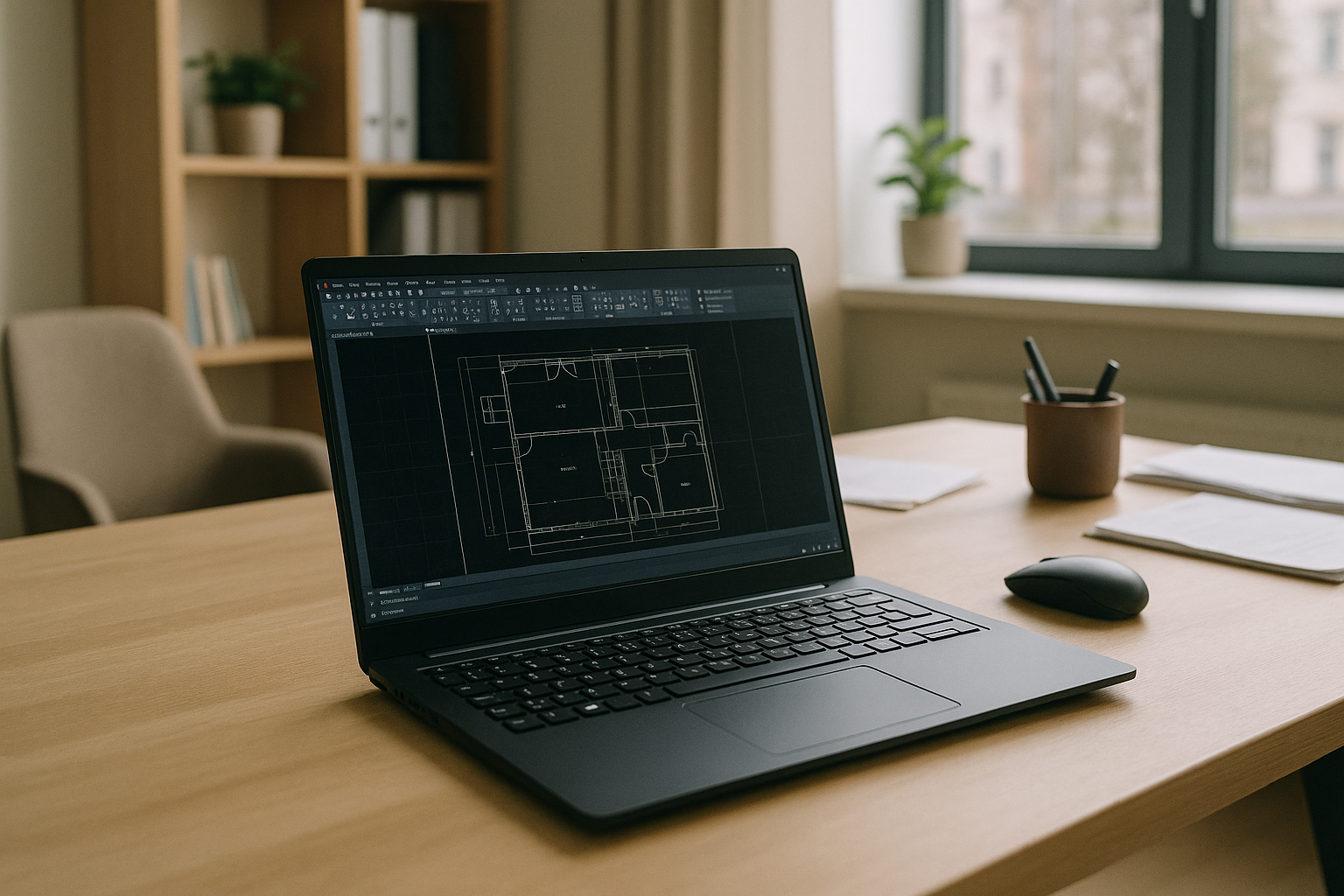
If you rely on Linux at work or school and still need AutoCAD, you’ve likely hit a wall fast. AutoCAD has no native Linux build, and many organizations block local installs or refuse unmanaged dual-boot setups. Deadlines don’t pause because your laptop is locked down, and you still have to open DWG files, revise markups, or coordinate with teams who all use Windows.
Wine or Proton can launch some versions, but printing, plugins, and 3D views often break, and GPU acceleration is inconsistent when projects get complex. Virtual machines can help on paper, yet IT policies, driver overhead, and device pass-through issues quickly turn a quick test into a weekend project.
Even when you have a capable workstation back at the office, accessing it from home isn’t guaranteed. Firewalls, VPN policies, and latency can sabotage precision work. What you need is AutoCAD for Linux without installing anything locally and without juggling risky workarounds.
Best way to run AutoCAD for Linux without installation
When professionals search for how to run AutoCAD for Linux, they quickly learn that Wine/Proton, GPU passthrough VMs, and dual-boot each demand expertise and time. Wine-based paths can break after any update, and add-ons like LISP routines, tool palettes, and printers frequently fail. GPU passthrough can deliver performance, but it requires the right motherboard, extra GPU, BIOS tuning, and hours of trial-and-error — not realistic under deadlines.
That’s why the most reliable path is a browser-accessed Windows environment built and validated for CAD, so you can run AutoCAD for Linux without installation and skip drivers, partitions, and policy exceptions. Instead of fighting the stack on your device, you open a session in your browser, sign in to AutoCAD, and get to work with stable performance and a persistent workspace. Compared to piecemeal fixes, this approach removes setup risk, avoids hardware purchases, and works from any Linux distro you already use.
If you’ve been wondering how to install AutoCAD for Linux specifically, it’s more productive to reframe the goal: keep Linux as-is, and launch a ready-to-use AutoCAD environment in the browser when you need it. You keep your files close, move faster across reviews, and avoid the operational drag of maintaining a one-off Windows machine you hardly use.
Aristeem: the fast, reliable way to run AutoCAD for Linux in your browser
Aristeem lets you open a full working Windows environment in your browser and get to drafting within minutes — no installers, no drivers, no policy exceptions. It is not a remote desktop and not an emulator; it’s a ready-to-use environment you control from any Linux machine, Chromebook, or thin client. You launch a session, sign in to your Autodesk account, and start working with your DWG files as if you were on a dedicated Windows workstation.

With Aristeem, the value is immediate: no setup, instant access, and the flexibility to install your preferred AutoCAD plugins, LISP routines, and supporting tools inside the environment. Sessions persist, so your palettes, templates, and tweaks are there next time you log in, and you can move between devices without reconfiguring anything. Because everything runs inside your browser, you bypass local admin constraints and keep your Linux system clean.
Workflows remain familiar. You can upload project files directly, connect cloud storage, and share outputs without changing your team’s standards. Shortcuts, mouse navigation, and precision interactions feel natural, so you spend time drafting — not debugging drivers. Aristeem gives you a dependable way to use AutoCAD on Linux without touching your base OS, freeing you to meet deadlines and stay focused on design quality.
AutoCAD for Linux made practical: start faster with Aristeem
If you need AutoCAD on Linux today, traditional paths ask you to pick your poison: buy new hardware, re-image your laptop, or accept laggy remote sessions. None of that helps when projects move fast and IT policies won’t bend. Aristeem removes the setup burden and gives you a consistent, ready-to-use AutoCAD environment you can open in your browser from any device.
Keep your Linux workflow, skip the installs, and stay productive. Spin up a session, sign in, and get your next DWG revision out the door in minutes. Try Aristeem to run AutoCAD for Linux without installation and make your toolchain as agile as your projects.


