


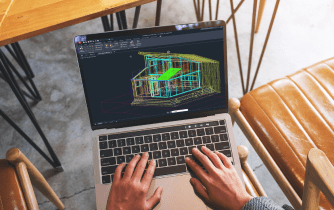

Many users searching for AutoCAD Macintosh are not looking for installation instructions — they want to know whether their Mac can comfortably handle real production projects. Opening a simple drawing is very different from working with large DWGs, xrefs, custom tool palettes, and complex plotting workflows every day.
Modern Macs offer strong performance, but professional CAD depends on more than CPU power. Memory, graphics resources, storage speed, project size, and desktop feature availability all affect how smoothly AutoCAD performs. Before replacing hardware or changing operating systems, it is worth understanding where macOS works well and where larger projects begin to expose limitations.
Where AutoCAD Macintosh workflows reach their limits
As projects grow, teams often encounter challenges beyond raw hardware performance.
- Large DWGs demand more memory and graphics resources.
- Mixed macOS and Windows environments complicate project standards.
- Some engineering workflows still rely on Windows-only extensions.
- Fonts, plotting configurations, and custom libraries require ongoing synchronization.
- macOS updates may introduce compatibility concerns.
For small projects these issues are minor, but they become increasingly important in production environments.
AutoCAD Macintosh deployment options
| Approach | Best suited for | Complexity |
|---|---|---|
| Native AutoCAD on macOS | Standard drafting | Low |
| Dedicated Windows workstation | Full desktop compatibility | High |
| Local virtualization | Occasional Windows workflows | Medium–High |
| Browser-based desktop workspace | Consistent desktop environment on any Mac | Low |
For larger teams, maintaining one consistent environment often proves more valuable than optimizing individual workstations.
2026 trend: standardized CAD environments
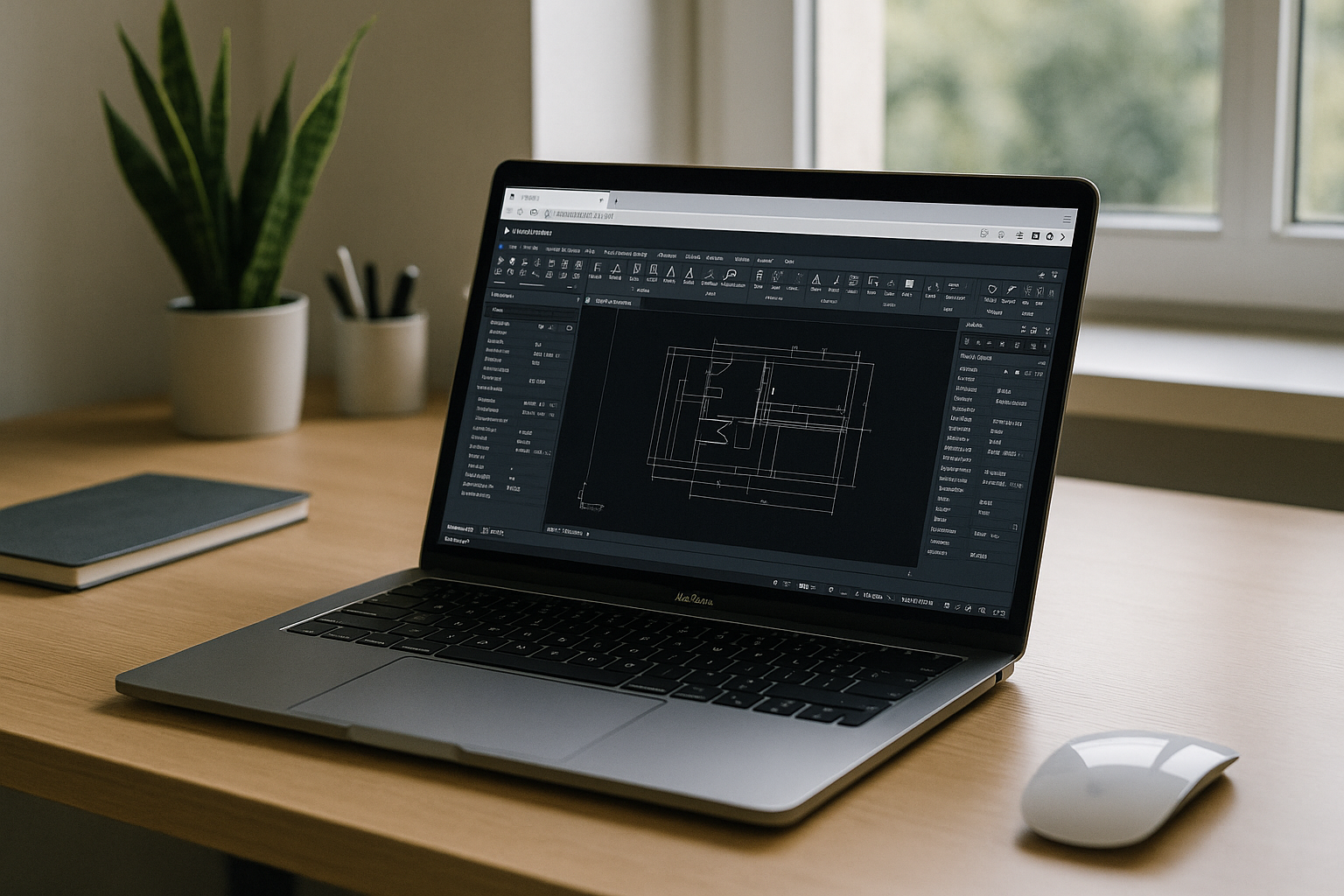
Engineering firms are increasingly replacing device-specific CAD setups with centralized desktop environments that remain identical across Macs and Windows PCs.
This approach simplifies onboarding, keeps plugins and standards synchronized, reduces configuration drift, and makes hardware upgrades much easier. Instead of rebuilding every workstation, organizations maintain one validated AutoCAD environment that follows the user.
AutoCAD Macintosh with Aristeem
The Aristeem platform delivers a complete desktop workspace directly in your browser without local installation or virtual machines. Applications are already installed and configured — simply open the library, click Launch, and sign in with your Autodesk license if required.
Because the workspace stays centralized, teams can use the same fonts, plotting configurations, LISP routines, and project standards from virtually any Mac while maintaining consistent performance. Learn more in our overview of the browser-based AutoCAD workspace for Mac. For a broader comparison of native macOS support, virtualization, and browser-based deployment, see our guide to running AutoCAD on macOS.
AutoCAD Macintosh without workstation limitations
Choosing the right Mac is only part of building an efficient CAD workflow. Long-term productivity depends on consistent project environments, reliable collaboration, and minimizing workstation-specific maintenance. A browser-accessible desktop workspace helps preserve the full AutoCAD experience while allowing teams to continue working on the Macs they already use.


