


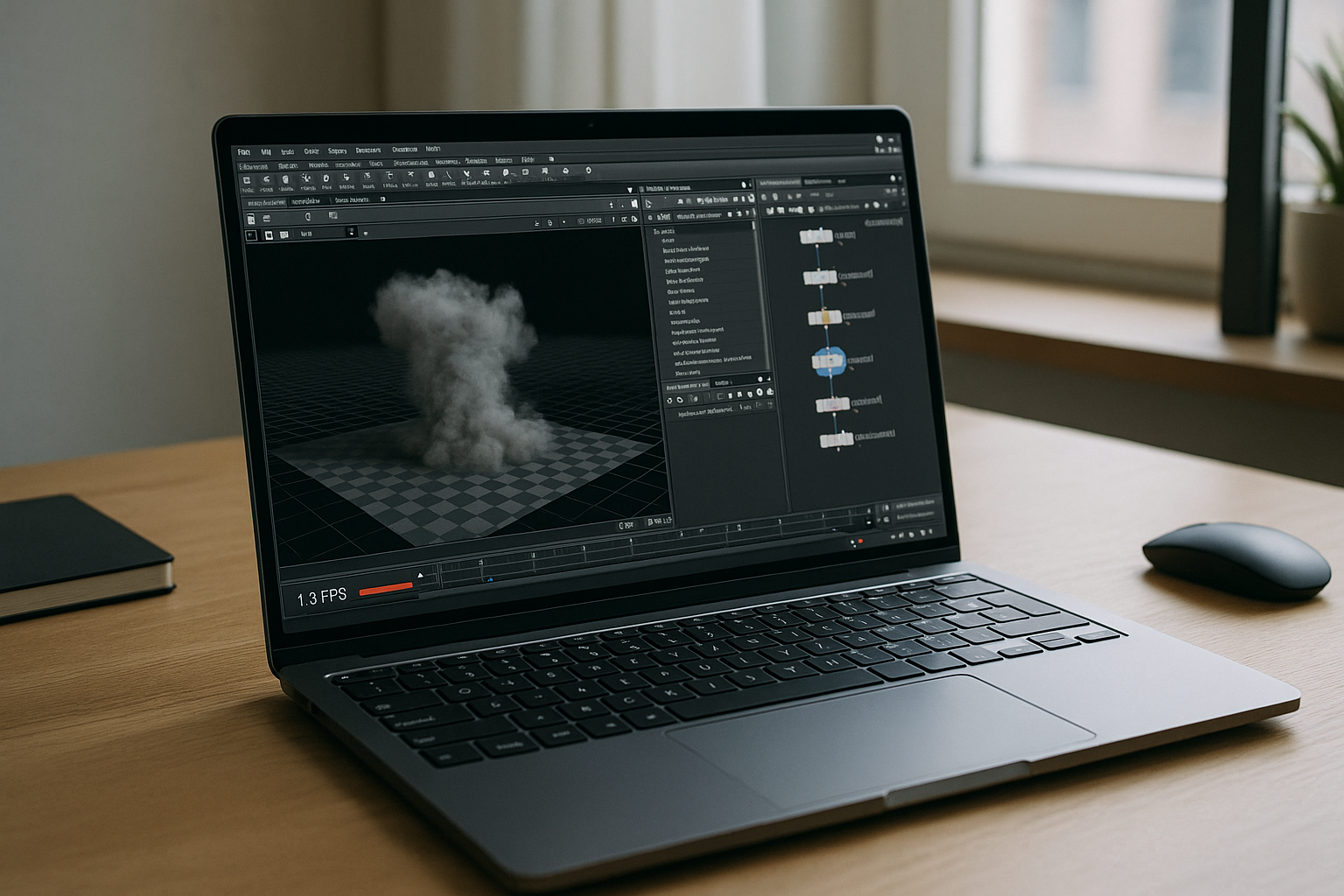
Procedural projects move quickly until the workstation gets in the way. A Houdini 3D scene may rely on Vellum caches, pyro previews, Solaris lookdev, or custom HDAs, yet artists lose time waiting for driver fixes, workstation updates, or access to machines powerful enough to open the project. Contractors, hybrid teams, and studios working across different devices often spend more effort maintaining environments than building simulations, making hardware consistency a production challenge instead of a technical detail.
Why maintaining local Houdini 3D workstations becomes expensive
A powerful workstation improves raw performance but does little to simplify day-to-day production.
- Hardware refresh cycles increase long-term infrastructure costs.
- Driver updates and GPU toolchains can interrupt stable pipelines.
- Different workstation configurations create inconsistent project environments.
- Remote artists depend on specific machines instead of accessing work anywhere.
- IT teams spend time maintaining systems instead of supporting production.
- Scaling for freelancers or short-term projects requires additional hardware investment.
As teams grow, operational overhead often becomes a larger obstacle than rendering speed itself.
Comparing practical ways to run Houdini 3D
Different approaches solve different problems, but not all of them support interactive procedural work equally well.
| Approach | Best for | Complexity |
|---|---|---|
| Upgrade workstation hardware | Maximum local performance | High (procurement, maintenance, driver management) |
| Separate OS or dedicated workstation | Isolated production environment | Medium–High (configuration and updates) |
| Render farm | Final simulations and rendering | Medium (asset synchronization and pipeline setup) |
| Browser-based workstation | Interactive Houdini Apprentice with persistent GPU workspace | Low (launch and work immediately) |
Unlike render farms, a browser-based workstation supports everyday authoring, parameter adjustments, viewport interaction, and iterative testing without depending on local hardware.
Why browser workstations fit modern Houdini 3D pipelines
 Studios increasingly separate creative work from physical devices. Browser-accessible GPU workstations provide consistent environments for employees, freelancers, educators, and distributed teams while reducing maintenance overhead. Persistent workspaces keep preferences, shelves, hotkeys, caches, and installed HDAs available between sessions, making it easier to continue Houdini 3D projects regardless of which computer you use.
This approach also simplifies onboarding because every artist starts from the same configured environment instead of rebuilding local workstations from scratch.
Houdini Apprentice in a persistent browser workspace
The Aristeem platform provides a complete desktop workspace that runs directly in your browser with dedicated GPU resources rather than functioning as a remote desktop or emulator. Houdini Apprentice is already installed and configured, so projects can begin immediately after launching the application; only a software license is required when SideFX licensing applies.
The workspace remains persistent between sessions, allowing you to keep project files, installed HDAs, preferences, shelves, and additional tools without repeating setup. Whether you switch between a desktop, MacBook, Chromebook, Linux laptop, or tablet, the working environment remains consistent. For deeper technical specifics on the in-browser Houdini setup, see the details on the Houdini 3D browser workspace for Houdini Apprentice.
Keep Houdini 3D focused on production instead of maintenance
Modern procedural workflows benefit most when artists spend time building simulations instead of maintaining workstations. Running Houdini 3D from a browser removes hardware dependencies, keeps environments consistent across teams, and allows projects to continue from virtually any device without rebuilding local systems. The same browser-based approach also supports other professional applications, making it easier to standardize creative workflows across an entire production pipeline.


