



Running a Windows virtual machine on Mac traditionally meant installing a hypervisor, creating a virtual disk, and configuring Windows before you could even open your software. Today, Apple Silicon, Windows compatibility requirements, and stricter IT policies can make local virtualization more complicated than many users expect.
If you’re looking for a Windows virtual machine on Mac, the goal is usually simple: access Windows applications quickly without buying another computer or maintaining a complex local VM. A browser-based Windows workspace offers a different approach, eliminating local installation while giving you access to a persistent desktop from your Mac.
Windows Virtual Machine for Mac Options Compared
There are several ways to run Windows on macOS, but each serves different needs.
| Option | Advantages | Considerations |
|---|---|---|
| Parallels Desktop | Excellent macOS integration and file sharing | Requires installation, local resources, Windows setup |
| VMware Fusion | Mature virtualization platform | Configuration and updates required; Apple Silicon considerations |
| UTM | Free and flexible | Lower performance for demanding workloads; manual configuration |
| Browser-based Windows virtual machine | No local installation, instant browser access from Mac | Requires internet connection |
For users who only need reliable access to Windows software, avoiding local virtualization often becomes the fastest and simplest option.
Apple Silicon Changed Windows Virtualization
Modern Macs based on Apple Silicon no longer support Boot Camp, and Windows virtual machines now rely on ARM versions of Windows. Although Microsoft’s compatibility layer has improved, some legacy x64 applications, engineering software, specialized drivers, and GPU-intensive workloads may still require additional translation or configuration.
Local virtual machines also consume storage, memory, and battery while requiring regular Windows updates, snapshots, and maintenance. Corporate devices may introduce another obstacle by blocking virtualization software through security policies or administrator restrictions.
These limitations explain why many professionals now look beyond traditional virtual machines when they simply need Windows applications available on demand.
Browser-Based Windows VM for Mac

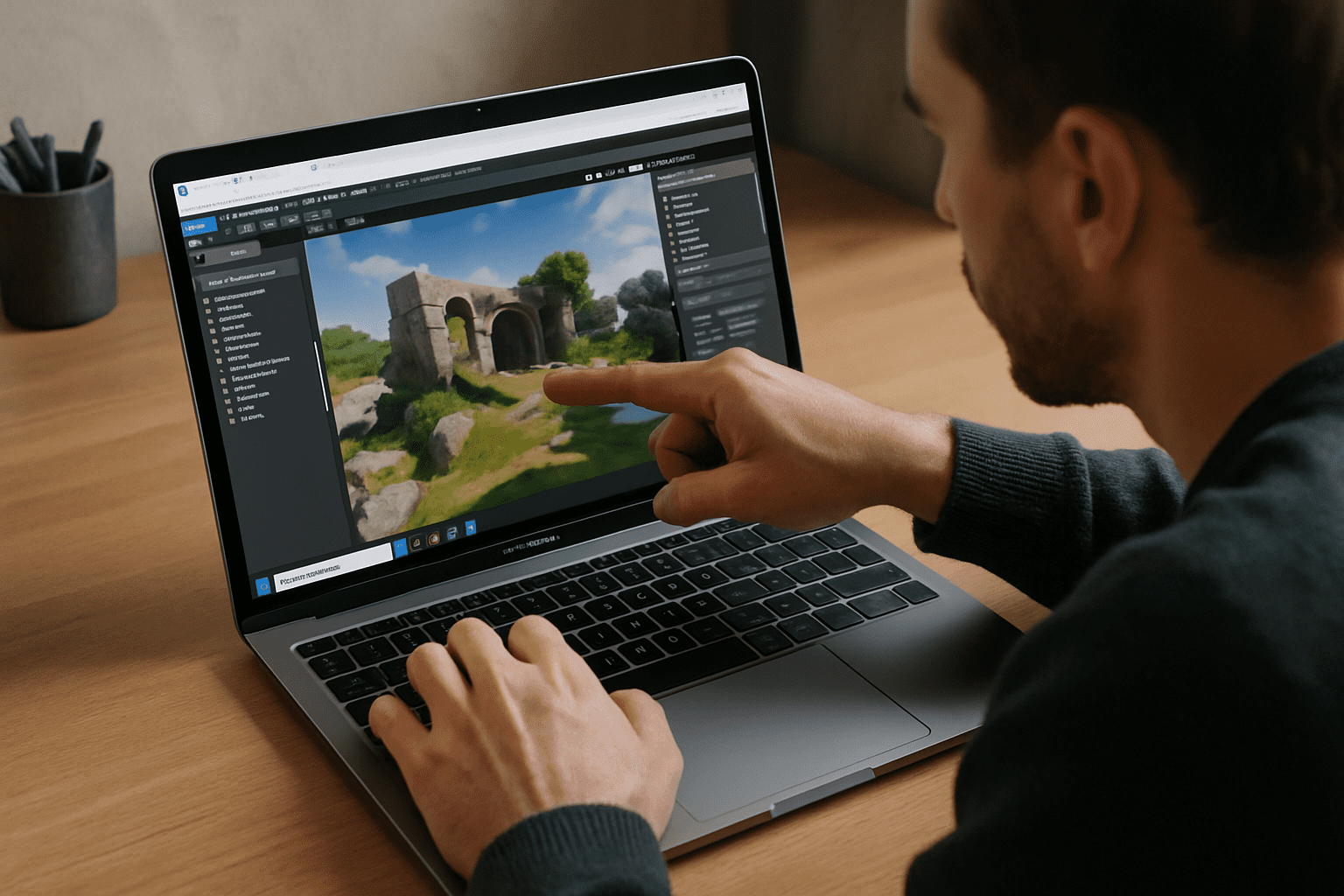
Instead of creating and maintaining a local VM, a browser-based Windows environment runs in the cloud while your Mac simply streams the desktop.
This approach removes the need for virtualization software, disk images, Windows installation, or hardware configuration. You can sign in from virtually any Mac, open the required application, and continue working with the same desktop environment without worrying about Apple Silicon compatibility or available local storage.
Because the Windows environment runs remotely, performance depends far less on your Mac’s hardware and remains consistent across Intel Macs, Apple Silicon devices, and even lower-powered laptops.
Aristeem Windows Virtual Machine for Mac
Aristeem provides a complete Windows desktop that launches directly in your browser without installing virtualization software. Applications are already installed and ready to launch, allowing you to start working immediately after signing in. If commercial software requires its own license, you simply authenticate with your existing account.
Unlike traditional local virtual machines, Aristeem removes the need to manage Windows updates, virtual disks, or hypervisor settings while providing access from virtually any modern Mac. Optional cloud GPU resources also make demanding professional software practical without relying on local hardware. If you’re also evaluating browser-based workspaces beyond traditional virtualization, explore our guide to virtual desktop OS X, which explains how cloud desktops simplify access to Windows applications without maintaining a local VM.
Choose a Simpler Windows Virtual Machine for Mac
If your priority is fast access to Windows applications rather than maintaining another operating system on your Mac, a browser-based Windows virtual machine removes much of the complexity associated with local virtualization. You avoid lengthy setup, reduce maintenance, stay compatible with both Intel and Apple Silicon Macs, and gain a consistent Windows workspace that is ready whenever you need it.


