


Blog
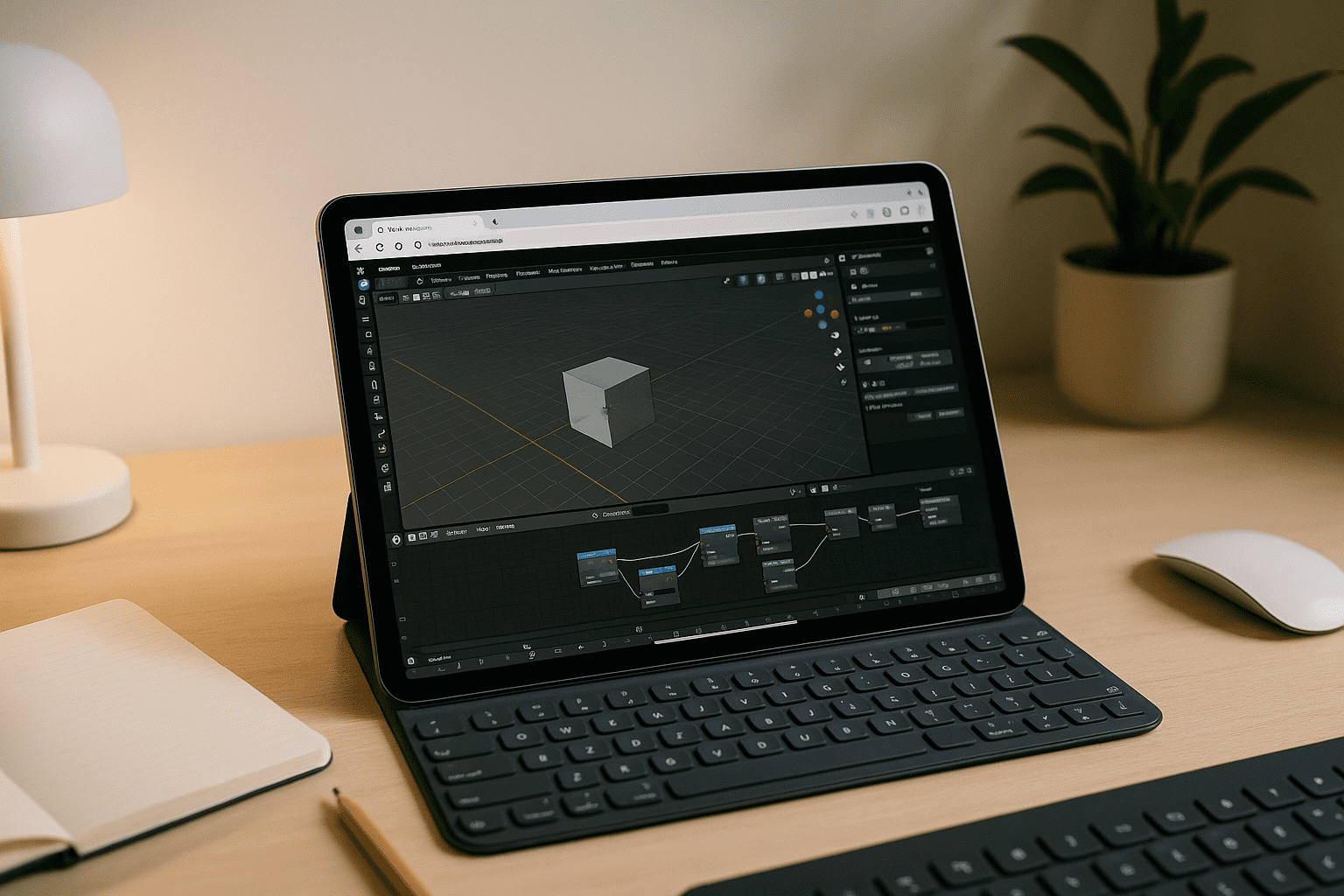
Blender on Tablet: Precise Pen & Sculpting Input
Stop fighting restricted mobile app stores and fragile dual-boot setups. By running the full application via a web browser, your tablet ceases to be a limited media viewer and becomes a highly capable extension of your main workstation.
Read More
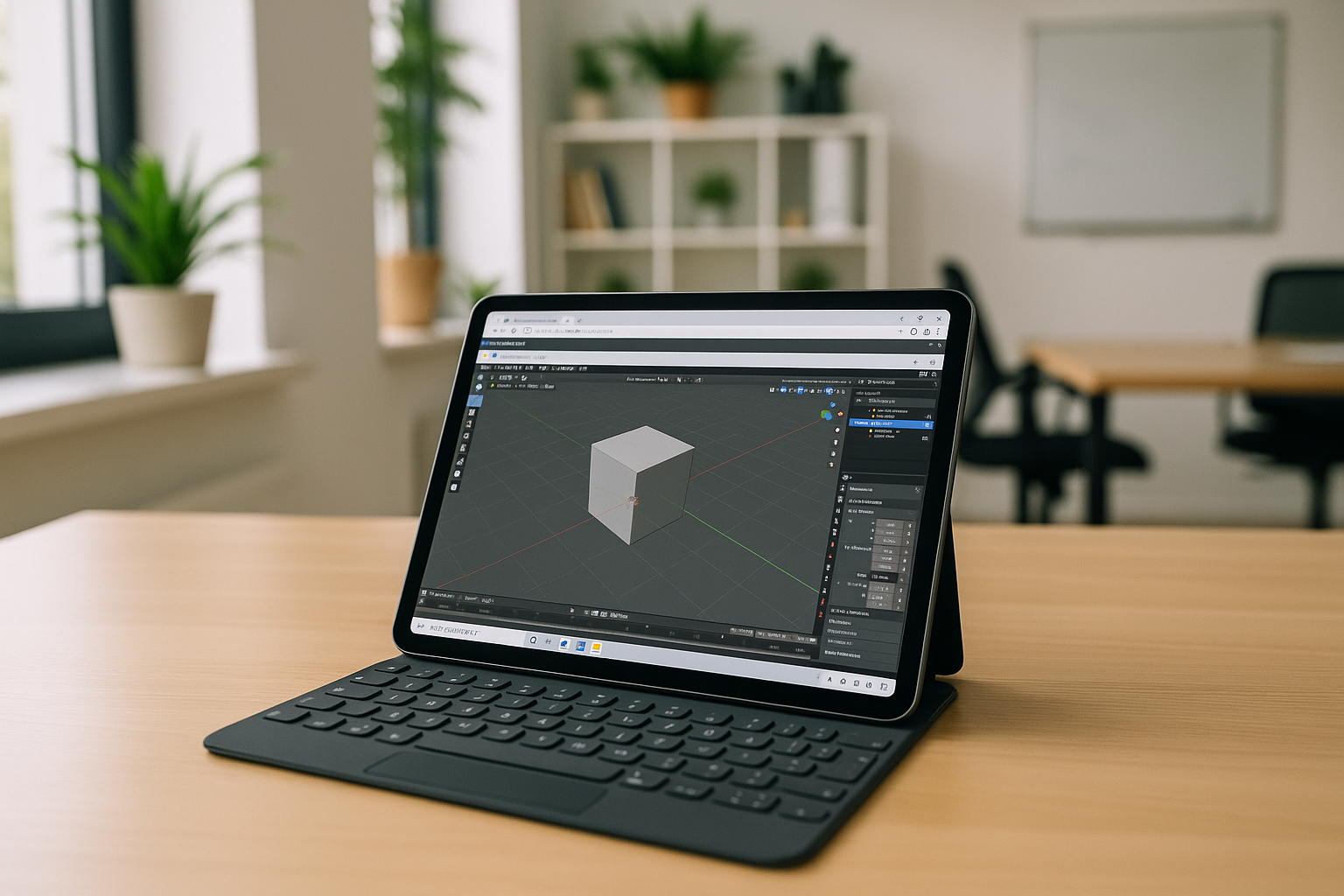
Don’t Buy a New Laptop: Launch Desktop Blender on Your Tablet Instead
With a browser-accessible environment that’s already configured for desktop Blender, you stop fighting OS rules and start building scenes, sculpting forms, and rendering frames wherever you are.
Read More
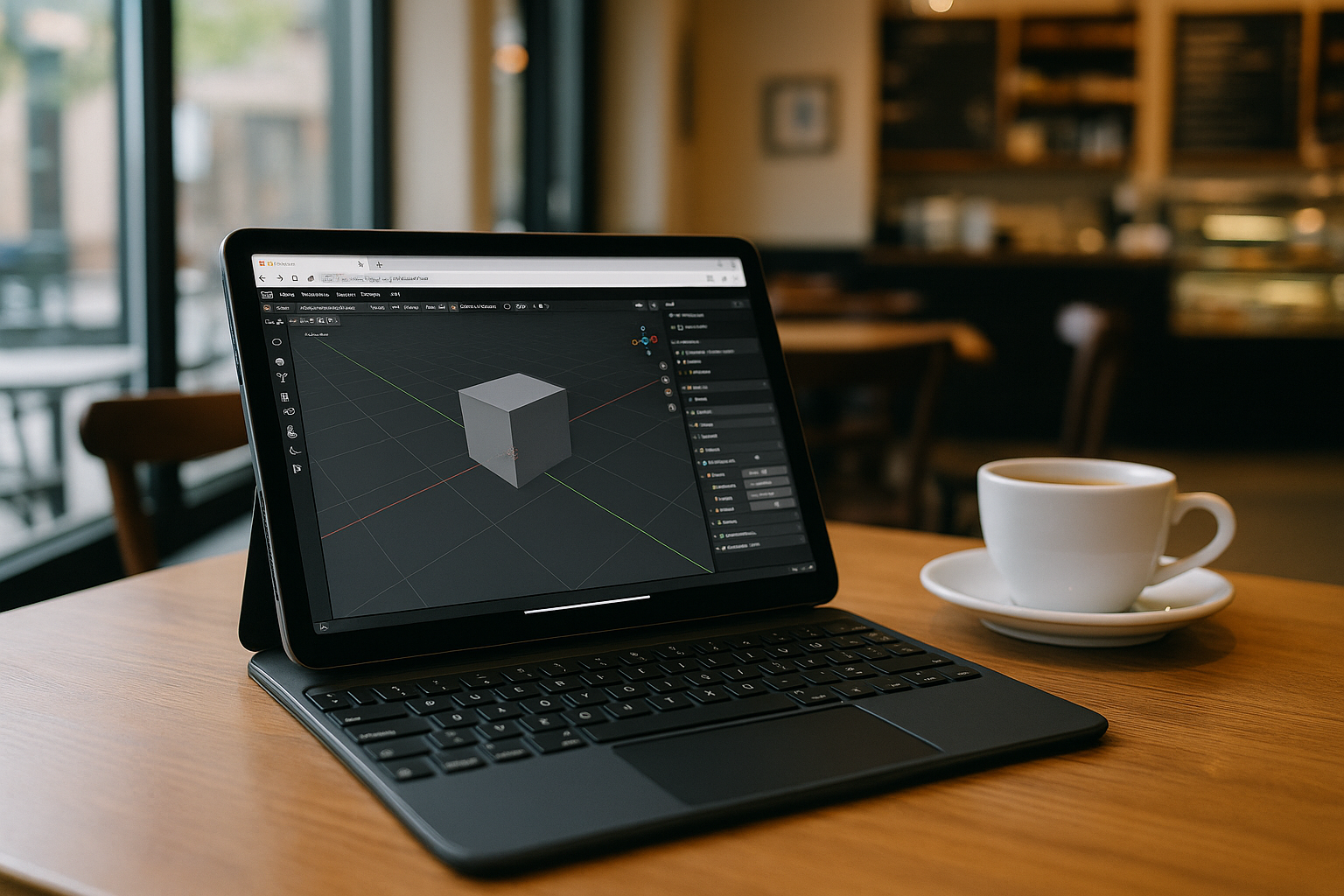
Using Blender on a Tablet: What You Need to Know
Using Blender on a tablet is challenging since it requires a desktop OS and strong hardware, but there are several ways to run Blender on that devices depending on the model.
Read More
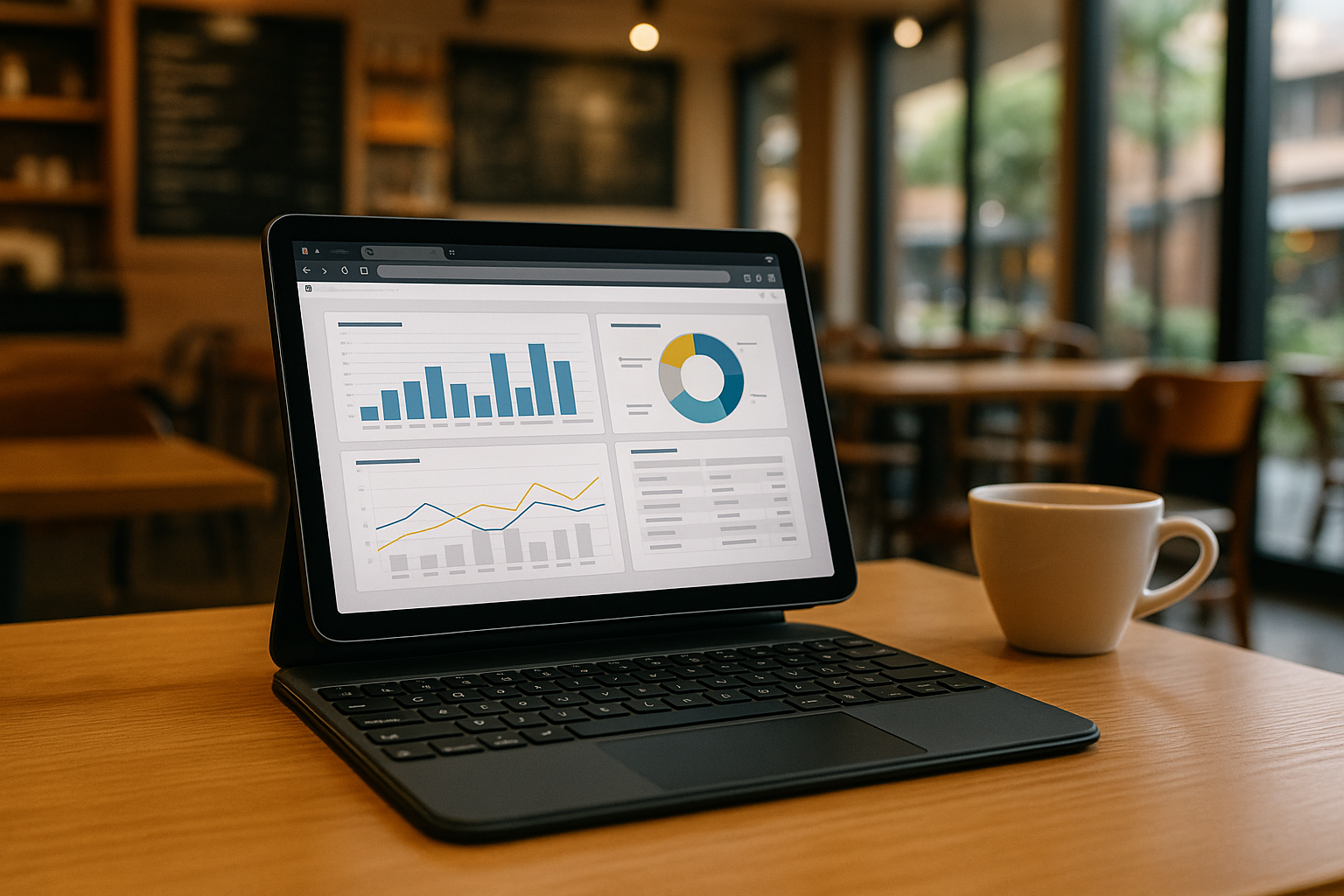
Power BI on Tablets and iPads: Usage Features
Microsoft Power BI is one of the world’s most popular business analytics tools. However, the classic version of Power BI Desktop only works on Windows and typically requires a fairly powerful computer. Aristeem solves these limitations.
Read More
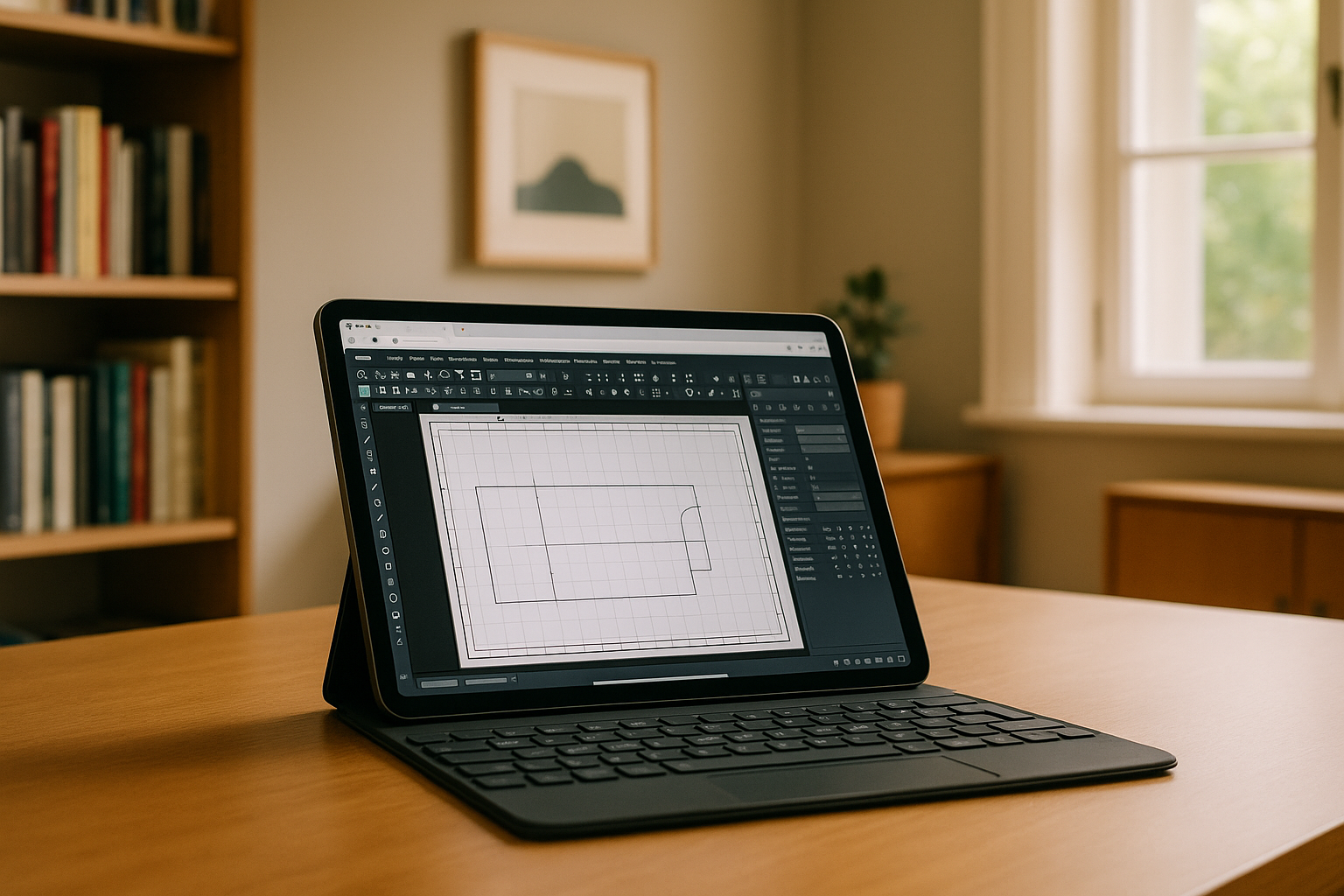
FreeCAD on Tablets: Full Functionality on iPad and Android
Interest in FreeCAD tablet use is growing thanks to browser-based solutions that eliminate installation steps. You can now run FreeCAD on a tablet, including Free CAD for iPad and Free CAD for Android, with full functionality via cloud access.
Read More
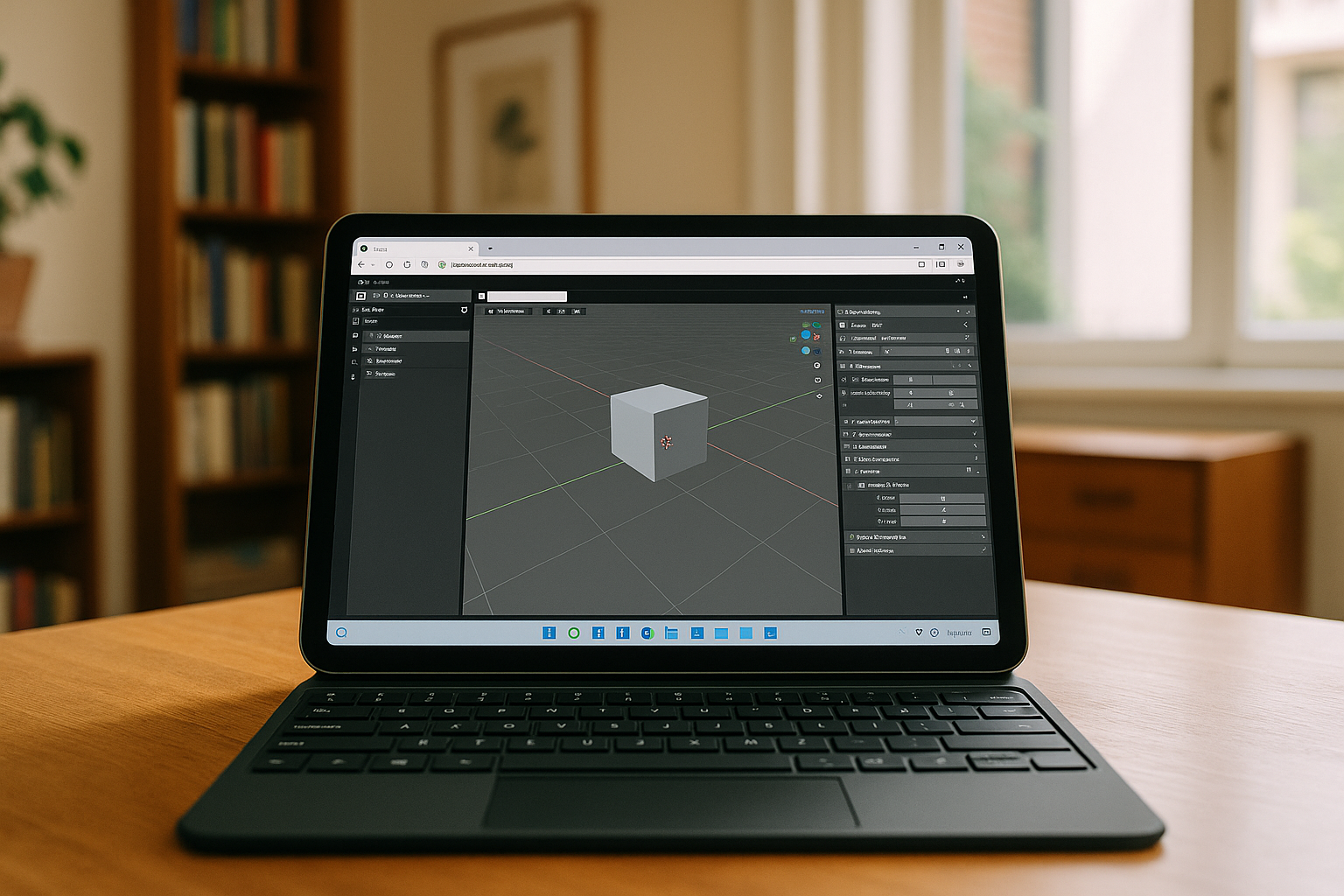
Blender on Tablet or iPad – No Limits with Aristeem
Blender is widely known as one of the most powerful tools for 3D modeling, but traditionally it required a high-performance desktop or laptop. Thanks to Aristeem’s cloud platform, you can run Blender on a tablet or iPad.
Read More
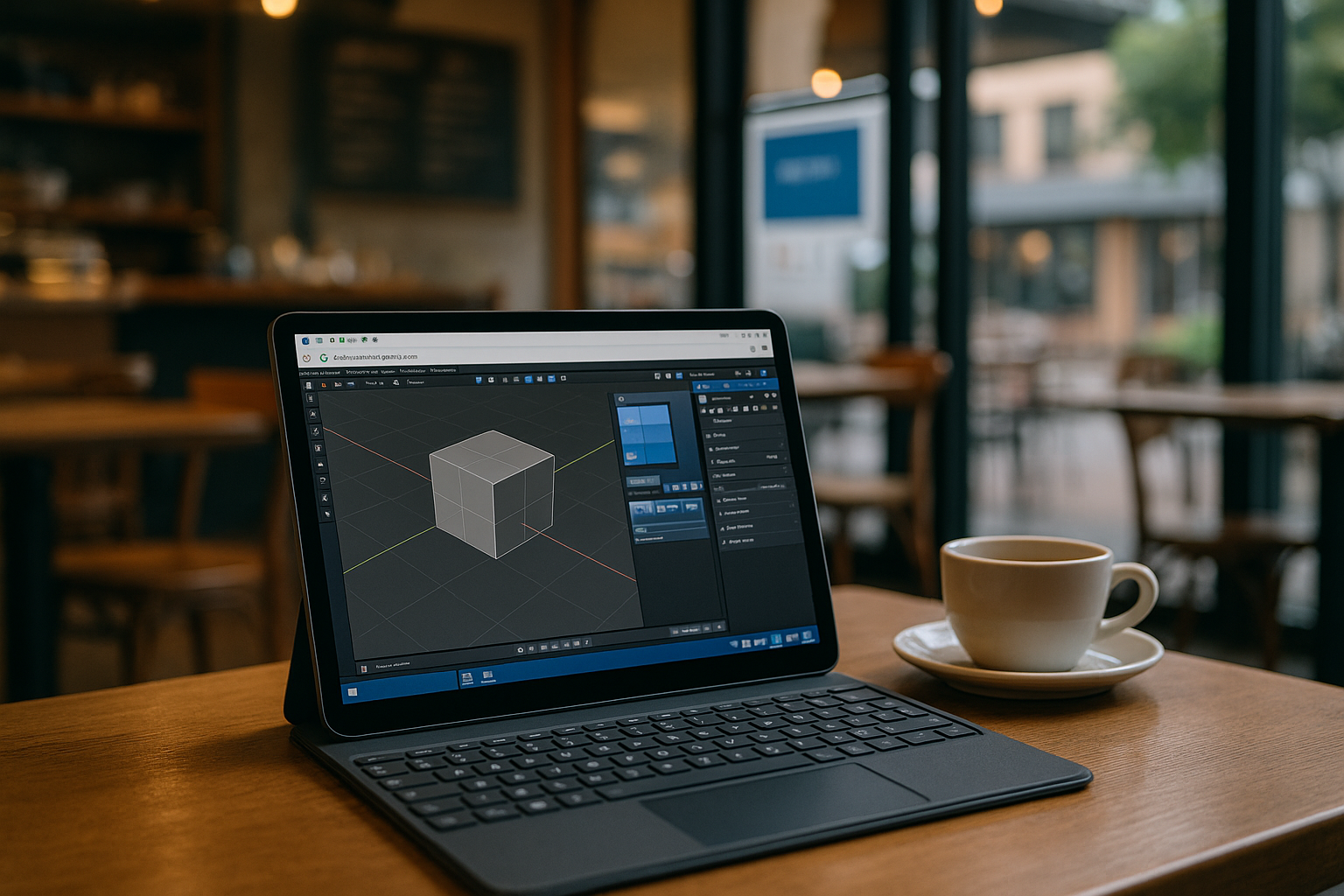
Blender on a Tablet: Easy, Fast, and Without Limits
Discover how to run Blender on any tablet effortlessly and unlock new creative possibilities with Aristeem
Read More
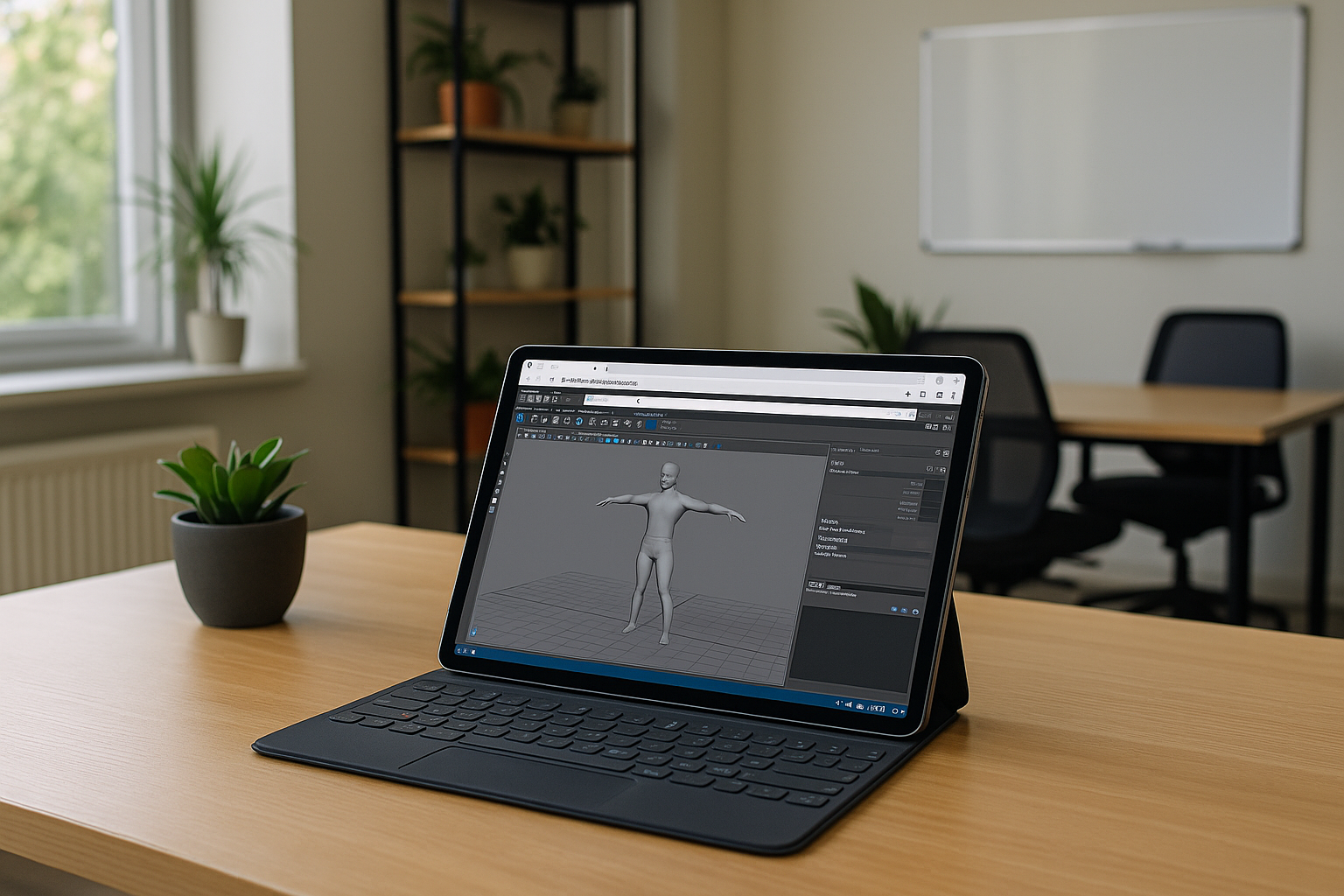
Running 3D Modeling on a Tablet – It’s Real
Today, laptops are becoming simpler and more lightweight. This isn’t due to a lack of innovation but because cloud...
Read More


