


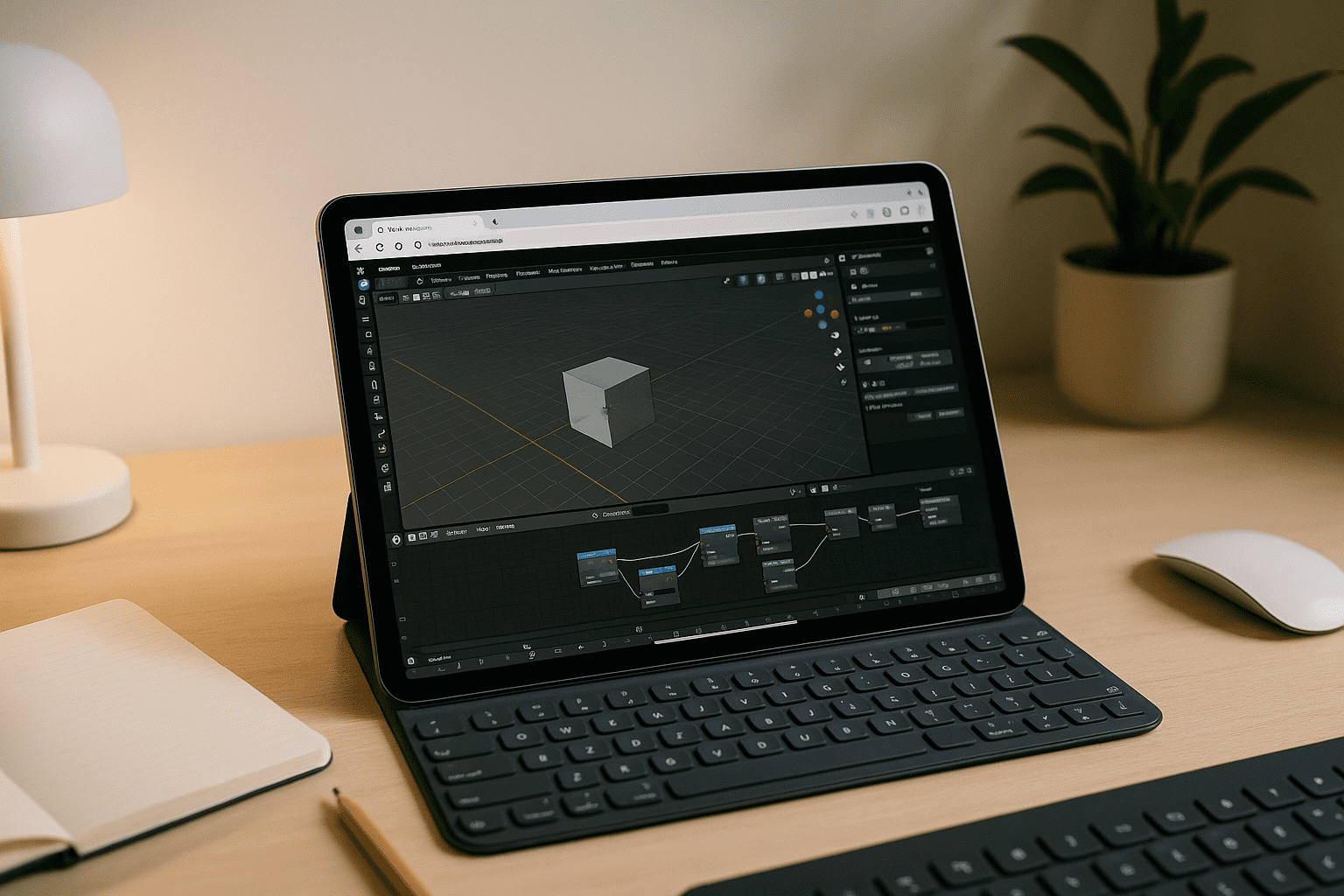
You want a mobile digital sketchbook for heavy 3D work—precise sculpting, dynamic topology, texture painting, and detailed vertex manipulation. Yet, artists trying to use Blender on tablet devices constantly hit a wall that goes beyond simple installation blocks: the death of input precision.
Mobile ports strip away critical design features, while screen-mirroring apps introduce devastating brush lag, break pressure sensitivity, and misinterpret hover actions. If you need a reliable Blender on tablet setup for on-set sculpting, organic modeling, or rapid lookdev, you shouldn’t have to compromise on your Apple Pencil or Android stylus capabilities. Many digital artists searching for how to transition their pipeline discover that standard workarounds fail to bridge the gap between desktop-grade input mapping and mobile hardware, rendering complex brushwork unusable.
Buying a Mobile PC vs. Dedicated Tablet Sculpting
When mobile OS ecosystems restrict your workflow, buying a dedicated Windows pen-computer or a bulky 2-in-1 laptop seems like the only fix. While this solves the application compatibility issue, it destroys the exact ergonomics that make a tablet desirable.
Bulky laptops run hot under heavy viewport shading, drain batteries in under two hours of rendering, and lack the lightweight, one-handed comfort needed for natural sketching or sculpting sessions. Furthermore, managing projects across an expensive secondary PC introduces broken asset paths, continuous file syncing, and extra hardware maintenance. For freelance 3D artists and studio teams, deploying a separate hardware fleet just for mobile flexibility adds financial overhead and technical clutter that distracts from actual creative time.
A Better Way to Unlock Stylus-Ready Blender on Tablet
Instead of dragging a heavy laptop around or tolerating unresponsive mirroring, the practical alternative is a browser-based, GPU-accelerated desktop that handles the heavy lifting while natively supporting your tablet’s hardware. With Apple Pencil, touch input, and an external keyboard, you can combine precise viewport and sculpting controls with the familiar shortcuts and hotkeys of the desktop Blender workflow. This approach allows you to run the complete, uncompromised desktop interface directly through your web browser.
Because the compute happens on high-end remote infrastructure, viewport frame rates stay high even during high-poly sculpting. More importantly, advanced input handling ensures that your stylus configuration — including pressure levels, angle detection, and shortcut keys — behaves exactly as it would on a dedicated studio drawing monitor. You keep your custom brushes, asset libraries, and add-ons without cluttering local tablet storage, making it the cleanest path to professional 3D production on the go.
Aristeem: High-Poly Sculpting and Full Blender on Tablet
Aristeem gives you a simple way to run desktop Blender on a tablet through your browser. You don’t need to install Blender locally or set up the technical environment yourself — access the software through Aristeem and start working. For a more detailed look at this approach, see our guide on running Blender on tablets as a proper workstation.
Your Blender setup can keep your projects, preferred settings, hotkeys, and add-ons in one place. With a keyboard, touch controls, or a compatible stylus, you can use the desktop Blender interface for viewport work, high-poly sculpting, and other demanding tasks without configuring a separate workstation from scratch.
Seamless 3D Production Wherever Inspiration Strikes
Stop fighting restricted mobile app stores and fragile dual-boot setups. By running the full application via a web browser, your tablet ceases to be a limited media viewer and becomes a highly capable extension of your main workstation.
To see how you can maintain absolute creative freedom without tethering yourself to a desk, explore launching professional tools via web interface. Transition your pipeline to a lightweight, fast, and uncompromised cloud workspace, and experience what a true Blender on tablet workflow is meant to feel like.


