


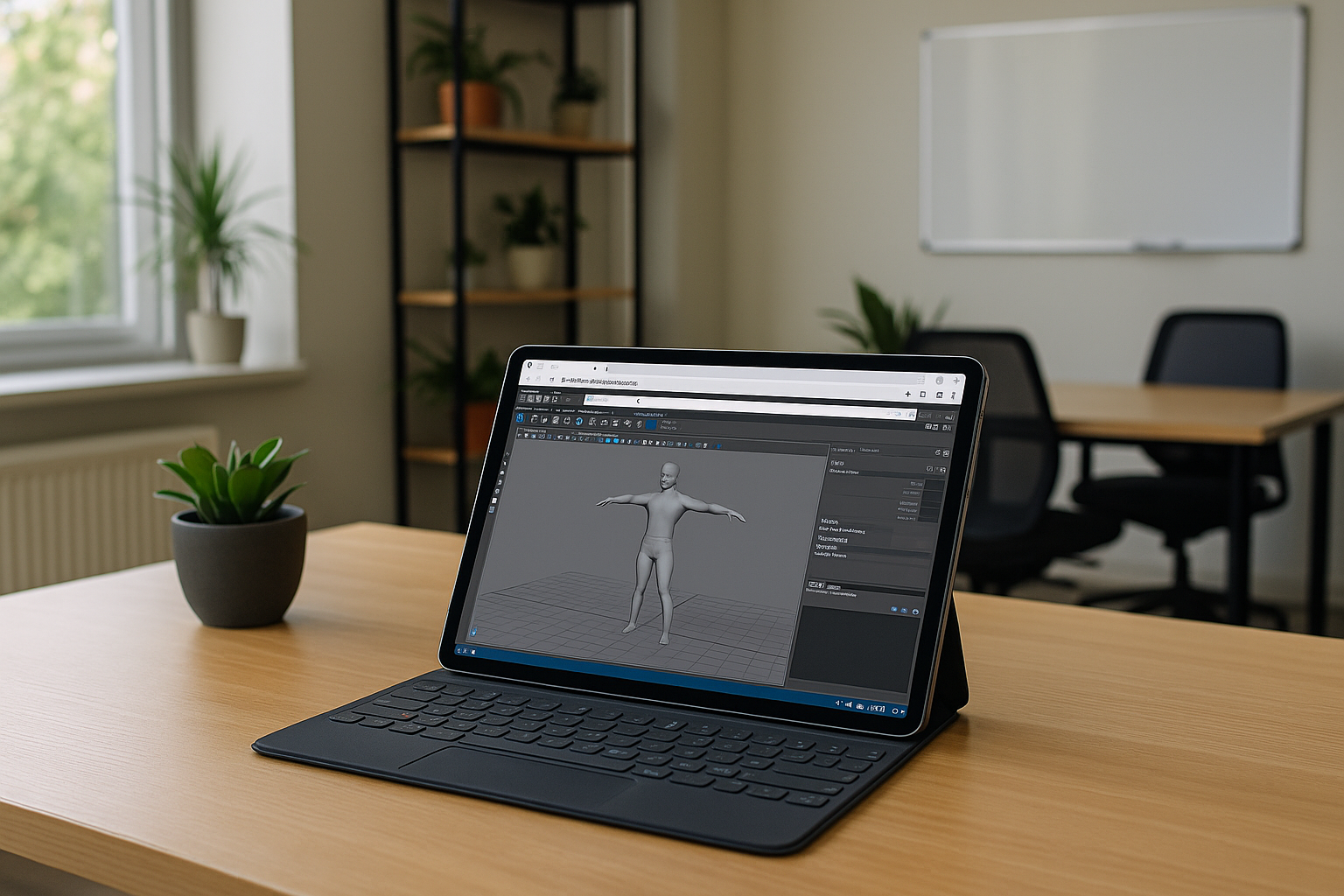
Many 3D designers using software like 3ds Max, Maya, or Revit would agree: running 3D modeling programs on a MacBook is already a challenge, let alone on a tablet. But there’s actually a simple solution.
With cloud services, you can now run powerful 3D design programs directly on a tablet
Of course, working on a touchscreen might not be as convenient as using a full computer. However, sometimes you just need to view a model, make quick edits, or check dimensions. And often, this happens when you’re away from your desk – on the go or in a meeting.
Cloud technology makes this possible, but there are two big challenges:
- Cost – Access to powerful cloud resources can be expensive.
- Setup – Configuring everything to work smoothly takes technical know-how.
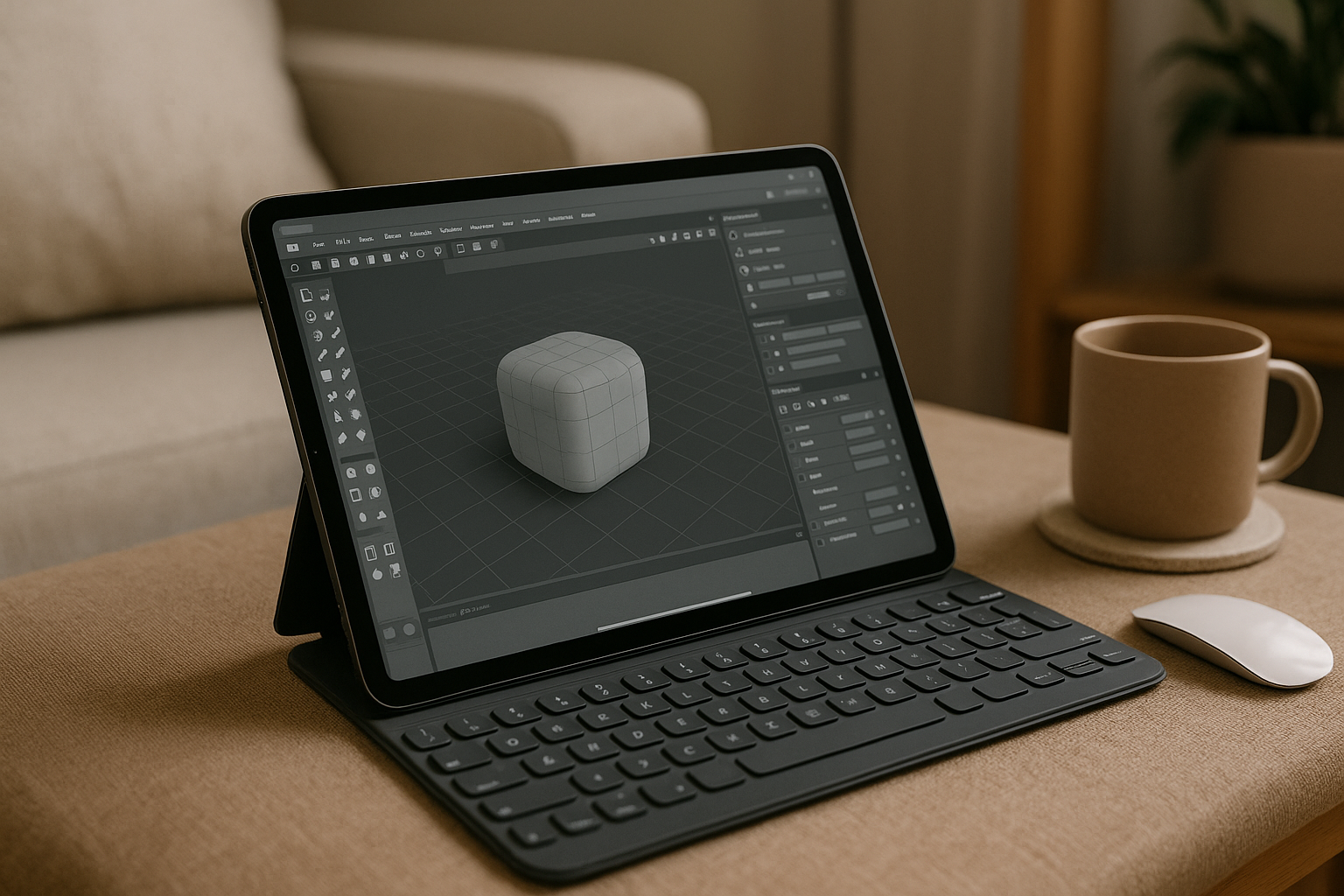 That’s where Aristeem comes in. We are working to make this technology simple and available for everyone. No complicated setup, no advanced skills needed. Just a few clicks, and you can run 3d modeling software on your tablet, phone, or any device.
How Aristeem Work makes 3D software available on a tablet
With Aristeem Work, your tablet can act as a lightweight access device for a personal Windows Cloud PC. The demanding 3D software runs on the cloud computer, while you access the Windows workspace from your tablet.
This can be useful when you need to:
- review a 3D model away from your main workstation;
- make quick changes to a project;
- check dimensions, materials, or project files;
- show a model during a meeting or client discussion;
- access Windows-only 3D software without installing Windows on your tablet.
Aristeem Work provides a dedicated Windows environment with 12 CPU cores, 32 GB of RAM, a 16 GB Radeon 7900 XT GPU, and 100 GB of cloud storage. You can install the Windows applications and plugins required for your workflow and access the same workspace from a compatible device.
Our goal is to bring technology closer to you
With Aristeem Work, you can use a personal Windows Cloud PC without relying on the hardware built into your tablet. Choose your configuration, install the Windows software you need, and access your workspace from a compatible device.
For 3D designers, this means your tablet can become a convenient way to access demanding Windows applications when carrying a full workstation is not practical.


