


Blog
Blog
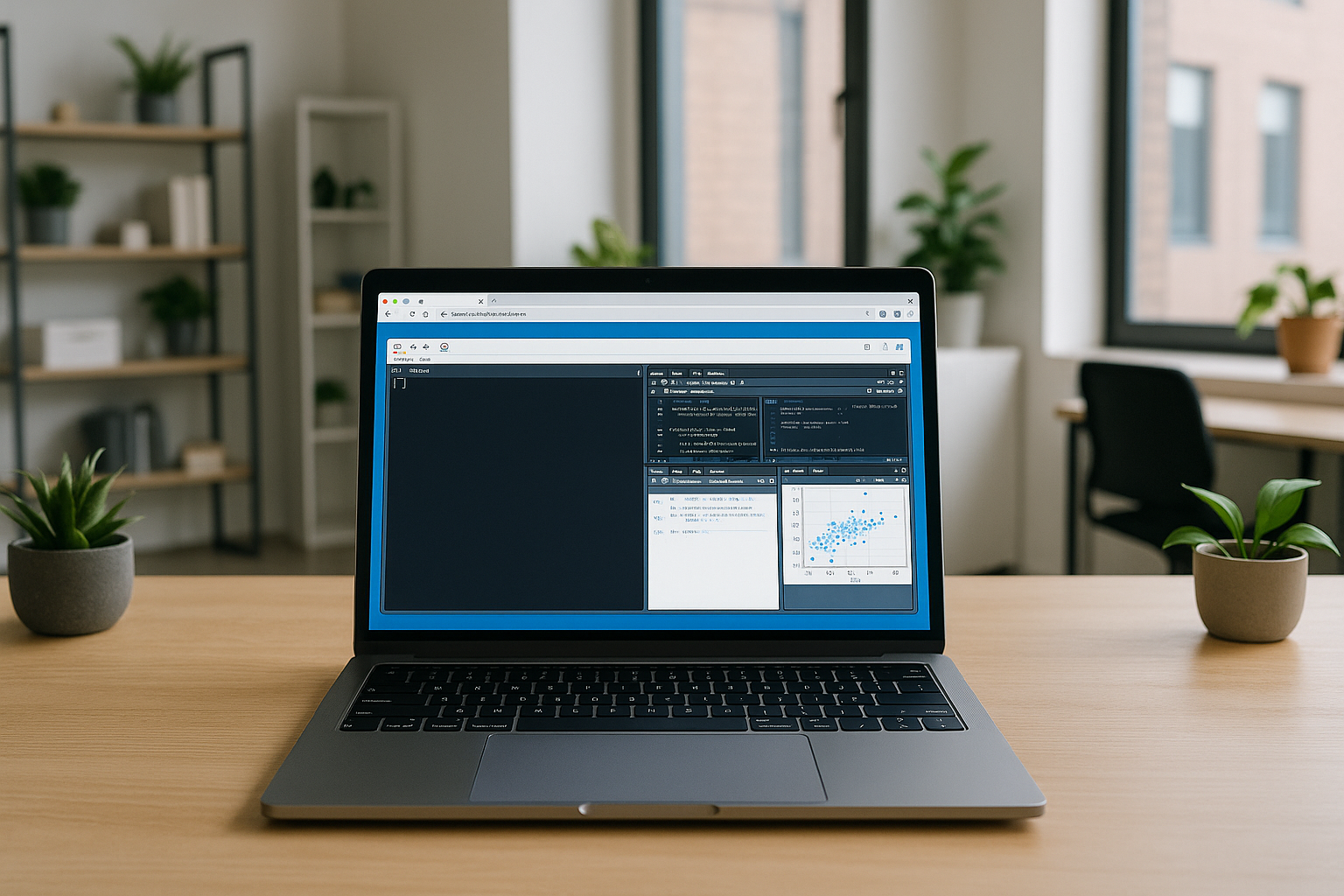
All-in-One Cloud Platform for Data Analytics Tools
Data analysts work with large datasets, create visualizations, run machine learning models, and write code in specialized environments. All of this requires performance, flexibility, and access to professional tools — whether coding in PyCharm (IDE), using RStudio Cloud.
Read More

Cloud Power BI vs. Budget Windows Laptops: Why Aristeem Is the Better Choice
If you plan to work with Power BI, it’s important to understand the technical requirements for stable and effective operation. Power BI software is a powerful tool but has certain demands, especially when used locally on a laptop.
Read More
How Aristeem Empowers Linux: Launch Any Software Freely
If you’re considering using Linux on a laptop you already own for analytics, design, engineering, or development, you may need to run familiar Windows-based applications. Many users choose Linux for notebooks due to its stability and flexibility but encounter certain challenges.
Read More
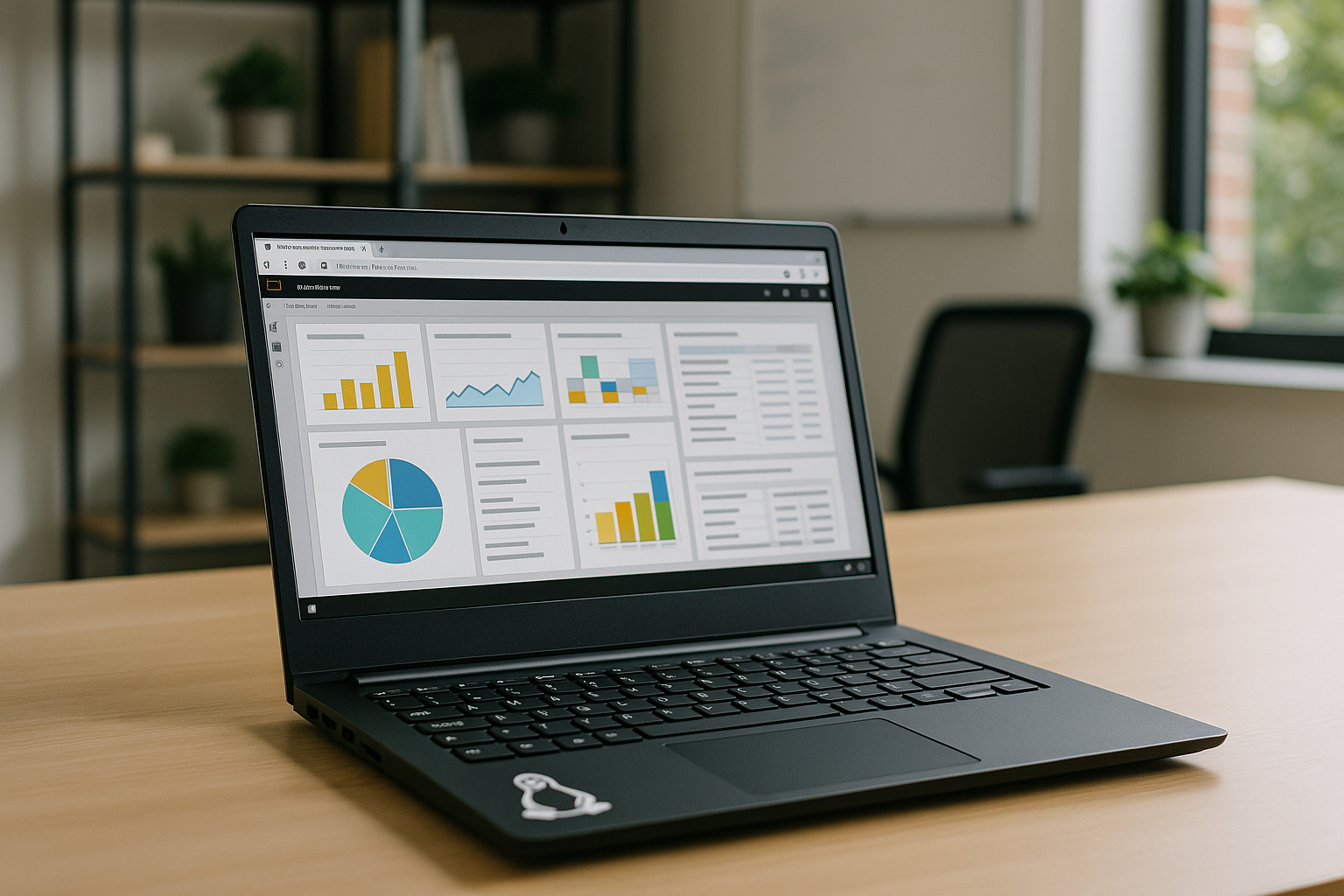
Power BI on Linux: What You Need to Know
Officially, Microsoft does not release Power BI Desktop for Linux. However, there are alternative ways to use Power BI on Linux that allow you to view reports and even partially edit them.
Read More
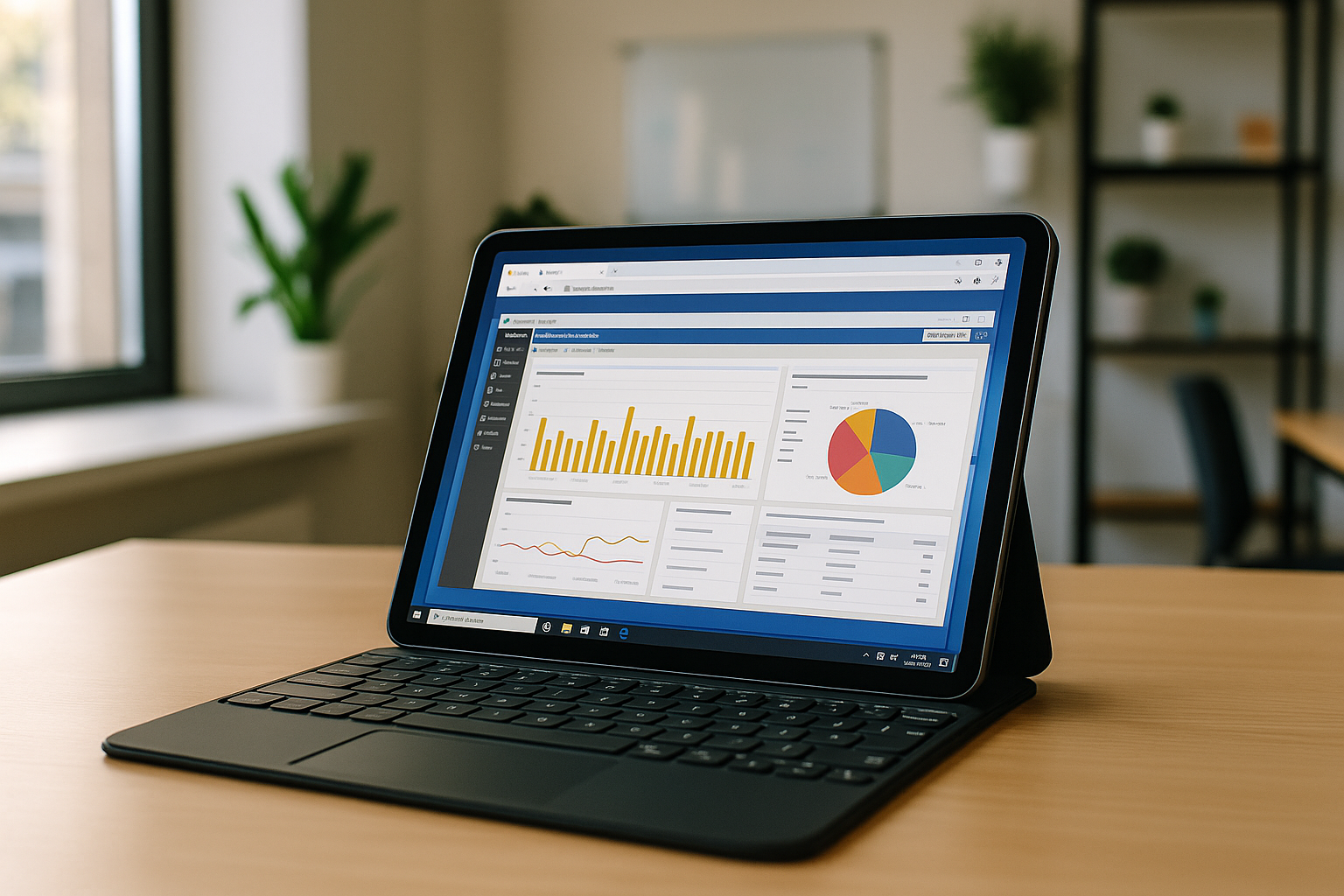
Using Power BI on Mac OS and iPad: Easy Switching Between Devices Without Losing Data
Power BI is convenient to use because it can be accessed on different systems and devices. This allows you to work with data anywhere, without the need to transfer files or install the program.
Read More
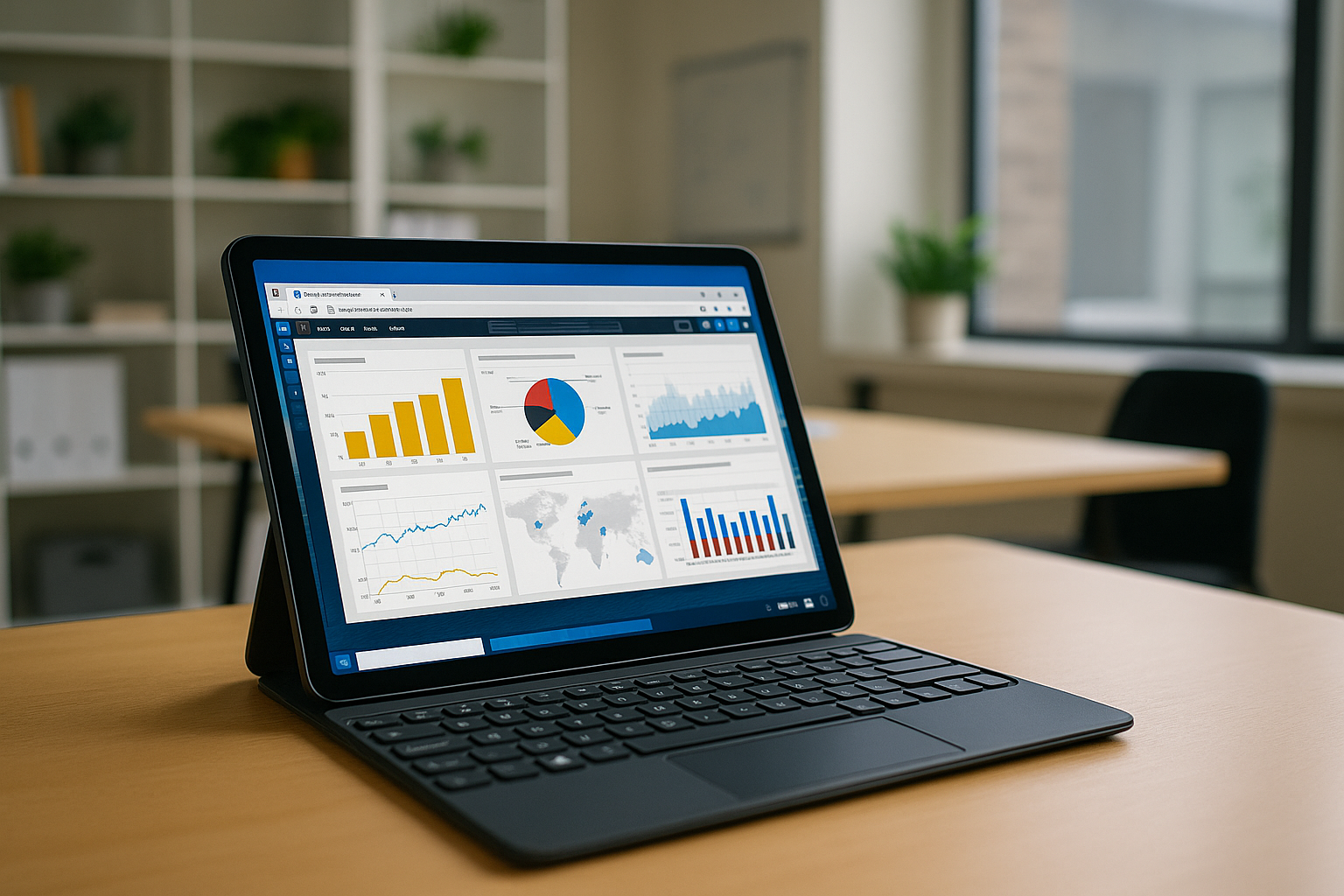
Power BI for iPad and Android: Full Desktop Access on Tablets via cloud service
Power BI is a tool from Microsoft for analyzing and visualizing data. In this article, we will discuss whether it is possible to use the Power BI app on tablets with different operating systems.
Read More
From VM Machine to Private Cloud: How Cloud Services Replace Expensive Hardware Rentals
If you are looking for a way to run heavy software on your device, there are now several options available, even without the need to rent or buy a powerful computer.
Read More
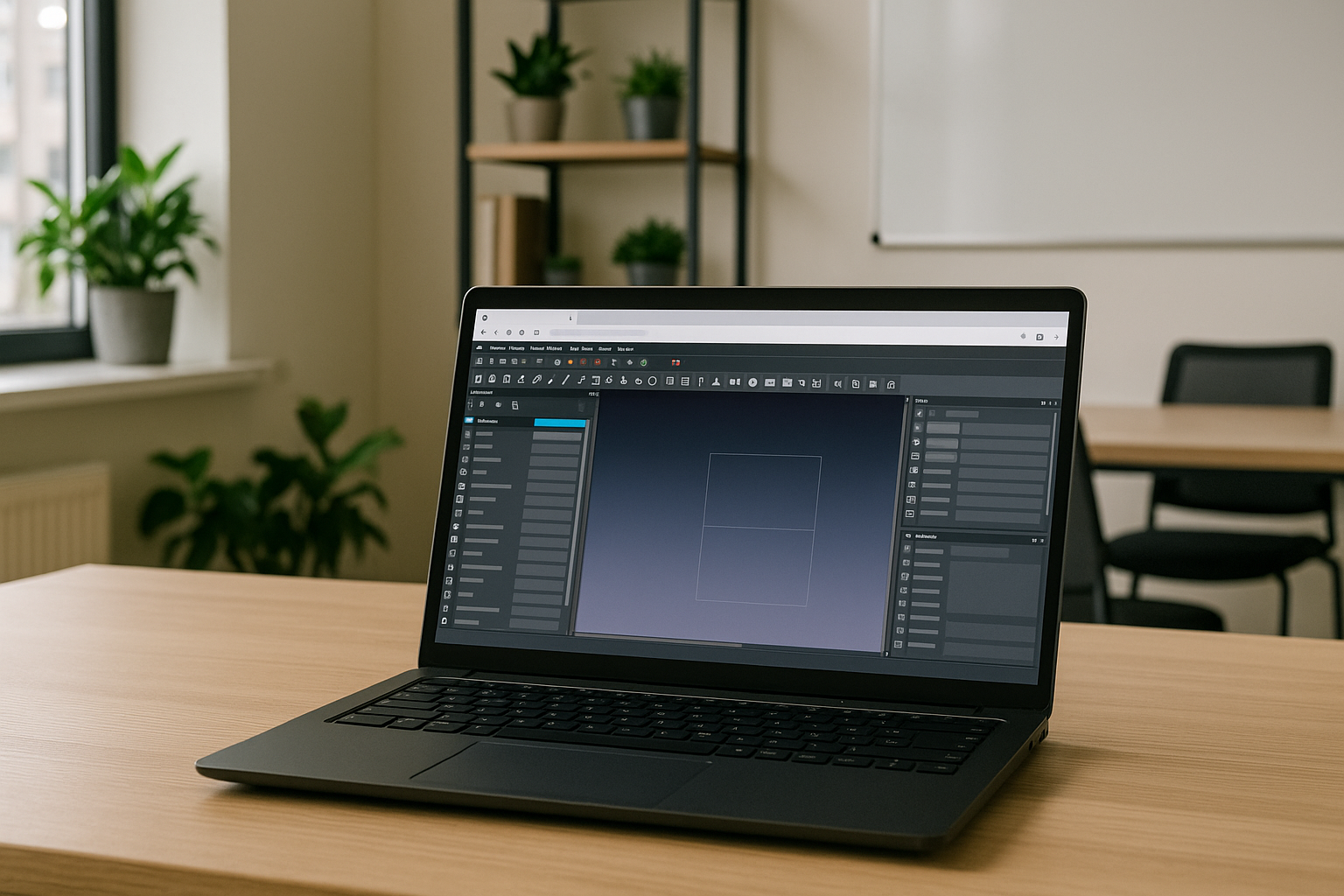
FreeCAD Overview: Download, Applications, and Usage on Various Devices
FreeCAD is mainly a desktop CAD application for Windows, Linux, and macOS. While it lacks a full web version, it can still be used via cloud services. Below are the main ways to access, including FreeCAD download options.
Read More
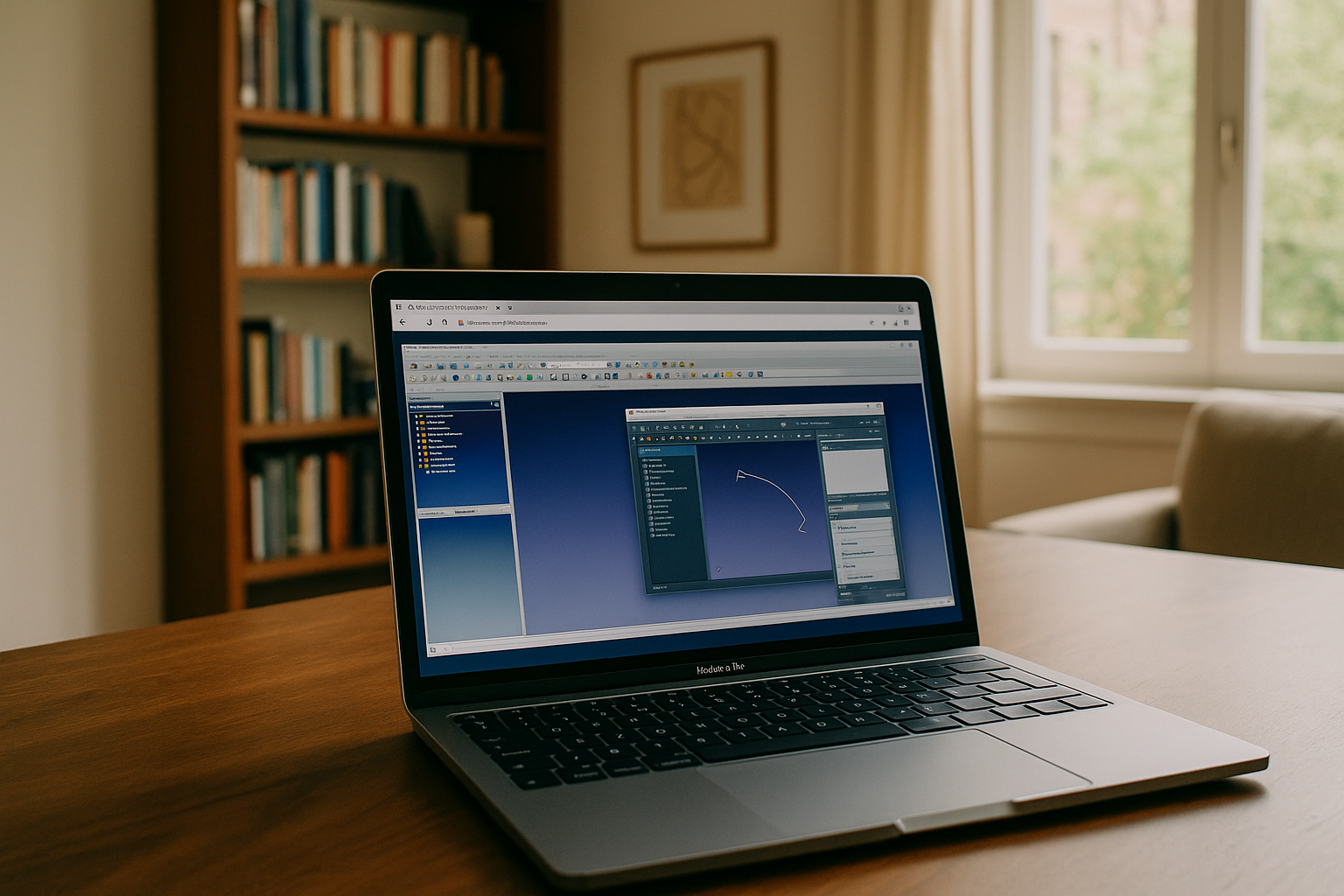
FreeCAD for Mac: Features, Challenges, and How to Overcome Them with Aristeem
Using FreeCAD on Mac via Aristeem is the most efficient solution for users who need high-performance 3D modeling without installation or hardware limitations. Whether you're a designer, engineer, educator, student, or part of a creative team, Aristeem offers flexibility, mobility, and seamless access to FreeCAD software on macOS.
Read More
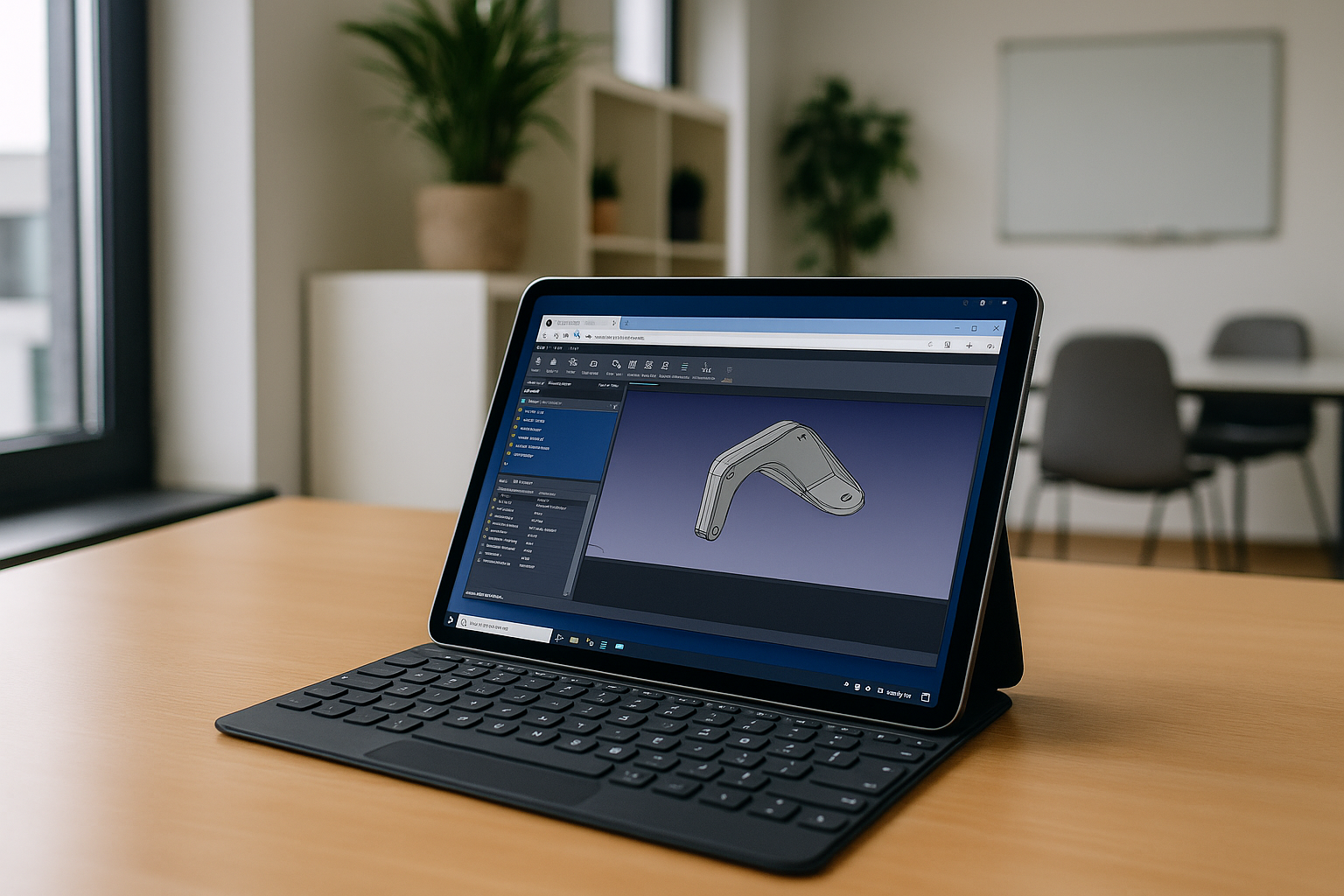
How to Use FreeCAD Online: Simple and Fast with Aristeem
FreeCAD is a parametric 3D modeler — it allows you to modify a model by going back into its history and changing parameters. Here are the available ways to use FreeCAD soft without installing it on your device:
Read More
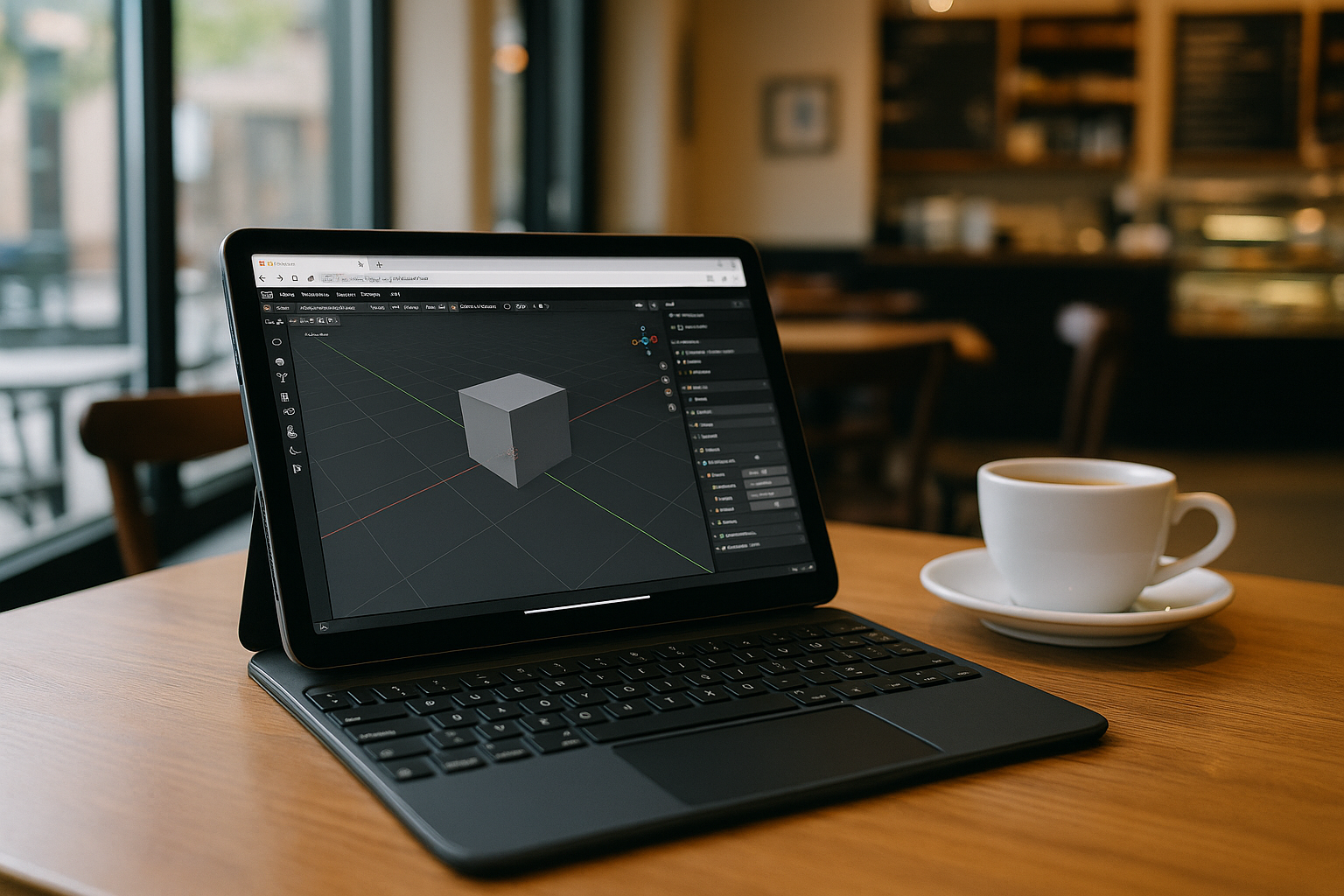
Using Blender on a Tablet: What You Need to Know
Using Blender on a tablet is challenging since it requires a desktop OS and strong hardware, but there are several ways to run Blender on that devices depending on the model.
Read More
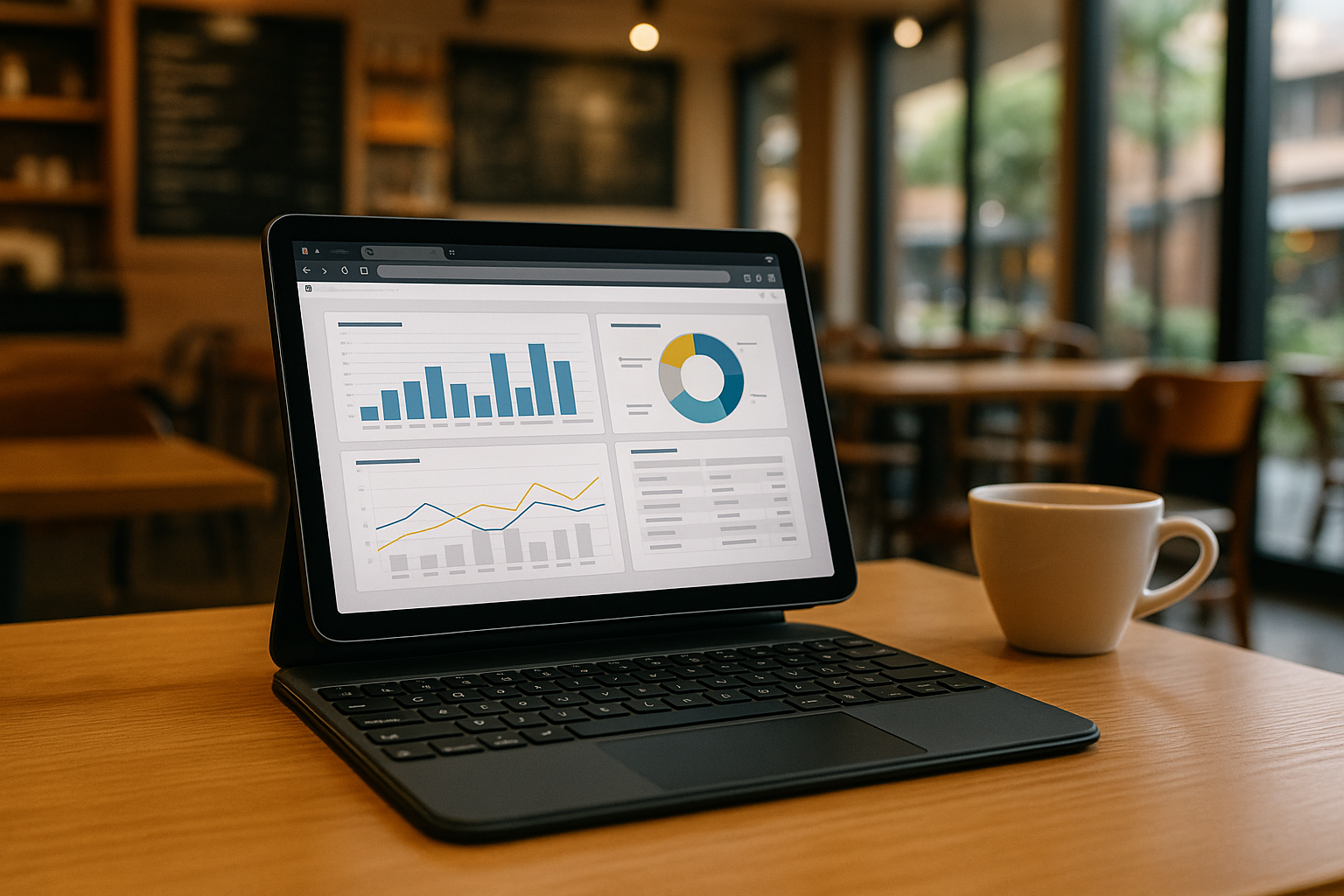
Power BI on Tablets and iPads: Usage Features
Microsoft Power BI is one of the world’s most popular business analytics tools. However, the classic version of Power BI Desktop only works on Windows and typically requires a fairly powerful computer. Aristeem solves these limitations.
Read More


