


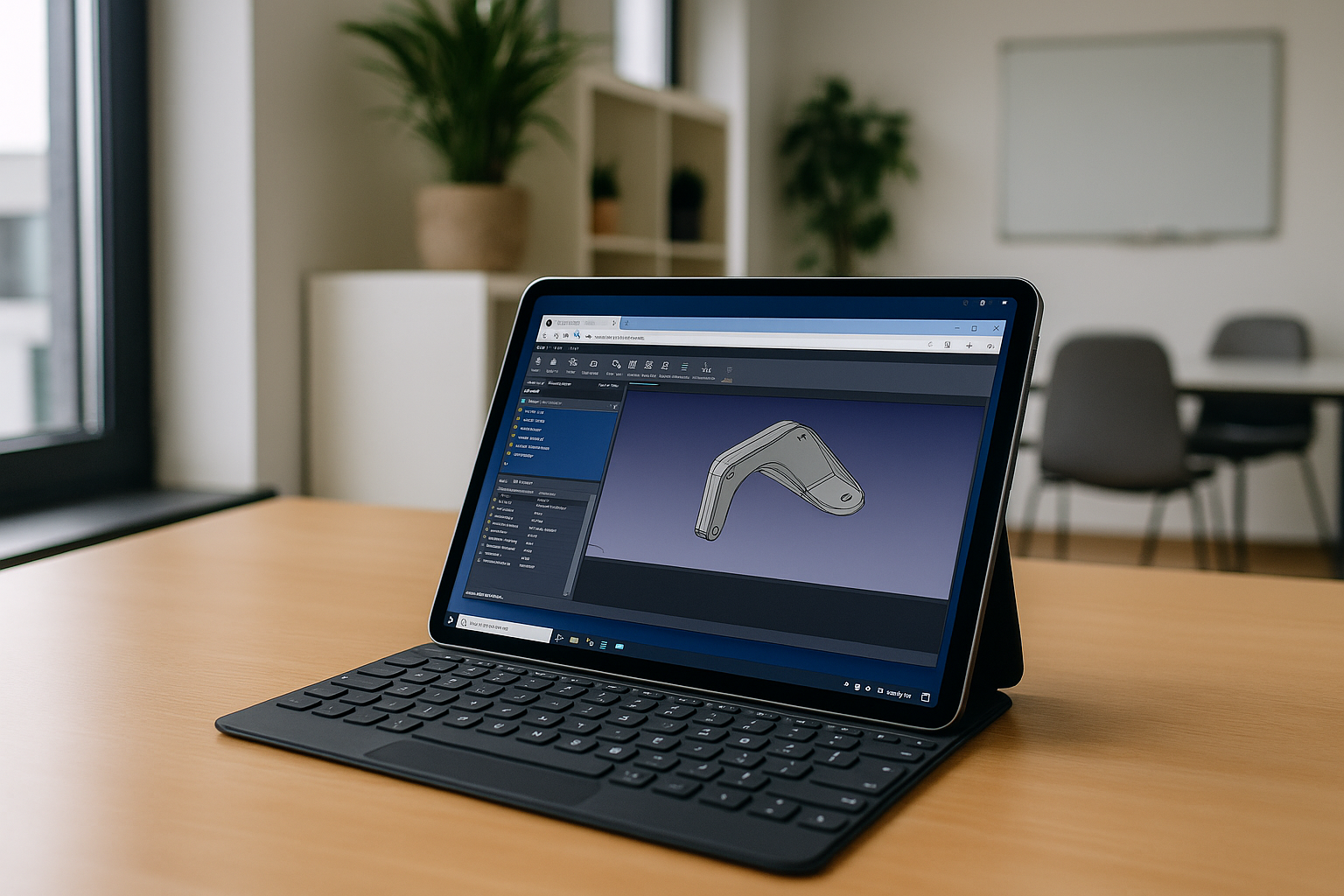
If you are looking for a way to use CAD for free on your device online, you have probably encountered certain difficulties:
- CAD requires a powerful processor/graphics processor, which is difficult to achieve on tablets or budget PCs without cloud technology support.
- iPad/Android apps often only allow viewing or basic editing, without full functionality.
- Unstable internet can cause delays or data loss when working online.
- Not all devices support mouse, keyboard, or stylus input equally well.
- Cloud services must provide secure storage and regular automatic data backup.
Can FreeCAD Be Used Online?
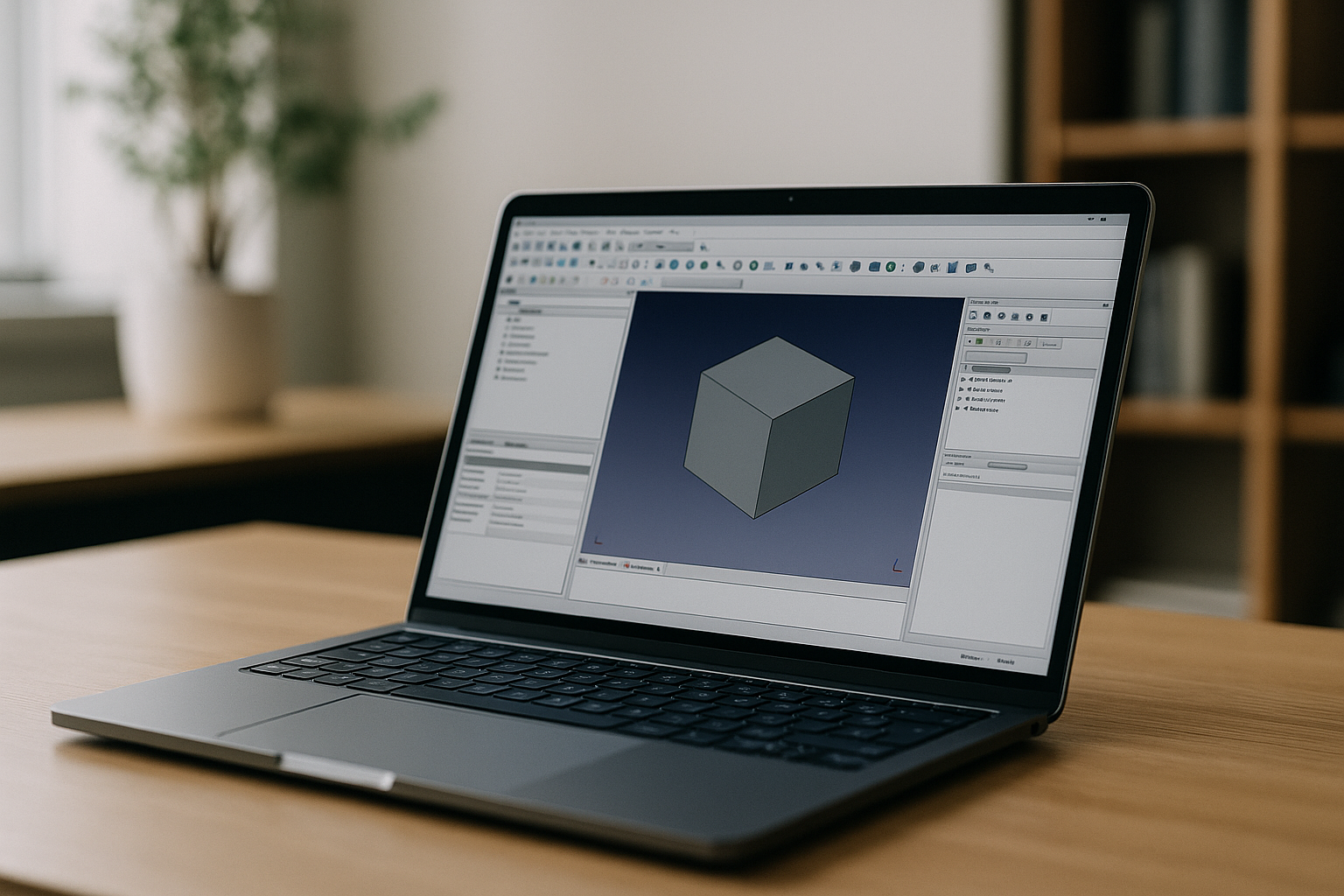
FreeCAD is a parametric 3D modeler — it allows you to modify a model by going back into its history and changing parameters. It is suitable for various industries, such as mechanical engineering, industrial design, and architecture, and is also great for 3D printing. For a complete overview of features and workflows, learn more about FreeCAD program.
Here are the available ways to use FreeCAD soft without installing it on your device:
Remote Access to Another Computer
Via VNC / RDP or AnyDesk / TeamViewer: control a PC that has FreeCAD installed.
Cons:
- Requires a separate computer to stay powered on;
- Image delays depending on internet speed;
- Setup and security can be complex.
Cloud-Based Virtual Machine
Use services like Google Cloud, AWS, or Docker + noVNC to run FreeCAD on a remote server and access it via a browser.
Cons:
- Complicated setup;
- Expensive cloud hosting;
- Requires technical skills (CLI, SSH, DevOps);
- Slower graphics rendering;
- File management can be tricky.
Specialized Environments
- Chrome OS (Crostini): Run FreeCAD inside a Linux container.
- ARM Devices (e.g., Raspberry Pi, Smart TVs): Use browser access or ported builds.
Cons:
- Limited or no graphics support;
- Slow performance;
- Technical setup required;
- Hardware and resource limitations.
In the Browser (Cloud Services)
Aristeem — launches the full desktop version of FreeCAD in your browser (Chrome, Firefox, Edge) on any device.
Why FreeCAD with Aristeem is the best option for online design?
Using CAD at Aristeem is not free, as our cloud service offers a number of advantages and conveniences for online users:
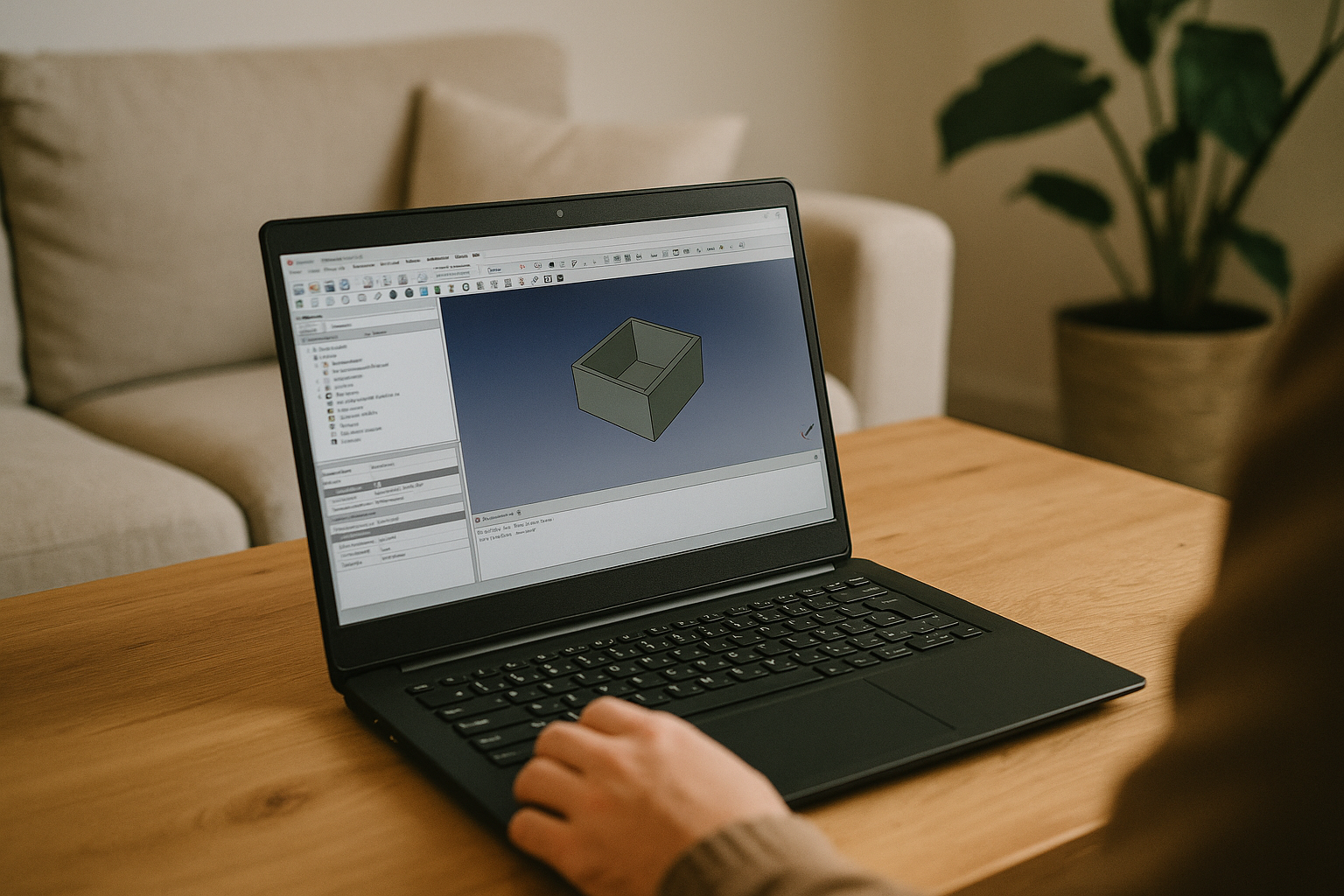
- Works on any device
Tablet, phone, PC, or laptop (Windows/macOS/Linux). No need to install anything. Just log in and start modeling. - High performance, even on low-end devices
Powerful cloud servers ensure smooth operation with complex models. - No dependency on local hardware
Always up-to-date. Cloud storage keeps your data safe and accessible. - Pay as you go
No long-term commitments — pay only for what you use. - Easy to start
Just register, select FreeCAD, and click “Launch.” - Global availability
European servers offer low latency and stable connections. - Access to 300+ professional apps
Work alongside Blender, AutoCAD, SolidWorks, Revit, ArchiCAD, and more — all in one environment.
Conclusion
Aristeem makes FreeCAD truly accessible — for students, hobbyists, professionals, and teams, regardless of their device or technical skill. No complicated software installation, environment configuration, or powerful computer required.


