


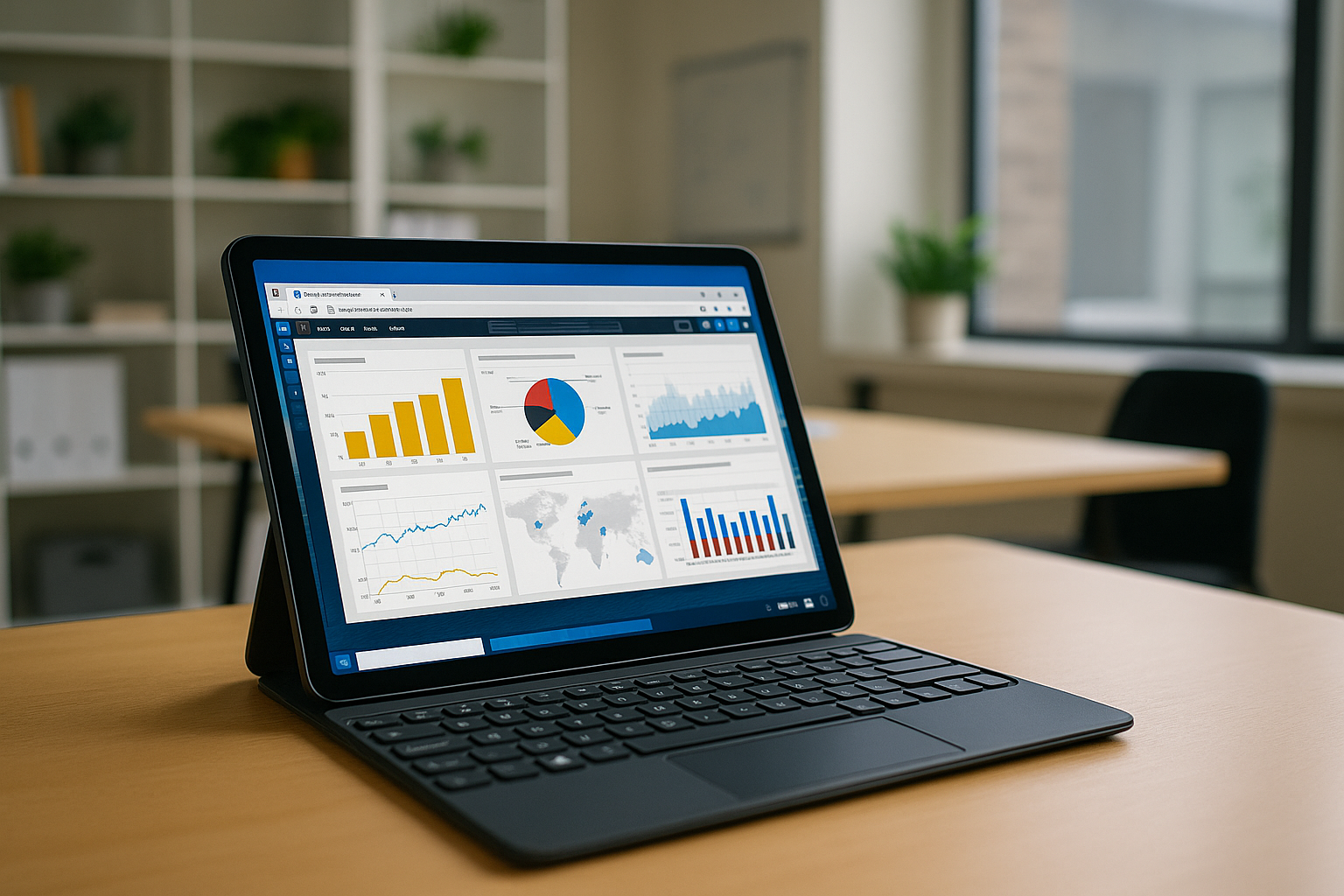
Power BI is a tool from Microsoft for analyzing and visualizing data. Its main purpose is to help users transform large amounts of information into understandable graphs, tables, dashboards, and reports. In this article, we will discuss whether it is possible to use the Power BI app on tablets with different operating systems.
Who needs Power BI:

- Business analysts — for analyzing and visualizing data
- Managers — for making decisions based on real-time reports
- Financiers — for budgeting and financial analysis
- IT specialists — for integration with databases and automation of analytics
- Marketers — for evaluating campaigns and customer behavior
- HR managers — for personnel analytics
- Educators and students — for learning data analysis
You can use the official Power BI app download for iPad or Android from the app stores. However, if you need access to the full Power BI version with all features, the best choice is to use it via a browser through cloud services such as Aristeem. This eliminates the need for installation and lets you work with complete functionality on any device.
How to use Power BI on a tablet?
Power BI tablet use (on iPad or Android) is perfect for professionals who need mobility. Although Power BI for iPad and Power BI Android apps exist, they are limited in comparison to the desktop version. Aristeem solves this by offering access to Power BI for iOS or Android via the browser — giving you the same full Power BI capabilities you’d get on a PC.
What Aristeem offers Power BI users on tablets:
-
Full-featured Power BI without installation
Aristeem runs Power BI for iPad or Android through cloud computing using a virtual machine (VM). Just open Safari or Chrome, log in, and launch the program — no need to install the app.

Scalable resource management
The cloud-based VM machine adapts to your needs, whether you’re building reports or visualizing massive datasets. Your tablet’s performance is no longer a limitation, thanks to cloud computing.
-
Touch-optimized control
Manage data, zoom, scroll, and filter intuitively. Aristeem supports input with touch, stylus, keyboard, or mouse, just like on a desktop. It turns the Power BI iPad or Android experience into a professional-grade interface.
-
Universal access with SaaS flexibility
As a SaaS service, Aristeem ensures your work is saved in the private cloud. You can start on your PC and continue on your Power BI tablet — your workspace follows you.
Conclusion
With Aristeem, using Power BI for iOS, iPad, or Android tablets becomes seamless, powerful, and productive. It combines the convenience of cloud services, the performance of virtual machines, and the flexibility of SaaS to bring you the full desktop Power BI experience — anywhere, anytime.


