


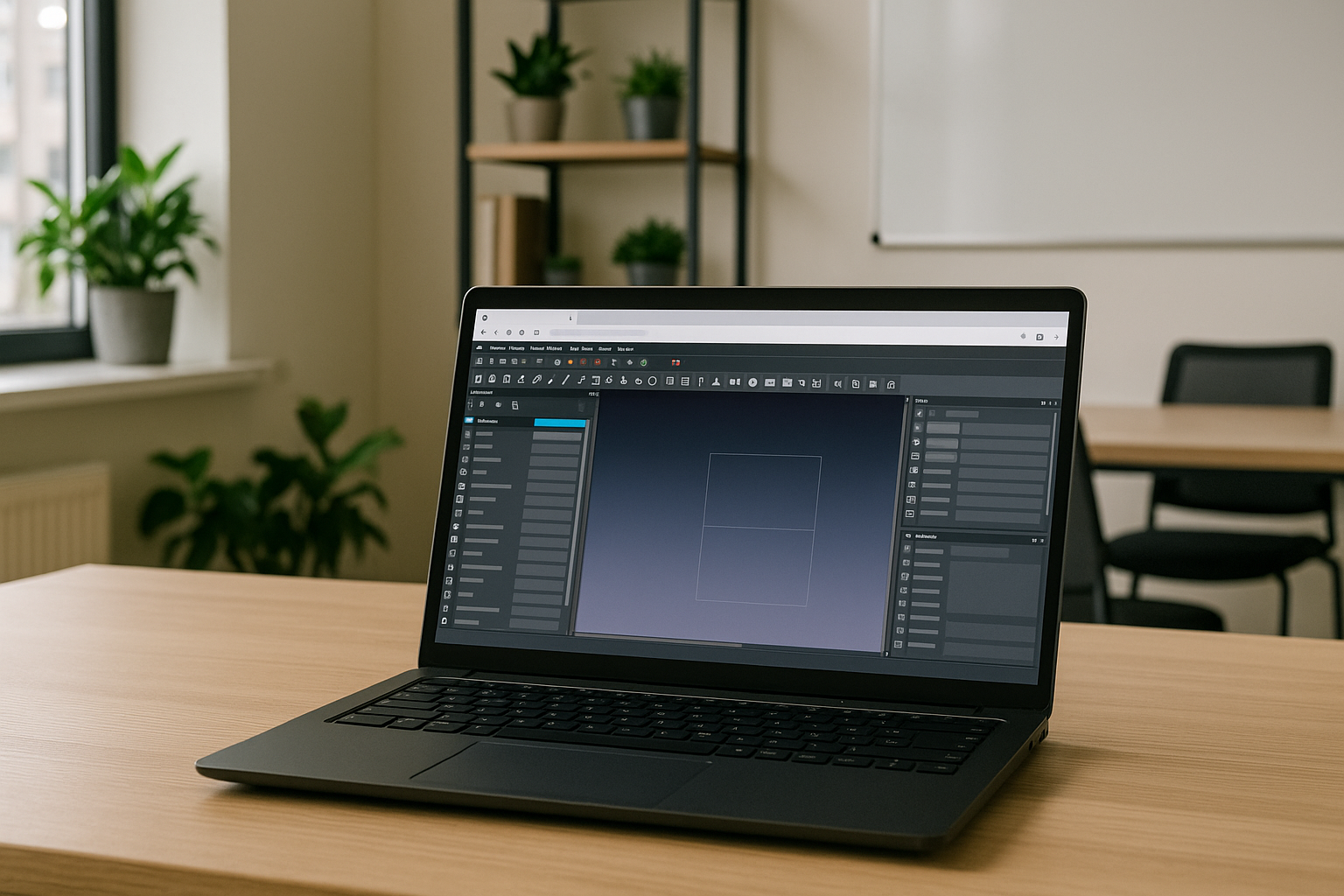
FreeCAD is mainly a desktop CAD application for Windows, Linux, and macOS. While it lacks a full web version, it can still be used via cloud services. Below are the main ways to access, including FreeCAD download options and common free cad applications across different platforms:
-
Windows
Installation from the official FreeCAD download page (supports Windows 10/11, 64-bit).
Pros: Full functionality, fast installation, high performance.
Cons: Requires basic technical knowledge for installing certain modules.
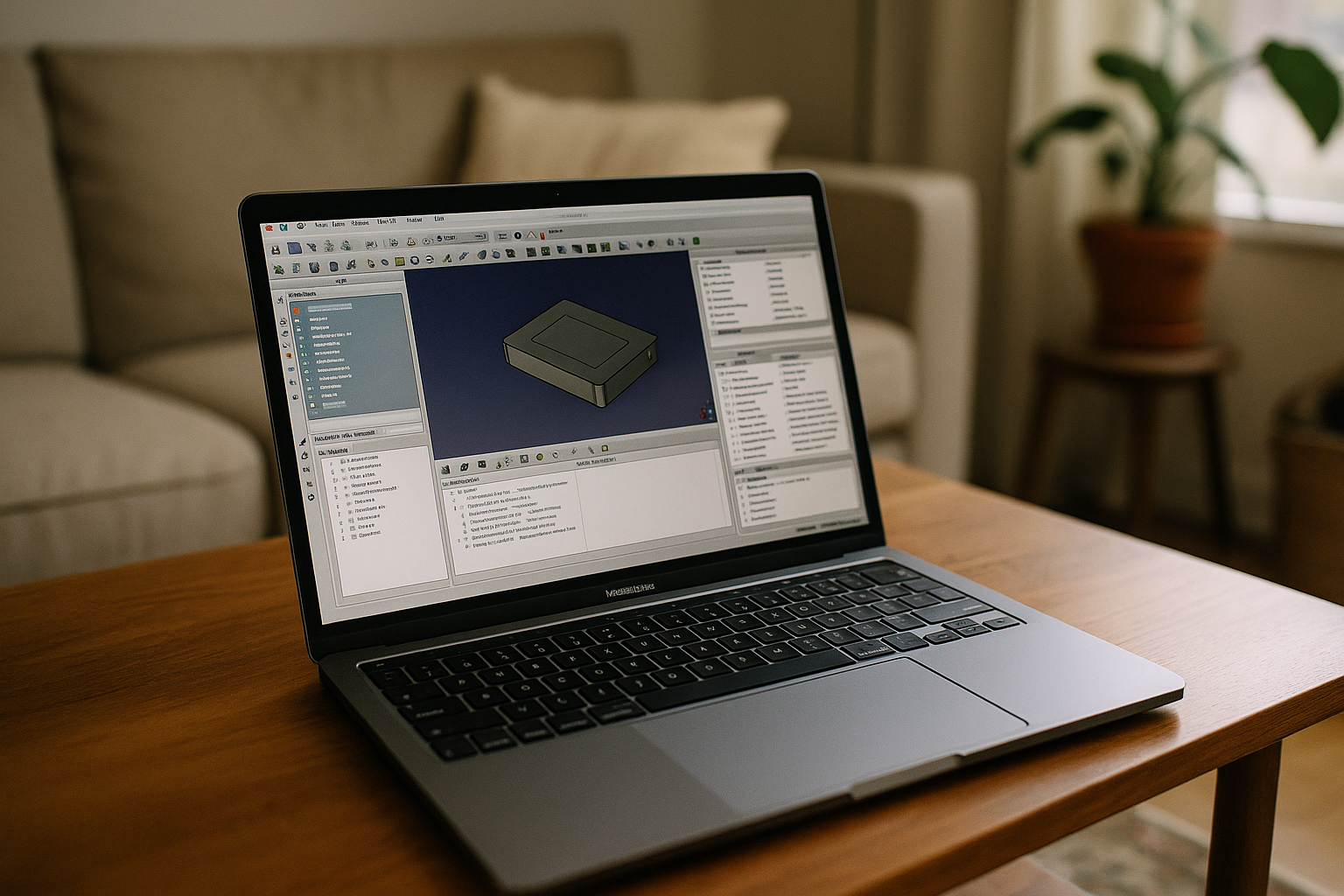
Download the .dmg file from the official site and launch via system security settings.
Pros: Supports Apple Silicon (via Rosetta 2), native macOS integration.
Cons: Some modules may have bugs; possible issues with PySide/PyQt plugins.
-
Linux
Install via package managers or run the portable AppImage version.
Pros: Best performance, full support of FreeCAD modules, no installation needed with AppImage.
Cons: Requires manual configuration and technical skills.
-
Android
No official FreeCAD for Android exists. Usage possible only through remote desktop access or Linux emulation environments like Termux.
Cons: Low performance, complex setup, no official FreeCAD APK.
-
iOS / iPadOS
Remote access to Mac or VPS via VNC or RDP.
Cons: No native FreeCAD version; depends heavily on internet connection quality.
-
Chrome OS
Run FreeCAD using Linux containers (Crostini), browser-based services like RollApp, or remote access tools.
Cons: Performance limitations; requires at least 4 GB RAM.
-
Via Browser (Cloud Services)
Use platforms like RollApp, noVNC, or Jupyter with FreeCAD headless.
Cons: Limited functionality and performance; file handling can be inconvenient.
FreeCAD on Android and Other Devices via Aristeem
FreeCAD for Android is available via the Aristeem cloud service, which runs FreeCAD in a browser with no installation. It’s a practical way to use FreeCAD applications across various devices: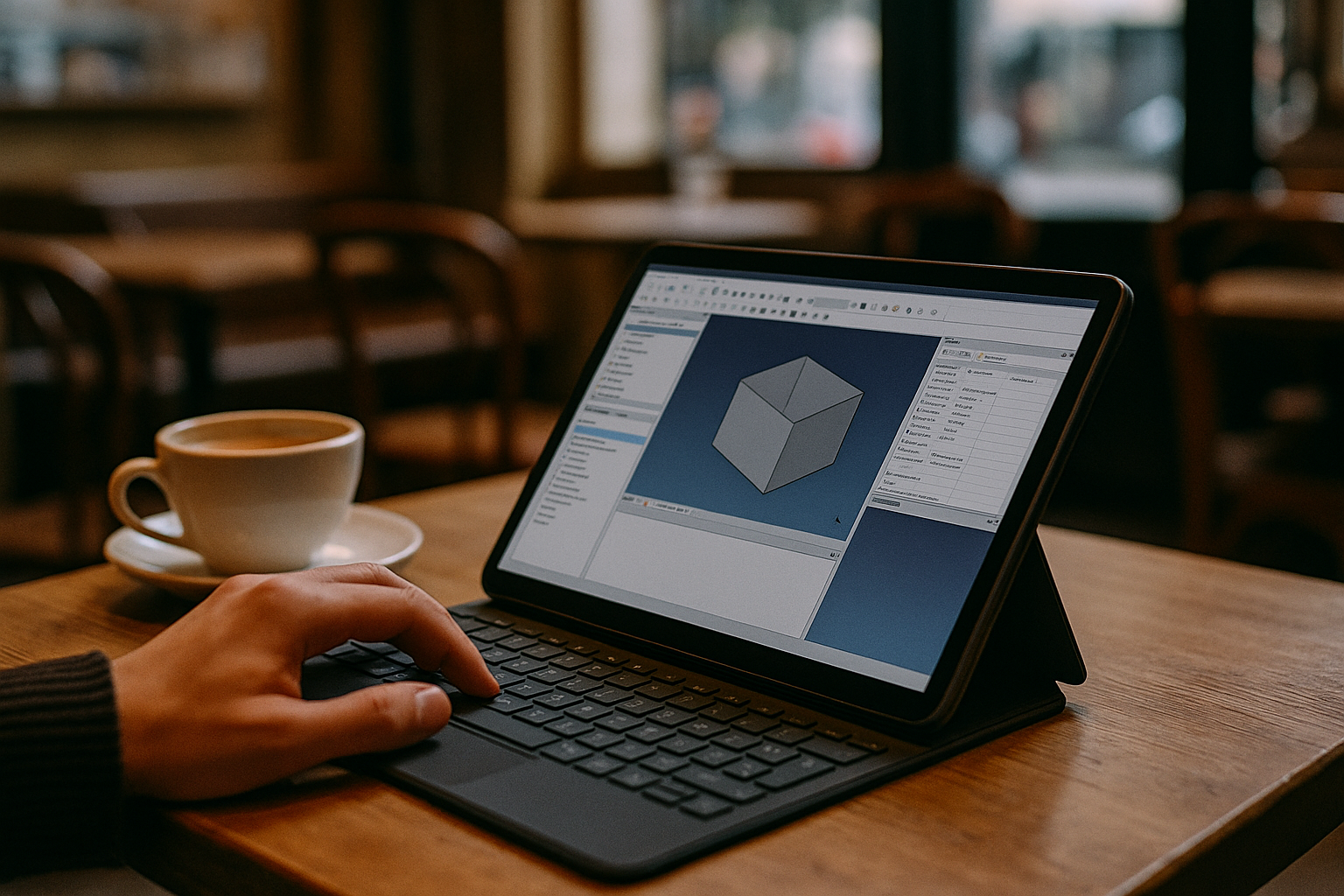
- No installation needed.
- Instant access from any device with cloud storage .
- Heavy computations handled by powerful servers (8 CPU, 32 GB RAM, GPU).
- Works on Android tablets, iPads, Chromebooks, Raspberry Pi, Smart TVs, and even older laptops via browser.
- Scalable interface with support for stylus, keyboard, and mouse.
- Automatic cloud saving and synchronization.
- Access to other professional tools alongside FreeCAD, like Blender, MeshLab, and LibreOffice for extended workflows.
Why Choose Aristeem for FreeCAD?
Aristeem lets you use FreeCAD without installation — fast, secure, and smooth even on low-end devices. Touch support makes it ideal for tablets and phones, while server-grade power handles complex models.


