


Blog
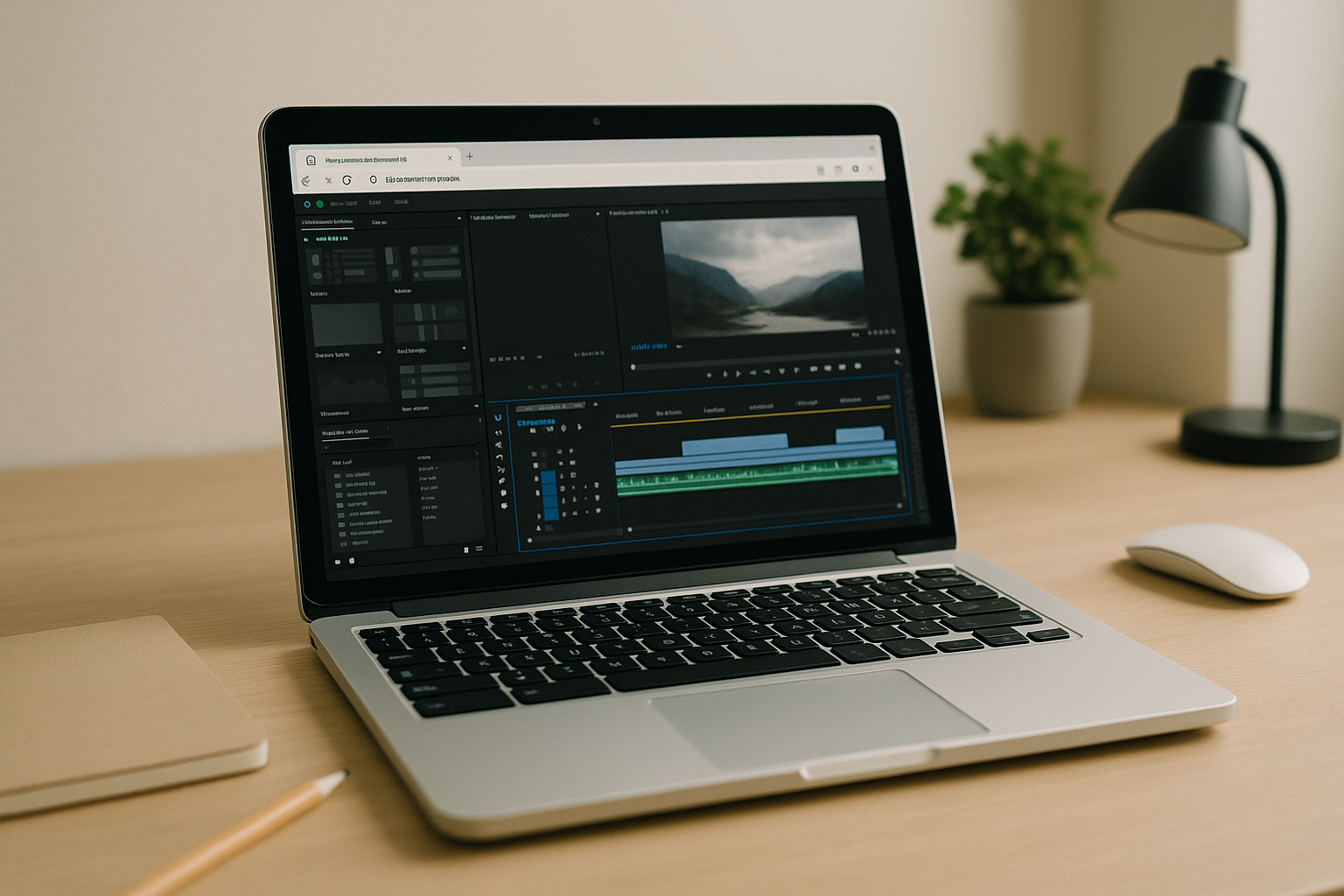
Adobe Premiere Pro on Chromebook: Real Editing via Cloud PC
If your Chromebook is your primary device, you don’t need to settle for reduced features or slow, unpredictable workarounds. A browser-accessed desktop gives you the same creative control, codecs, and export reliability you expect from your studio machine, anywhere you sign in.
Read More
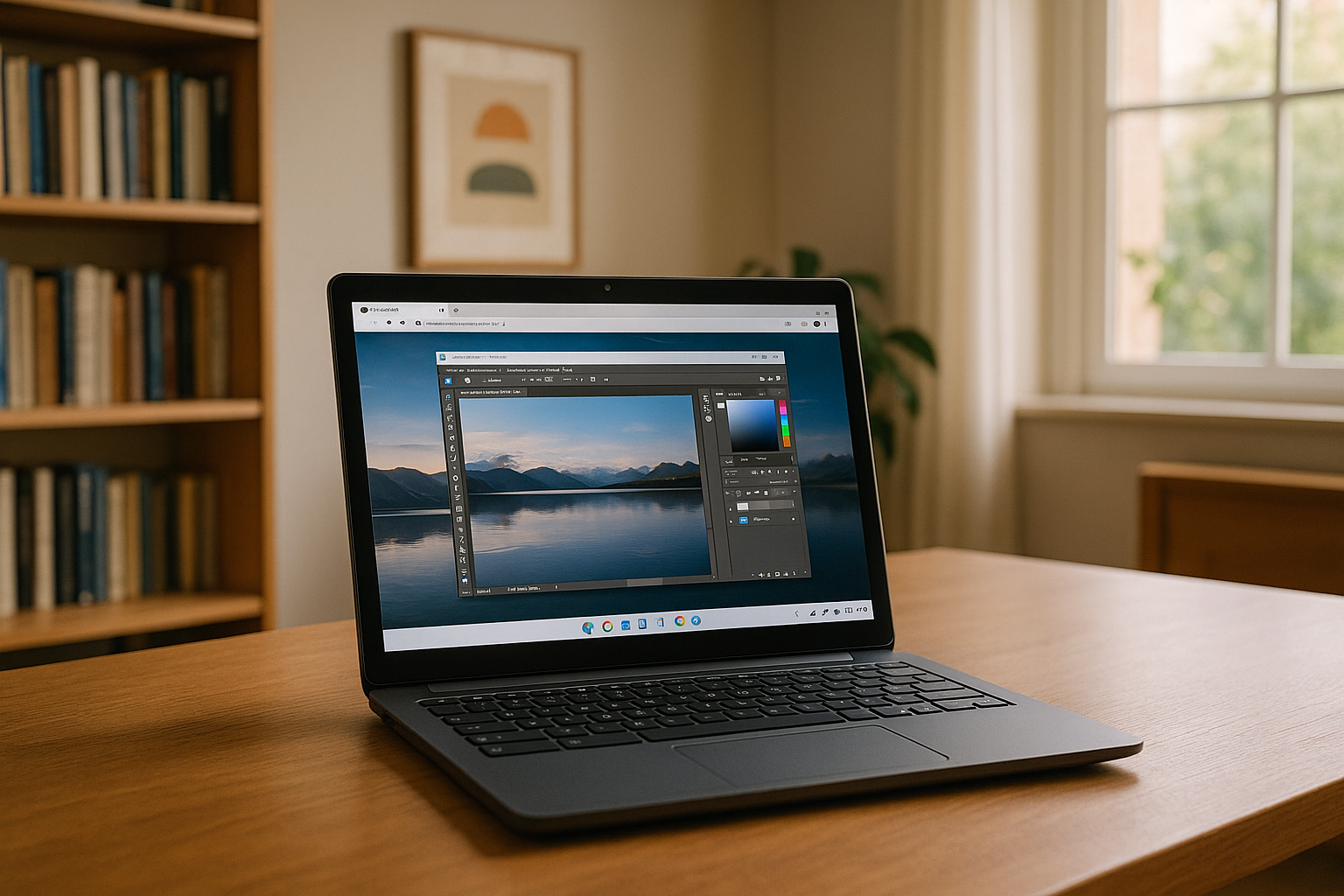
Can’t Get Photoshop on a Chromebook? Here’s What Works
If you rely on Photoshop for client work, school projects, or a quick retouch on the go, you eventually ask: can you get Photoshop on Chromebook?
Read More
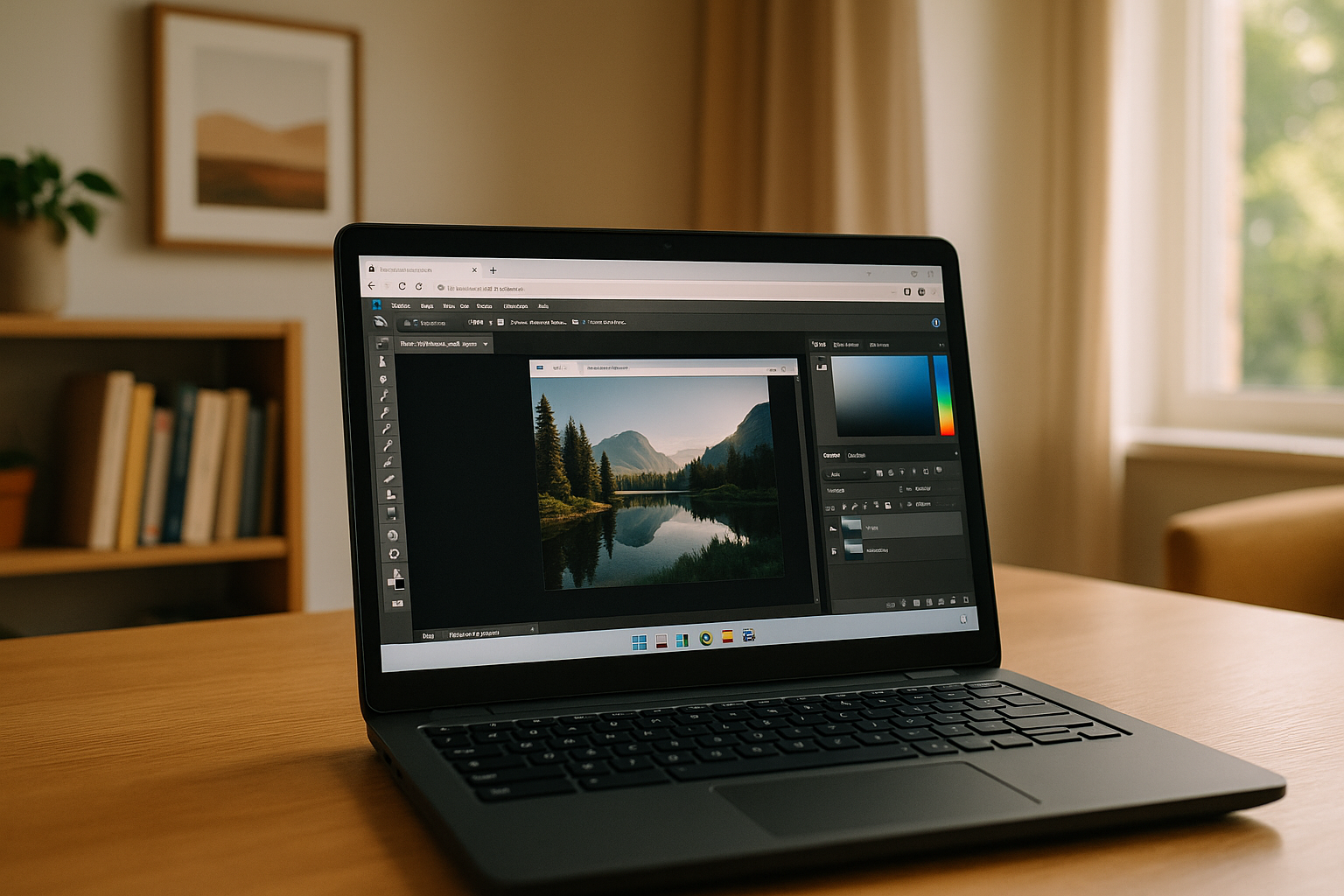
Photoshop on Chromebook: What to Expect
Chromebooks are known for their simplicity, speed, and cloud-first approach, but when it comes to professional design tools, many users start asking: can a Chromebook run Photoshop and how practical it really is for everyday work.
Read More
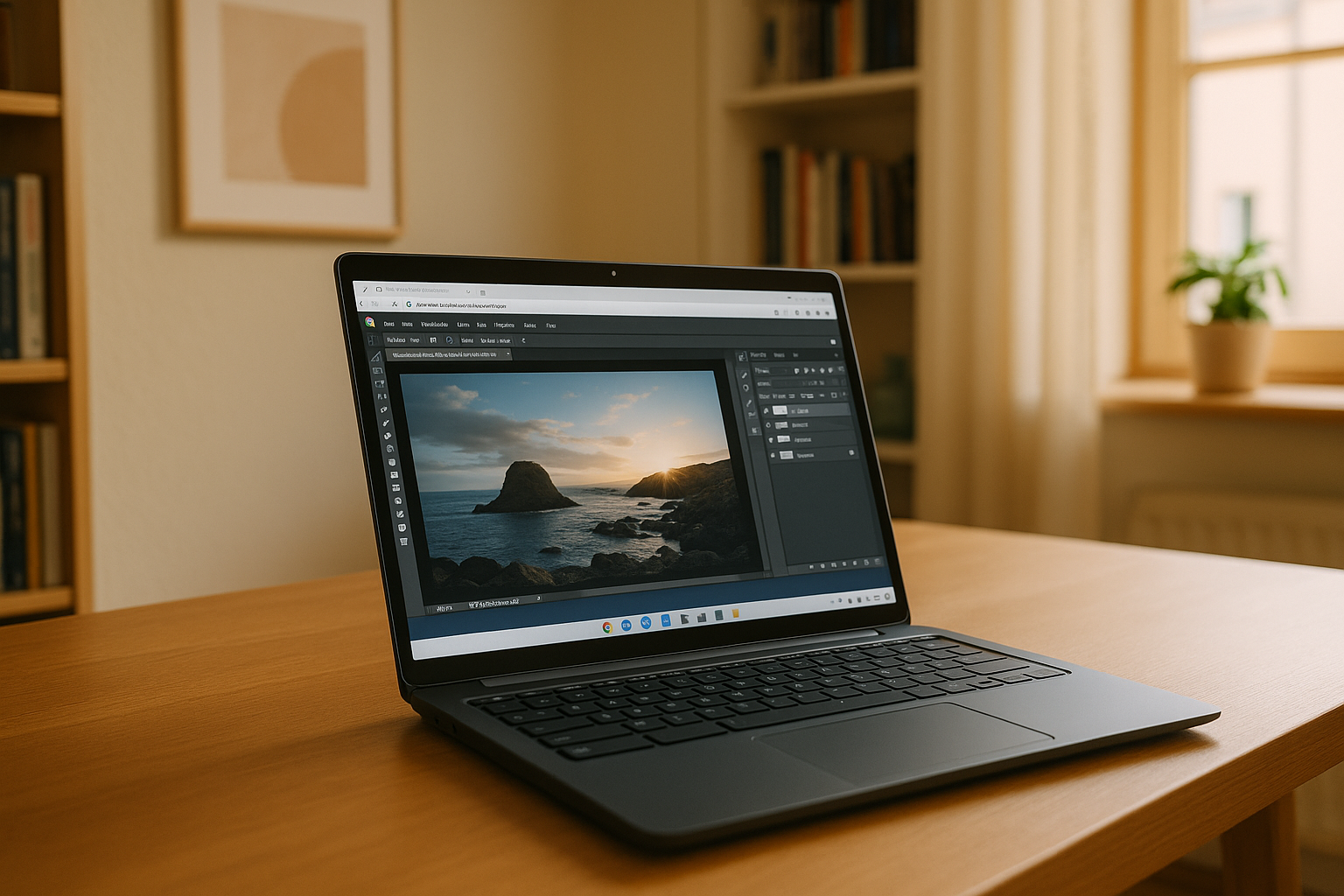
Photoshop in Your Browser: Chromebook No Longer Limits Your Creativity
The most effective way to work on a Chromebook is to use the cloud version of Adobe Photoshop, which runs directly in the browser and provides access to almost all desktop features.
Read More
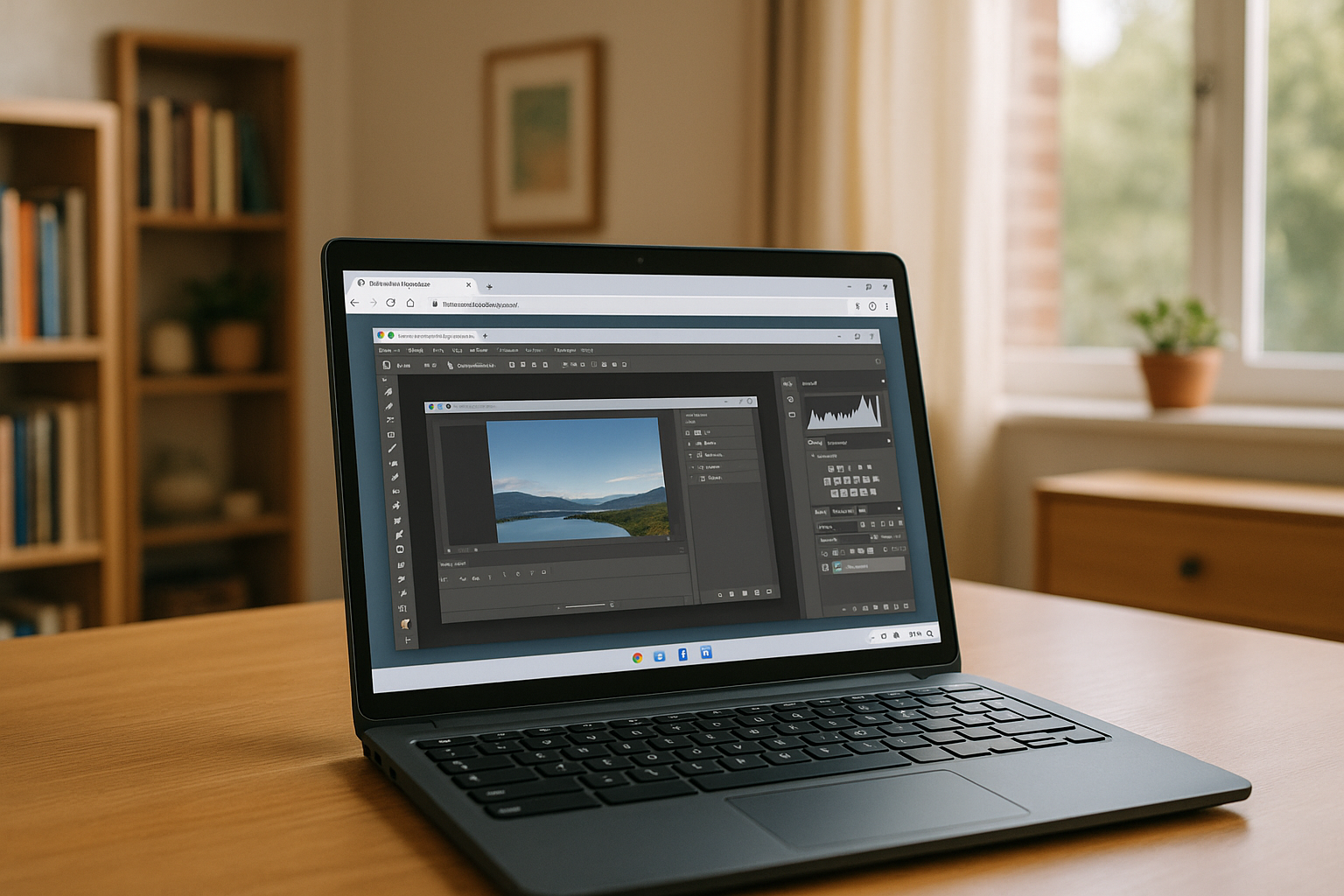
Unlocking the Full Potential of Your Chromebook
Want to turn your Chromebook into a powerful workstation capable of running professional software without limitations?
Read More


