


Blog
Blog
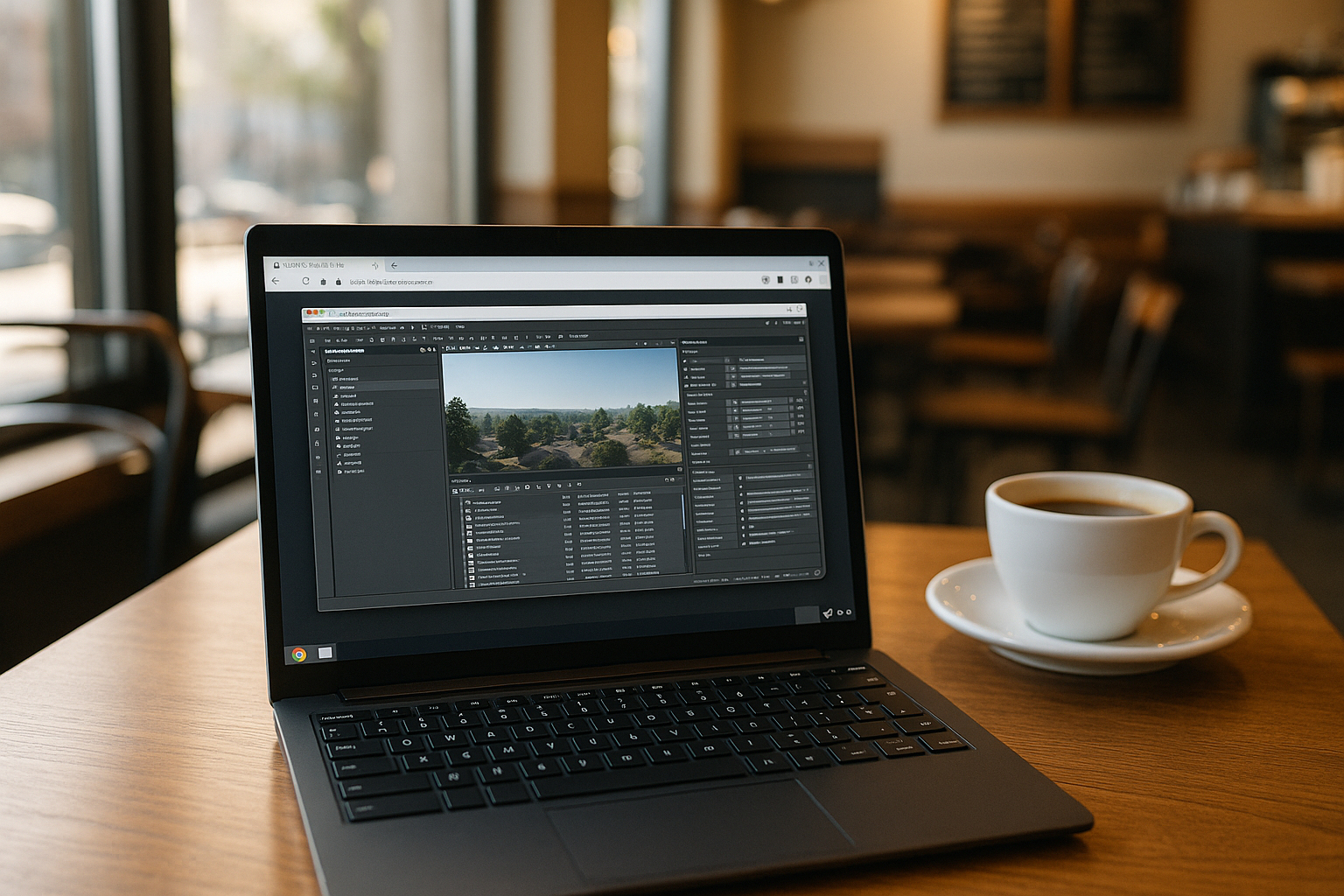
CryEngine V: How to Run the Engine Without Windows
Using CryEngine V through the Aristeem cloud environment provides full access to the professional editor on any device. This suits developers, designers, and teams working on Linux, Mac, iPad, Chromebook, or low-end laptops.
Read More
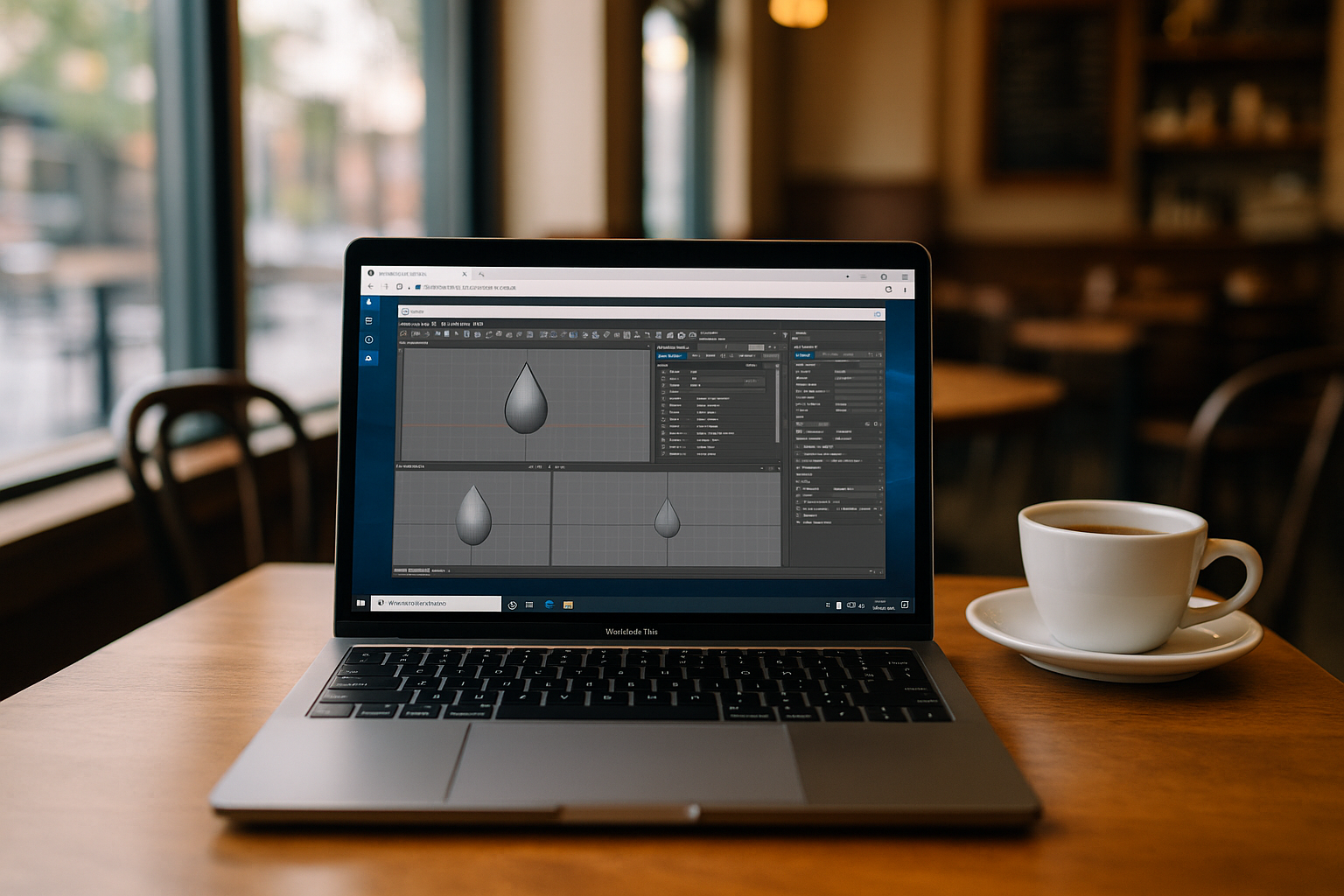
SHAPE3D X Lite on Unsupported Devices: Options Review
Aristeem turns any device into a full-fledged platform for professional work with SHAPE3D X Lite. This eliminates the need to download SHAPE3D, letting you work safely and efficiently from any device.
Read More
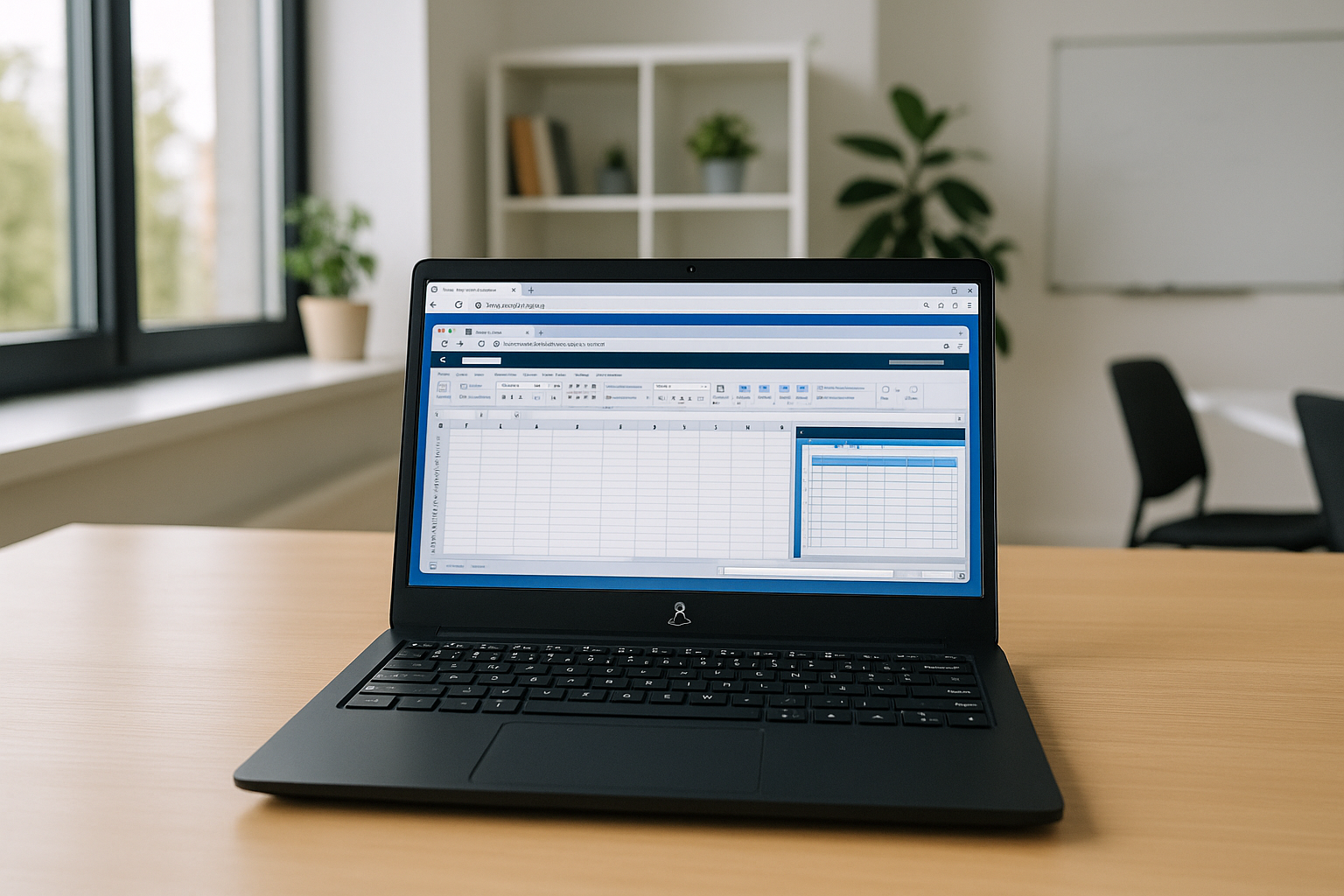
Bypassing Excel Web Version Limitations for Linux Users
Microsoft Excel remains a key tool for spreadsheets and analytics, but Linux and mobile users face web version and app limitations. Using Aristeem’s cloud environment provides full desktop functionality without installing Windows.
Read More
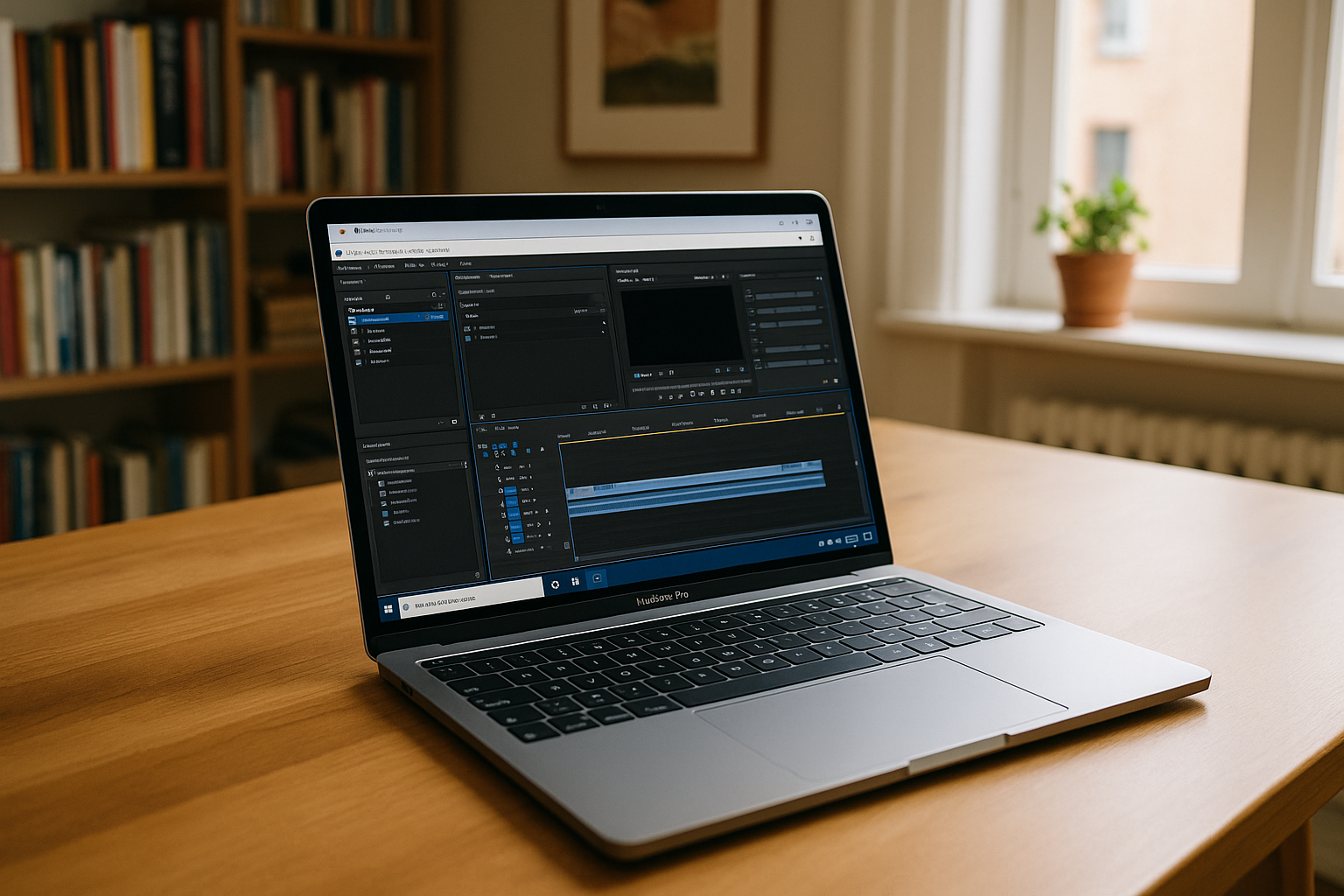
Mac Users Can Launch Adobe Media Encoder Instantly
Aristeem provides a modern cloud solution that eliminates all limitations of using Adobe Media Encoder macOS, making video and audio encoding convenient, stable, and professional regardless of the power of your Mac.
Read More
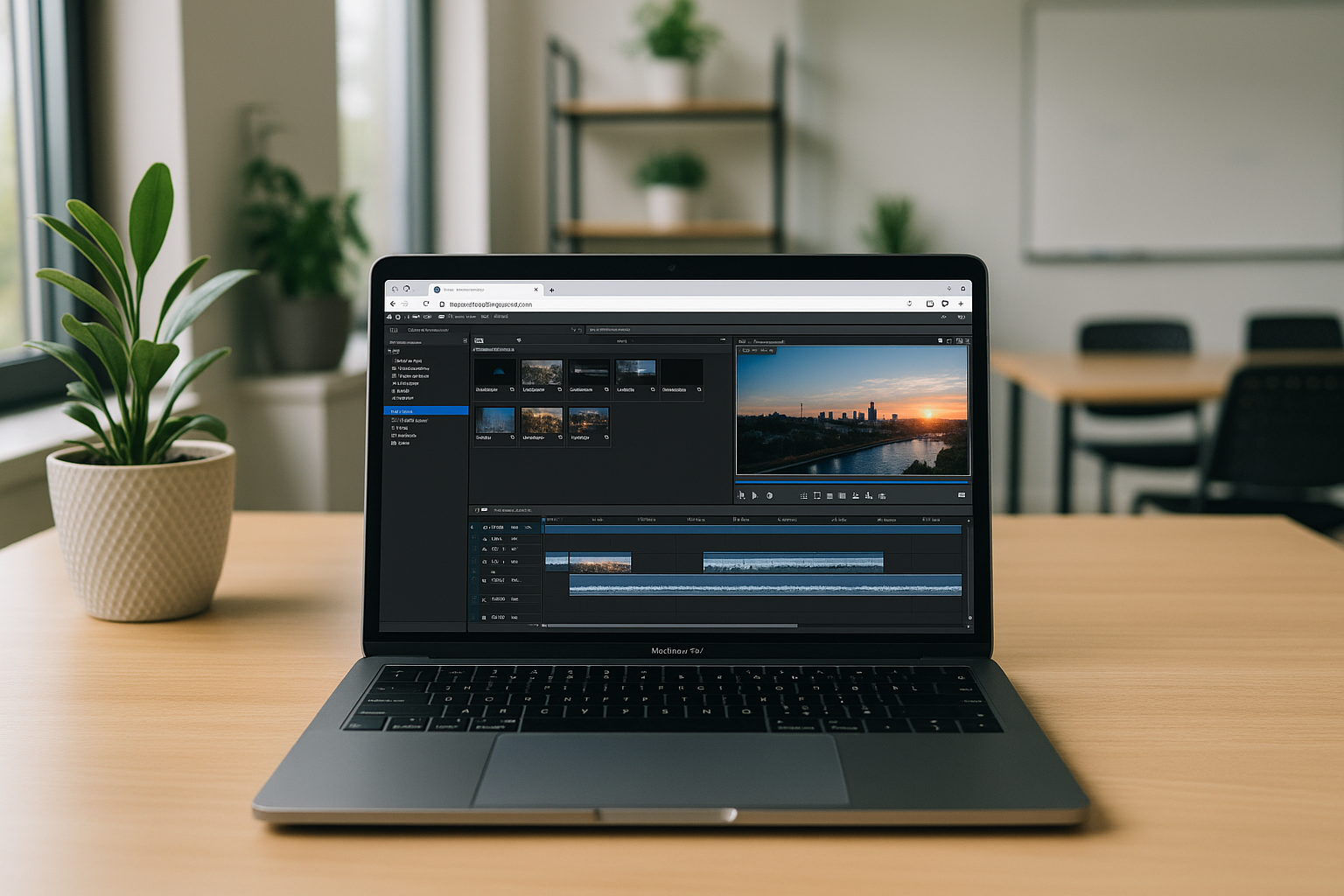
How to Use VEGAS Pro on Mac in 2026
Sony VEGAS video editing software is only natively available for Windows. There are no versions for macOS, Linux, Chromebook, or mobile devices, which makes direct installation impossible and forces users to look for alternative ways to work with the program.
Read More
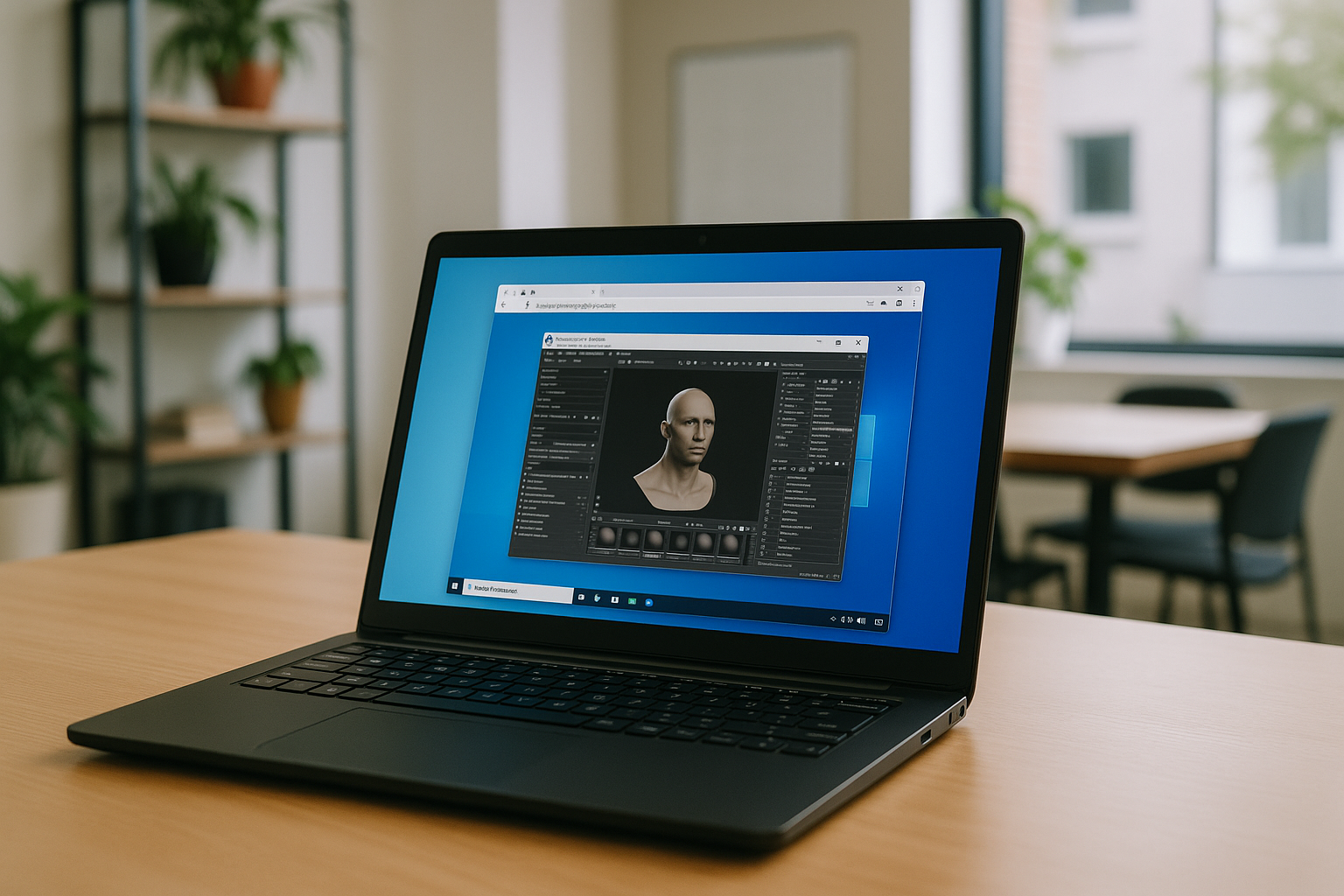
Marmoset Toolbag 5 for Everyone: High-Quality Rendering Online
Officially, Marmoset Toolbag 5 is only available for Windows and macOS. Users of Linux, Chromebook, iPad, or other systems where there is no native version can use several ways to run the program:
Read More
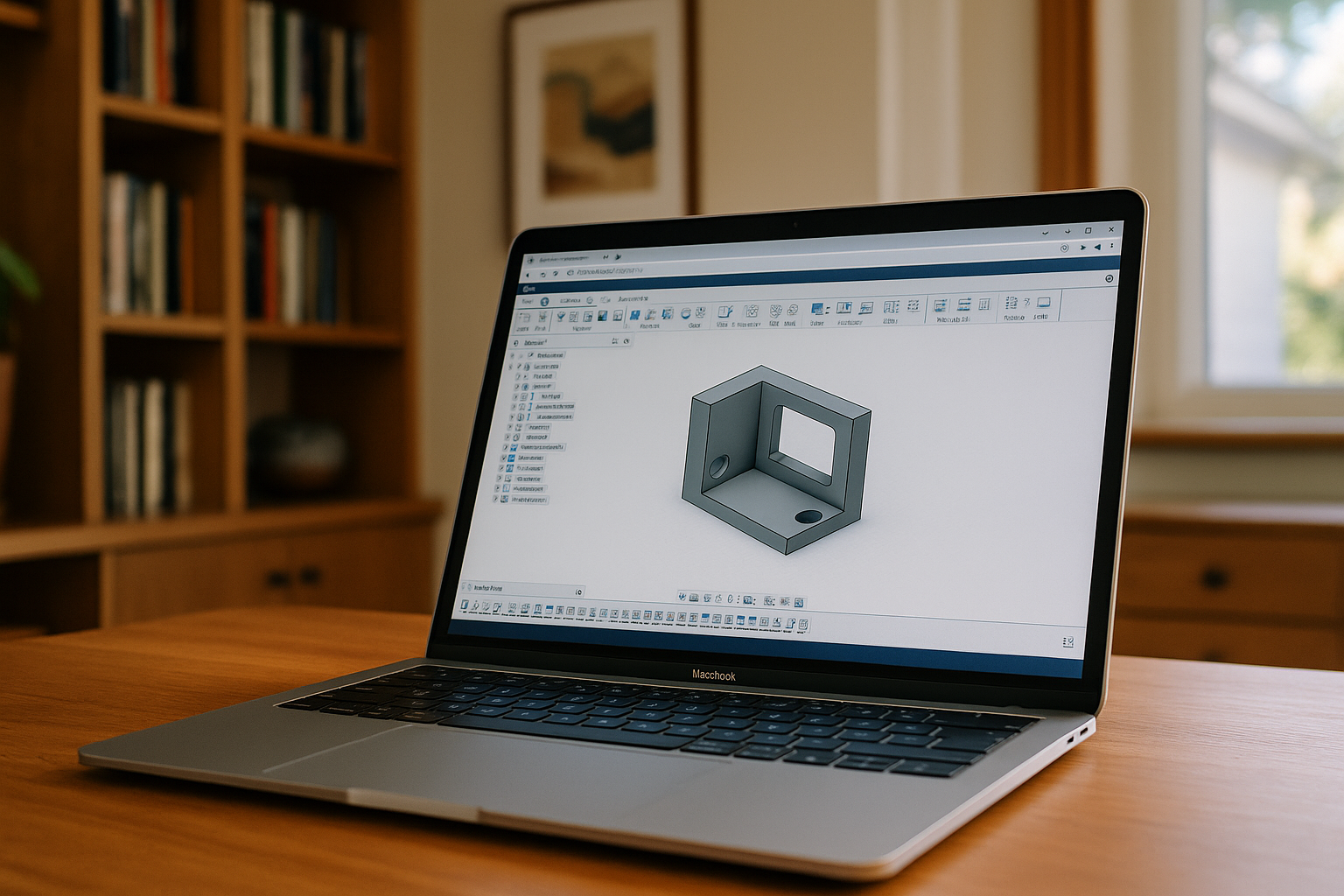
Why Solid Edge Still Ignores Mac — How Professionals Work Around It
Users who want to work with Solid Edge on Mac have several practical options. They can use the Windows version of Solid Edge without a native macOS version.
Read More
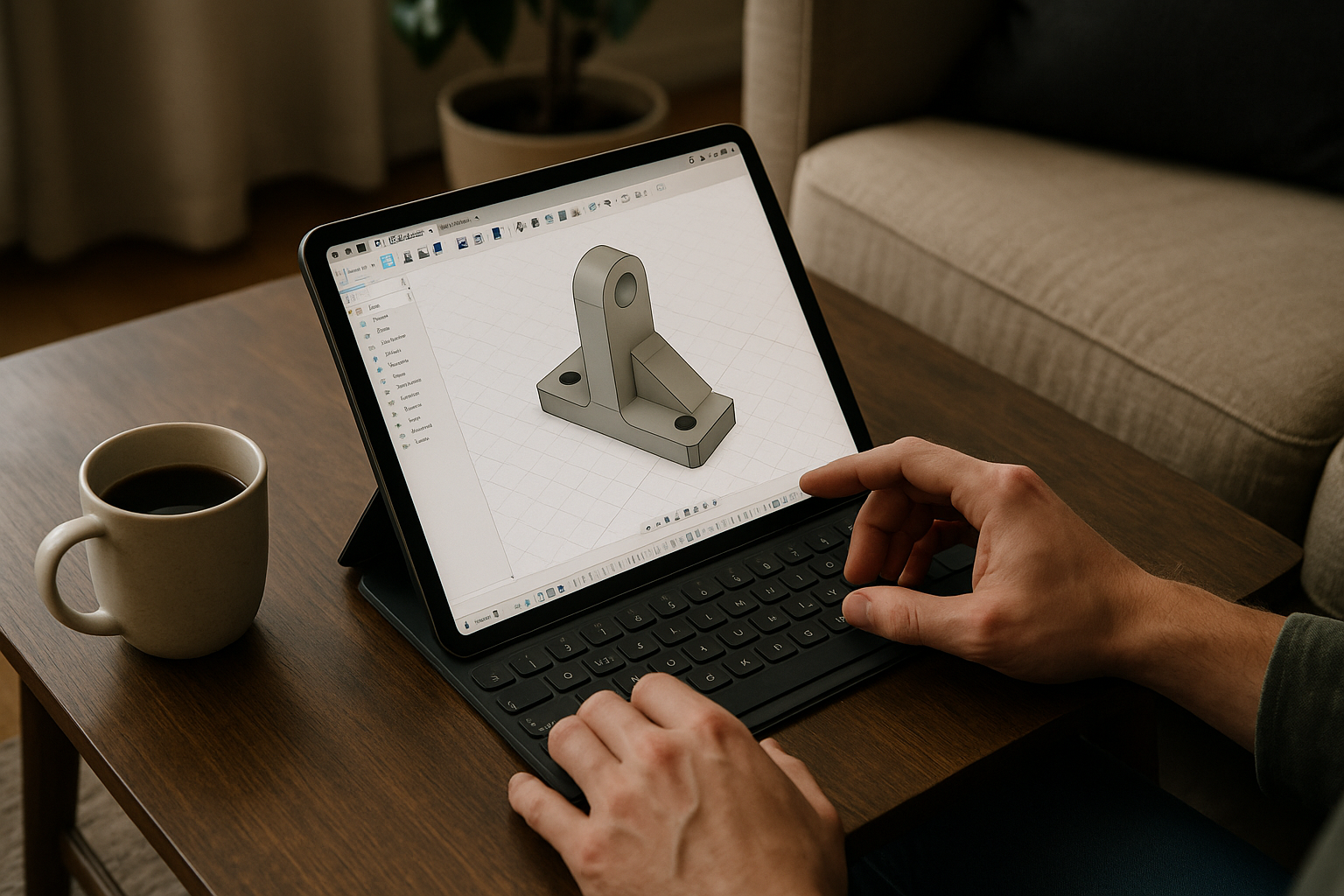
Fusion 360 on Linux in 2026: Work Without OS Limits
Fusion 360 is not supported natively on Linux. Aristeem provides a virtual Windows machine through a browser to run the software without replacing Linux.
Read More
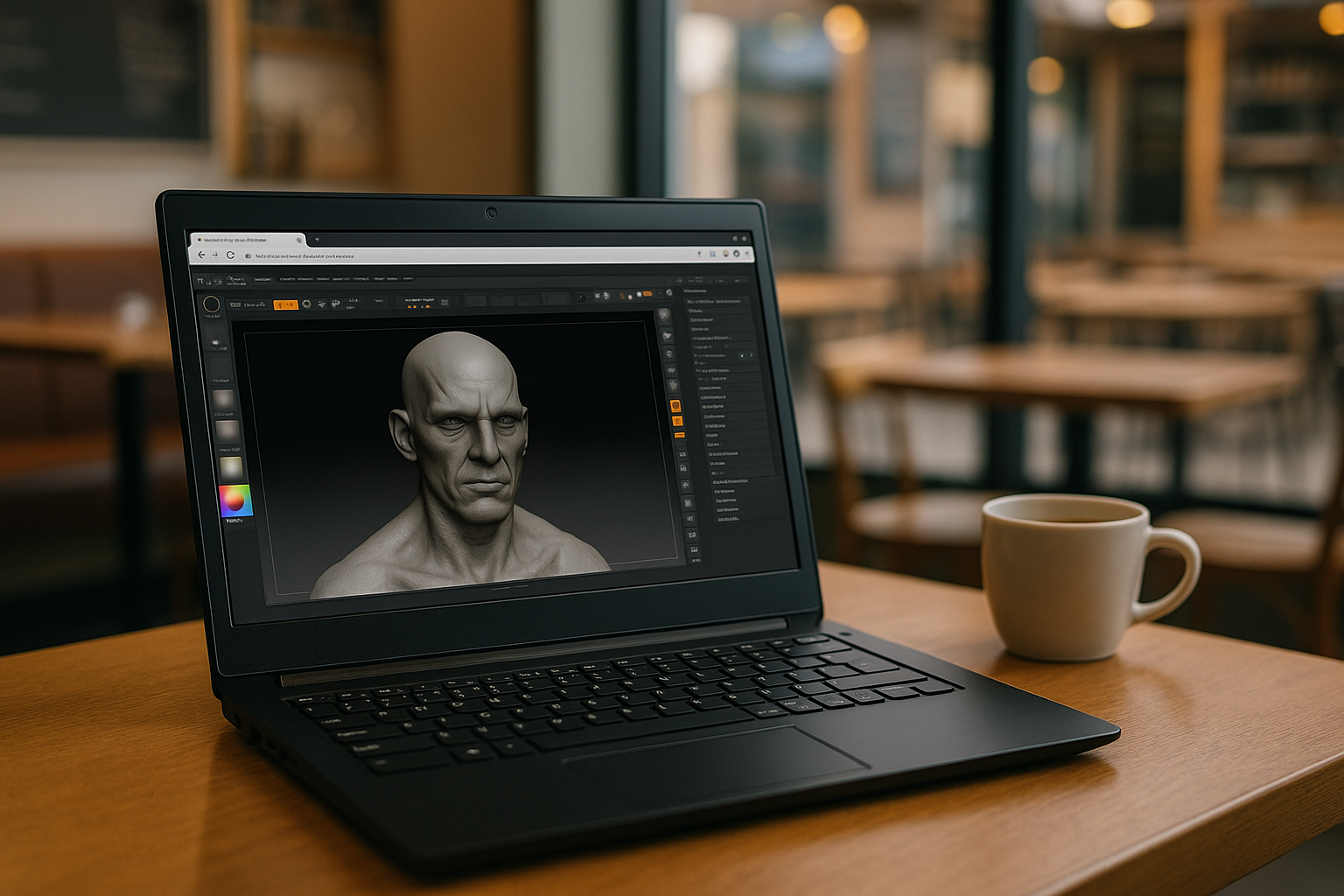
ZBrush with KeyShot: Accessible Photorealistic Rendering Online
KeyShot for ZBrush is a popular plugin that allows you to create high-quality photorealistic renders of your ZBrush 3D models. For users whose local machine does not meet the minimum requirements or cannot run ZBrush plugins, Aristeem provides the option to connect the plugin via a cloud machine.
Read More
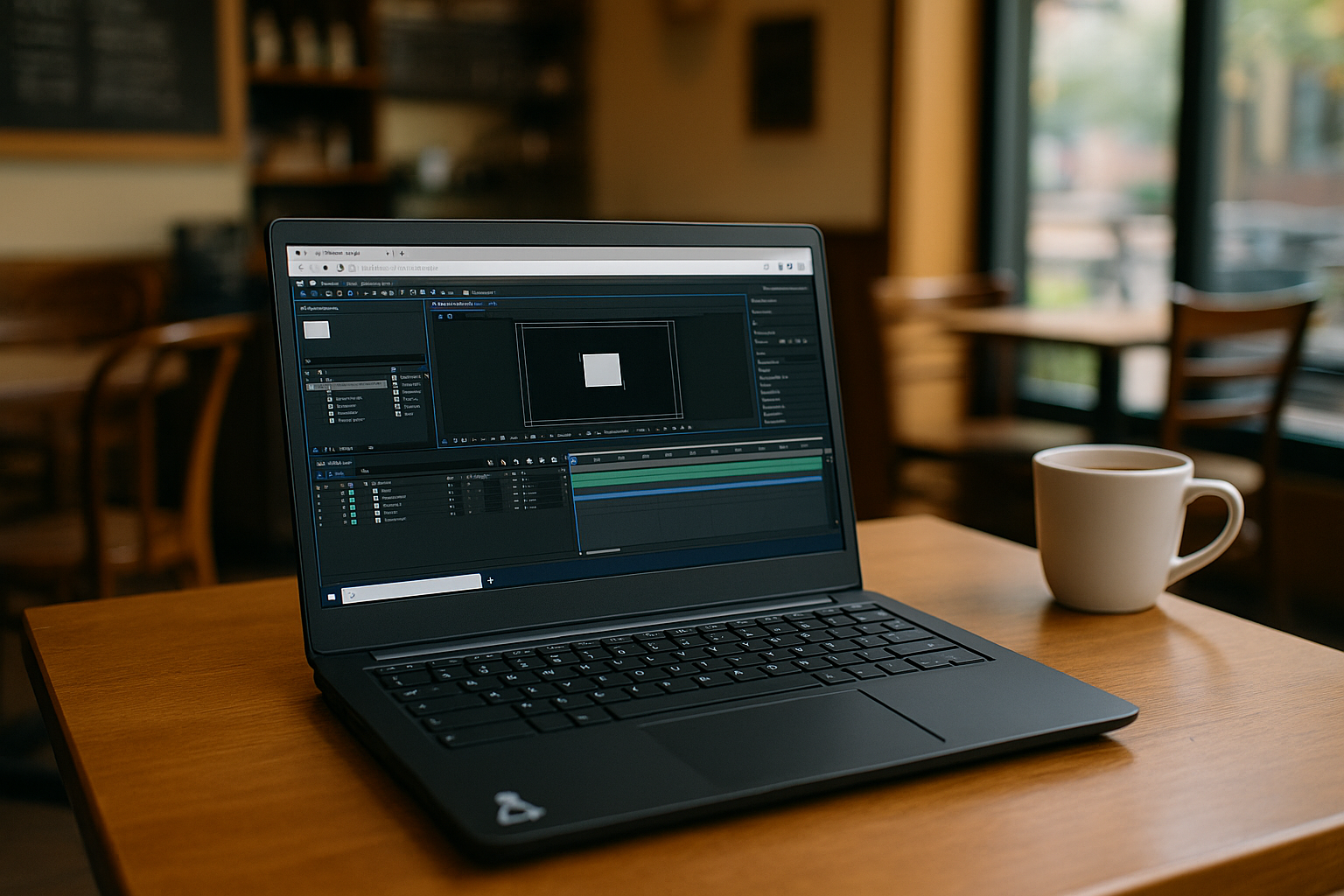
After Effects Online: Full Performance Without a High-End PC
Whether you are on Linux, Mac, Chromebook, or any other device, cloud-based After Effects allows you to edit videos, apply effects, and manage projects efficiently. With powerful servers handling processing and rendering, the limitations of local hardware are removed, making professional video editing available to everyone, anywhere.
Read More
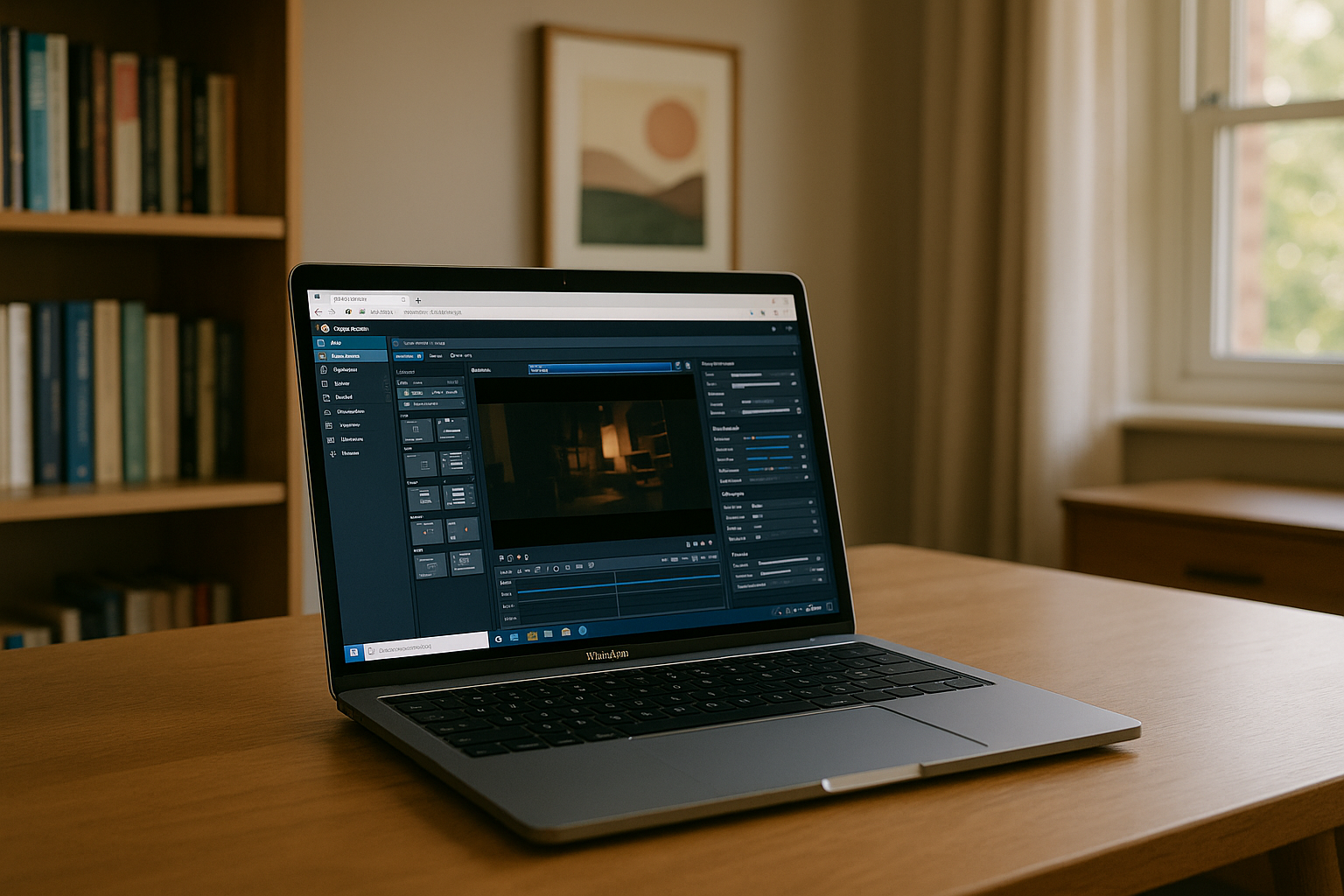
Topaz Video AI Is Available to Everyone — Now It’s Possible
Even if your system does not meet high requirements, or you use Linux, iPad, or a weak PC, Topaz Video AI can be run effectively through a cloud solution.
Read More
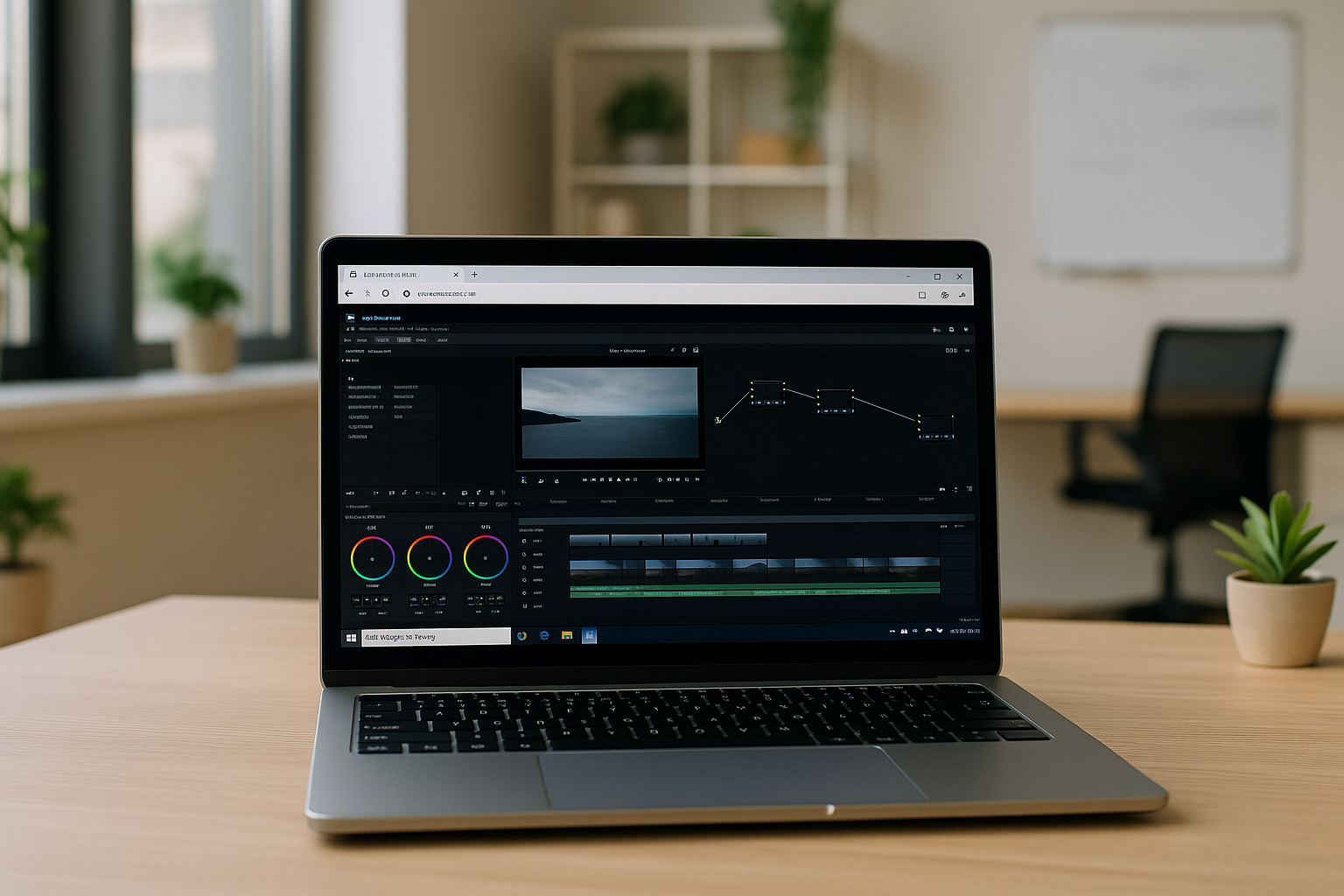
New Features in DaVinci Resolve 20.3: 32K Support and Mobile Access
The DaVinci Resolve 20.3 update confirms the program's status as a powerful tool in professional video production. In combination with Aristeem, the DaVinci application becomes the ideal solution for modern video production.
Read More


