


Blog
Blog
Linux Meets CorelDRAW: Revolutionary Access
Among all available options, the Aristeem cloud environment stands out as the most reliable CorelDRAW Linux alternative. It transforms software CorelDRAW into a practical and professional solution for Linux users, without technical complexity or compromise.
Read More
Powerful Workflows on Tablets Through the Cloud
Tablets often have limited processing power and storage, which can restrict the use of demanding applications. By running software on a powerful remote server and streaming it to an iPad or any tablet, users can run high-end programs smoothly without worrying about local hardware limitations.
Read More
Professional 3D Rendering with 3ds Max on Any Device
The modern workflow through Aristeem ensures that professional 3D rendering and modeling are accessible and reliable. This approach makes 3ds Max and its plugins available on Mac, Linux, and tablets, bridging the gap between professional workflows and device limitations.
Read More
Lumion 2023–2026: Development and Cross-Platform Access
Some users have reported bugs and crashes when updating to 2025, including loss of the installed program or frequent Lumion render crashes. But there is a solution that helps avoid such problems — Lumion via a powerful virtual machine from Aristeem.
Read More
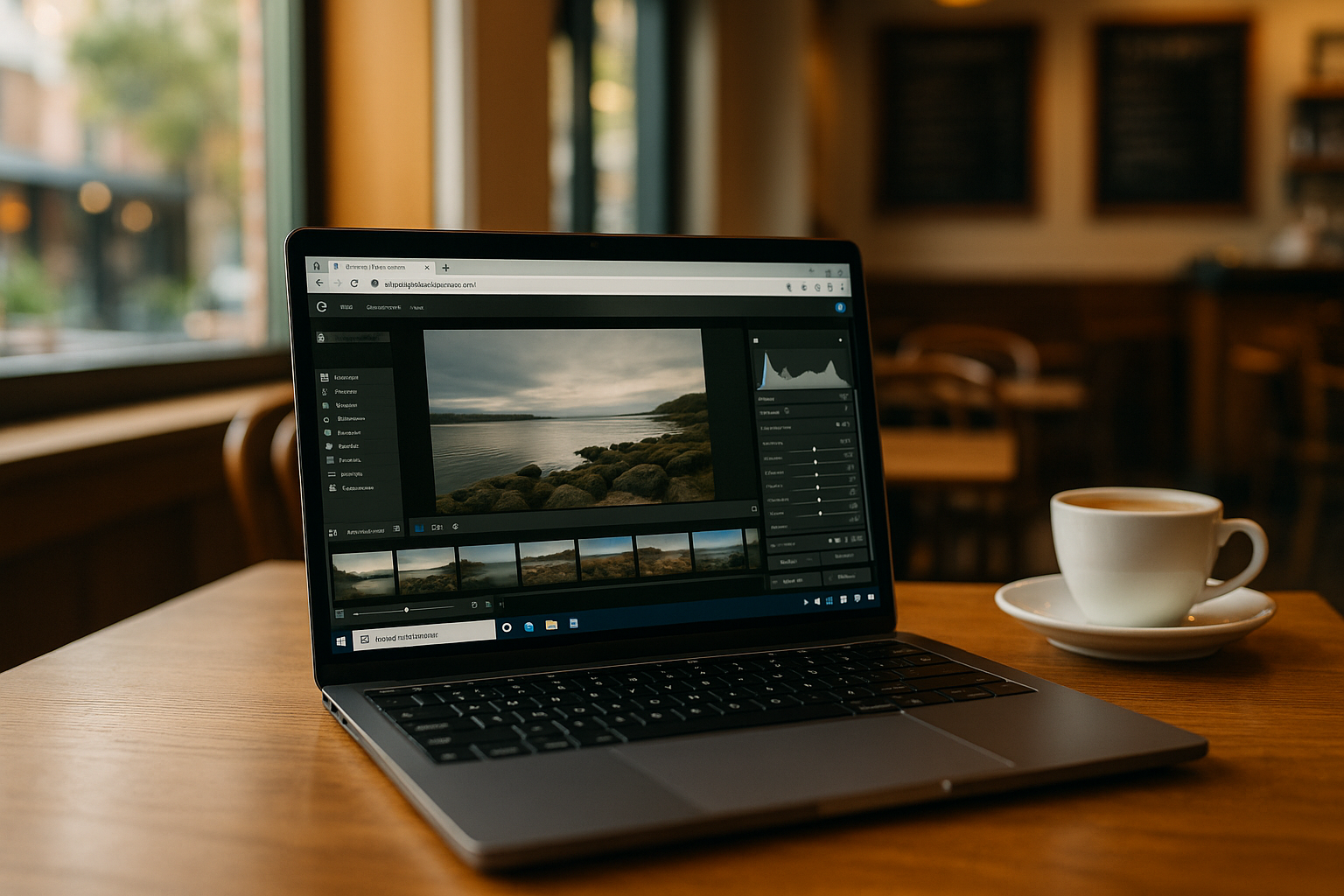
Lightroom Online: Full Functionality on Any Device
Adobe Lightroom is traditionally associated with a desktop program for Windows and macOS, but in practice, there are scenarios where installing the software is impossible or undesirable. In such cases, users look for ways to work with online Lightroom without a classic installation.
Read More
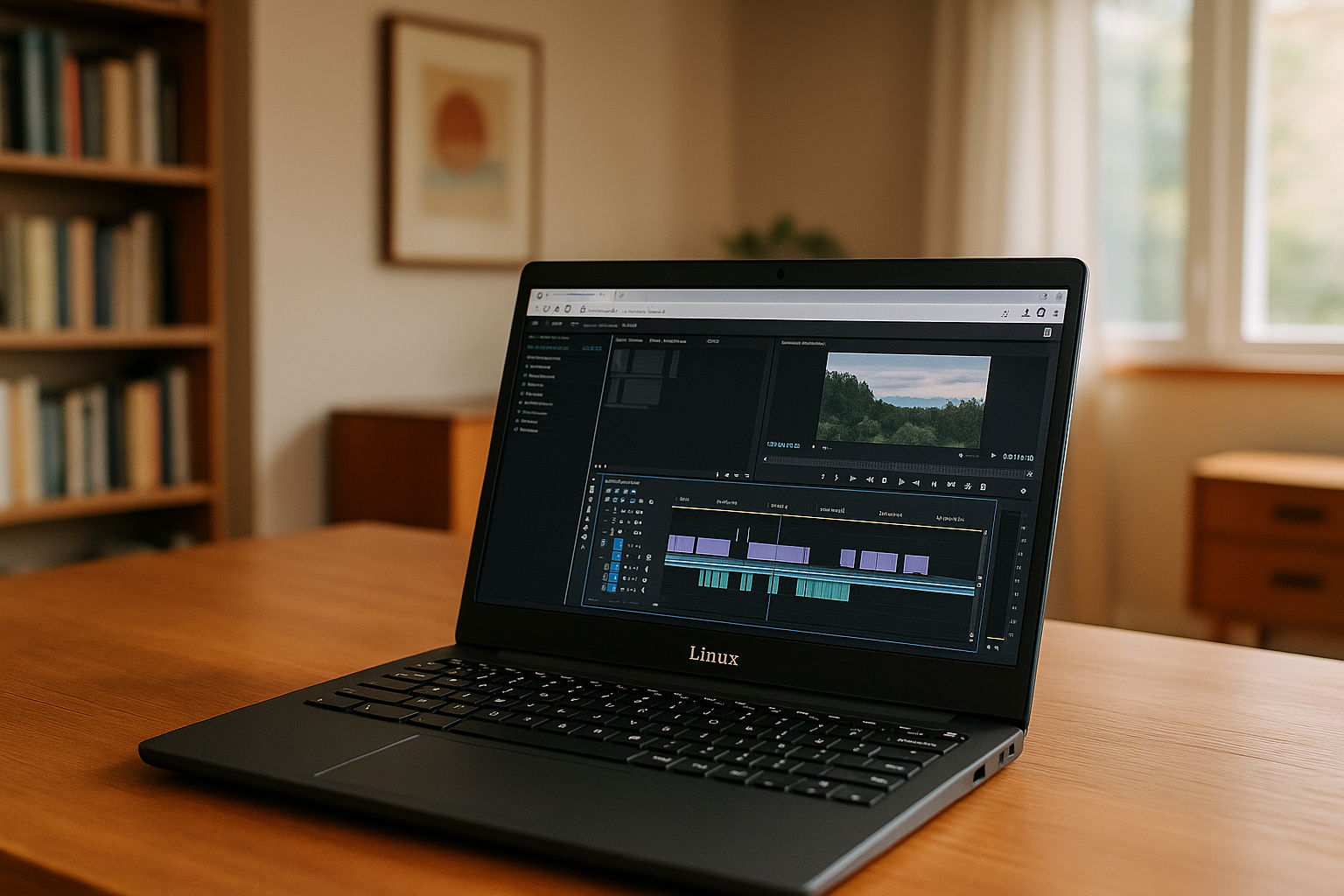
Premiere Pro Without Limits: Work on Any Laptop or Linux
Forget about expensive PCs and complex settings: instant access, stable performance, fast rendering, and full program functionality allow you to create professional videos anywhere.
Read More
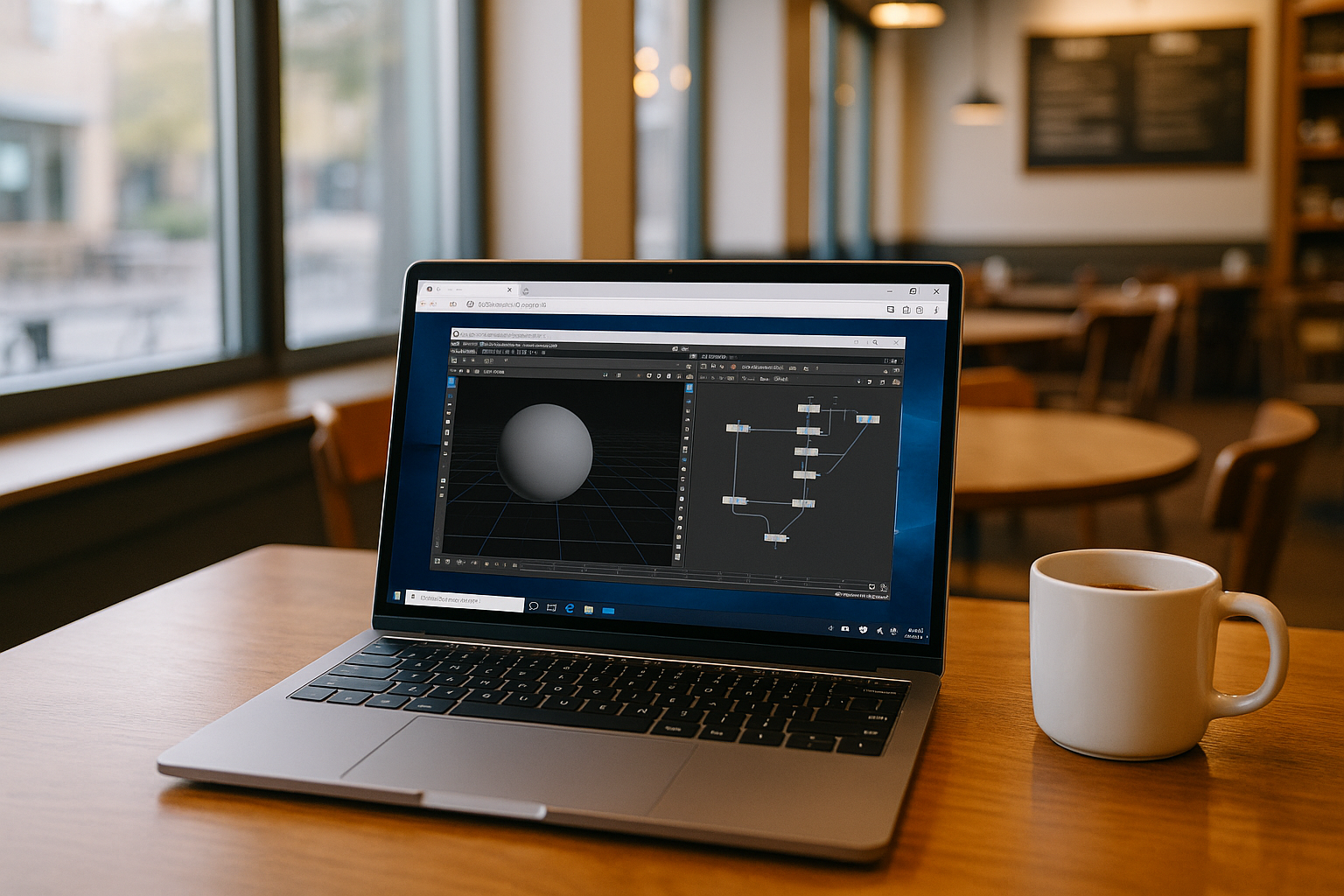
Houdini 3D Modelling on a Virtual Windows PC
Houdini 3D modelling can demand more CPU, RAM, and GPU resources than everyday devices can provide. A virtual Windows PC lets you run Houdini in a persistent environment with the resources, plugins, and configuration your projects require — without replacing your computer.
Read More
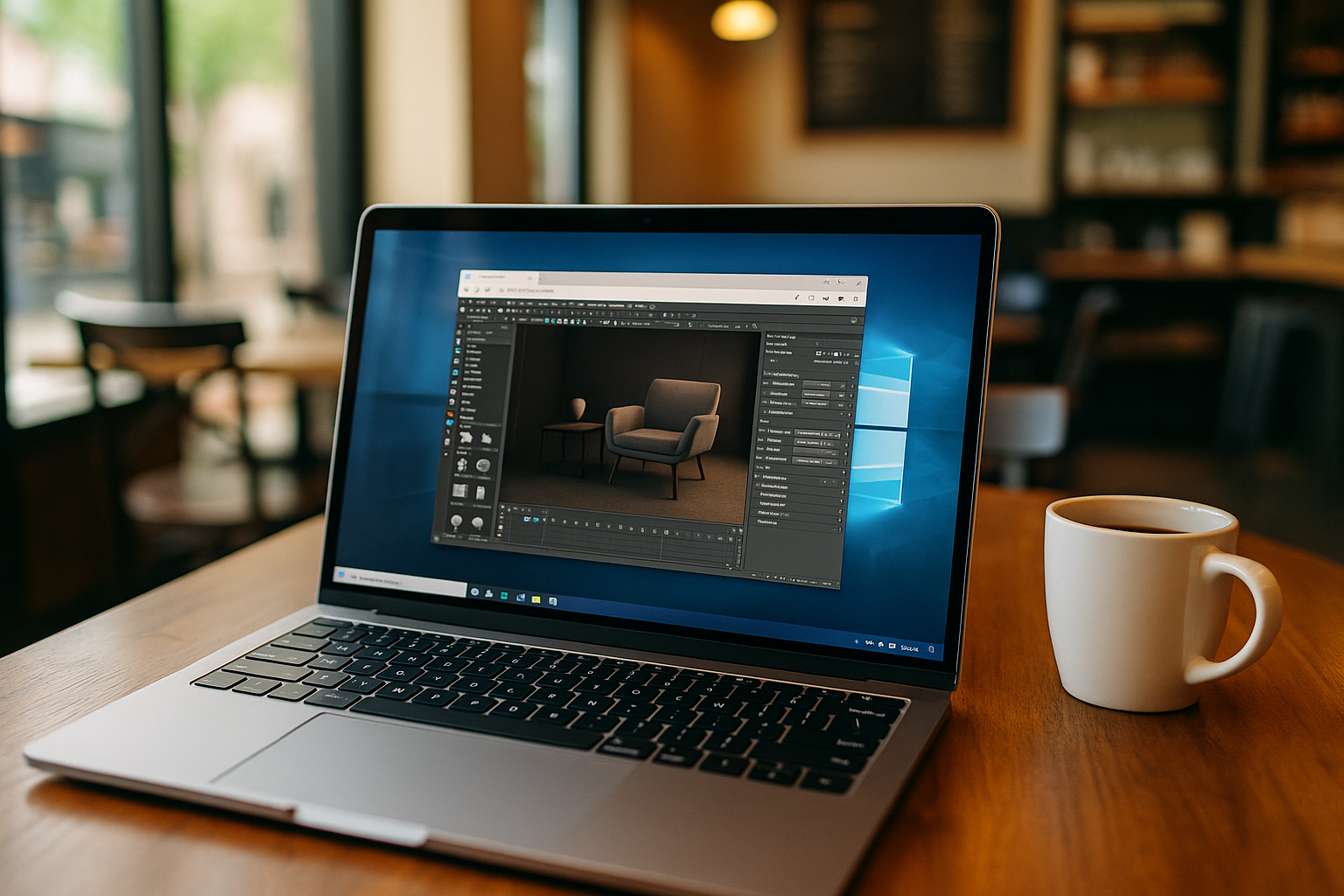
Escape Hardware Limits: 3D Rendering in the Cloud
Cloud rendering is becoming an essential solution for designers, and architects who need high-quality results without hardware constraints. Compared to traditional render farms or basic online rendering tools, the Aristeem platform offers an optimal balance of accessibility, flexibility, and professional-grade performance.
Read More
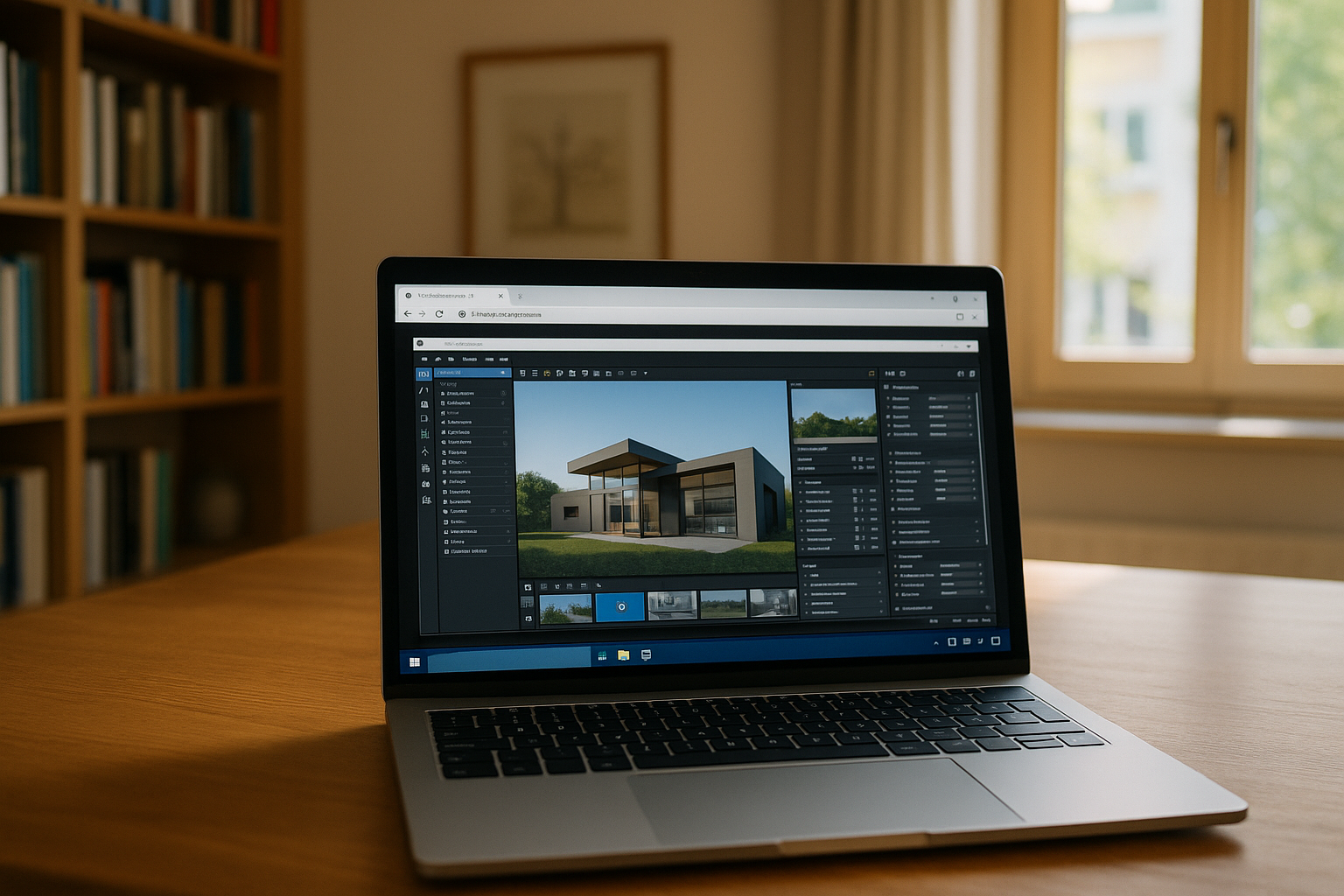
Why Students and Professionals Choose Lumion in the Cloud
The cloud version of Lumion removes the main technical and organizational barriers, allowing to learn and work with the program effectively even in limited conditions.
Read More
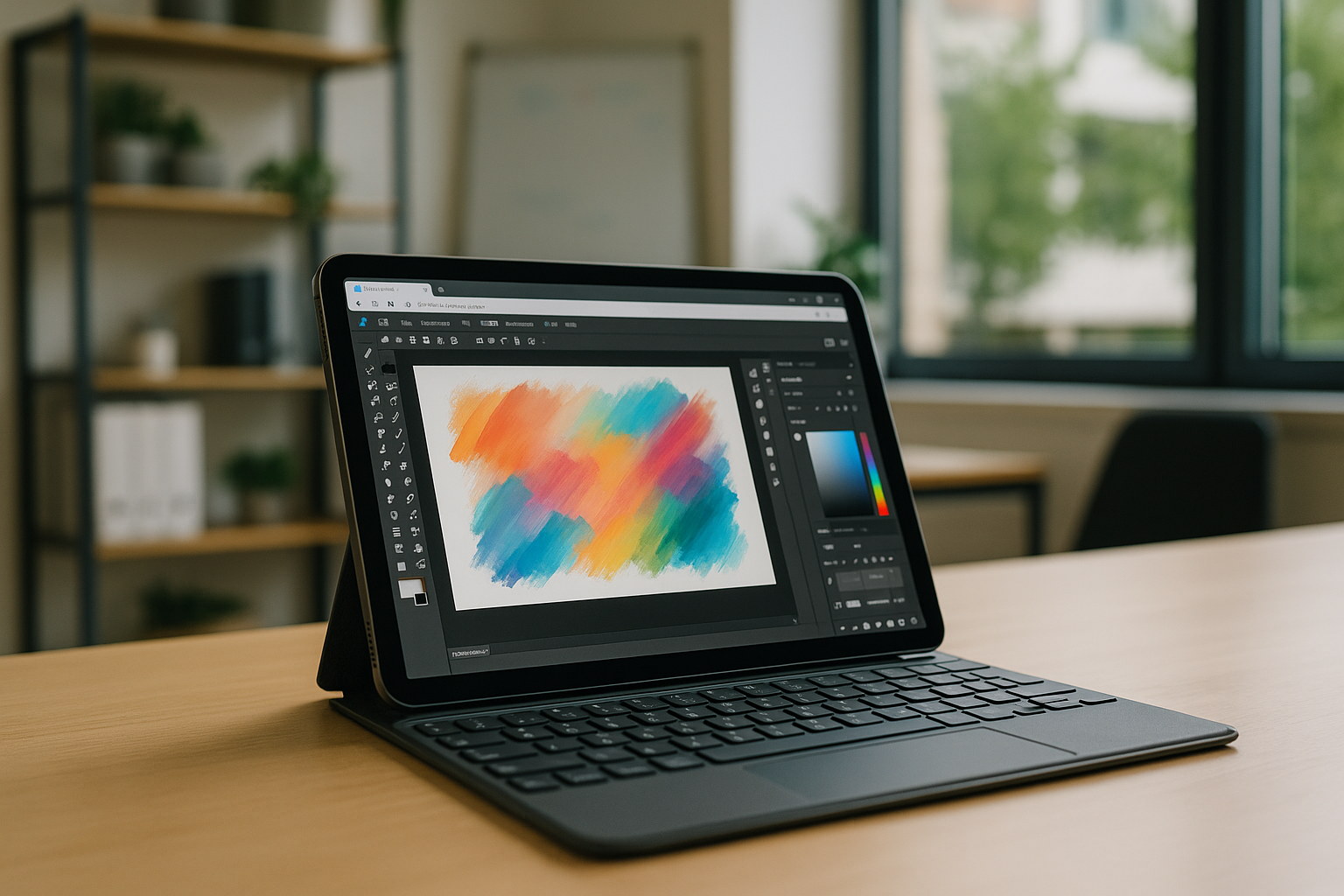
Adobe Fresco: Creative Freedom on Mac and Linux
Thanks to Aristeem, users get fast, stable, and flexible performance from any device, full access to tools, and seamless cloud integration. Fresco drawing software is now usable anywhere.
Read More
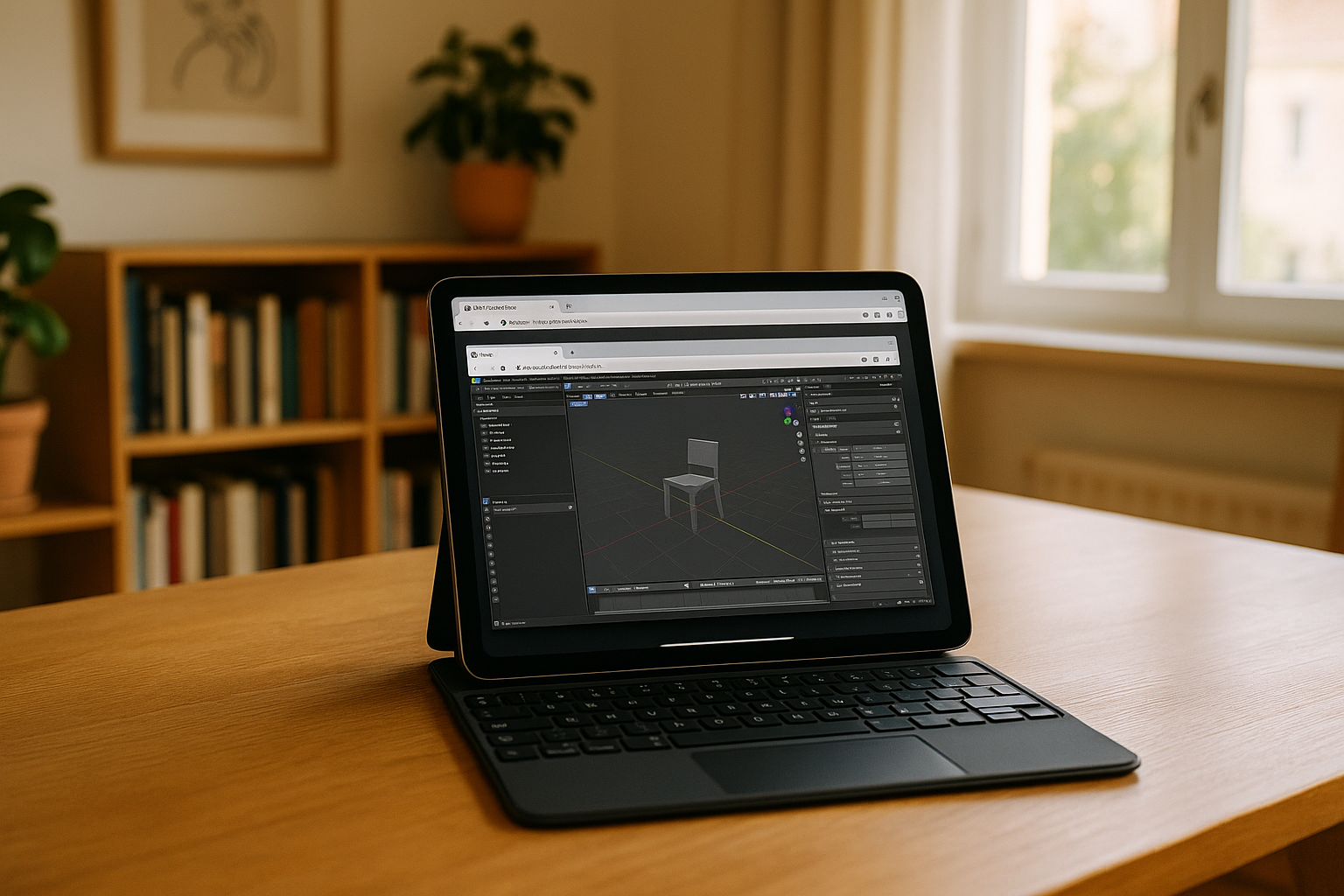
Render on iPad, Mac, Linux: The Future of Cloud 3D Workflows
For users with weak computers or devices where hardware or operating systems limit the use of renderers, the work can be difficult. Cloud rendering changes these rules.
Read More
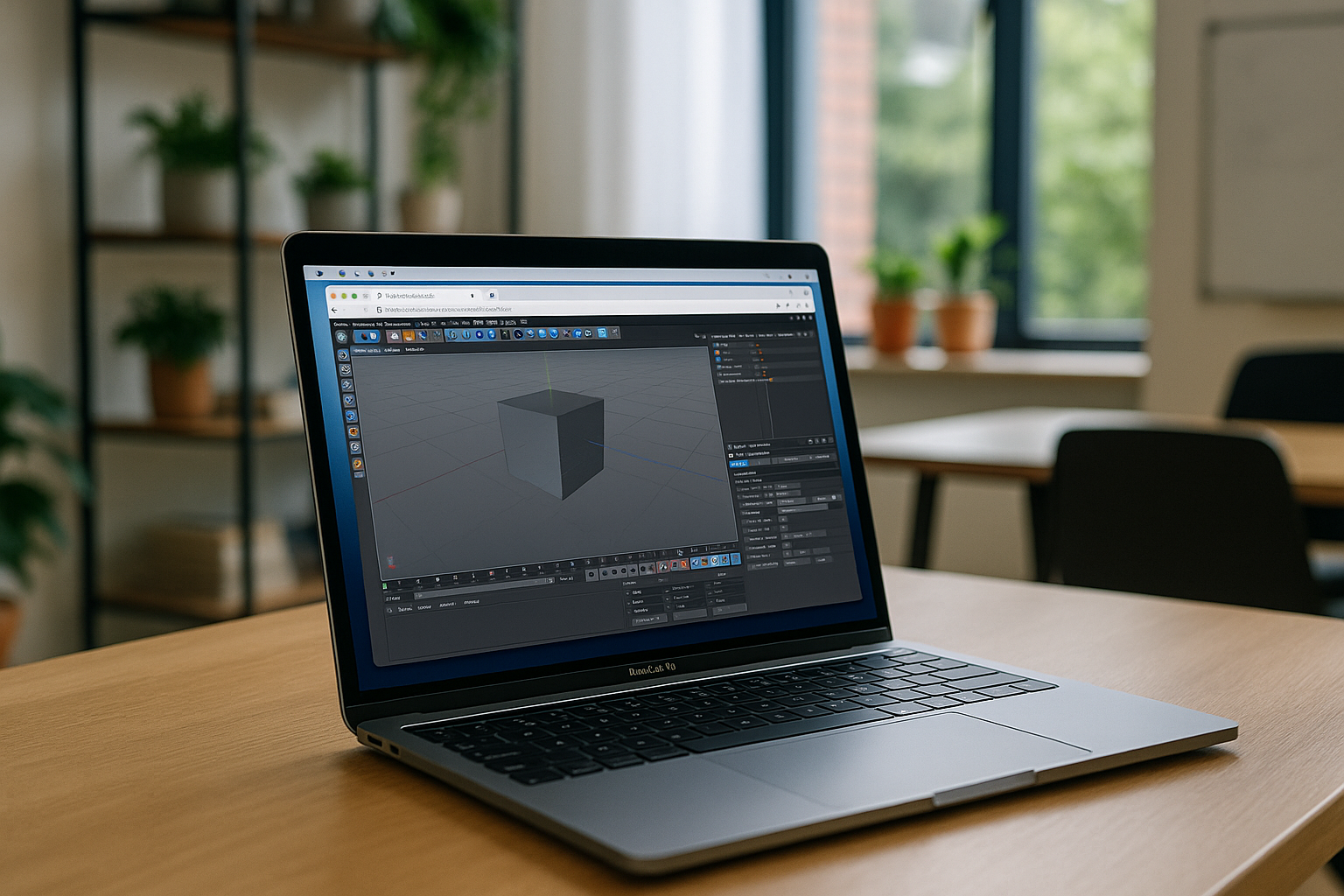
Cinema 4D & Chaos: The Future of 3D on Any Device
Chaos plugins significantly expand the capabilities of Cinema 4D in the field of rendering and simulation. The Aristeem cloud platform makes working with Cinema 4D and Chaos plugins as convenient as possible: all tools are ready to use right away, no powerful PC or complex settings required.
Read More


