


Autodesk Fusion combines 3D modeling, CAD, CAM, simulation, and manufacturing preparation in one application. However, Fusion does not support native installation on Linux, leaving users to consider alternative ways to access the software while keeping their preferred operating system.
The right approach depends on the project, the required Fusion version, and compatibility with essential tools and add-ins. Understanding the available options can help you choose a setup that fits your workflow without unnecessary hardware changes or complicated workarounds.
Fusion 360 on Linux: Choosing a Compatible Setup
The right approach depends on whether you need the desktop application and which project requirements you must meet.
- Wine and compatibility layers: These attempt to run Windows software on Linux, but compatibility can vary by application version, dependencies, and updates.
- A local Windows virtual machine: This keeps Windows and Linux on the same computer, but requires local resources and additional setup.
- A separate Windows PC: This provides a dedicated Windows environment, although you must maintain another device and manage access to project files.
- A virtual Windows machine through Aristeem: You can access a Windows environment from your Linux device through a browser, without replacing Linux or maintaining a separate physical PC.
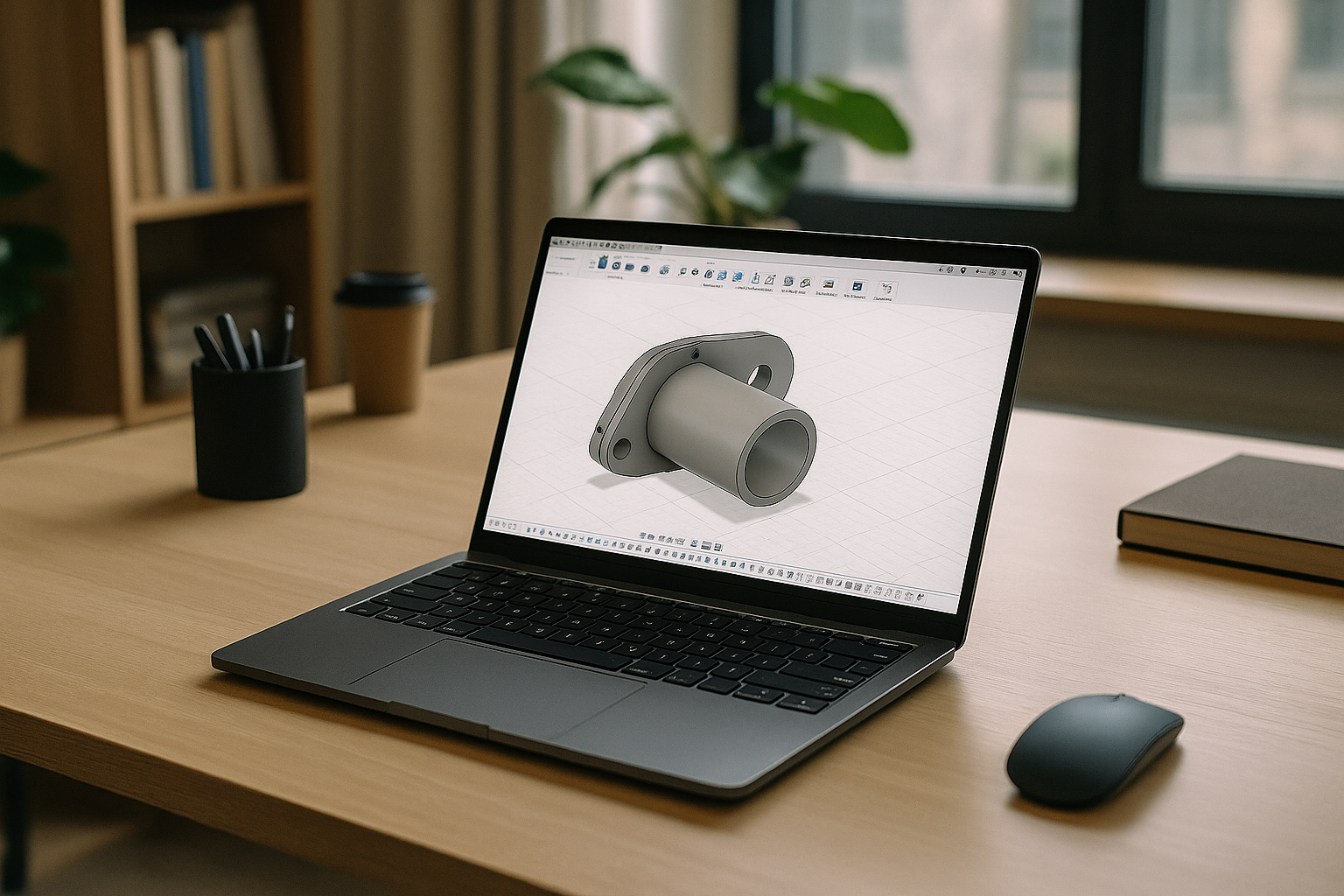
Run Fusion 360 on Linux with Aristeem
Aristeem provides a virtual Windows machine that you access through a browser on your Linux device. If you need to run the full desktop version of Fusion through a browser, see Fusion 360 Online for more details. Instead of installing Windows locally or switching to another computer, you can use the Windows environment to install and run Autodesk Fusion.
You can install the Fusion version and additional tools your workflow requires, subject to software licensing and compatibility requirements. This approach lets you keep Linux as your main operating system while accessing Windows software when a project calls for it.
With this setup, you can:
- Access a Windows environment from your Linux device through a browser.
- Keep Linux as your primary operating system without configuring a local Windows installation.
- Install the Fusion version and compatible add-ins required for your project.
- Continue working in the same virtual environment across sessions.
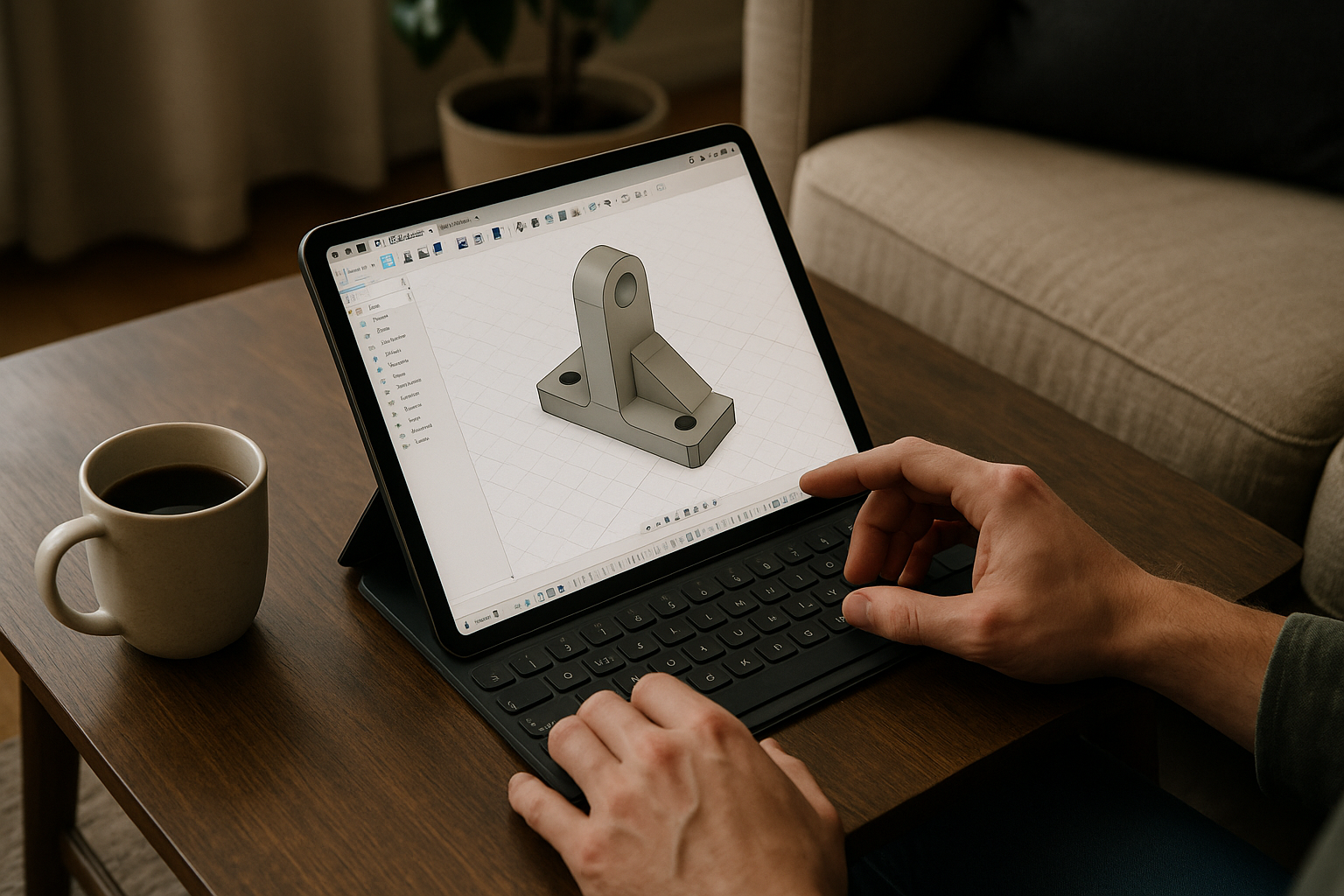
Run Fusion 360 on Linux Without Replacing Your OS
If your projects require the Windows version of Fusion, Aristeem gives you access to a virtual Windows machine through your browser. You can keep Linux as your main operating system and install the software and compatible add-ins your workflow requires in the virtual environment.
Review the available setup and decide whether it fits your project’s version, licensing, and compatibility requirements.


