


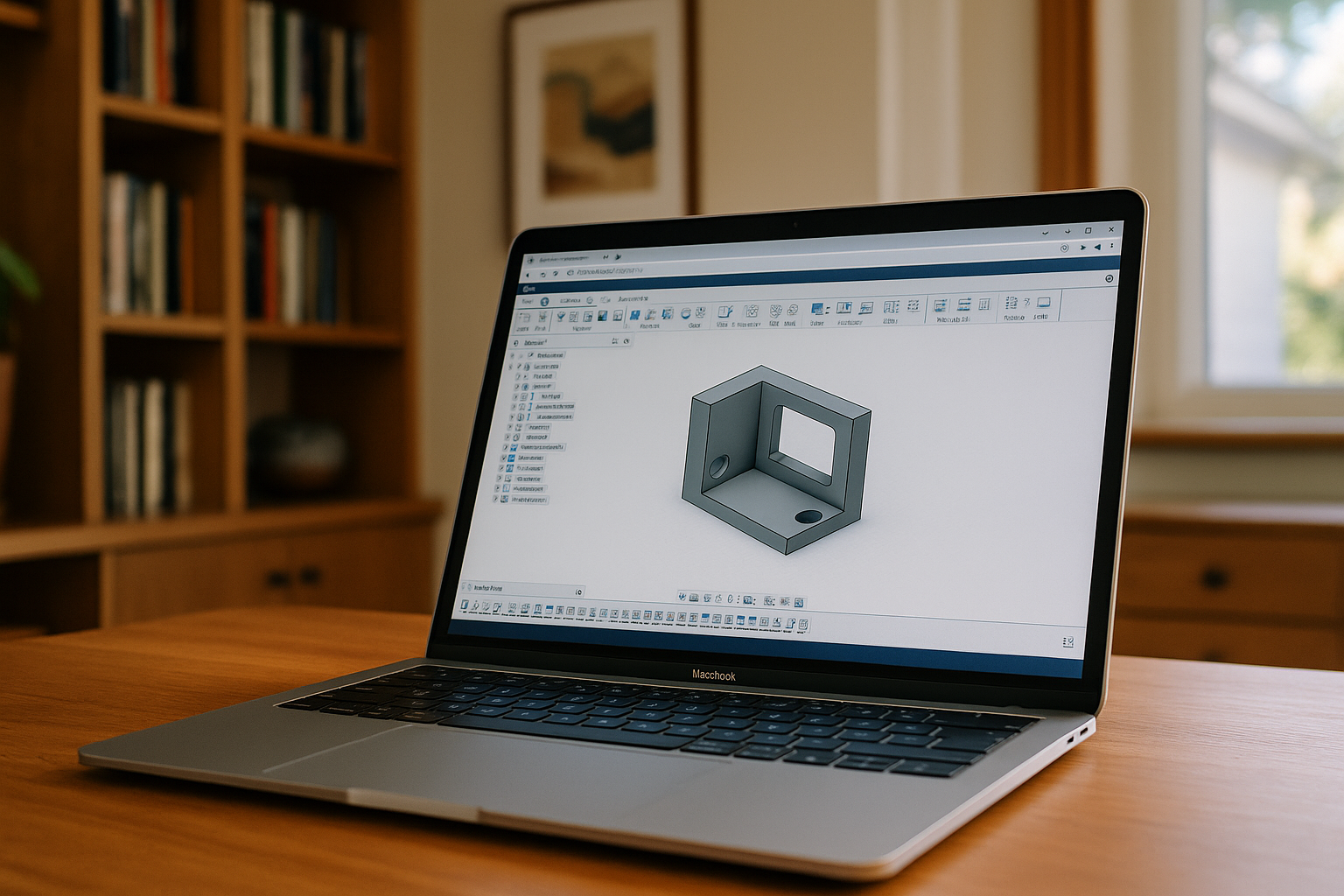
Solid Edge is professional CAD software for 3D modeling, design, and engineering development, widely used in mechanical engineering and industrial design. It supports workflows for creating parts, assemblies, and technical documentation. Solid Edge is designed for Windows, with no native macOS version.
What to do for macOS users
Users who want to work with Solid Edge on Mac have several practical options. They can use the Windows version of Solid Edge without a native macOS version.
- Virtual machine with Windows
Using virtualization software such as Parallels Desktop or VMware allows Mac users to run the Windows version of Solid Edge locally. This requires a Windows license, additional configuration, and sufficient system resources. Depending on the Mac hardware and workload, virtualization can also affect battery life and system performance. - Cloud Windows PC
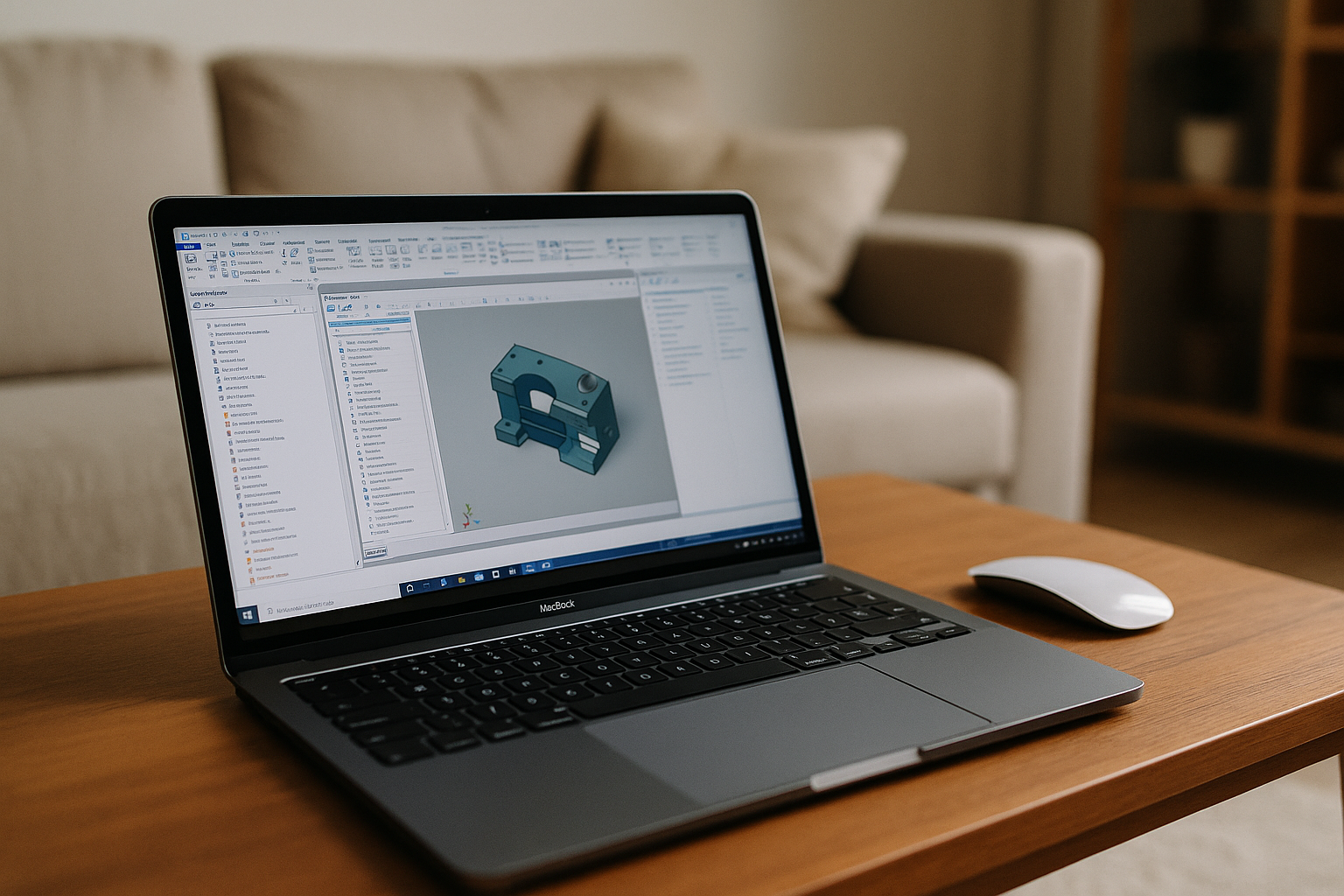
With this approach, Solid Edge runs in a Windows environment in the cloud, which you can access from your Mac through a browser. This avoids installing Windows locally or setting up a virtual machine on the Mac. The approach can be useful for users who need the Windows version of Solid Edge without changing their local macOS setup.
For Mac users, a cloud Windows PC is another way to access the Windows version of Solid Edge without installing Windows locally.
Which option is right for Solid Edge on Mac?
The right approach depends on how you need to use Solid Edge. A local Windows virtual machine keeps the software and files on your Mac, but requires Windows, virtualization software, and sufficient local resources. A cloud Windows PC moves the Windows environment to the cloud and lets you access it from your Mac through a browser, without installing Windows locally.
For occasional access or when you want to keep your macOS setup unchanged, a cloud Windows PC can be a practical alternative to local virtualization.
Solid Edge on Mac with Aristeem
- Virtual Windows machine for Solid Edge
Aristeem provides a virtual Windows machine in the cloud that you can access from your Mac through a browser. This lets you use the Windows version of Solid Edge without installing Windows or setting up a local virtual machine. - Access from different devices
You can access the Windows environment from a Mac, Linux PC, Chromebook, tablet, or other supported device through a browser, without installing Windows locally. - Solid Edge workflows in the Windows environment
You can use Solid Edge for 3D modeling, assemblies, drawings, and other supported engineering workflows in the Windows environment. The Windows environment runs in the cloud, while you access it from your Mac through a browser.. - Flexible pricing plans
 Aristeem offers subscription plans with monthly hour allowances, with additional hour packs available if you need more time.
Conclusion
Although Solid Edge is designed for Windows, Mac users can access the Windows version through a cloud Windows environment instead of installing Windows locally. With Aristeem, that environment is available through a browser, providing another way to use Solid Edge from macOS and other supported devices.


