


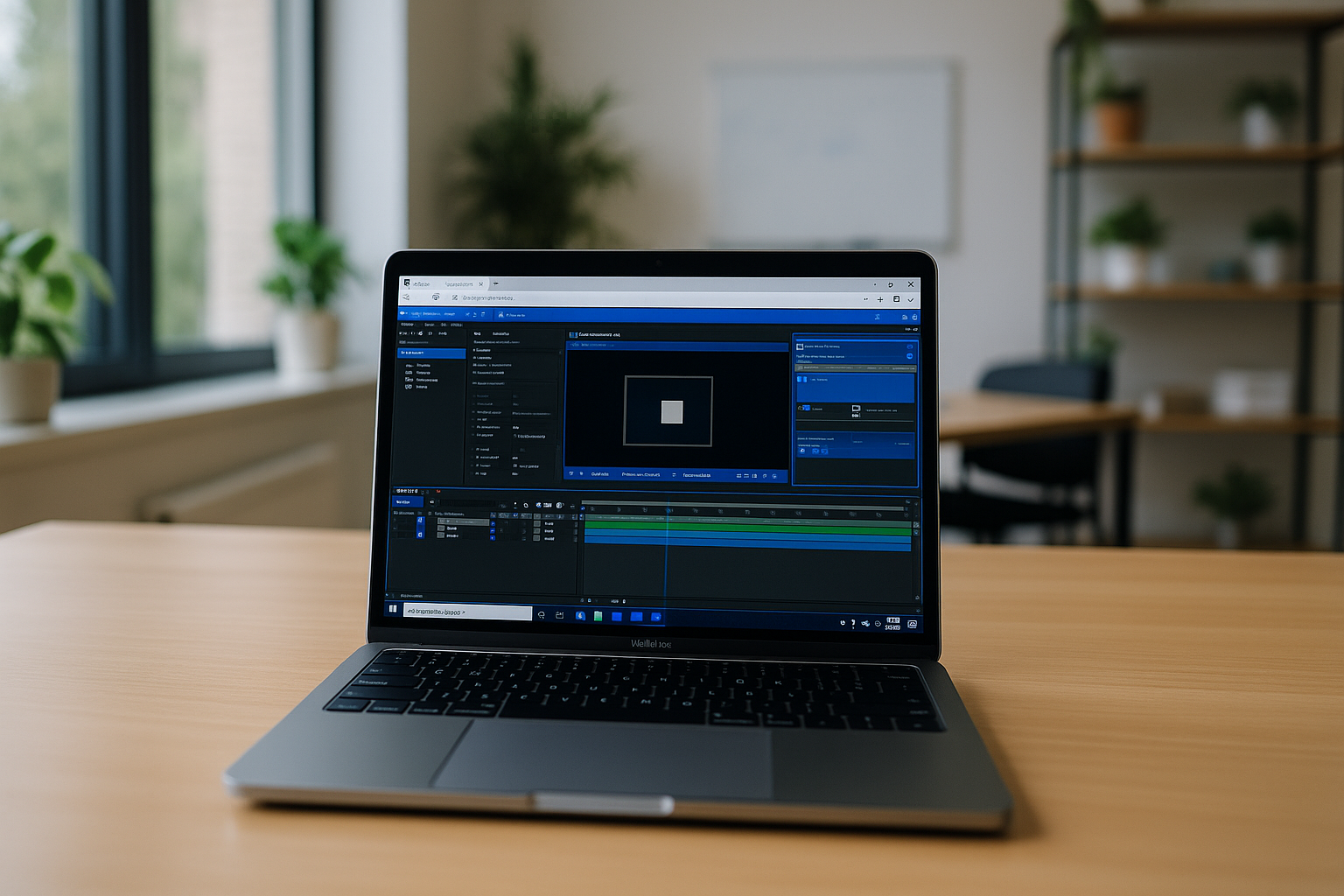
Adobe After Effects is the industry-standard software for motion graphics, compositing, and video visual effects. Traditionally, running After Effects requires a high-performance PC or Mac, substantial RAM, and a dedicated GPU to handle complex projects — especially when working with After Effects on Mac. But what if you want to use After Effects without installation or work from a lightweight laptop, tablet, or low-end device? The solution lies in cloud-based platforms that allow you to run an After Effects online editor seamlessly.
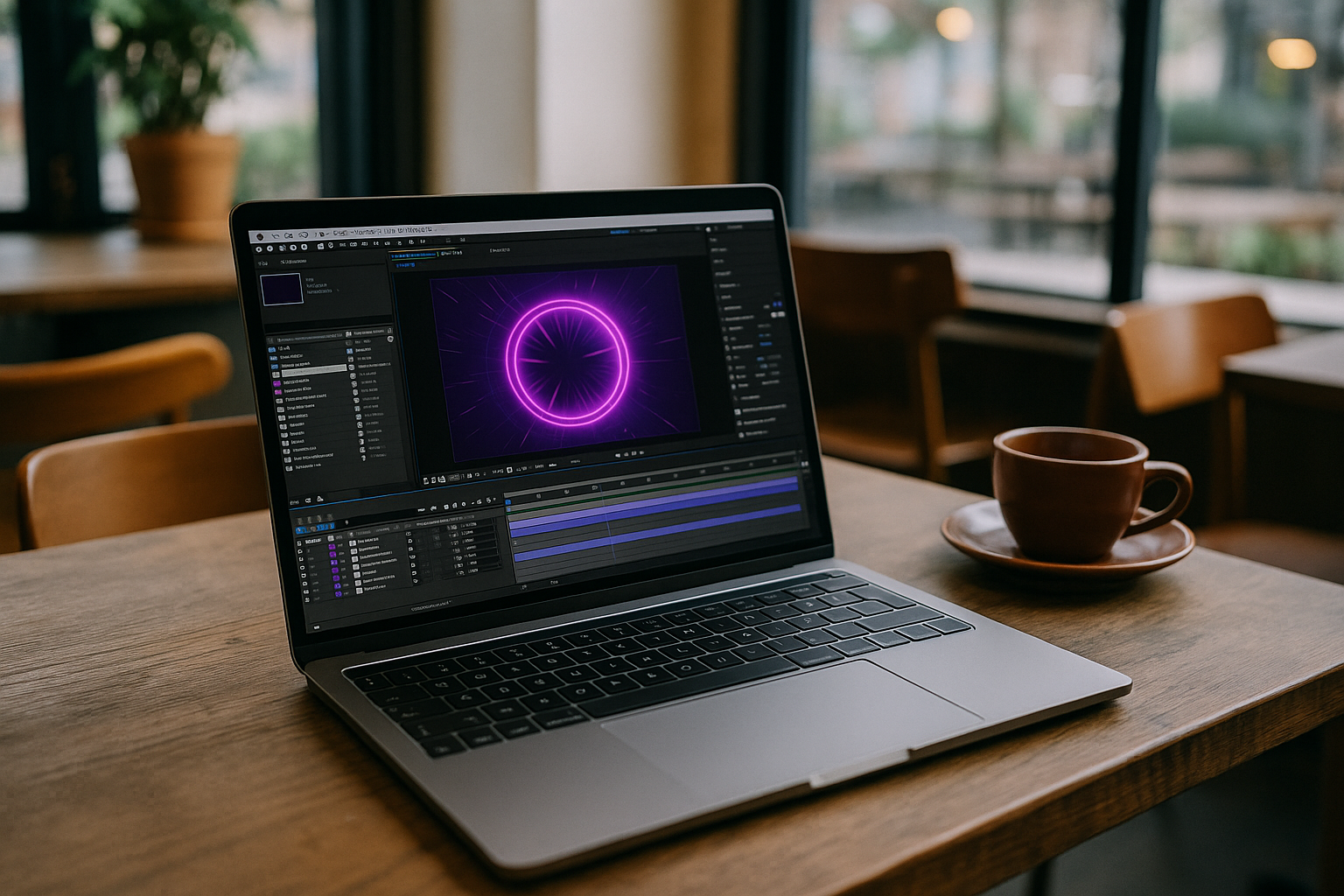 Cloud PC for After Effects
With a cloud PC, you can access the full version of After Effects from any device with a stable internet connection. Whether you are on Windows, macOS, or Linux, the software runs on powerful remote servers, meaning your local hardware limitations no longer matter. This approach ensures that rendering, motion graphics, and complex effects are executed smoothly, even on devices that would otherwise struggle with After Effects.
Key Benefits of Using After Effects in the Cloud
- No installation required — Launch After Effects instantly in a browser or client application without downloading gigabytes of software or worrying about OS compatibility.
- Access from any device — Work on your projects from Windows, Mac, Linux, Android tablets, or iPads with the same functionality as a high-end workstation.
- High-performance computing — Cloud servers provide multi-core CPUs and dedicated GPUs, allowing real-time previews, smooth playback, and fast rendering.
- Unified environment for teams — All collaborators share the same version of After Effects with pre-installed plugins and settings, eliminating setup discrepancies.
- Reliability and security — Automatic saving in the cloud reduces the risk of data loss and ensures your projects are safe even on low-end devices.
Ideal Use Cases
Running After Effects online is particularly useful for:
- Freelancers who travel frequently and cannot carry powerful workstations.
- Studios with remote teams needing consistent software versions and project setups.
- Students and beginners who want to learn motion graphics without expensive hardware.
- Quick previews, test renders, or small client projects on mobile devices.
How It Works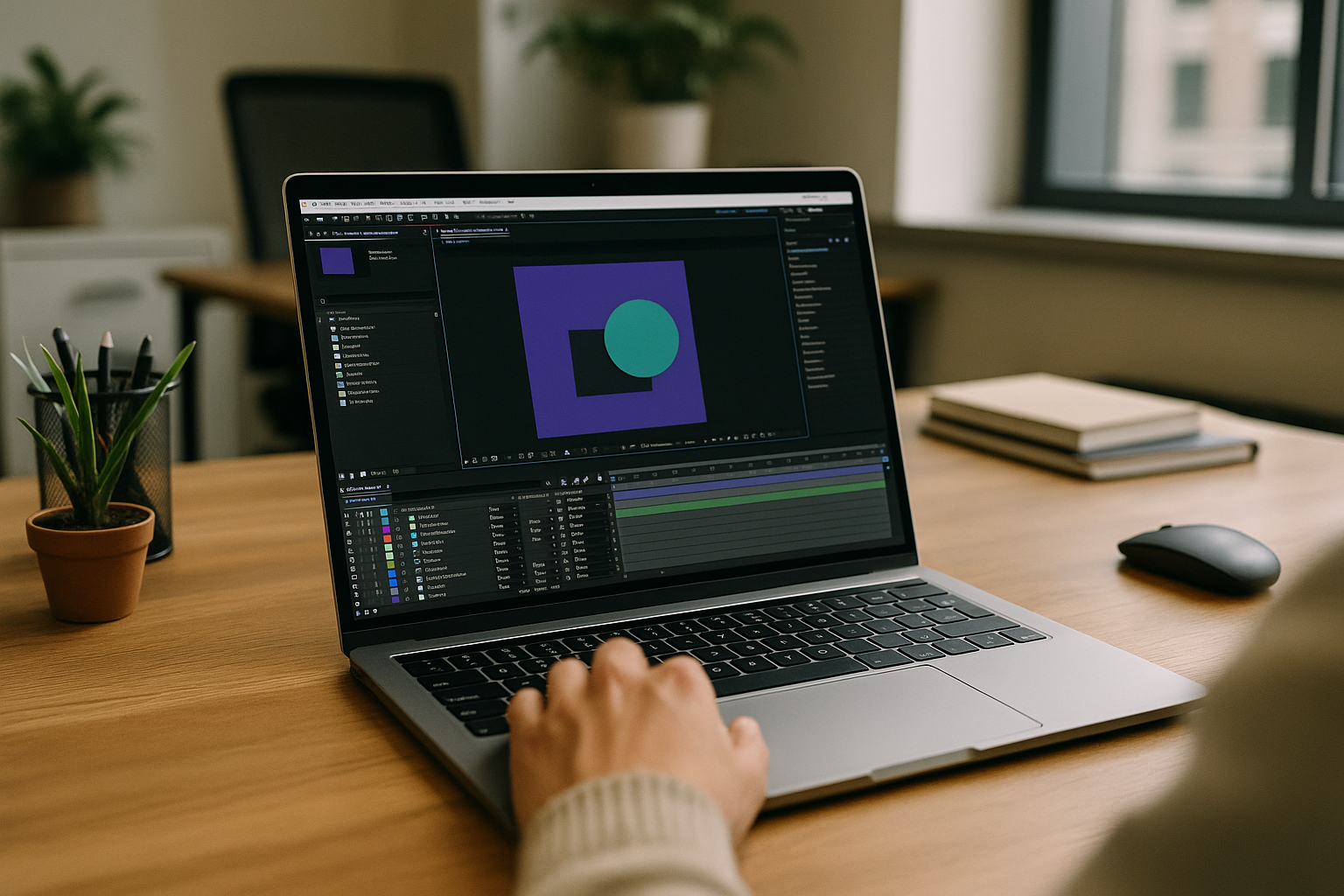
- Sign up for a cloud platform — Choose Aristeem that offers cloud PC.
- Launch After Effects — Access the full software in a virtual environment through your browser or client.
- Start working on your projects — Use all standard features, including keyframes, effects, compositions, and plugins, just like on a local installation.
Since the heavy computations happen on remote servers, even large projects with multiple layers, effects, and high-resolution footage can run smoothly, making cloud-based After Effects a practical solution for both professionals and beginners.
Technical Support and Resources
If you have questions about using After Effects online, Aristeem offers detailed FAQ sections and support via chat, Telegram, or WhatsApp. These resources help new users get started quickly and ensure that collaboration runs smoothly without technical delays.
Conclusion
Using a cloud PC for After Effects eliminates hardware limitations and installation hurdles, enabling users to access the full version of the software from any device. With real-time rendering, consistent team environments, and built-in technical support, this approach transforms After Effects into a fully flexible, cloud-based solution for motion graphics and video effects professionals.
Stop worrying about your laptop’s specifications — launch After Effects online and focus entirely on creativity and results.


