


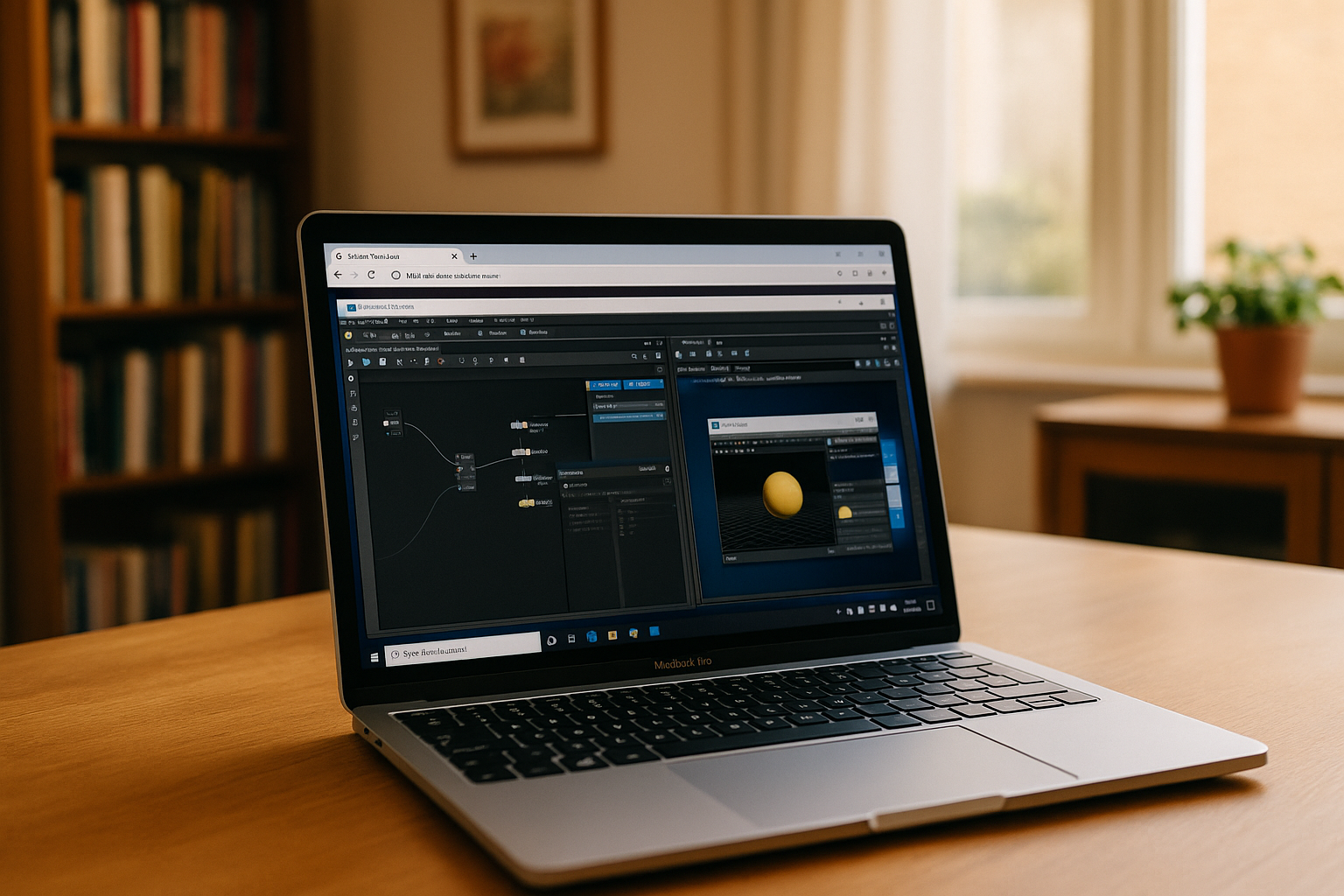
Houdini has become one of the leading 3D animation and VFX software solutions in the industry, widely used by professionals in film, gaming, and design. Many users are now turning to Apple computers, raising the question of Houdini Mac OS X compatibility and performance. Whether you are a student, freelance artist, or studio professional, understanding how Houdini works on macOS is essential for a smooth workflow. In this guide, we cover everything from system requirements to installation and unique features of Houdini for Mac.
System Requirements for Houdini on Mac
Before installing Houdini for Mac, it is crucial to check the hardware and software compatibility. Houdini Mac supports macOS versions from the latest macOS releases down to some older versions, but optimal performance is achieved on the newest machines. The software requires a multi-core processor, at least 16GB of RAM, and a dedicated GPU that supports Metal for rendering acceleration. Users running Apple M1 or M2 chips can expect smooth performance, though some third-party plugins may need updates to work seamlessly. Disk space is also important; Houdini Mac App installations may require several gigabytes, especially if you plan to use the full range of simulation and rendering tools.
Installing Houdini Software for Mac
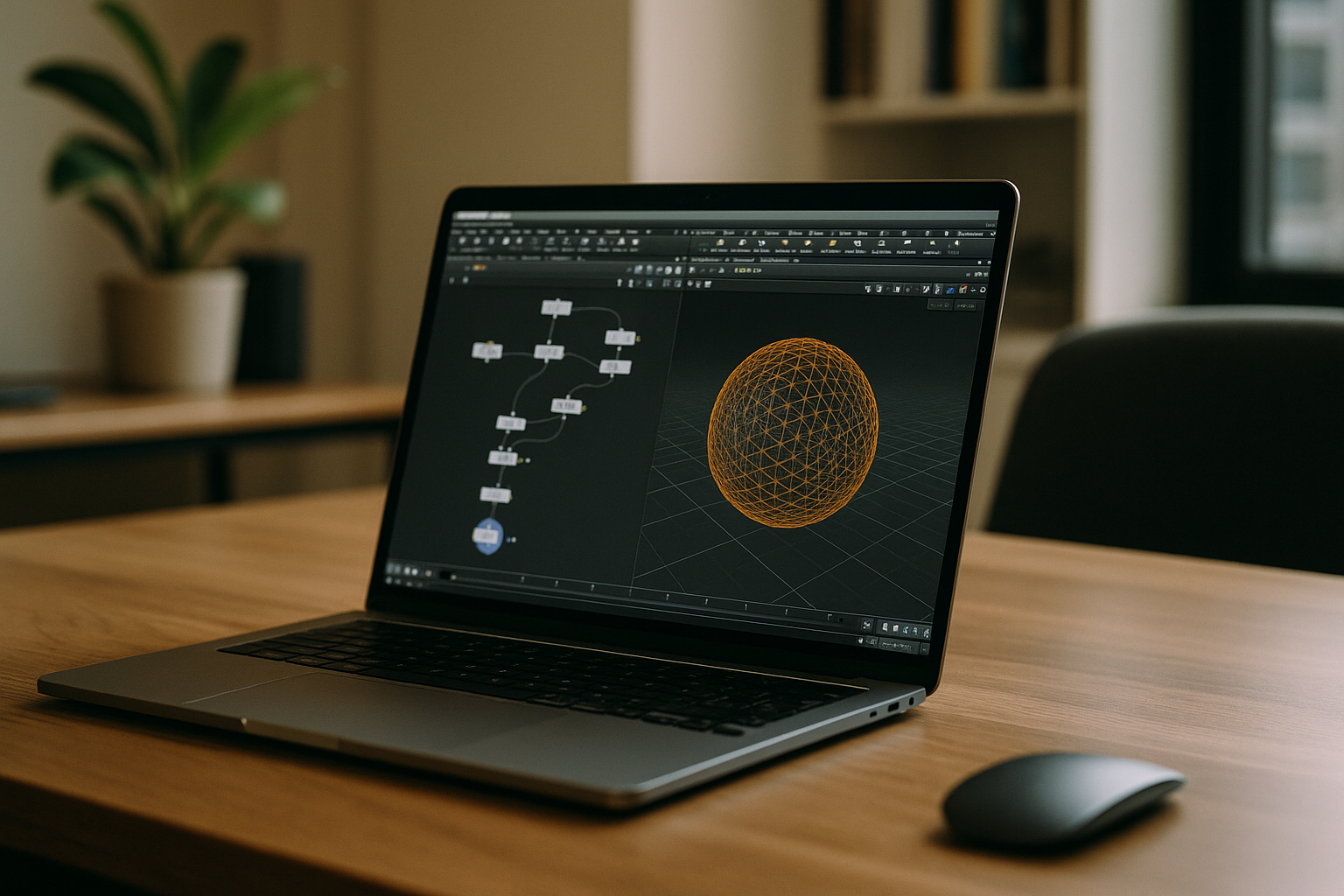
Installing Houdini software Mac is straightforward. Users can download the official macOS installer directly from SideFX, the developers of Houdini. The installation package includes the main Houdini Mac App along with support files, documentation, and optional Apprentice or Indie licensing. For students or hobbyists, Houdini Apprentice offers a version of the software. Users can also explore Houdini for using our concise Houdini Apprentice guide, perfect for learning professional workflows.
After downloading, simply run the installer, follow the on-screen instructions, and launch Houdini Software for Mac. Activation may require an internet connection, and it is recommended to check for the latest updates to ensure stability and access to new features.
Features and Workflow on Mac
Houdini for Mac provides nearly identical functionality to its Windows and Linux counterparts, making it a reliable option for professional VFX and 3D work. Users can create complex procedural models, simulations, and animations while leveraging Mac’s hardware acceleration.
For more detailed examples of animation workflows, check out our Houdini Animation guide.
The Houdini Mac App interface is optimized for macOS, offering smooth navigation, customizable layouts, and high-resolution support for Retina displays. Additionally, integration with other creative tools such as compositing software and cloud rendering solutions enhances productivity for Mac users. Houdini software for Mac allows artists to manage projects efficiently, perform real-time previews, and render high-quality animations without compromise.
For more information on creating and managing 3D models, see our Houdini 3D Modelling guide.
Benefits for Mac Users on Aristeem
| Feature | Benefit |
| Cross-platform access | Launch Houdini on Mac, MacBook, or iMac without local installation via Aristeem cloud PC — work anywhere, anytime. |
| Full performance | All rendering, simulations, and processing occur on high-performance Aristeem servers, even for large, complex scenes. |
| Instant plugin availability | Essential Houdini tools, materials, and VFX plugins are ready immediately, reducing setup and configuration time. |
| Team collaboration | Artists can share projects, assets, and scenes in real time across devices, enhancing collaboration. |
| Access to latest updates | Cloud version ensures you always work with the newest Houdini Software overview, including updates and bug fixes. |
How to Start Houdini on Mac via Aristeem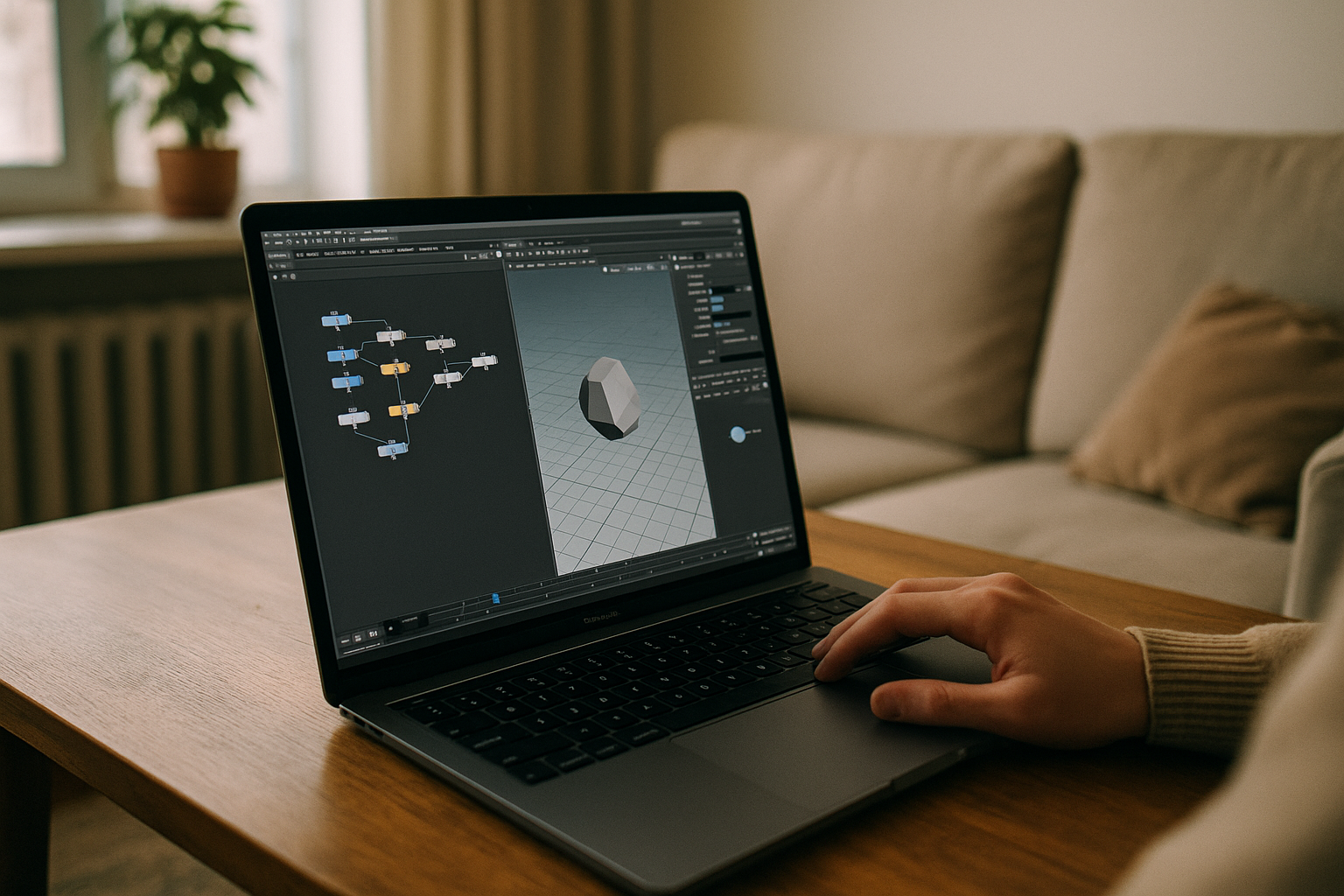
Getting started is simple and intuitive:
- Sign Up on Aristeem — create your account to access the cloud platform.
- Launch Houdini in the Cloud via Aristeem — open the cloud PC environment and start the Houdini Mac App instantly.
- Create Without Limits — begin modeling, animating, and rendering all Houdini features immediately, without local installation.
Even older MacBook models or lightweight Mac devices can now handle complex VFX simulations and 3D rendering, making Houdini accessible to every artist and studio.
Conclusion
By combining Houdini with the Aristeem cloud PC, Mac users overcome hardware limitations, work efficiently across platforms, and collaborate seamlessly. With immediate access to the latest Houdini software for Mac features, artists enjoy full functionality, high-performance rendering, and complex simulations — all without relying on high-end local machines. This approach streamlines workflow, ensures projects are future-proof, and maintains full compatibility with the Houdini ecosystem.


