


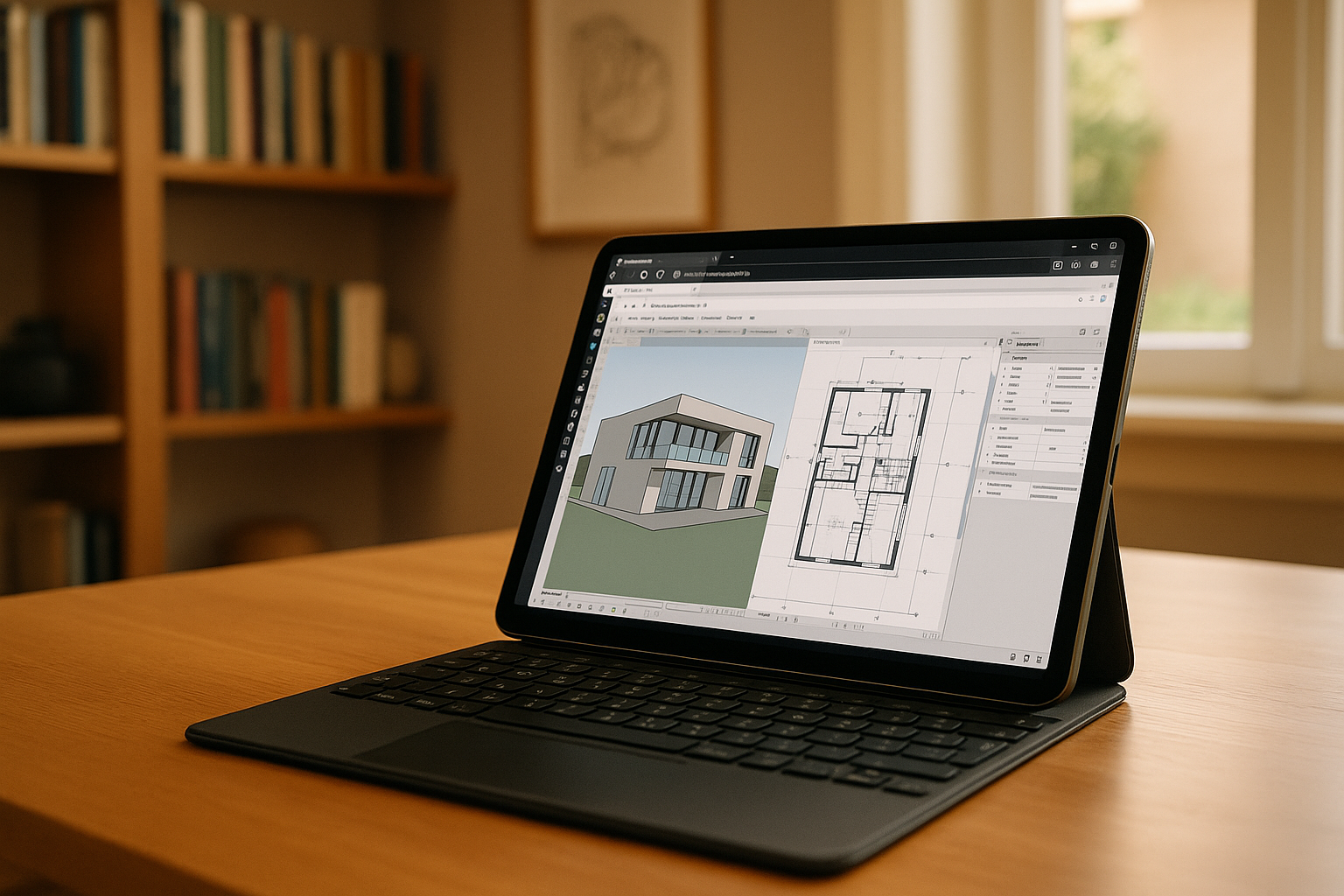
Many architects and designers today are looking for ways to use Archicad on iPad for flexible work outside the office. With the increasing power of modern tablets, especially devices like the iPad Pro, it’s natural to wonder: is there a full Archicad for iPad solution that allows real productivity on the go?
Whether you want to review models during meetings, make quick edits, or present projects to clients, knowing the possibilities is essential.
Can You Install Archicad on iPad?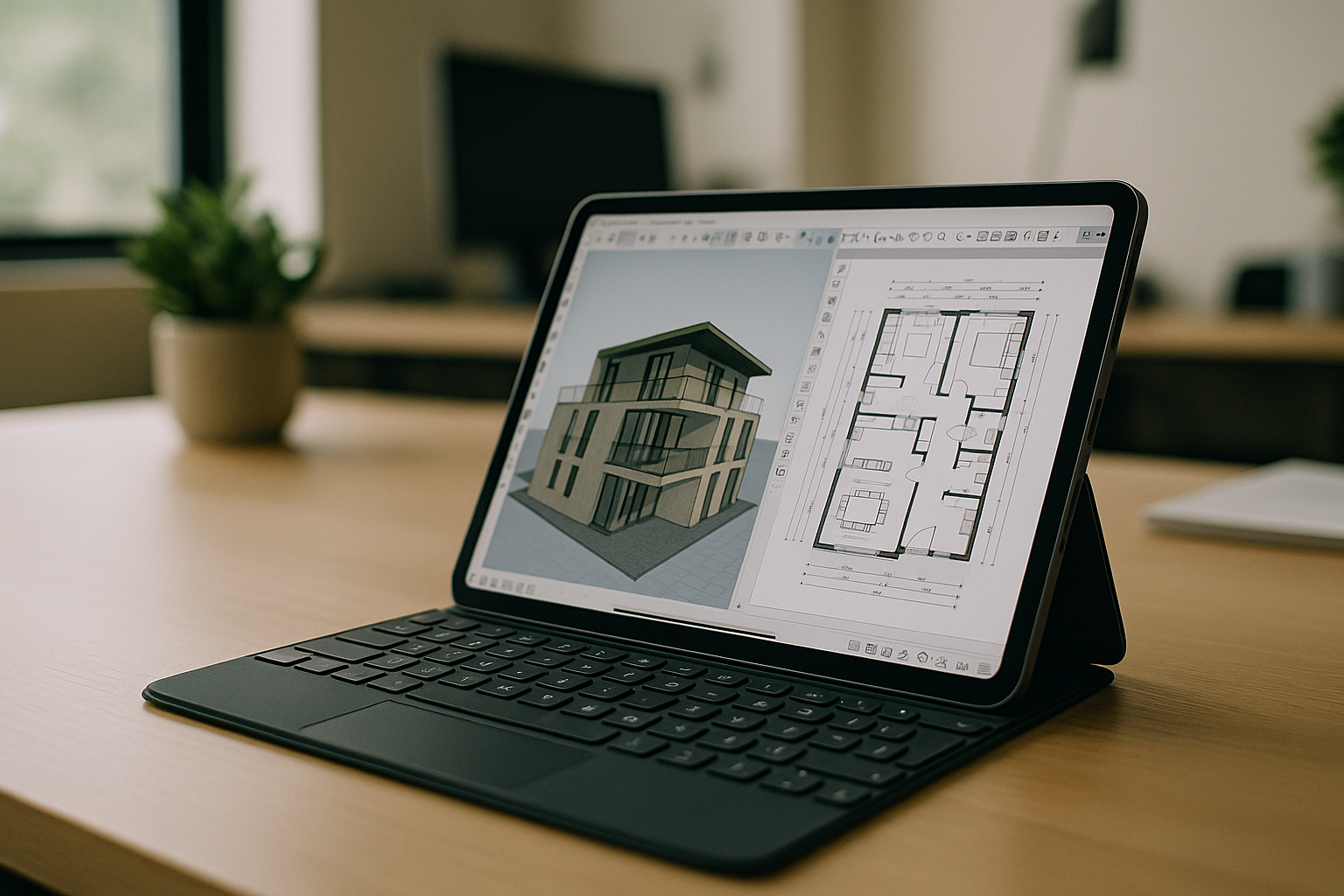
The short answer is — no. There is currently no official Archicad iPad app available on the App Store, and there is no version specifically designed for iPadOS. This includes searches for an Archicad app for iPad Pro — Graphisoft has not released a native version of Archicad for tablets.
Archicad is a professional BIM software that requires full desktop operating systems like Windows or macOS. Tablets, even high-end iPads, cannot run the software natively because of hardware limitations such as CPU, GPU, and RAM, which are critical for 3D modeling and rendering.
Why Archicad Is Not Available on iPad
Even though modern tablets are powerful, they are still not capable of fully replacing professional workstations for BIM software. Archicad relies heavily on:
-
High-performance CPU and GPU for 3D modeling
-
Large RAM capacity for handling complex projects
-
Stable rendering and real-time visualization
-
Advanced file management and integrations with other CAD tools
These requirements make a true Archicad iPad app technically challenging without limiting core functionality. Any native version would have to cut major features, which defeats the purpose for professional users.
How to Use Archicad on iPad
Fortunately, even without a native app, there is a practical solution. You can run Archicad using remote access technologies that connect your tablet to a more powerful computer where Archicad is installed.
A popular and effective solution is to use a virtual desktop iPad setup. With this approach, your iPad serves as a gateway to a powerful remote PC running Archicad, allowing you to access the full software environment. You can open projects, manipulate 3D models, make edits, and save your work — all directly from your tablet thanks to a cloud-based solution.
For users who prefer desktop installations, check Archicad on MacBook or explore Archicad Online for browser-based access. For those working on other platforms, see Archicad on Linux for detailed guidance on running Archicad on Linux systems.
The main benefits include:
-
Full access to Archicad’s functionality from anywhere
-
Smooth handling of 3D models and rendering tasks
-
No need for downloads or installing heavy software locally
-
Use of a lightweight device like iPad or iPad Pro as a portable workstation
-
Immediate access to files via cloud storage
This method essentially transforms your iPad into a professional Archicad workstation without limitations.
Best Way to Use Archicad on a tablet
The easiest and most stable solution is to use a cloud-based virtual desktop like Aristeem Cloud PC. It provides instant access to a fully equipped system with Archicad ready to run, allowing you to launch projects and edit designs seamlessly on your iPad.
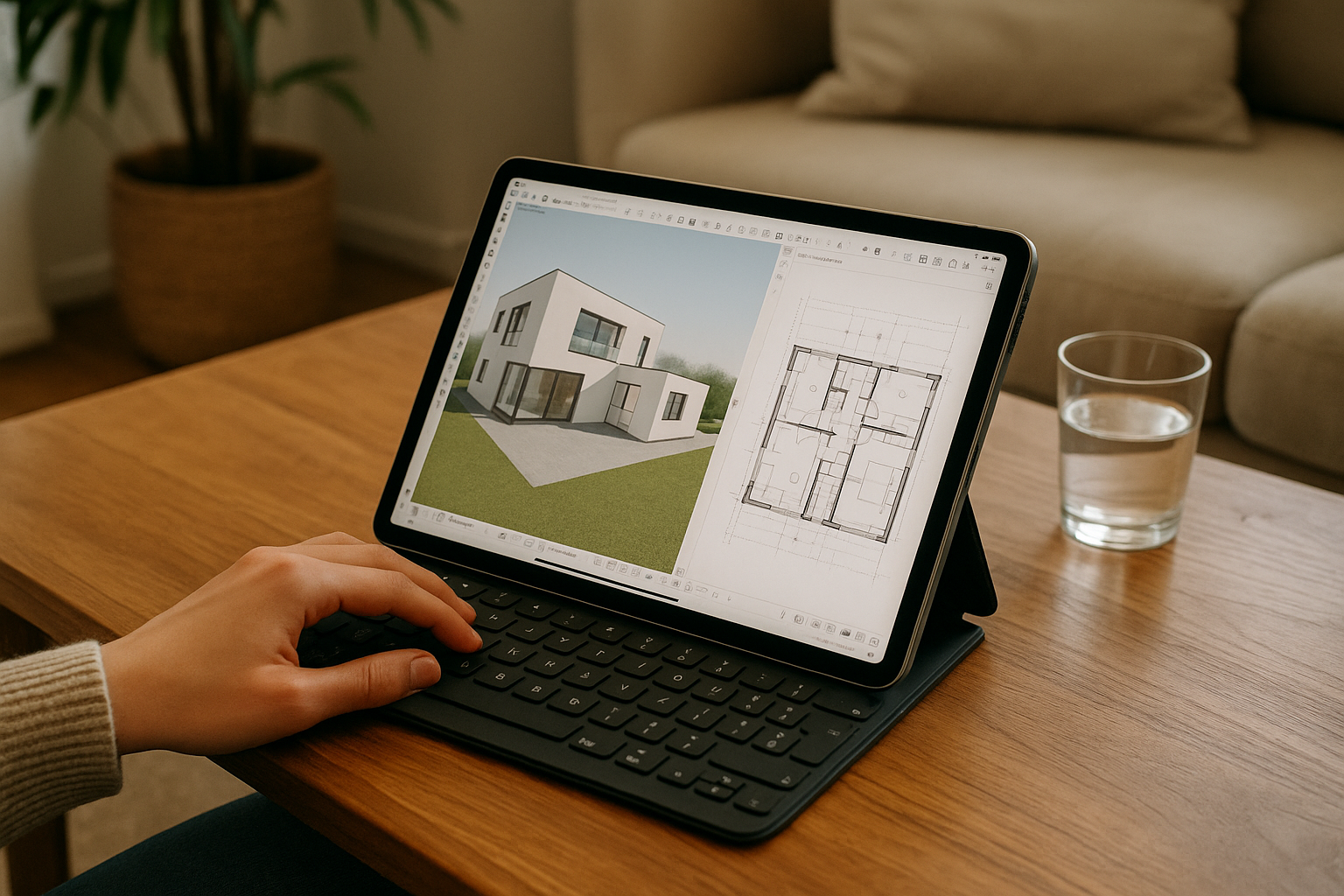
With Aristeem, you get:
-
Quick access to a high-performance cloud PC with Archicad ready to use
-
Smooth performance even on low-end or lightweight tablets
-
No setup hassle — simply log in via browser
-
Secure storage and backup for all your projects
-
Access from anywhere, making remote collaboration easy
This setup ensures that your Archicad for iPad experience is identical to working on a desktop, but with the mobility and convenience of a tablet.
Conclusion
While a native Archicad iPad app does not exist, you can still effectively use Archicad through a virtual desktop iPad solution. Cloud platform Aristeem provide architects and designers with the ability to work on complex BIM projects from any location, including directly from an iPad Pro.
This approach offers unmatched flexibility, mobility, and professional-level performance — giving you full access to Archicad without needing a powerful local machine. For anyone who wants to use Archicad on a tablet, Aristeem’s cloud solution is currently the best way to make it happen, combining speed, convenience, and complete functionality in one platform.


