


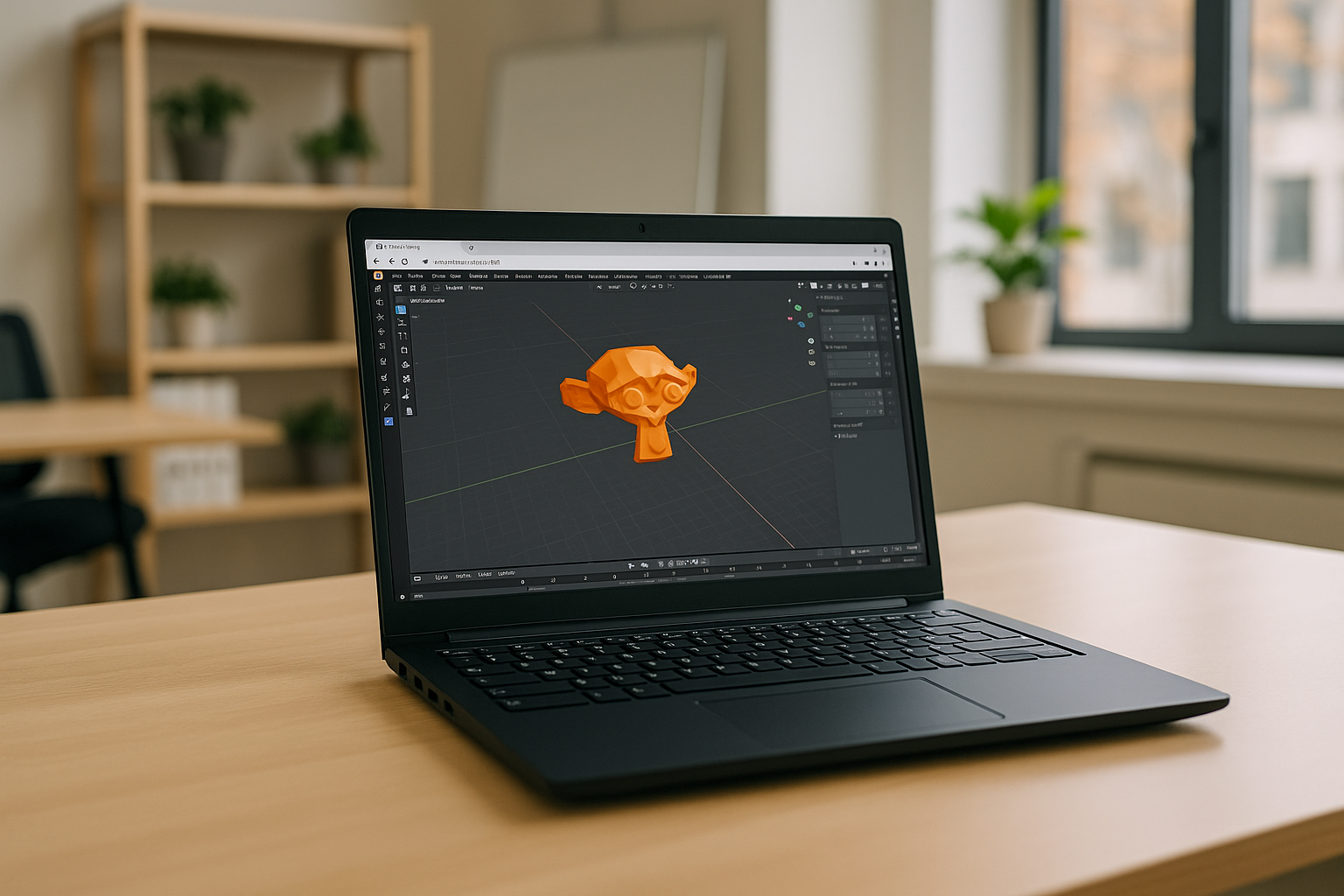
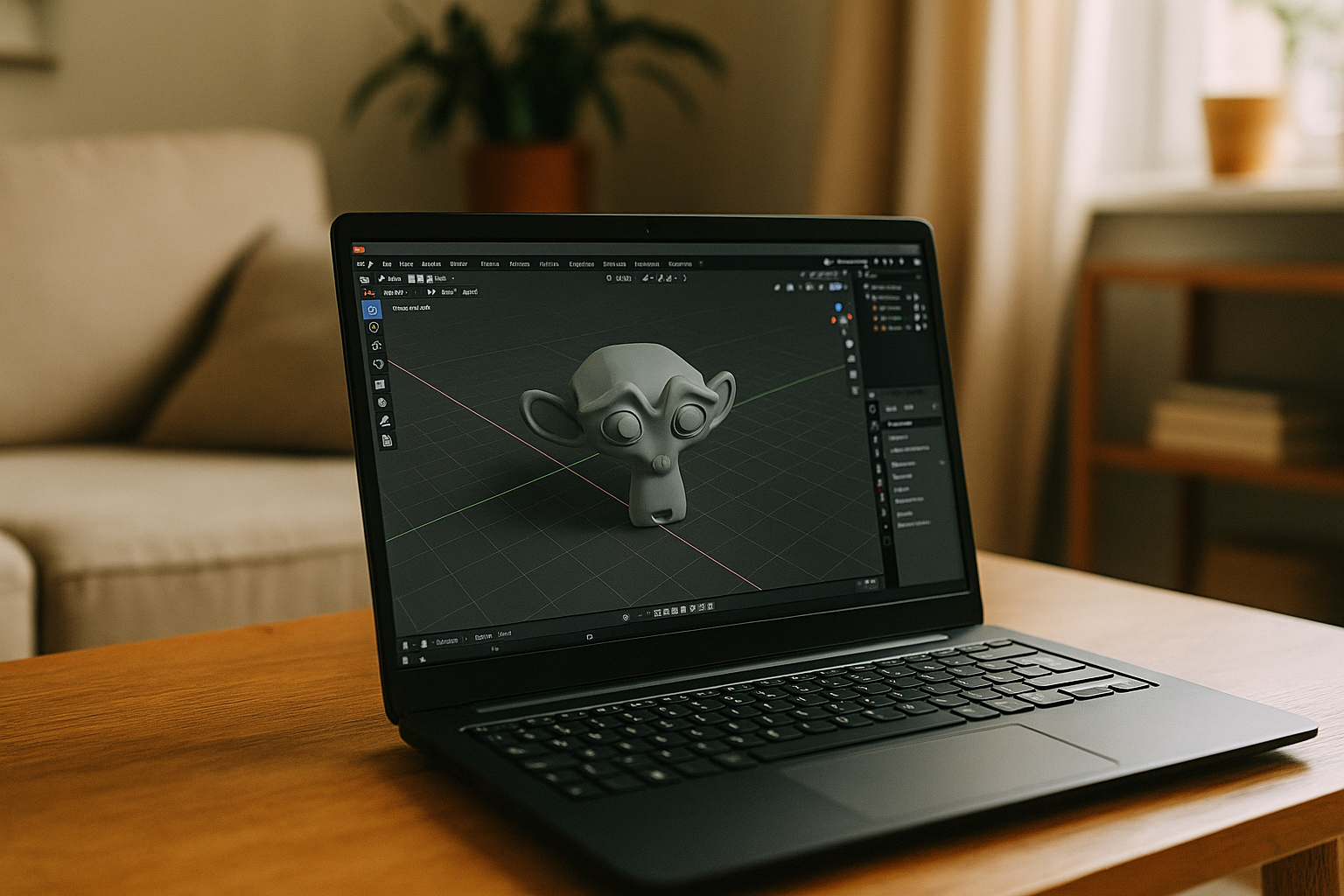
Blender is one of the few professional 3D tools that natively supports Windows, macOS, and Linux, making it convenient for cross-platform work. However, even with official Linux support, some users still encounter certain limitations. As a result, some users are forced to look for an online Blender alternative or other solutions that allow them to achieve stable performance and convenient access to the necessary tools regardless of the local configuration of their computer.
Ways to use Blender without native installation
Even though Blender supports Linux, Windows, and macOS, some users prefer not to install the program locally. This may be due to limited hardware resources, system restrictions, or the need to work from multiple devices. In such cases, several alternative ways of using Blender online without native installation are available.
| Method | How it works | Limitations |
|---|---|---|
| Portable versions | Blender can be downloaded as a portable package and launched without full system installation. | Still depends on local hardware power and available GPU drivers. |
| Remote desktop access | Blender runs on another computer or workstation, and the user connects to it remotely via remote desktop software. | Requires a second powerful machine and stable network configuration. |
| Containerized environments (Docker) | The application runs inside a containerized Linux environment with preconfigured dependencies. | Complex setup; not convenient for most designers and artists. |
| Cloud platforms | Blender runs on powerful remote servers and is accessed directly through a browser or streaming interface. | Requires internet access, but eliminates hardware and installation limits. |
Among these approaches, the Aristeem cloud platform is the most convenient solution. It allows users to launch cloud Blender instantly from any operating system, including Linux, without installation, use powerful GPU resources for rendering, and access the same working environment from any device. This approach removes hardware limitations and simplifies the workflow for both individual artists and professional teams.
Aristeem — the most convenient way to run Blender on Linux and other devices
Among the available alternatives, cloud platforms are the most practical solution. Aristeem allows users to run Blender 3d Ubuntu or other versions directly from the browser without installing the program locally. The software runs on powerful remote servers, while the user simply connects to the workspace from their device.
Key advantages of using Blender via Aristeem
-
Compatibility with Linux and other systems
Aristeem works through a browser and supports Linux, Windows, macOS, and mobile devices, allowing Linux Blender and other OS versions to run even on systems where local installation is difficult. 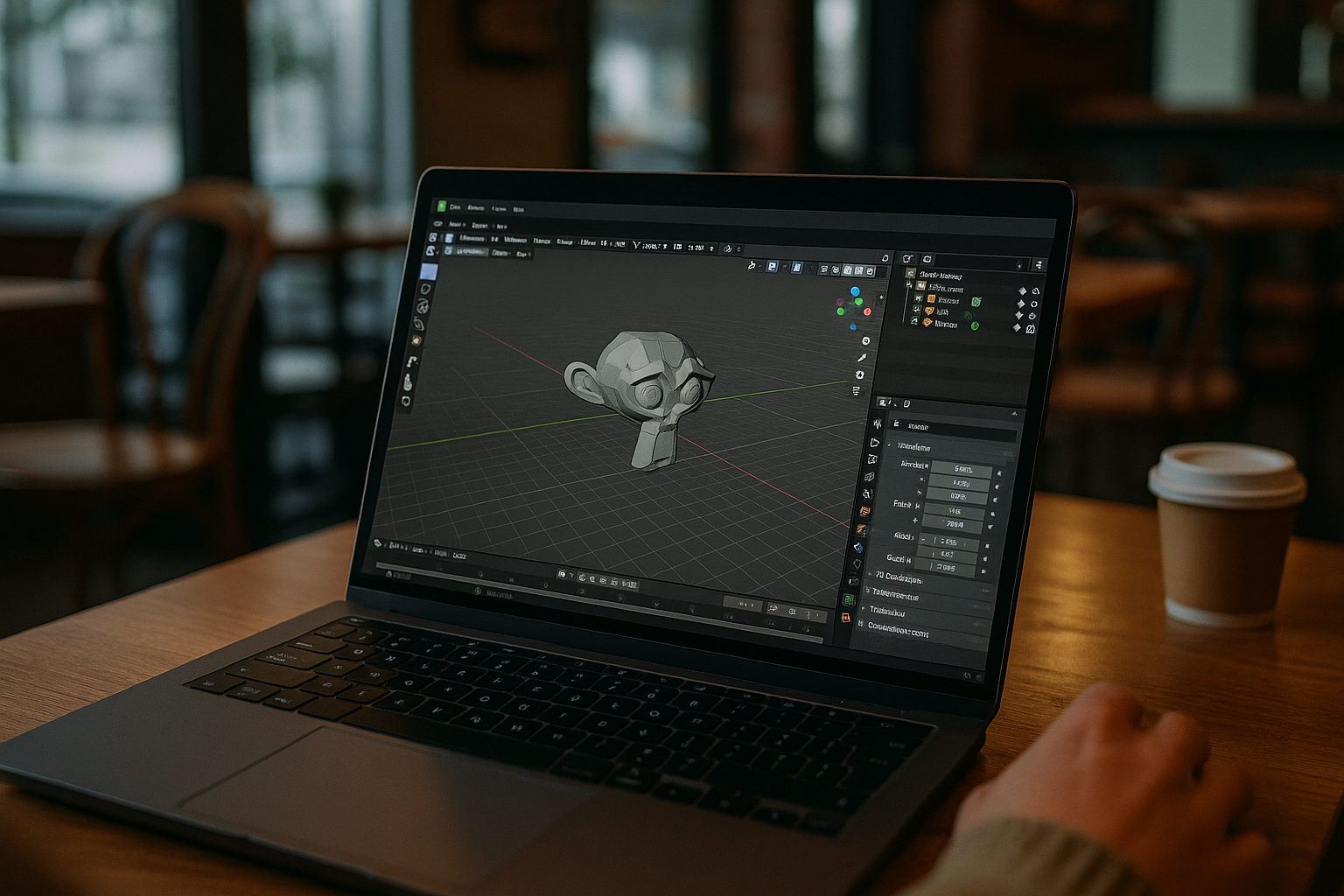
High performance
Rendering, simulations, and complex scenes are processed on powerful cloud servers, so even a lightweight laptop can work like a high-performance workstation.-
Access from any device
You can connect to the same workspace from Linux, Windows, Mac, or even tablets, with all files and settings available in the cloud. -
Flexible pricing plans
Users can choose the most suitable option depending on their projects and workload. - Fast user support
Support is available through Telegram and WhatsApp, allowing users to quickly resolve technical questions.
Using Blender through Aristeem removes common Linux limitations such as hardware constraints and complex configuration, providing a fast and flexible environment for cloud Blender and 3D work — even on tablets.
Conclusion
Although Blender officially supports Linux, local use can still present challenges related to hardware performance, system configuration, and driver compatibility. Using a cloud virtual machine from Aristeem solves these issues by moving all heavy processing to powerful remote servers. Working with Blender via Aristeem allows designers and 3D artists to access the software from any device, avoid complex installations, and maintain stable performance even with demanding projects. This makes the Aristeem cloud virtual machine the most convenient and efficient option for modern 3D workflows, whether you need Blender online.


