


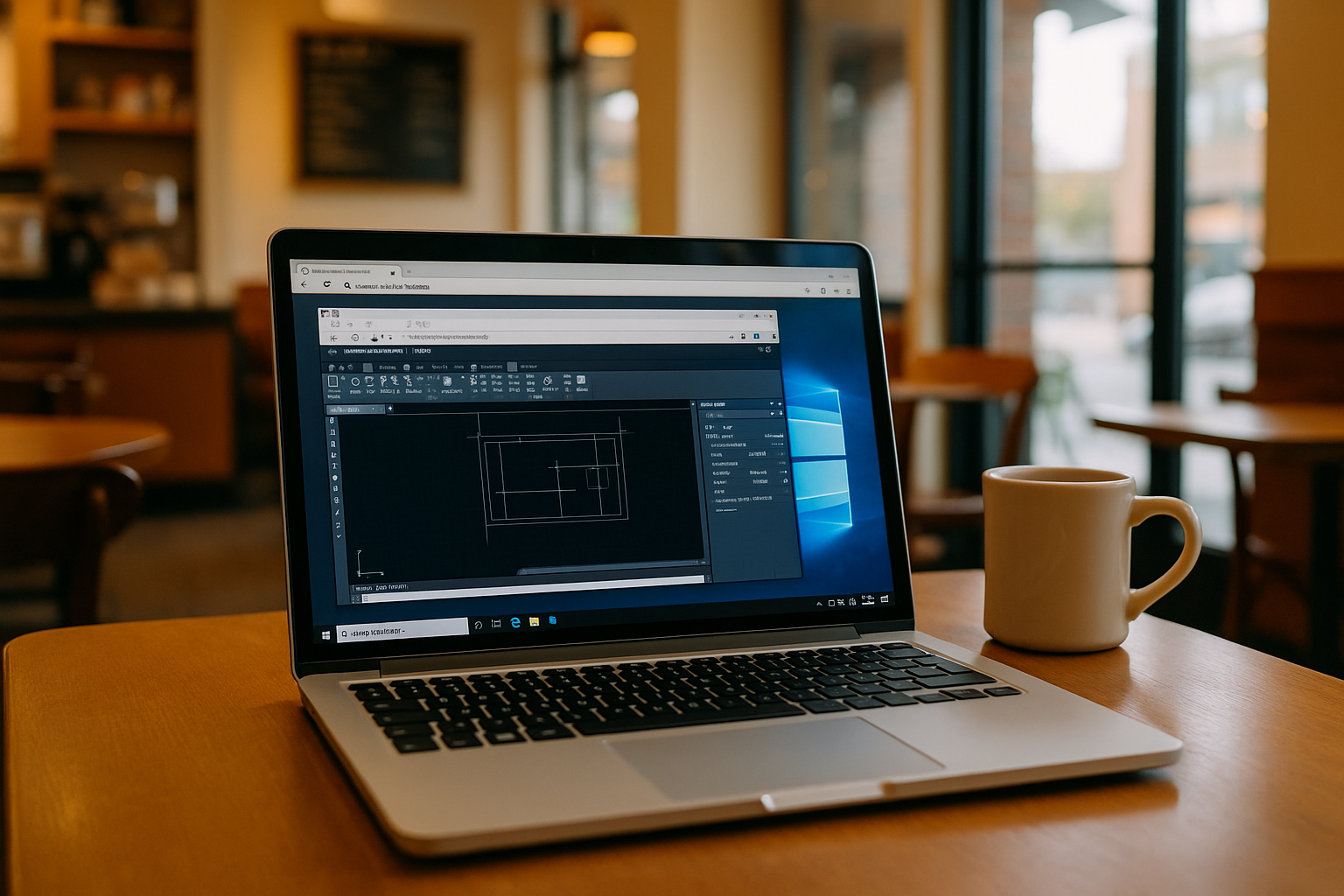
AutoCAD remains one of the most widely used CAD applications for architects, engineers, and designers. However, installing and running AutoCAD locally can be challenging, especially when working on devices with limited hardware resources or operating systems that are not fully compatible with the software — learn more about it here.
Thanks to cloud based AutoCAD, professionals can now access a full-featured CAD environment without worrying about system limitations. This approach provides the flexibility to run AutoCAD on almost any device while keeping performance stable.
What is cloud based AutoCAD?
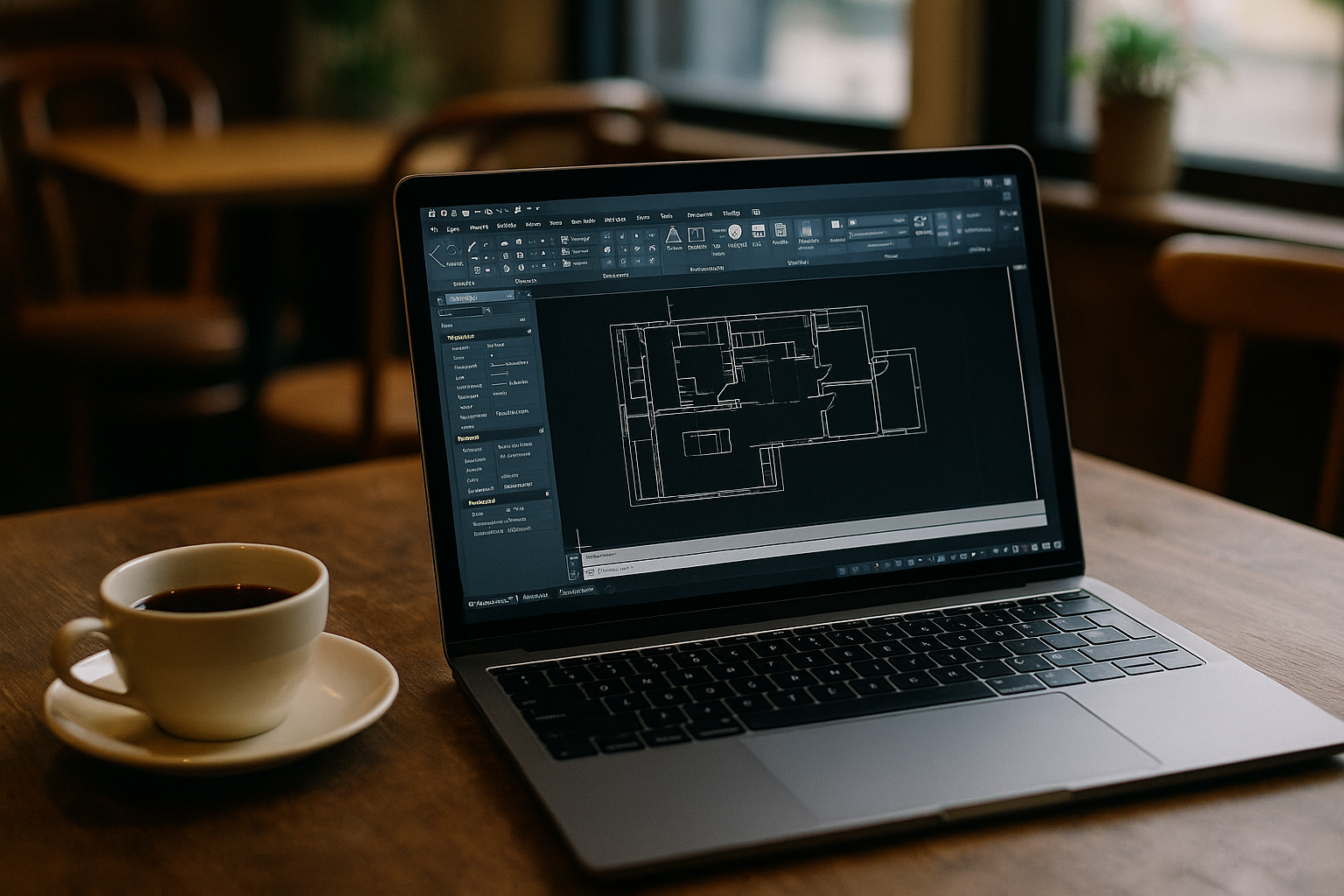
Cloud based AutoCAD means running the full desktop version of AutoCAD on remote servers instead of on a local machine. The application runs on high-performance cloud infrastructure, while you interact with it through a browser.
This setup allows all heavy processing, including 3D rendering and large drawing manipulations, to be handled remotely. Your device simply displays the interface and sends commands. Users of AutoCAD cloud computing benefit from a system that can scale resources dynamically depending on project complexity.
Benefits of running AutoCAD online
Using AutoCAD online offers several advantages compared to traditional installations:
| Feature | Description |
|---|---|
| No hardware limitations | Complex CAD projects often require powerful CPUs, GPUs, and large amounts of RAM. AutoCAD cloud computing provides these resources without the need for expensive hardware upgrades. |
| Access from any device | Whether you work on Windows, macOS, Linux, or even tablets, AutoCAD online can be opened from your browser with full functionality. |
| No installation required | Users do not need to download large installation packages or worry about system compatibility. |
| Remote collaboration | Teams can access the same project environment from different locations, which simplifies collaboration on architectural and engineering projects. |
| Scalability | Cloud workstations allow you to adjust computing power depending on the complexity of your AutoCAD projects. |
Run AutoCAD on different operating systems
One of the biggest advantages of cloud based AutoCAD is the ability to run software on platforms that normally do not support it.
For example, AutoCAD for Linux is not available as a native application, but using a cloud-based virtual machine allows Linux users to access the full Windows version — read more here. Similarly, AutoCAD for Mac users can run the software without worrying about compatibility issues or system limitations.
How to run AutoCAD online
Running AutoCAD online requires only a few simple steps: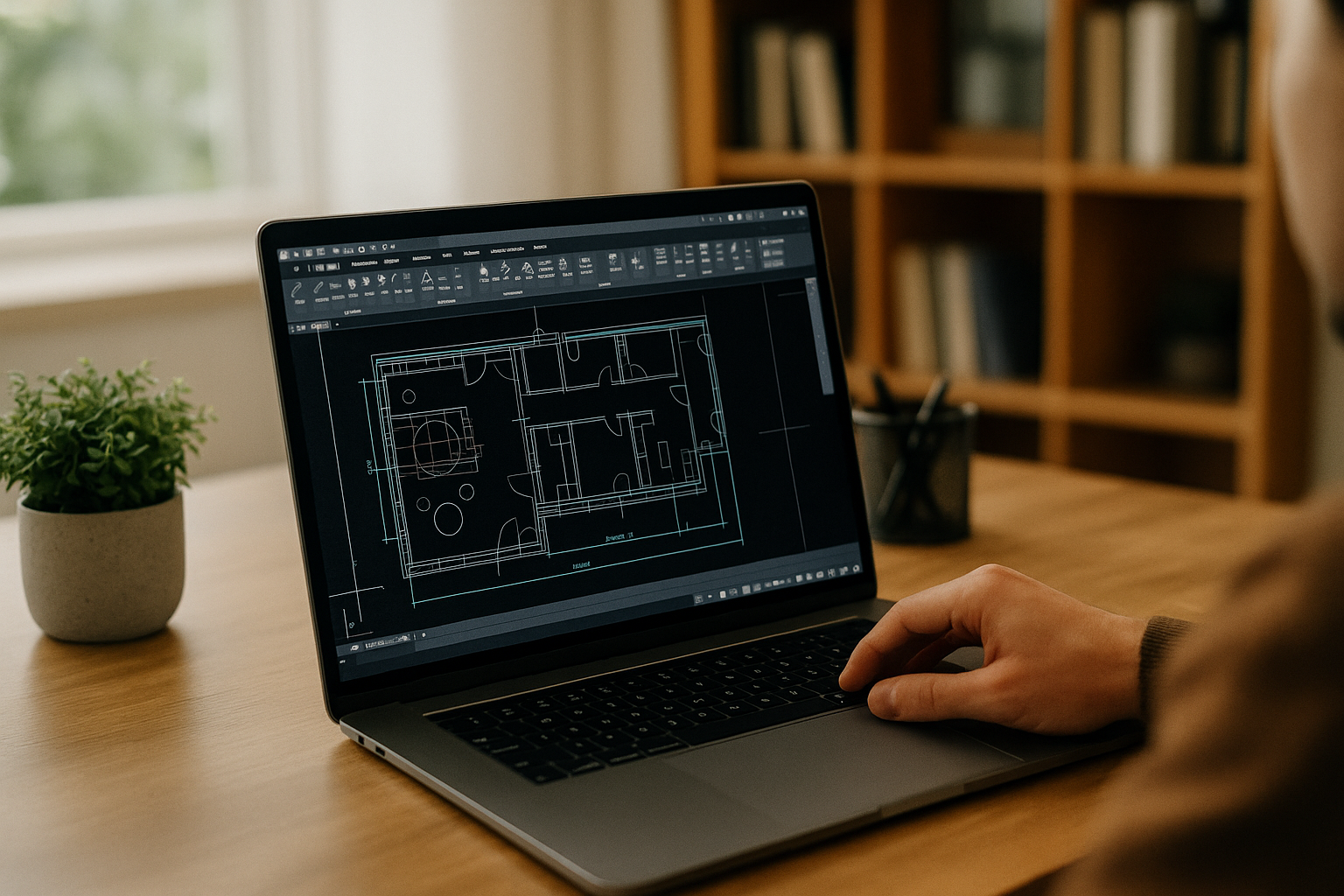
-
Sign up for the Aristeem cloud platform.
-
Launch Autodesk AutoCAD in the cloud directly from your browser.
-
Start working on your drawings and designs immediately.
All processing is performed on remote cloud servers, so even complex drawings and large models run smoothly, regardless of your device’s hardware — see for yourself!
Cloud workstations for professional CAD tasks
Modern AutoCAD cloud computing workstations are designed to handle demanding applications such as AutoCAD, 3D modeling, and rendering software. They provide high-performance CPU and GPU resources, ensuring smooth operation for professional workloads.
This is especially useful for engineers, architects, and designers who need access to a powerful CAD environment without being tied to a high-end workstation. In addition, you can integrate Bluebeam Revu CAD directly into your workflow to manage and annotate technical documents, drawings, and PDFs efficiently. Learn more about its capabilities here.
Run AutoCAD online with Aristeem
Platforms like Aristeem allow users to launch cloud based AutoCAD directly in the browser without installation. Applications run on high-performance cloud virtual machines, providing stable performance for CAD workflows.
With Aristeem Cloud, AutoCAD for Linux, AutoCAD for Mac, and other devices can access professional CAD software anytime, anywhere. This solution provides flexibility for working on projects remotely without compromising on performance.


