


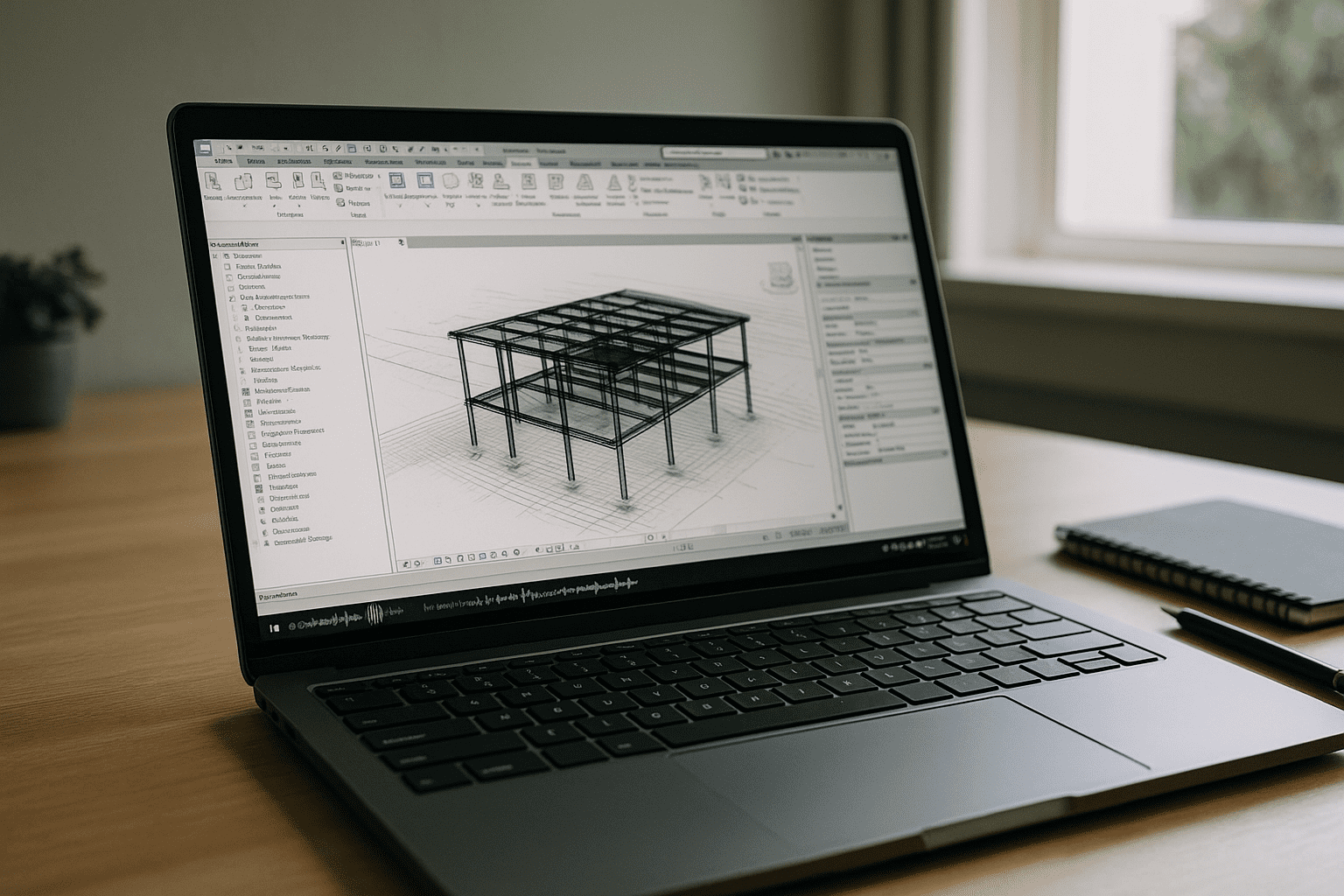
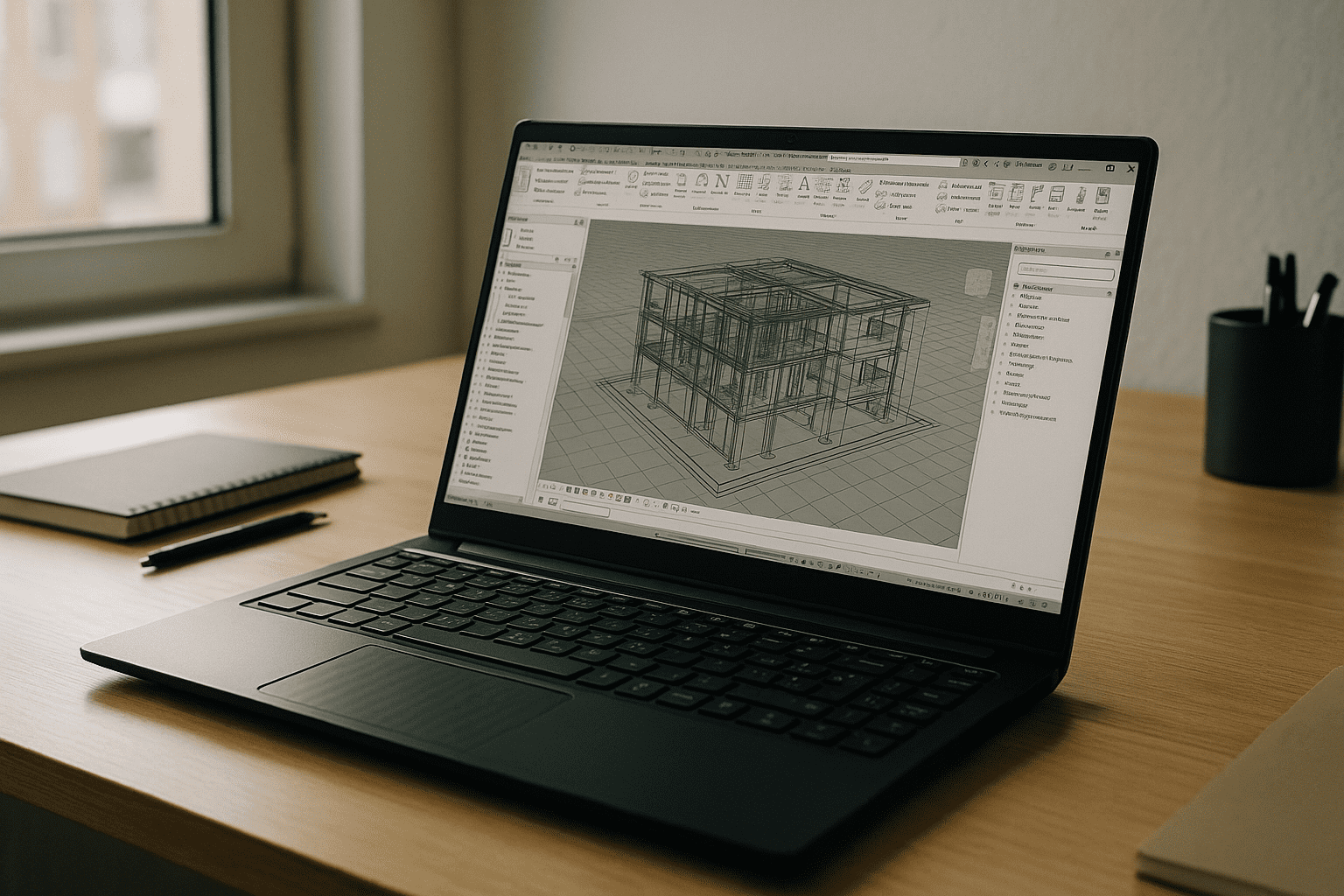
BIM leads, architects, and MEP coordinators frequently need to share heavy models, iterate design options, and render high-fidelity visuals under tight deadlines. Yet, attempting to execute a collaborative Revit online workflow often introduces technical bottlenecks, GPU limitations, and critical plugin gaps just when project delivery demands absolute stability.
When architectural models balloon past hundreds of megabytes, real-time 3D navigation stutters without immense local graphics processing. Furthermore, uncertainty around the stability of heavy extensions like V-Ray or complex Dynamo scripts often derails handoffs between teams. Project managers need dependable Revit online access that replicates a high-end physical workstation, ensuring consistent performance, plugin feature-parity, and secure project data.
Why Buying New Workstations Rarely Solves Distributed BIM Needs
Upgrading team members to top-tier local workstations is a common reaction, but localized hardware fails to address the core challenges of secure, connected cloud pipelines:
-
Budget Strain: High upfront costs and rapid component obsolescence strain IT budgets.
-
Locked Location: Processing performance remains anchored to a single physical device, crippling mobility.
-
Deployment Delays: Traditional procurement, hardware imaging, and security provisioning delay urgent project onboarding.
-
Version Drift: Managing conflicting plugin versions and local licensing credentials across separate machines remains an operational headache.
-
Sync Bottlenecks: Remote collaboration continues to rely on slow file transfers and fragile local cache synchronization.
Practical Paths to Run Revit in Browser-Like Workflows
| Approach | BIM Capabilities | Deployment Complexity |
| High-Spec Local Workstations | Strong solo performance; completely tied to one physical asset. | High: continuous procurement, hardware imaging, and physical maintenance. |
| DIY Remote Desktop (VPN + RDP) | Variable 3D viewport quality; prone to input latency and screen compression. | High: requires complex network tuning, security firewalls, and port routing. |
| General-Purpose VDI Services | Centralized asset access; shared data-center GPUs can throttle during heavy bakes. | Medium: demands ongoing profile management, custom OS images, and admin overhead. |
| Browser-Based Revit Workspaces | Native desktop feel, dedicated unshared GPU, full plugin and script integration. | Low: simple user authentication to launch a pre-configured design environment. |
Aristeem Makes Revit Online Truly Desktop-Grade
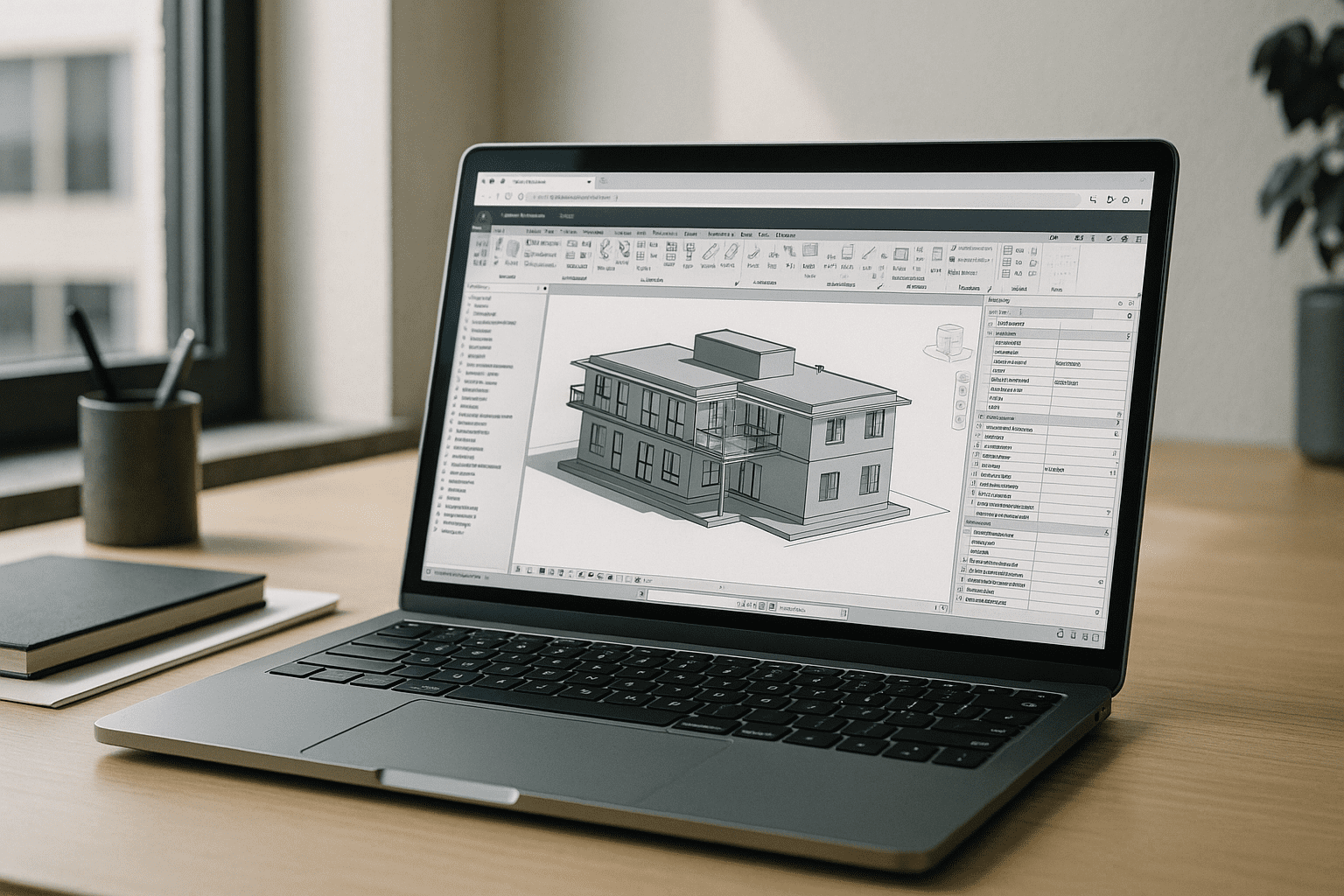
The Aristeem platform runs native Autodesk Revit on a dedicated, GPU-accelerated cloud infrastructure that opens instantly within a browser tab—requiring no local installation or complex network configurations.
Revit is delivered pre-installed and optimized for immediate deployment. Designers simply open the secure application library and click “Launch,” utilizing existing licensing entitlements when the software boots. Critical system extensions such as V-Ray and Dynamo are fully supported natively, ensuring that complex generative modeling and ray-traced rendering remain completely seamless. This approach keeps delivery timelines predictable while providing the lightweight flexibility that modern professionals expect when moving their Revit online operations to the cloud.
To see how easy it is to eliminate local hardware dependencies and stabilize your delivery framework, see our complete breakdown of Revit plugin support on Aristeem.


