


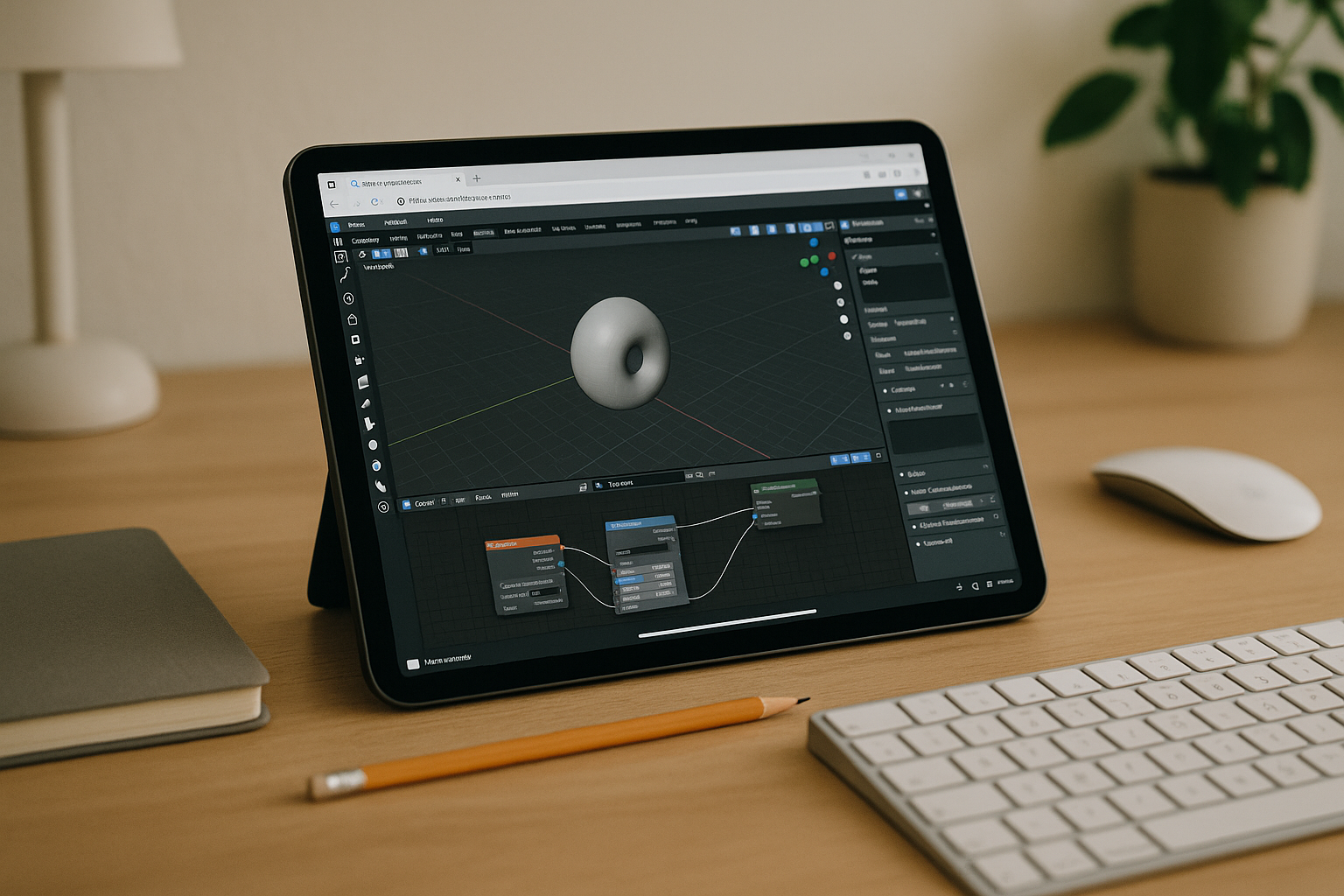
The real way to get Blender online when your device can’t keep up
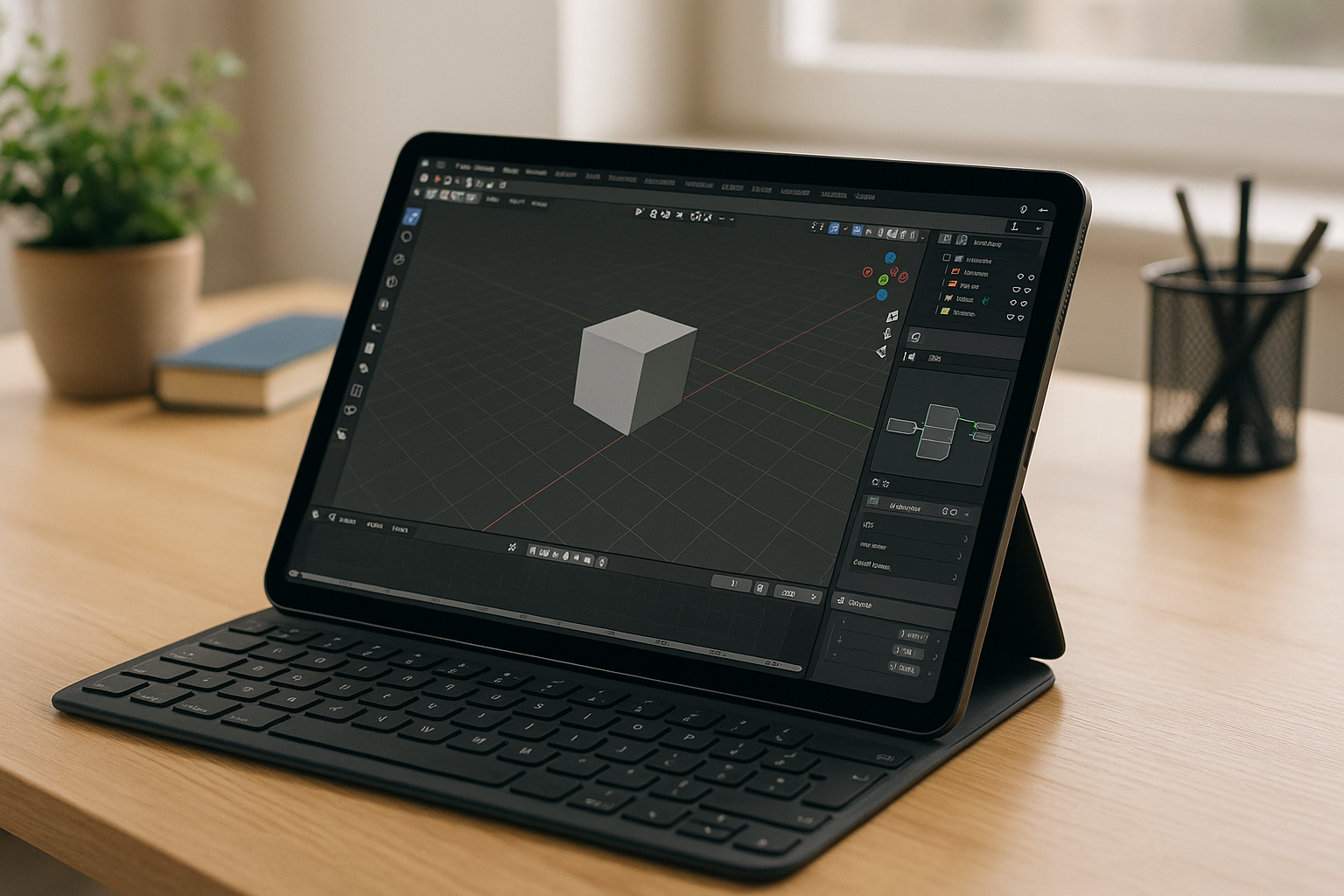
You searched for Blenderonline because you need the full desktop app without fighting installs, drivers, or weak hardware. Maybe your school or office laptop is locked down with no admin rights, your Chromebook or iPad can’t run native Windows executables, or your old GPU chokes the moment you open a heavy scene. You just want predictable performance, access from any device, and the ability to continue projects on the go — essentially real Blender in browser with the same tools, hotkeys, and add‑ons you use on a desktop.
Typical ways to run Blender without installing locally and their trade‑offs
Buying a new PC with a strong GPU can solve performance, but it is expensive, takes time to set up, and still ties you to one machine. Installing Windows or dual‑booting on a Mac or Linux device might help, but it requires admin rights, disk partitioning, driver juggling, and constant updates — none of which is ideal for quick sessions. Using a traditional remote desktop to control a home workstation seems convenient, yet it often suffers from compression artifacts, input lag, firewall hassles, and unreliable upload speeds, so it rarely feels like you truly run Blender without installing in a dependable way.
A better path: Blender in browser via a dedicated GPU workspace
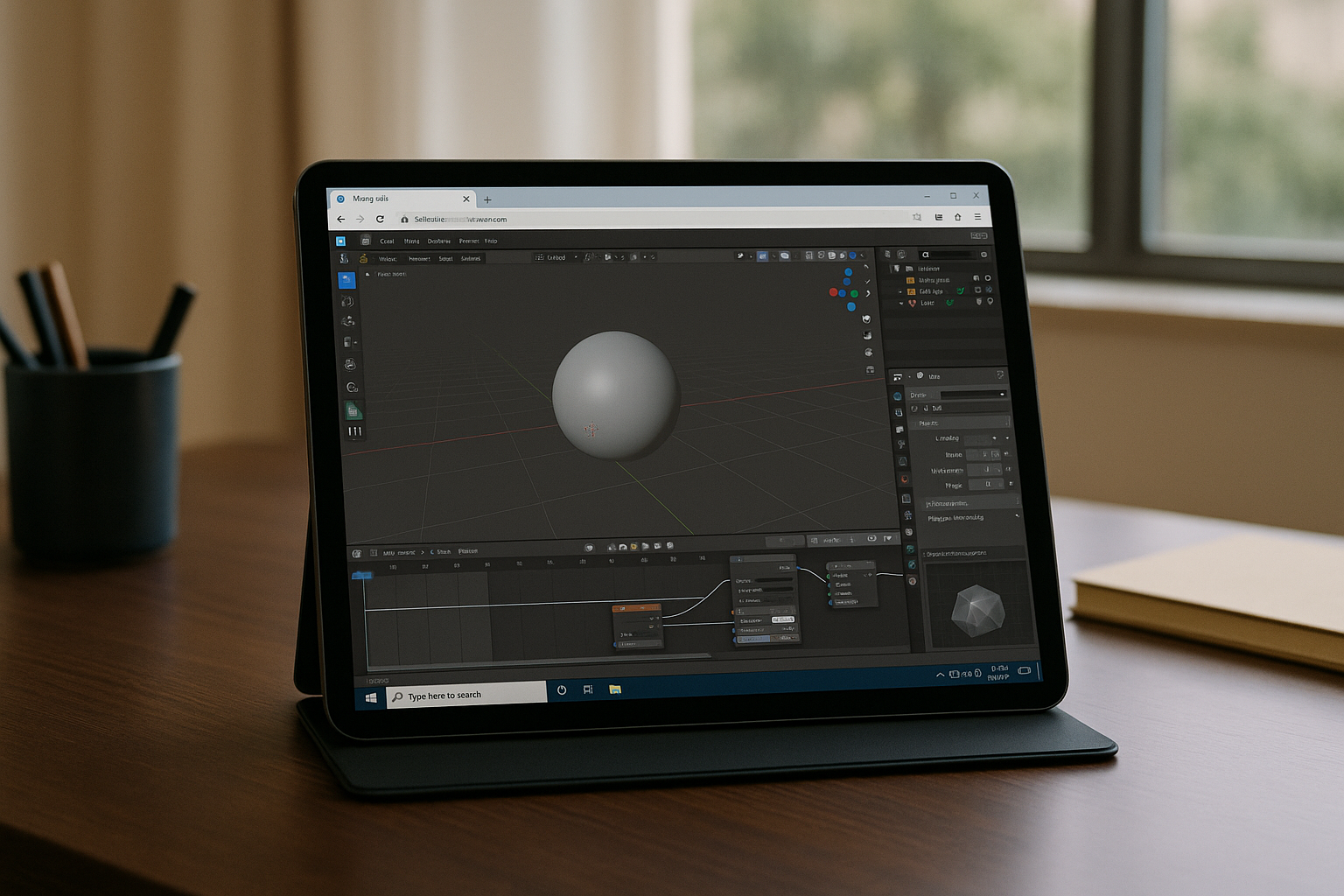
The practical alternative is a persistent, GPU‑accelerated desktop that opens in your browser and behaves like your own machine. With a true Blender cloud PC, you get consistent performance for viewport navigation, Cycles rendering, and heavy add‑ons, while bypassing local installs and admin policies. Compared to buying hardware or relying on remote desktop, Blender in browser keeps your projects accessible from Mac, Linux, Windows, Chromebook, or iPad, so you can pick up work anywhere with the same toolset and settings.
Get the real Blender online experience with instant access and zero setup
Aristeem delivers the full desktop Blender on a high‑performance cloud PC that runs inside your browser — no installers, no drivers, no admin permissions. It is not an emulator and not a remote desktop; it’s your own GPU‑accelerated environment you can customize with your favorite add‑ons, render settings, and project folders. Open a session in seconds, load files from cloud storage, and enjoy consistent viewport and render performance from any device. Because the workspace persists, your shortcuts, plugins, and caches stay put between sessions, so you truly get Blender online without compromise. Whether you’re reviewing assets on an iPad, modeling on a MacBook, or rendering from a work PC you can’t modify, you can move seamlessly across devices. If you’re ready to skip setup and get straight to work, launch Blender online now and start creating.
Your fastest route to Blender online with a GPU
If hardware limits or IT restrictions are blocking your 3D work, a persistent, GPU‑backed workspace in the browser is the cleanest fix. You keep desktop‑grade performance, install the add‑ons you need, and access projects from anywhere without touching your local OS. Stop wrestling with drivers, remote desktop lag, and one‑machine workflows, and enjoy Blender online that feels like a powerful local setup. Start your session in seconds and launch Blender in your browser today.


