


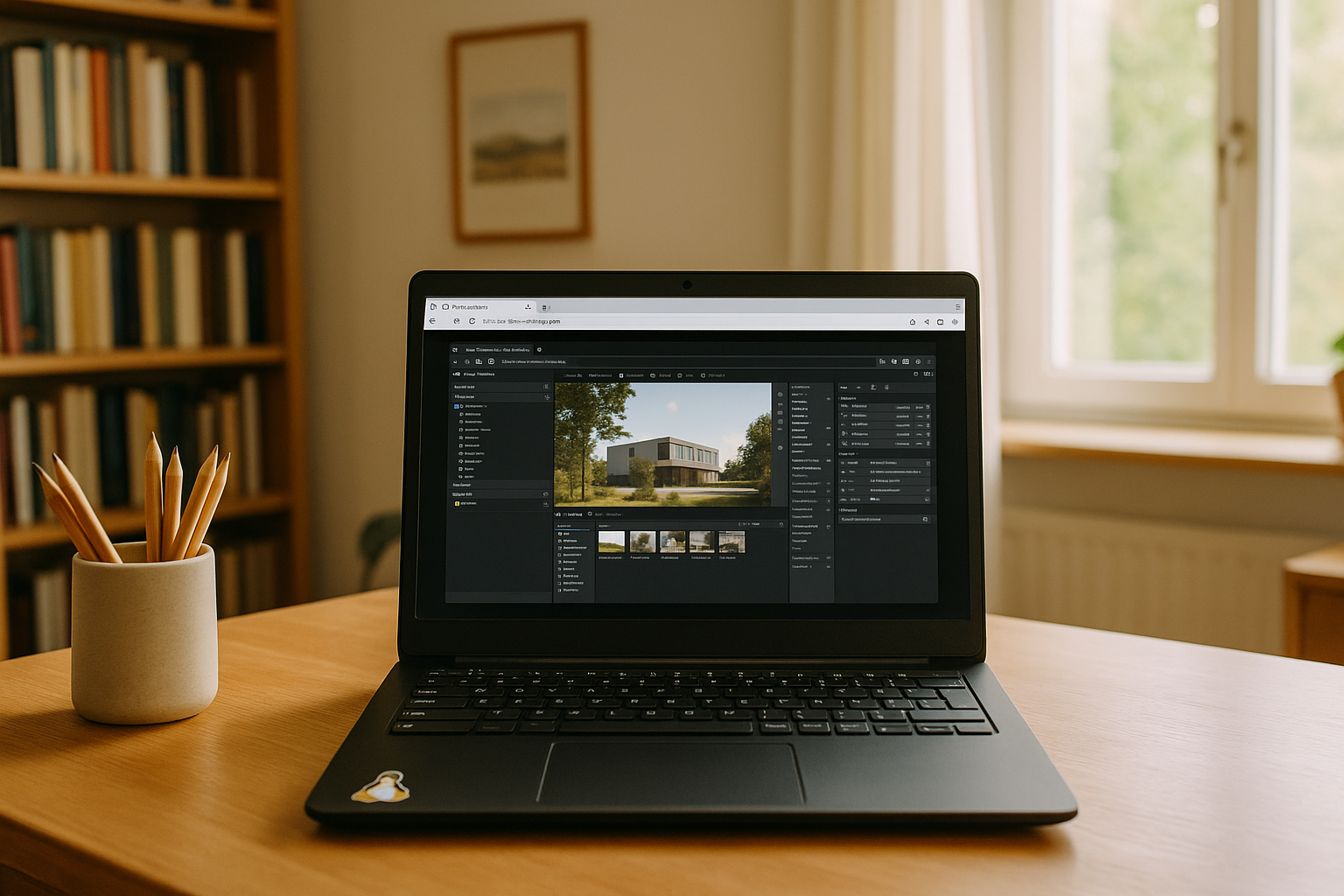
Twinmotion is a leading visualization software widely used in architecture, urban planning, and design. Twinmotion is officially available for both Windows and macOS, while Linux is not a supported desktop platform. On Mac, the current version has specific hardware and software requirements, including supported Apple silicon hardware and sufficient memory. Twinmotion 2026.1 and later also require Xcode to be installed on macOS. Some features, including Path Tracer and VR mode, are not supported on Mac. For Linux users, running the Windows version through a cloud PC provides an alternative to installing Twinmotion locally.
Why Twinmotion for Mac Matters
Twinmotion on Mac can handle architectural projects, urban scenes, and detailed landscapes when the system meets the application’s hardware requirements. However, complex scenes and demanding rendering workloads can require substantial CPU, GPU, and RAM resources. A cloud PC approach via Aristeem provides an alternative when your Mac does not have enough local performance or when you prefer to avoid installing and maintaining Twinmotion locally. You can launch Twinmotion for Mac through a remote cloud environment and work with demanding 3D projects without relying entirely on your local hardware.
Twinmotion Features Accessible in the Cloud
Current Twinmotion releases continue to improve real-time visualization, materials, lighting, and rendering workflows. When running the Windows version through an Aristeem cloud PC, users can work with demanding Twinmotion projects without installing the application on their local Mac or Linux device.
Depending on the Twinmotion version and platform, available features may include:
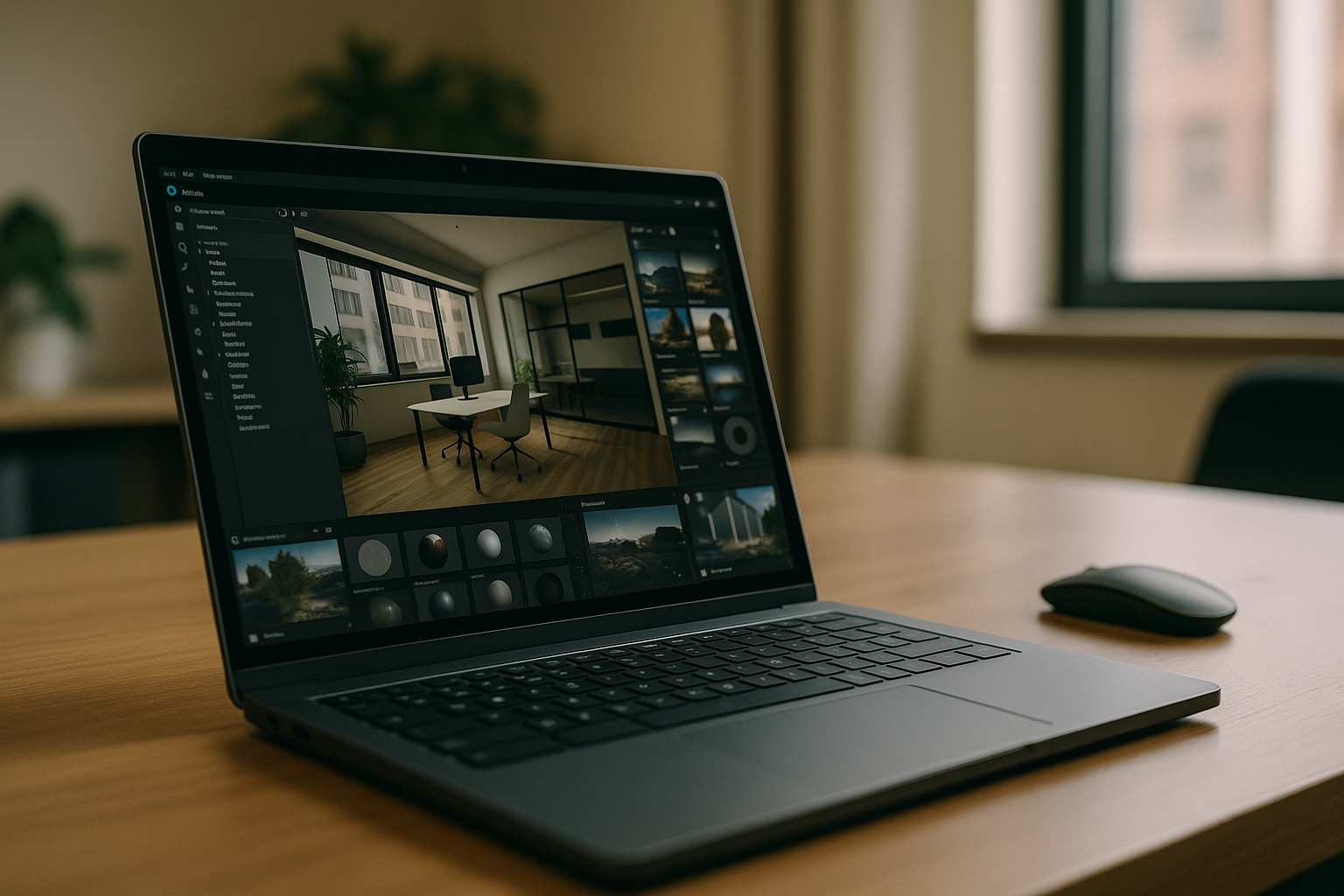
- Real-time environment adjustments
- Advanced materials and textures
- Improved lighting and rendering workflows
- Interactive architectural visualization
Cloud access also removes the need to manage local application installation and updates on the device used to access the remote workspace.
Twinmotion Software via Aristeem Cloud
Whether using Twinmotion for architectural visualization, design presentations, or urban modeling, the Aristeem cloud platform provides access to a remote environment for demanding 3D workflows. By running Twinmotion through an Aristeem cloud PC, users can handle rendering and other resource-intensive tasks without relying entirely on local hardware or installing the application on their device. The cloud environment can also be used with official Twinmotion assets and project files.
Benefits for Mac and Linux Users on Aristeem
| Feature | Benefit |
|---|---|
| Cross-platform access | Launch Twinmotion from Mac, MacBook, or Linux without installing it locally via an Aristeem cloud PC — learn more about Twinmotion on Mac and Linux. |
| Cloud computing power | Demanding rendering and processing workloads run on the remote cloud PC rather than relying entirely on the local device. |
| No local installation | Avoid downloading and maintaining Twinmotion on the device you use to access the cloud workspace. |
| Remote workflow | Access the same cloud workspace from supported devices and locations. |
| Current software environment | Use the Twinmotion version provided in the available cloud environment without managing the installation locally. |
How to Start Twinmotion on Mac and Linux via Aristeem
Getting started is simple and intuitive: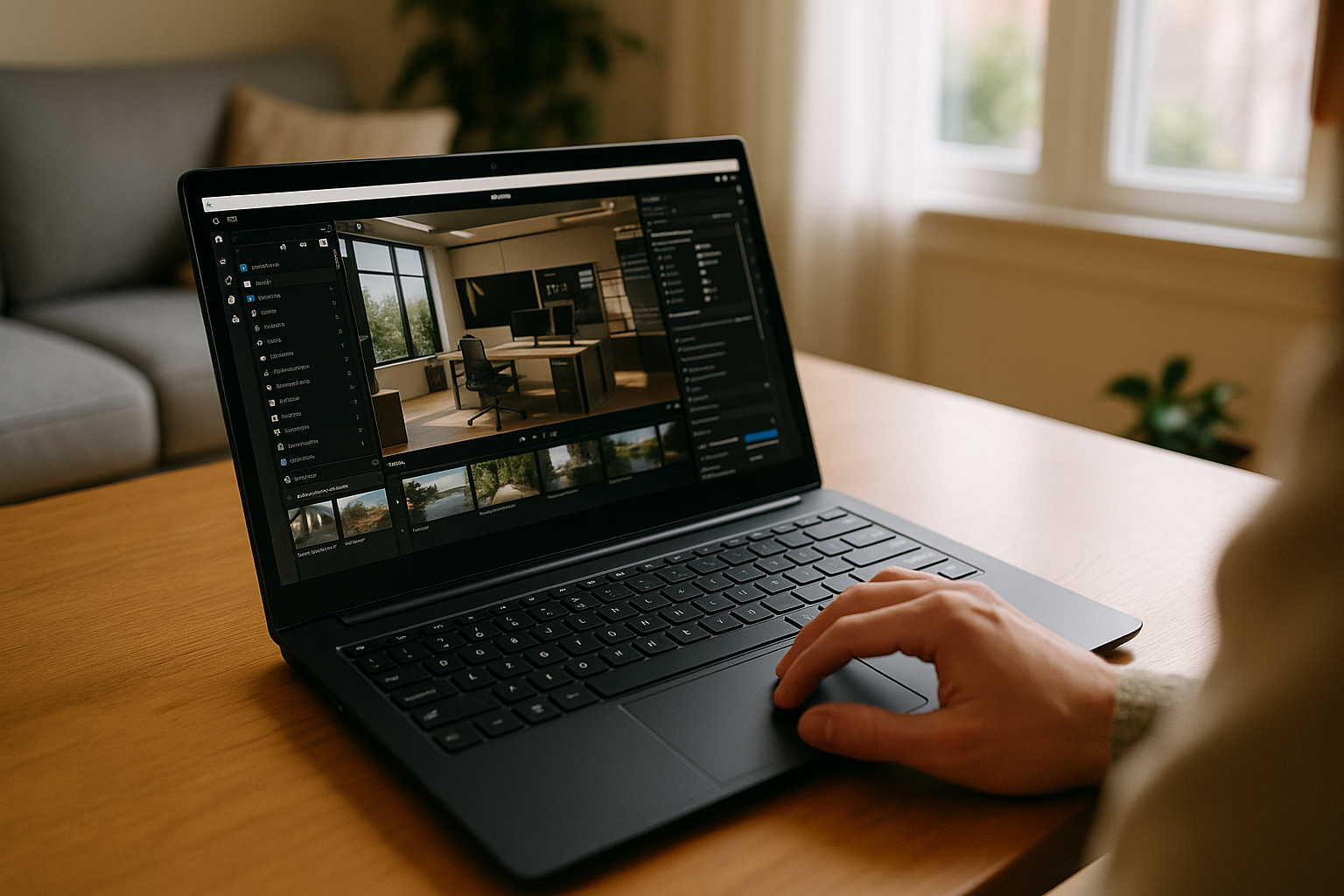
- Sign Up on Aristeem — create your account to access the cloud platform.
- Launch Twinmotion in the Cloud via Aristeem — open the cloud PC environment and start the program.
- Create Without Local Installation — begin designing, rendering, and exploring Twinmotion through the remote workspace without installing it on your Mac or Linux device.
Because demanding workloads run on the cloud PC, devices with limited local hardware can still be used to access a more powerful Twinmotion environment.
Conclusion
By combining Twinmotion with the Aristeem cloud PC, architects, designers, and urban planners can access a remote environment for demanding visualization workflows without relying entirely on local hardware. Mac users can use the cloud when their device does not meet project requirements or when they want to avoid local installation, while Linux users can access the Windows version of Twinmotion through the cloud.
This approach can simplify software access, reduce local hardware requirements, and provide a flexible way to work with Twinmotion projects across supported devices.


