


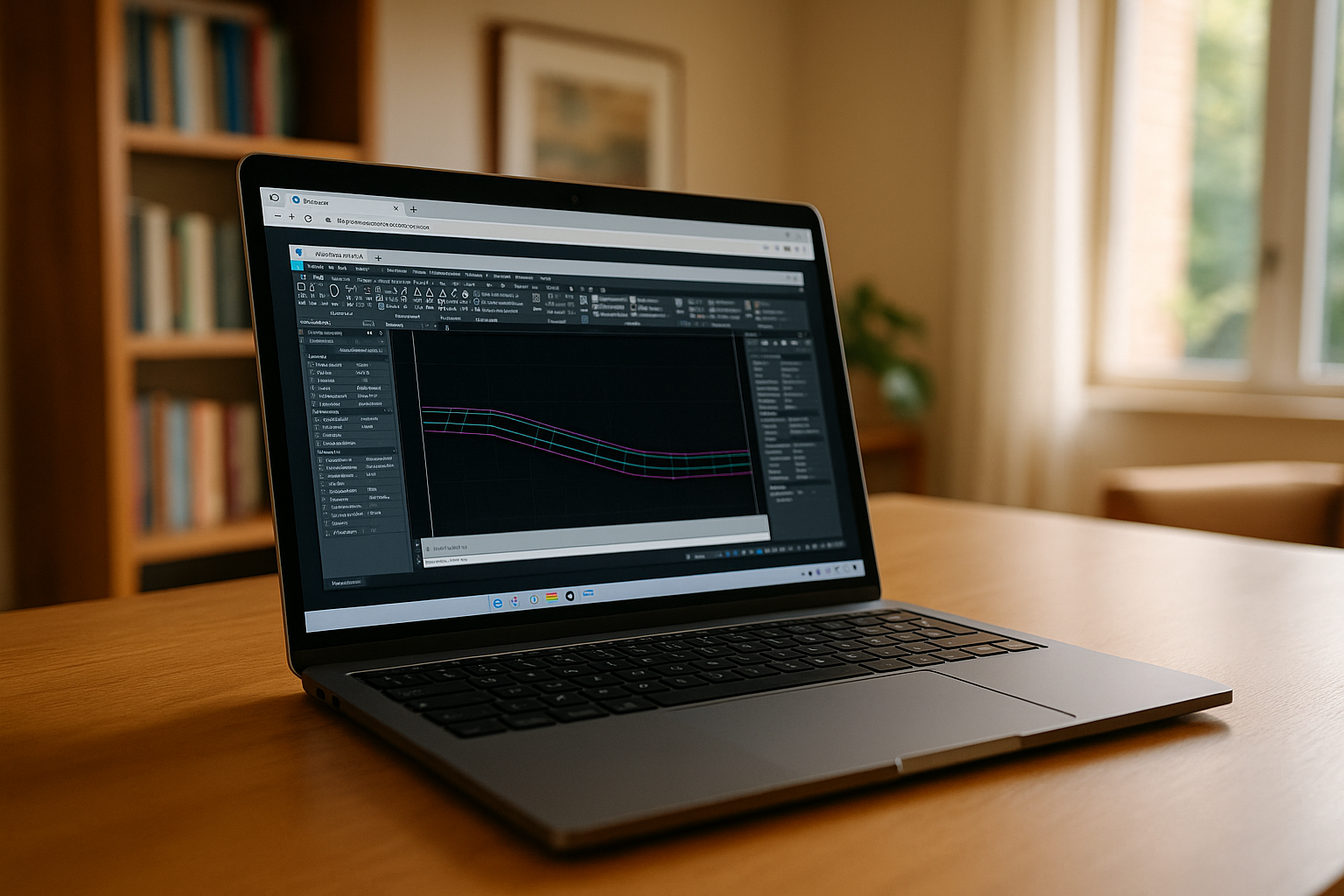
Civil 3D software from Autodesk is a leading solution for civil engineering, infrastructure design, and construction projects. Widely recognized for its parametric modeling capabilities and robust design tools, this Civil 3D program allows engineers, surveyors, and planners to manage complex projects efficiently. From road corridors and grading designs to pipe networks and site layouts, Civil 3D provides the tools necessary to model, analyze, and visualize civil engineering projects with accuracy and precision. For Mac users, more details on running Civil 3D can be found in Autodesk Civil 3D for Mac, while Linux users can refer to Autodesk Civil 3D on Linux.
Key Features of CAD Civil 3D
CAD Civil 3D offers a wide range of functionality that supports the entire civil design workflow:
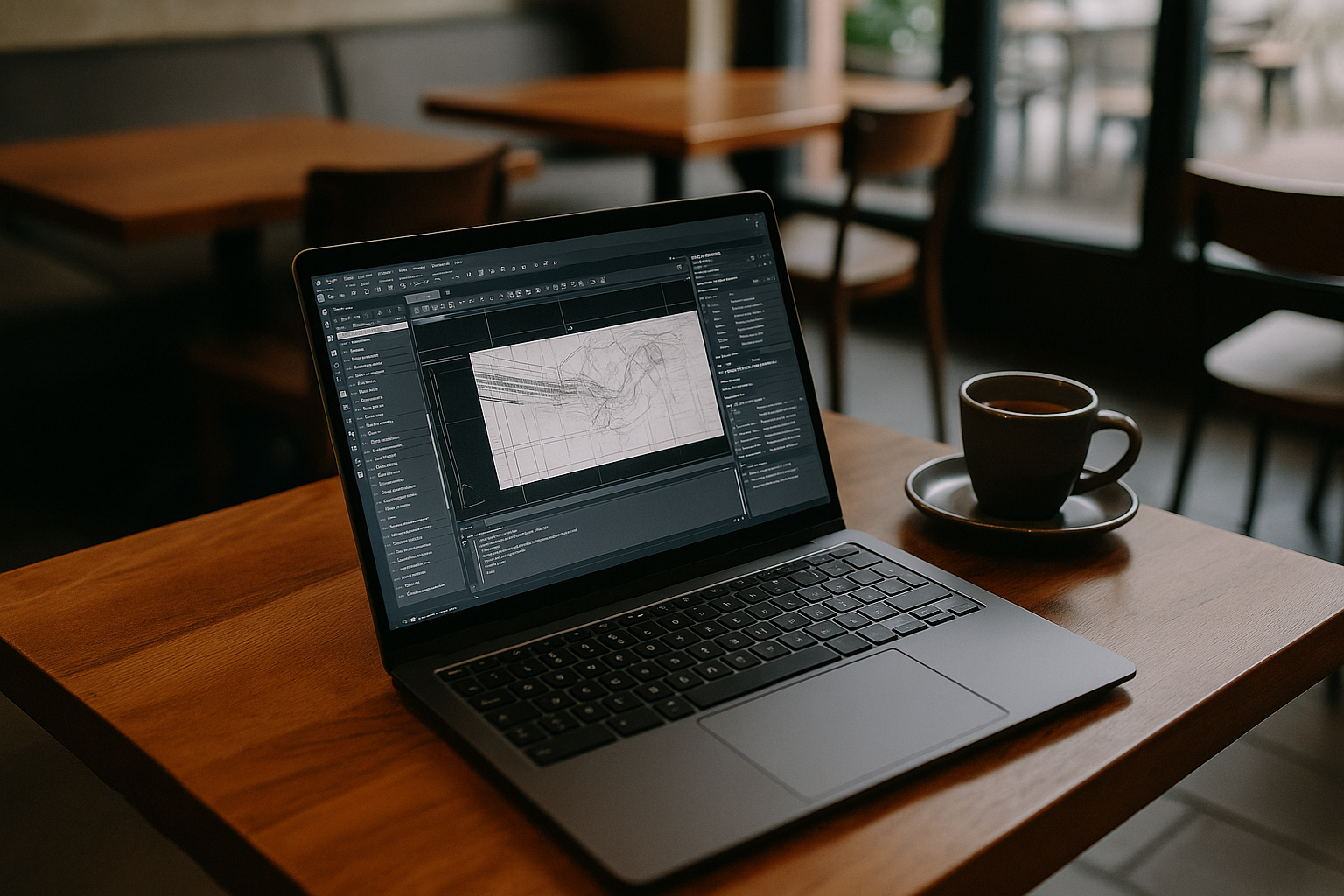
- Corridor Modeling: Design and visualize roadways, railways, and other linear infrastructure projects.
- Surfaces and Grading: Create detailed terrain models using survey data and manipulate them for site design.
- Profiles and Alignments: Generate longitudinal and cross-sectional profiles for accurate engineering plans.
- Pipe Networks: Design stormwater, sanitary, and utility networks with precise connectivity and slope controls.
- Annotation and Documentation: Automate labeling, tables, and plan sheets to streamline project documentation.
These features make Civil 3D not just a drafting tool, but a comprehensive civil engineering platform capable of supporting large-scale infrastructure projects. Learn more about Civil 3D capabilities in our overview of CAD Civil 3D.
How Engineers Use Civil 3D
The Civil 3D program is typically used in workflows that include surveying, design, analysis, and visualization. Survey data is imported to create surfaces and alignments, which are then used to develop grading, corridors, and pipe networks. Visualization tools allow teams to review designs in 3D, detect clashes, and simulate construction sequences. Automation within Civil 3D reduces errors and saves time, which is crucial for projects with tight deadlines.
Additionally, understanding what is Civil 3D software and how it integrates with other Autodesk tools ensures seamless collaboration between engineers, architects, and stakeholders, resulting in more accurate and efficient project delivery.
Run CAD Civil 3D Anywhere with Cloud Subscription

A key challenge when using Civil 3D program is operating system compatibility: certain features are only fully supported on Windows, which can limit performance on Mac or Linux devices. This makes cloud-based solutions particularly valuable, as engineers can launch the full CAD Civil 3D environment on any device without OS restrictions.
The Autodesk Civil 3D subscription through a cloud platform offers flexible plans, including monthly, semi-annual, and annual tiers. Users can select a subscription that fits their project size and workflow needs, while the Civil 3D price varies depending on the plan. With cloud deployment, engineers gain access to high-performance computing, instant updates, and a ready-to-use CAD environment, maximizing efficiency and productivity.
Advantages of Using Civil 3D via Aristeem Cloud
For professionals who require access from multiple devices or prefer not to invest in high-end workstations, running CAD Civil 3D through the Aristeem cloud platform offers several key benefits:
| Feature | Benefit |
| Cross-platform access | Launch Civil 3D on Windows, Mac, or lightweight devices without local installation. |
| High performance | Large simulations, renderings, and complex projects are processed on powerful cloud servers. |
| No installation issues | Avoid dependency conflicts and configuration errors common on local machines. |
| Access to professional tools | Use the full Civil 3D program even on devices where native installation is not possible. |
| Work from anywhere | Collaborate and continue projects on laptops, tablets, or any internet-enabled device. |
By leveraging the Aristeem cloud, engineers can maximize productivity while minimizing hardware costs and technical barriers.
Conclusion
Civil 3D software remains a cornerstone of modern civil engineering design. With its powerful features for corridors, grading, profiles, and pipe networks, it enables precise and efficient project delivery. Pairing Civil 3D with a cloud solution like Aristeem ensures accessibility from any device, high performance, and seamless collaboration. For teams and individuals seeking flexibility, reliability, and professional-grade engineering tools, using CAD Civil 3D through the cloud represents the most practical and effective workflow.


