


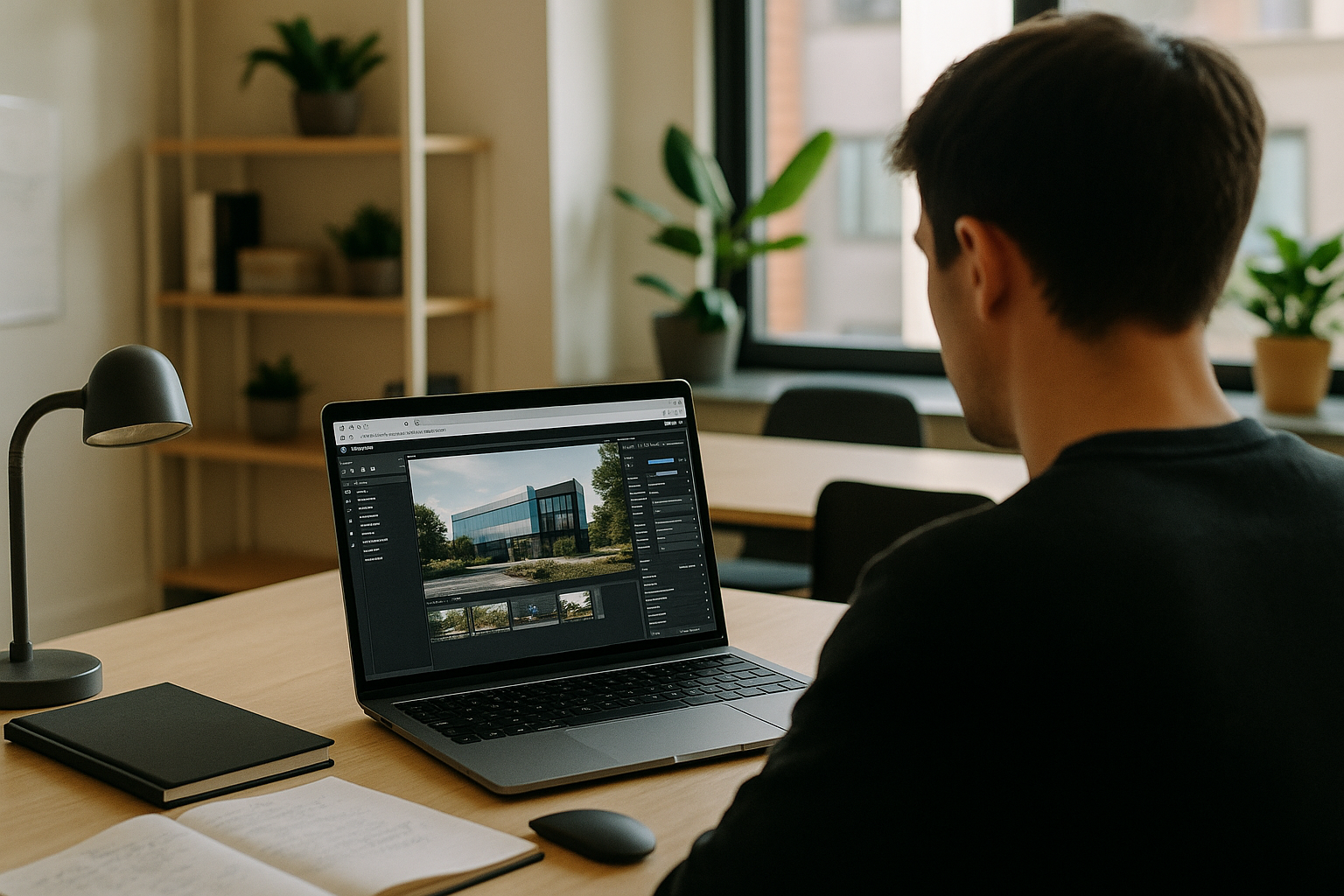
When heavy assets block a smooth Twinmotion render
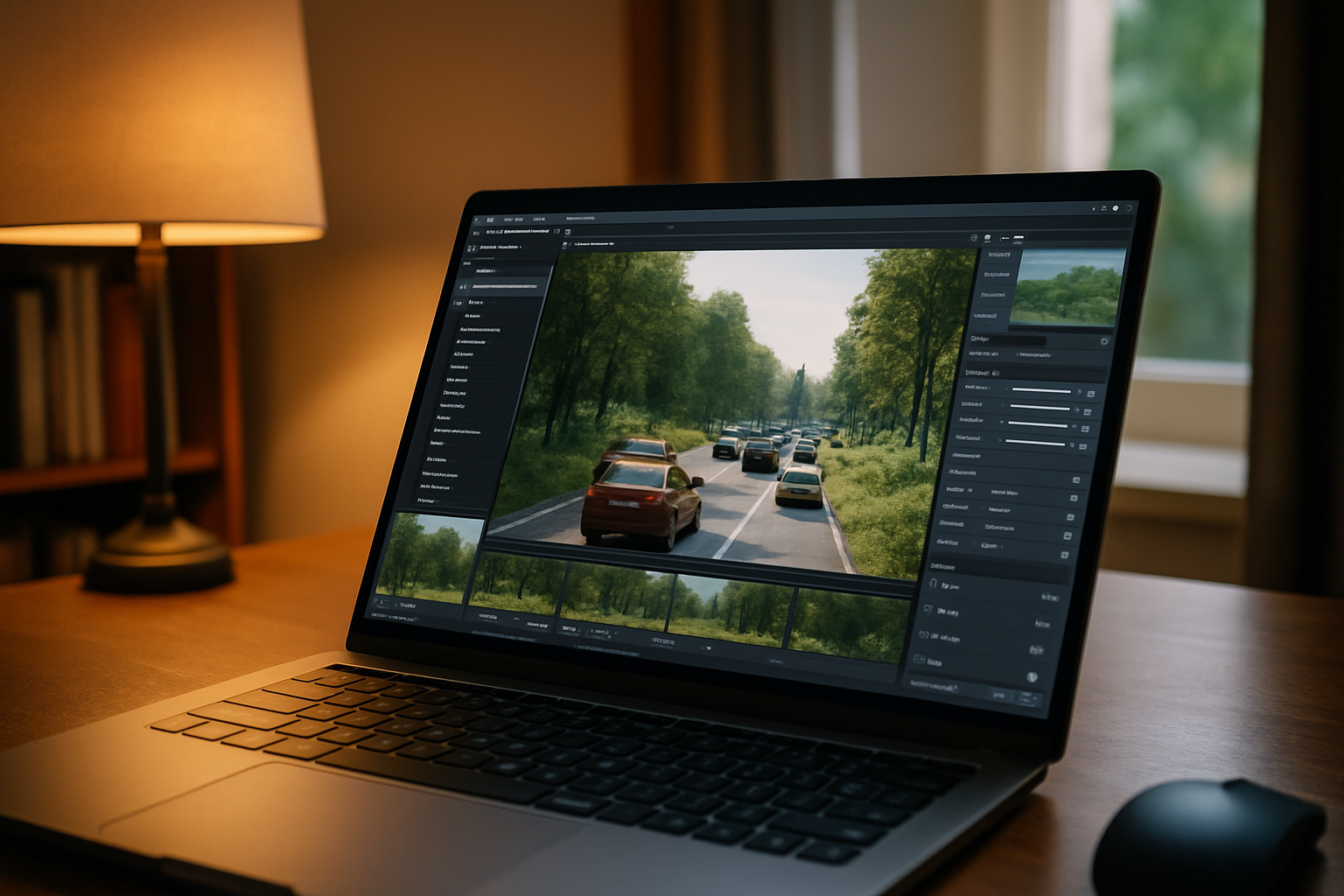
Heavy scenes — dense vegetation, high‑res PBR assets, animated traffic — turn preview into a crawl. Kicking off a Twinmotion render stalls the UI, spikes memory, and sometimes crashes mid‑output. You still need a precise Twinmotion version with Direct Link compatibility for your CAD, plus plugins, and a setup that works from home, office, or site. Files bounce between teams, version drift breaks links, and iteration dies when each test takes minutes to refresh.
Why upgrading for Twinmotion rendering falls short
Buying a stronger computer feels like the quickest fix when Twinmotion rendering slows your day. It can help, yet the workflow often breaks elsewhere:
- Large upfront cost for peak loads you hit only during deadlines.
- Version pinning is fragile; OS/driver updates can disrupt Twinmotion Direct Link.
- Less mobility — edits and reviews require that specific desk.
- Thermals and noise cap sustained rendering on many form factors.
- Lead times, IT policies, and downtime delay projects at critical moments.
Best path to a stable Twinmotion render
Compare practical paths below; note how the browser‑based route preserves your version, plugins, and Direct Link.
| Approach | Capabilities | Complexity |
|---|---|---|
| Upgrade components | Faster viewport; larger scenes locally | Parts research, installs, driver tuning |
| Dedicated render workstation | Offload long jobs; keep laptop free | Job queueing; asset sync; access limits |
| Render farm service | Burst frames/animations at scale | Packaging scenes; version parity; licensing |
| Browser-based virtual Windows PC | Install exact Twinmotion version, plugins, Direct Link | Minimal setup; run in browser; start rendering |
Twinmotion rendering is moving toward more flexible workflows
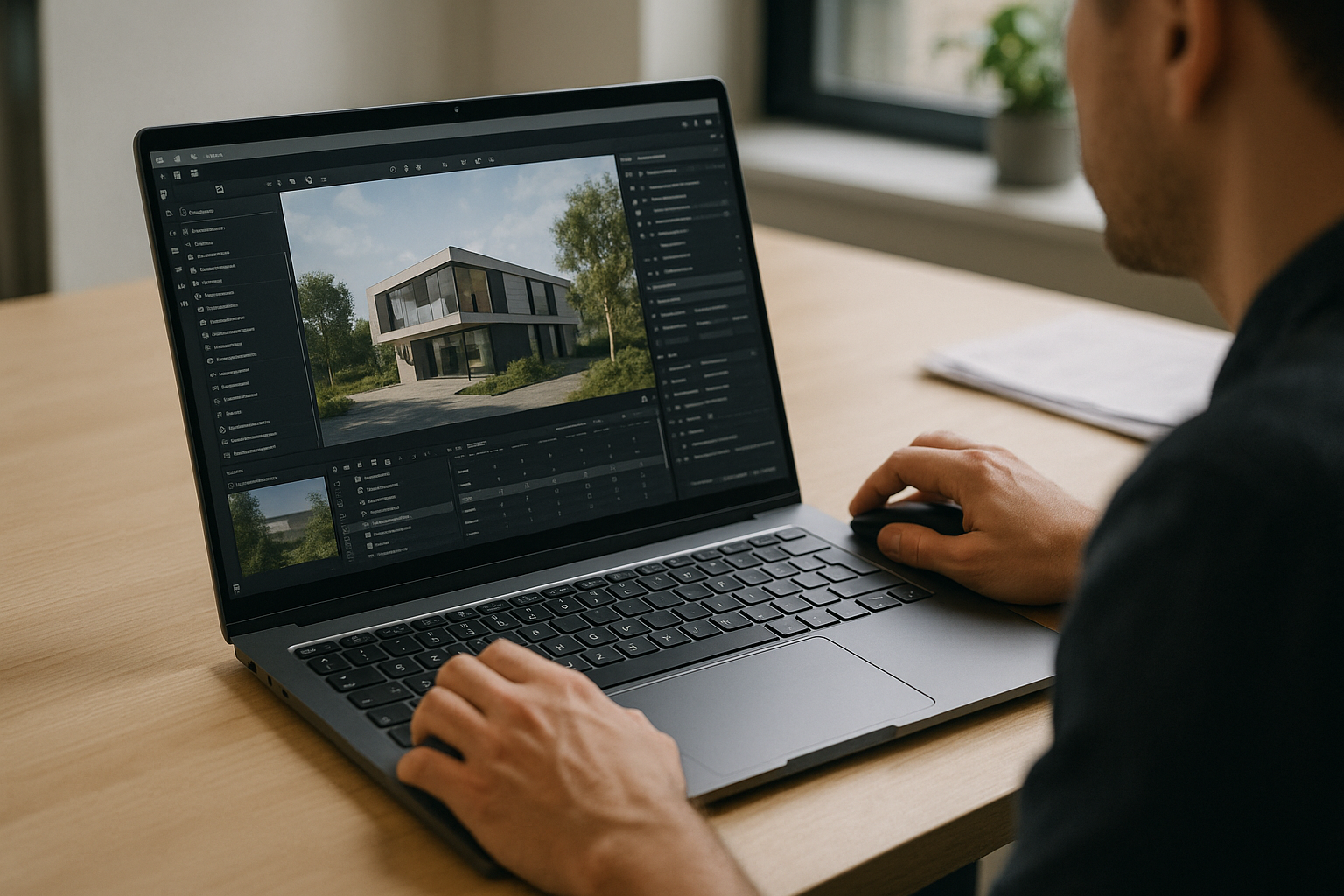
As 2027 approaches, teams favor workflows that decouple heavy processing from personal devices. Browsers now deliver full Windows workspaces where you install exact app versions, lock plugins, and keep licensing tidy. That shift makes it easier to render in Twinmotion repeatedly, maintain Twinmotion Direct Link across revisions, and collaborate without shipping workstations around. The result is consistent outputs, faster iteration, and fewer surprises between home, office, and site.
Aristeem for dependable Twinmotion rendering
For more than two years, Aristeem has focused on access via the cloud to professional software for engineering, design, data analysis, and other demanding work. We study real workflows and refine the service continually. Today it’s a virtual Windows PC in your browser — not an emulator and not a remote desktop — that you fully control. We’re expanding flexibility while testing new options. For Twinmotion rendering, install the exact version, enable Twinmotion Direct Link, add plugins, use your own license if needed. Learn more about Twinmotion on Aristeem and how it supports cloud-based Twinmotion workflows.
Conclusion: reliable Twinmotion rendering without new hardware
When deadlines demand predictable Twinmotion render output, moving the workflow to a browser‑run Windows environment lets you keep the required Twinmotion version, maintain Twinmotion Direct Link, and iterate faster while your current device stays responsive. That approach keeps teams aligned and makes it straightforward to manage plugins and companion tools.


