


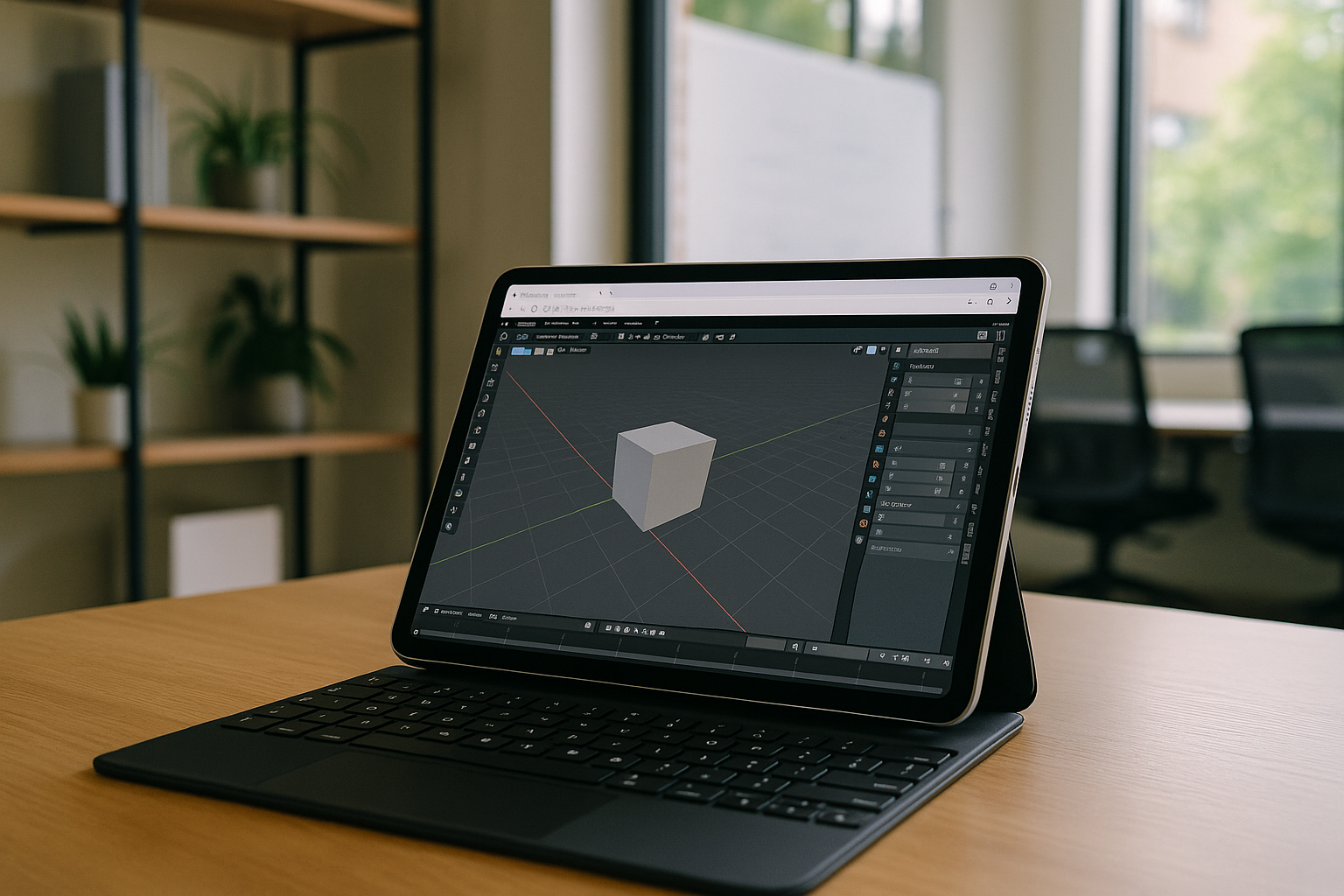
Previously, rendering in professional programs such as Blender, Maya, 3ds Max, ZBrush, DaVinci Resolve, Unreal Engine, or Adobe After Effects was a resource-intensive process that required a powerful PC or workstation. Mac, Linux, or even lightweight tablet users often faced limitations: insufficient GPU power, complex settings, or incompatibility of programs with the OS.
Why traditional solutions are not always ideal
Users of different operating systems tried to solve the rendering problem in their own way. Windows owners often invested in expensive workstations with powerful video cards. macOS users looked for compatible configurations or limited themselves to less demanding scenes. Those working on Ubuntu or other Linux distributions faced nuances of drivers and GPU support.
Other approaches included:
-
Upgrading hardware – buying a new GPU, increasing RAM. High cost and rapid obsolescence are obvious drawbacks.
-
Local virtual machines – using solutions like VirtualBox, VMware Fusion, or even Mac virtual machine software to run Windows programs on a Mac. Still, these depend on the local machine’s power and cannot solve weak GPU issues.
-
Physical render farms – effective but expensive and difficult to manage for small studios or individuals.
-
Dual booting – allows switching systems but does not add computing power.
Most traditional methods either require significant financial investments or remain limited by local hardware.
The cloud approach
Moving rendering to the cloud is a logical development. Calculations happen on remote servers with professional GPUs, eliminating issues of compatibility, performance, and hardware upgrades.
Here, a cloud virtual machine provides accessibility, scalability, and full cross-platform support without being tied to a specific OS or device.
Virtual Machine for Resource-intensive Rendering on Any OS
Aristeem’s cloud virtual machine allows professional 3D, video, and graphics software to run on Ubuntu, Windows, macOS, and even lightweight tablets. Heavy scenes and simulations become manageable from any device, supporting software like Houdini 3D render.
-
Render complex scenes in Blender, cloud rendering 3ds Max, or Maya without local hardware limits.
-
Use resource-intensive effects in Adobe After Effects, DaVinci Resolve, or VEGAS Pro.
-
Work with realistic lighting and simulations in Unreal Engine, Twinmotion, or Lumion.
All processing happens in the cloud, turning lightweight Macs, Ubuntu devices, or Android tablets into full-fledged workstations.
Cross-platform flexibility
-
With a cloud VM, you can effortlessly launch Windows applications like Blender or ZBrush on your Mac via Mac virtual machine software.
-
Access virtual desktops via Chrome virtual machine, so even lightweight devices can use Windows or other OS applications through a browser.
No device OS limitations — Aristeem lets you run any rendering application on any system. Projects remain in a secure cloud environment with centralized management and encrypted storage. The working environment configuration stays consistent across all devices.
Minimum hardware requirements
-
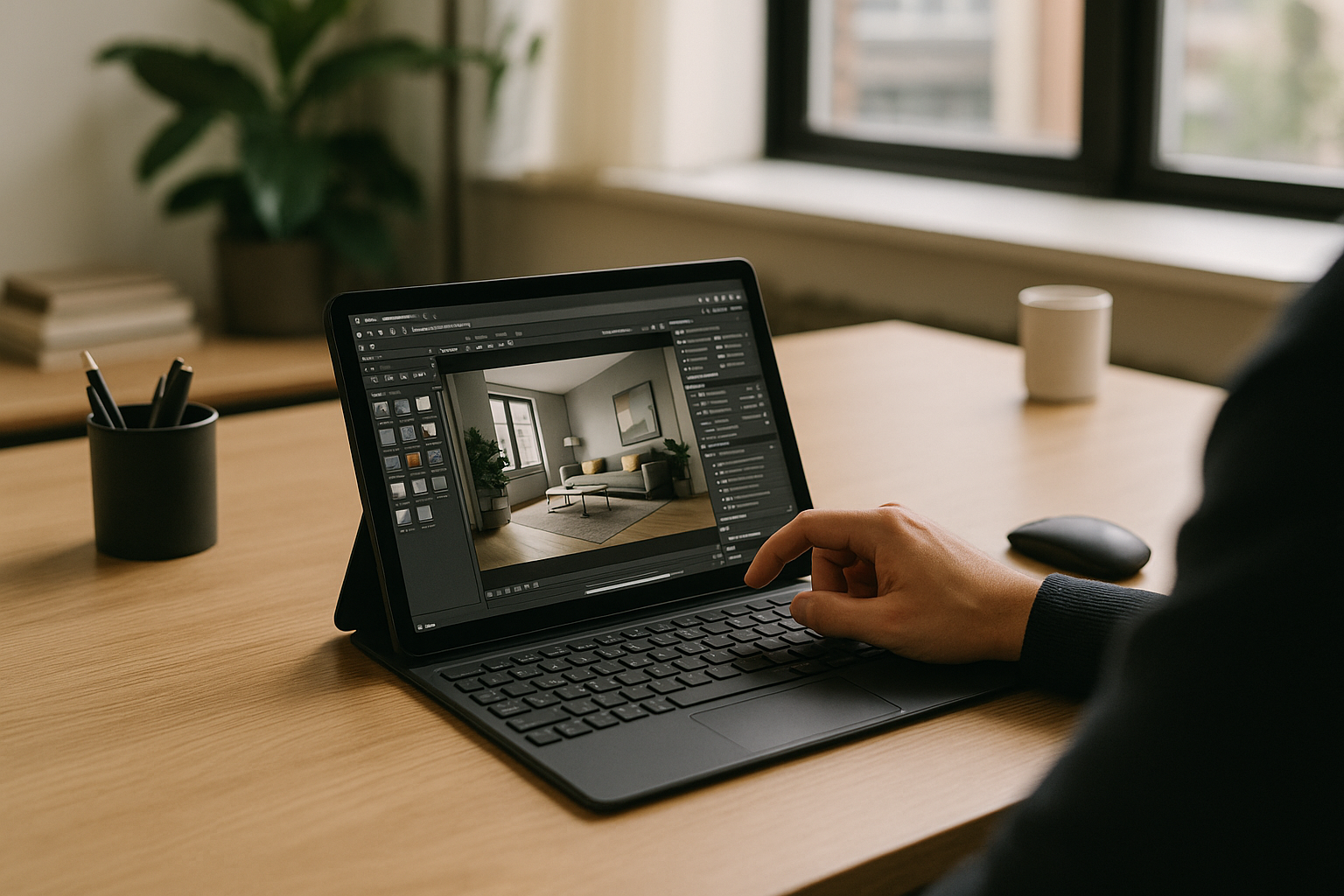
Lightweight laptops, tablets, or Android devices become the “front door” to a powerful VM.
-
No need to buy an expensive workstation with a high-performance GPU.
-
No complicated local software setup required.
-
Remote access allows rendering and project work from anywhere, using Windows VM for Ubuntu or other VMs.
Scalability and flexibility
-
GPU and CPU power can be increased on demand, speeding up large projects.
-
No need to buy new hardware as workloads grow.
Summary
Aristeem’s cloud virtual machine makes professional rendering accessible on any device — Mac, Ubuntu, Windows, iPad, or Android. Users can launch Houdini 3D render, perform cloud rendering 3ds Max, work in virtual desktop OS X, or run Windows VM for Ubuntu.
Even lightweight devices become full workstations, delivering high performance, security, and a consistent experience. Aristeem is the easiest and most effective way to work with professional software anywhere.


