



Virtual Windows in Ubuntu for Consistent Project Delivery
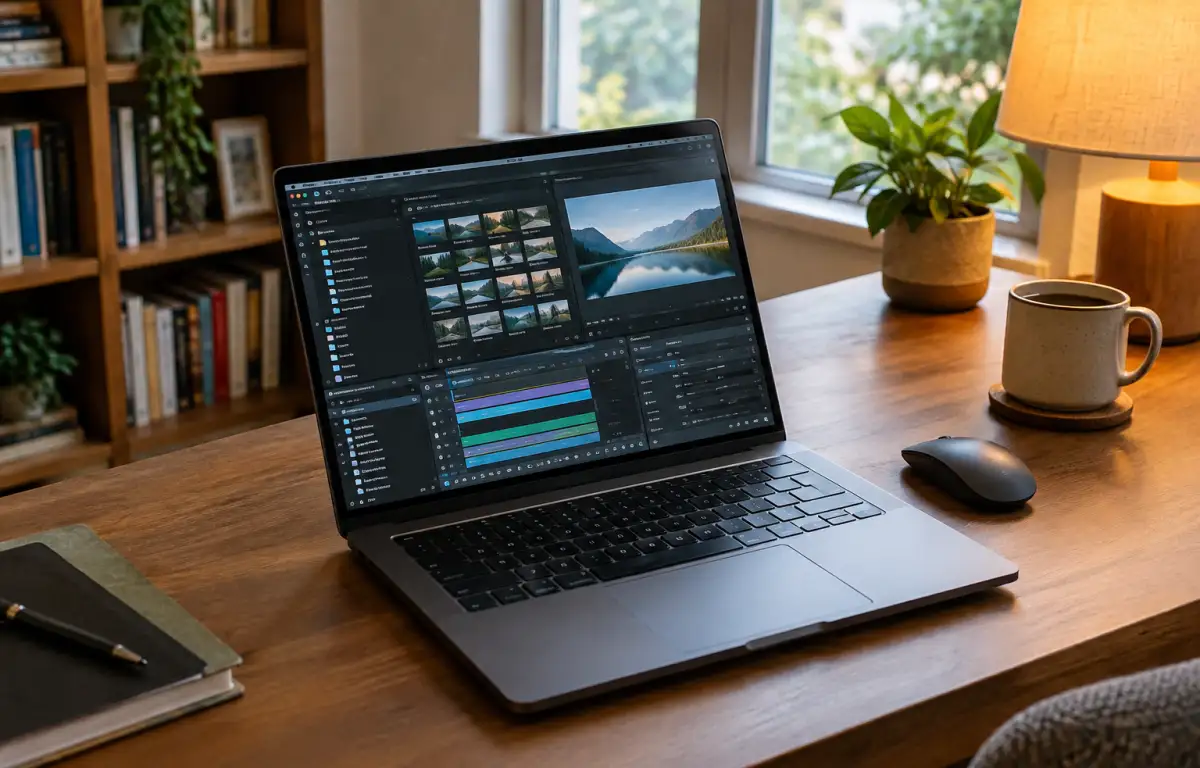
Deliverables queue up, and a production designer on Ubuntu prepares to open ongoing Windows-only projects. First, exact app builds are pinned, required plugins collected, and font packs with locale presets staged. Then matching project folders are created with fixed drive letters (for example D:\Assets) so exports resolve paths consistently. Next, the required software licenses are activated according to each application’s licensing terms. After that, palettes and presets load so renders and automation run with the same settings all week.
Requirements to Keep Virtual Windows in Ubuntu Aligned
Those identical outputs rely on a setup that never drifts from what was prepared on Ubuntu.
- Required application versions installed and maintained.
- Approved plugins installed as a fixed set.
- Matching font packs and regional presets.
- Consistent drive letters and project roots (e.g., D:\Assets).
- Required software licenses activated and configured.
Which environment on this device can keep all of these intact across locations?
A Consistent Windows Workspace for Ubuntu-Based Work
Given those fixed versions, plugins, fonts, locales, paths, and licensing, approaches differ in how reliably they hold the line.
| Approach | Capabilities | Complexity |
|---|---|---|
| Dual-boot installation | Runs installed Windows applications; supports plugins, fonts/locales, and drive-letter configuration. | Reboots; manual patch control; tied to each machine. |
| Local disk image with snapshots | Can preserve installed applications, plugins, fonts/locales, and drive configurations within a maintained image. | Image drift and sync/storage overhead; device variance. |
| Cloud Windows PC | Persistent Windows environment for user-installed applications, plugins, fonts/locales, drive configurations, and project files. | One environment to maintain; open from any Ubuntu machine. |
The cloud option provides a persistent Windows desktop that you can access from different Ubuntu devices. Applications, plugins, project files, and workspace settings remain in one environment rather than being recreated on each machine.
Research: Ubuntu Windows VM Consistency Across Locations

Moving between a studio workstation, a home laptop, and a client location should not mean rebuilding the Windows workspace each time. With separate local installations, application versions, plugin configurations, project paths, and preferences can gradually diverge. A persistent cloud Windows PC keeps the working environment in one place, so Ubuntu users can reconnect from another device without repeating the entire setup.
Aristeem Cloud Windows PC for Virtual Windows in Ubuntu
For more than two years, Aristeem has focused on giving professionals access via the cloud to demanding software for engineering, design, data analysis, and similar workloads. By studying real needs, we keep refining the service. Aristeem provides a persistent cloud Windows PC that Ubuntu users can access through a browser. You install the Windows applications and plugins required for your projects, configure the workspace, and use your own software licenses where required. Persistent storage helps keep project files and working data available between sessions. For virtual Windows in Ubuntu, this means accessing the same cloud Windows environment from different devices without maintaining separate local Windows installations. For a broader look at running Windows applications on Ubuntu, see our guide to Windows VM for Ubuntu.
Keep Virtual Windows in Ubuntu Identical Across Machines
A persistent cloud Windows PC gives Ubuntu users one Windows workspace for their applications, project files, and working settings. Instead of maintaining separate local installations, teams can access the same environment across locations and continue their projects with fewer setup differences.


