


When AutoCAD Software for Linux Becomes a Team Requirement
Many engineering companies standardize on Linux for security, development, or infrastructure management, while their CAD teams still need AutoCAD software for Linux to fit into existing engineering workflows. This creates a practical challenge: engineers want to keep Linux workstations, yet projects still require fully compatible DWG workflows and consistent production standards.
The challenge extends beyond launching one application. IT teams must keep plugins, fonts, drivers, and CAD standards synchronized across offices while avoiding workstation-specific configuration drift. When every designer uses a different workaround, support costs increase and project delivery becomes less predictable.
Why Mixed Linux and Windows CAD Environments Create Friction
Many organizations respond by assigning dedicated Windows PCs to CAD users while everyone else remains on Linux. Although this preserves AutoCAD compatibility, it introduces duplicate hardware, additional maintenance, and inconsistent workstation configurations. Fonts, printer profiles, plugins, and CAD standards often require separate administration on each device.
As engineering teams expand, onboarding takes longer, distributed offices begin working differently, and IT spends more time maintaining hardware instead of improving engineering workflows.
2026 Trend: Centralized AutoCAD Software for Linux
In 2026, more engineering organizations are replacing device-based CAD deployments with centrally managed browser workspaces. Instead of configuring every workstation individually, administrators maintain one standardized environment that every engineer can access from Linux.
GPU resources, plugins, drivers, fonts, and storage remain centrally managed, giving distributed teams identical CAD environments without depending on local hardware. The focus shifts from managing individual devices to maintaining one reliable engineering platform.
Browser Workspaces Simplify Linux CAD Standardization
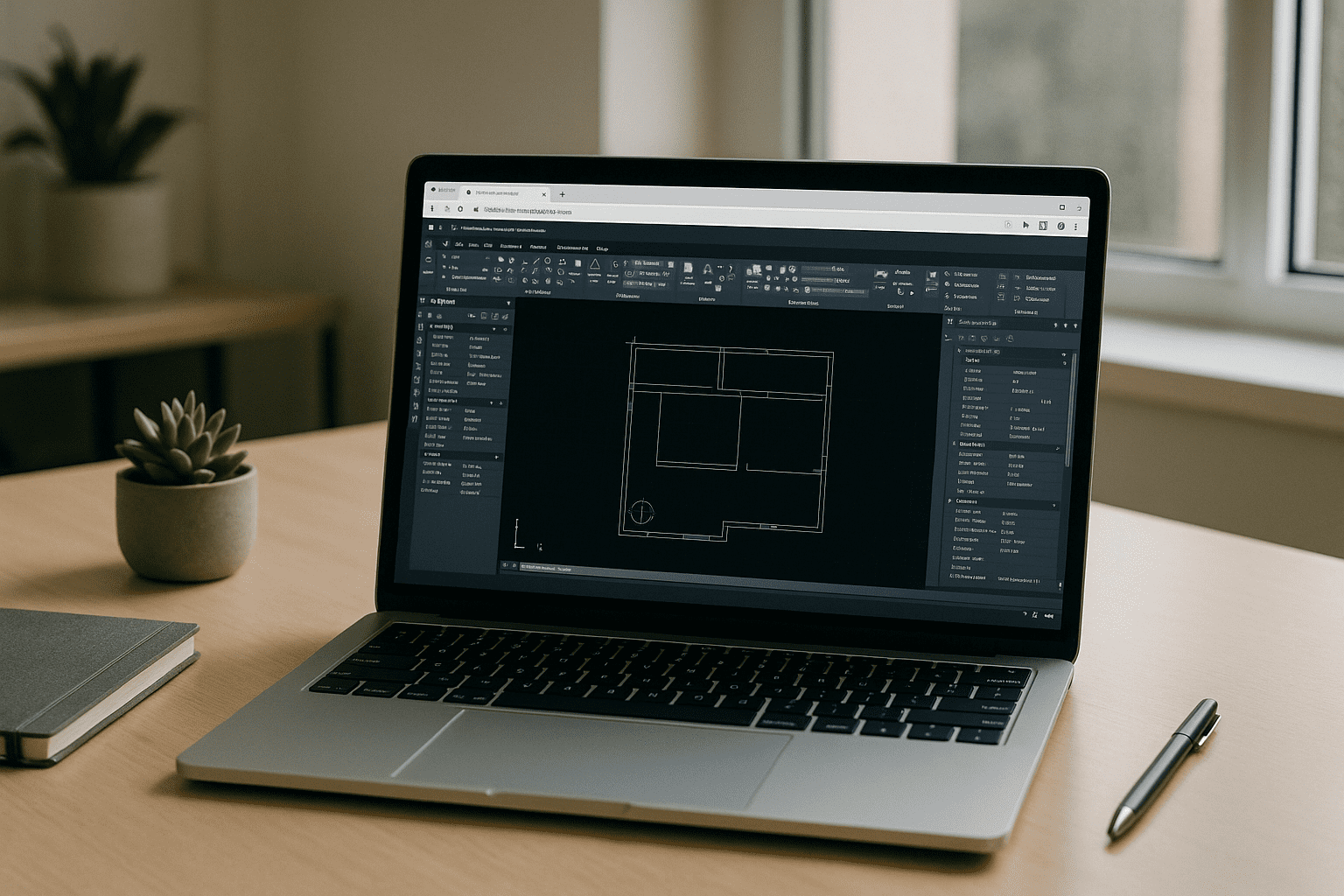
Running AutoCAD software for Linux through a browser removes many of the inconsistencies found in mixed operating system environments. Linux users continue working on their preferred platform while accessing the same CAD configuration used throughout the organization. Every workstation follows identical standards, reducing troubleshooting and configuration drift between offices or remote employees.
Instead of supporting multiple local installations, IT manages one validated environment that scales easily across teams and locations.
Aristeem Delivers Standardized AutoCAD Software for Linux
Aristeem provides a browser-based Windows workspace with the full desktop version of AutoCAD already installed. It is neither an emulator nor a remote desktop. Users simply click Launch in the Library and sign in with their Autodesk license.
Every workspace follows the same validated configuration, helping organizations maintain consistent plugins, fonts, drivers, and project standards across Linux workstations. GPU acceleration, persistent storage, and centralized administration deliver reliable CAD environments without expanding Windows hardware across the company. If you’re still deciding between Linux CAD alternatives and the full desktop application, learn about the available options and choose the approach that best meets your requirements.
Keep Linux Without Fragmenting Your CAD Environment
Engineering organizations no longer need to choose between Linux infrastructure and dependable AutoCAD workflows. A centrally managed browser workspace lets teams keep their preferred operating system while giving every designer access to the same production-ready CAD environment.
Instead of maintaining separate hardware strategies, organizations gain standardized deployments, simpler administration, and more consistent project delivery. For teams where Linux is the standard but AutoCAD remains essential, this provides a practical and scalable long-term solution.


