


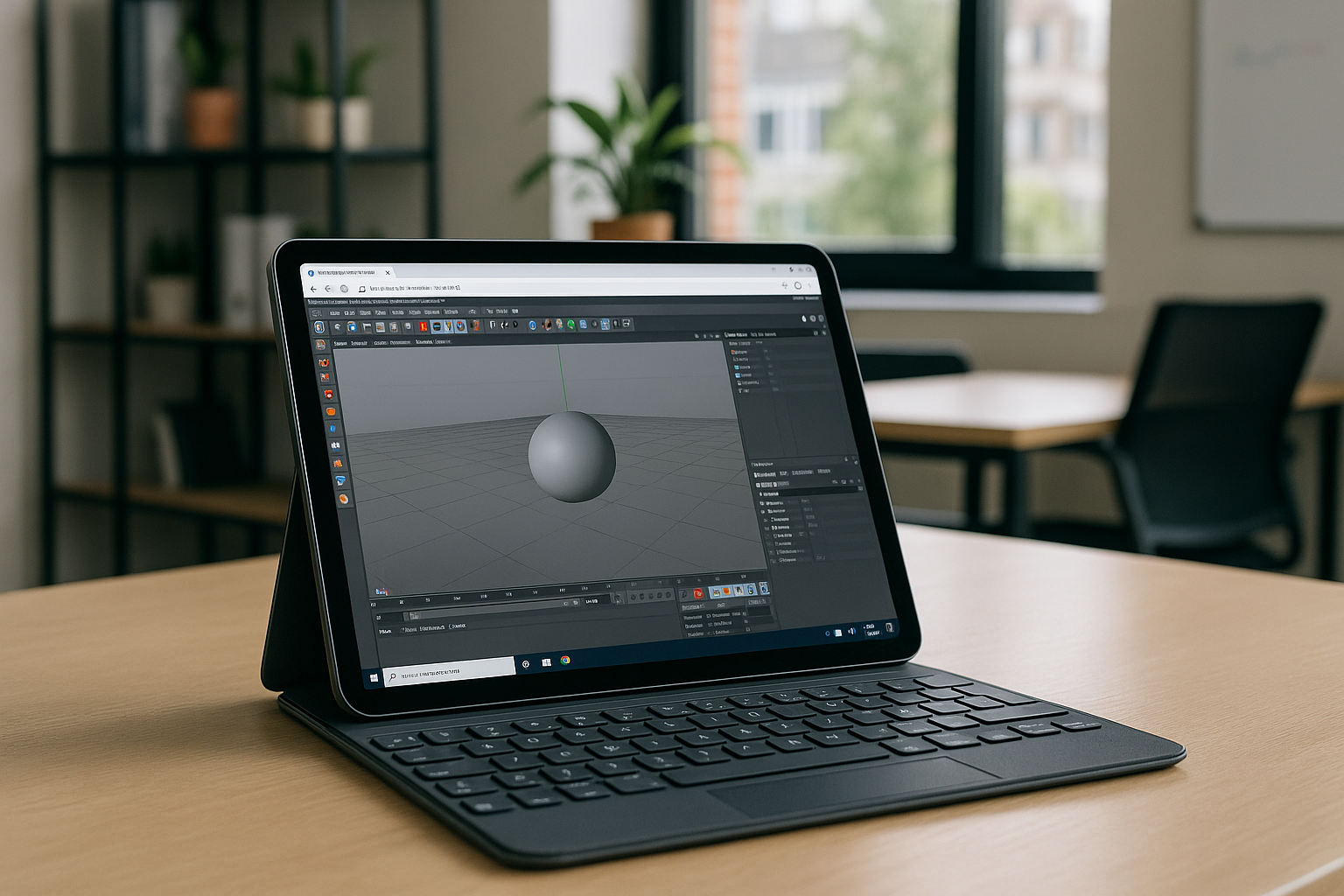
Cinema 4D on iPad has become a hot topic for designers and motion graphics artists who want flexibility in their workflow. While Cinema 4D for iPad is not natively available, there are solutions that allow users to access the full power of C4D software from a tablet device. With the rise of mobile workstations and cloud computing, iPad users can now participate in professional 3D modeling, motion design, and rendering workflows without being tied to a desktop.
For a full overview of how Cinema 4D works across different platforms, see our Cinema 4D cross-platform guide.
Cinema 4D for iPad: Official Status
Currently, Maxon does not provide a native version of Cinema 4D on iPad. The app is fully developed for macOS and Windows, offering extensive features for modeling, texturing, animation, and rendering. The lack of an official iPad version means that users cannot install the software directly from the App Store. This limitation has driven demand for alternative solutions to run C4D software on tablets.
How iPad Users Can Access C4D
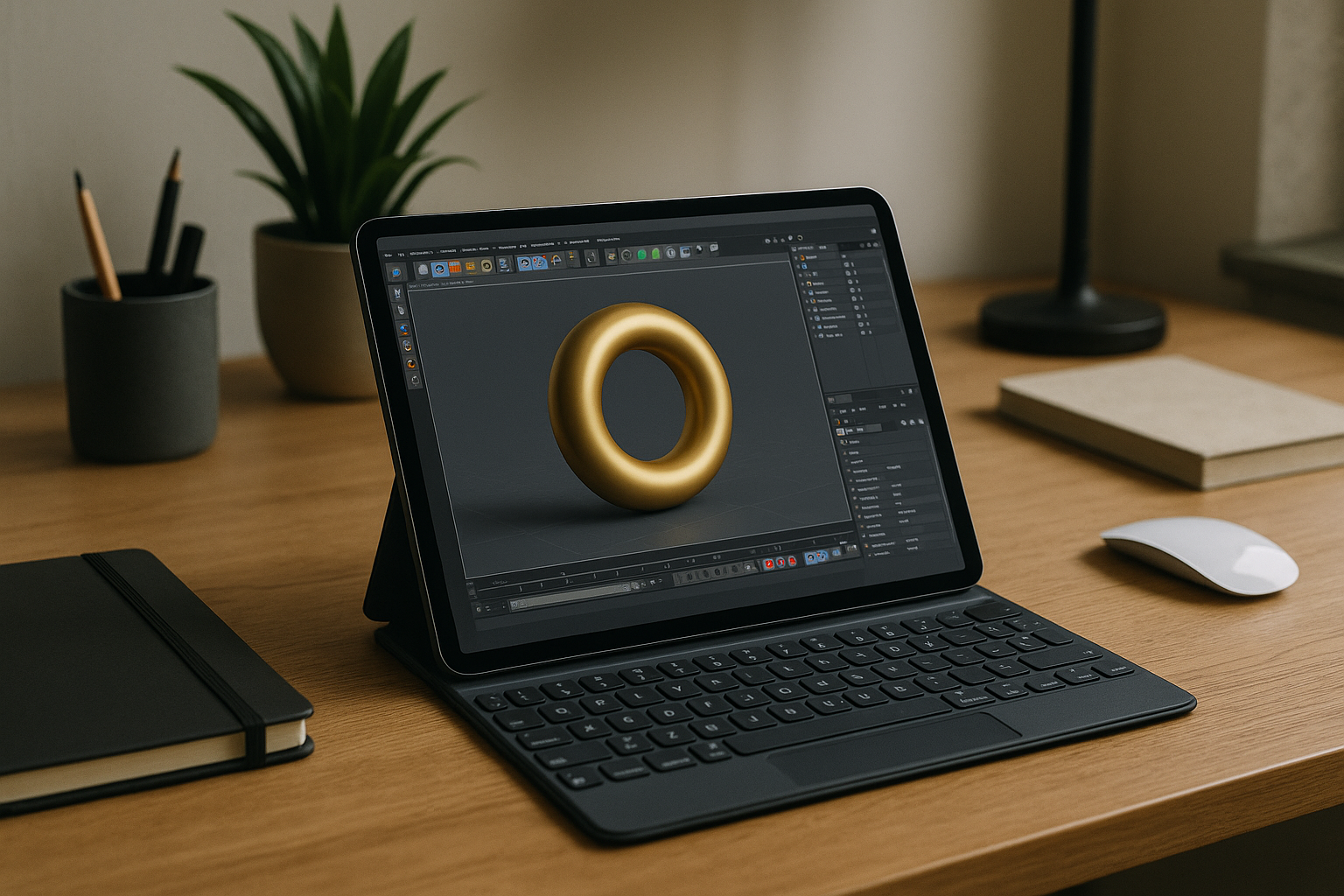
Despite the absence of a native app, iPad users have several options:
- Remote Desktop or Cloud Solutions
Users can run the desktop version of Cinema 4D for iPad indirectly via cloud platforms like Aristeem. The software runs on a high-performance virtual machine, and the iPad acts as a client device. This setup allows full access to C4D modelling, animation tools, and rendering features without compromise. - Desktop Stream via Remote Access Apps
Another option is using remote desktop apps that connect to a Windows or macOS machine running C4D software. While functional, this method may introduce latency and depends on a stable internet connection. For Linux users interested in exploring Cinema 4D in Linux, you can check out this guide here.
Using Cinema 4D on iPad: Workflow Considerations
When using C4D software on a tablet, users need to adapt their workflow:
- Modeling: You can create and modify 3D objects, work with parametric models, and use procedural modeling tools. Some gestures on the iPad make viewport navigation intuitive.
- Animation: Keyframe animation and timeline adjustments are fully accessible via remote or cloud solutions.
- Rendering: High-quality renders are executed on the cloud or desktop machine, so the iPad mainly serves as a control interface.
- Plugins and Extensions: While most standard Cinema 4D plugins remain accessible through the cloud, compatibility should be checked for specialized or legacy tools.
Although the iPad cannot replace a full desktop workstation, this setup allows users to work on projects on-the-go, participate in collaborative workflows, and present drafts or reviews anywhere.
iPad C4D: Benefits of Cloud Access
Running Cinema 4D on iPad through a cloud or virtual machine offers several advantages:
| Feature | Benefit |
|---|---|
| Full software access | Use the complete C4D software without OS restrictions. |
| High-performance rendering | Heavy simulations and renders are processed remotely, preserving tablet resources. |
| Flexibility | Work from anywhere with internet access. |
| Seamless collaboration | Share projects and assets with team members in real-time. |
| Zero installation issues | Avoid dependency conflicts or local configuration errors. |
This approach allows designers to fully leverage C4D modelling capabilities on an iPad, making mobile workstations a practical choice for students, freelancers, and professionals.
Comparing iPad and Desktop Workflows with Aristeem
While Cinema 4D on iPad is convenient, some differences exist compared to the desktop experience:
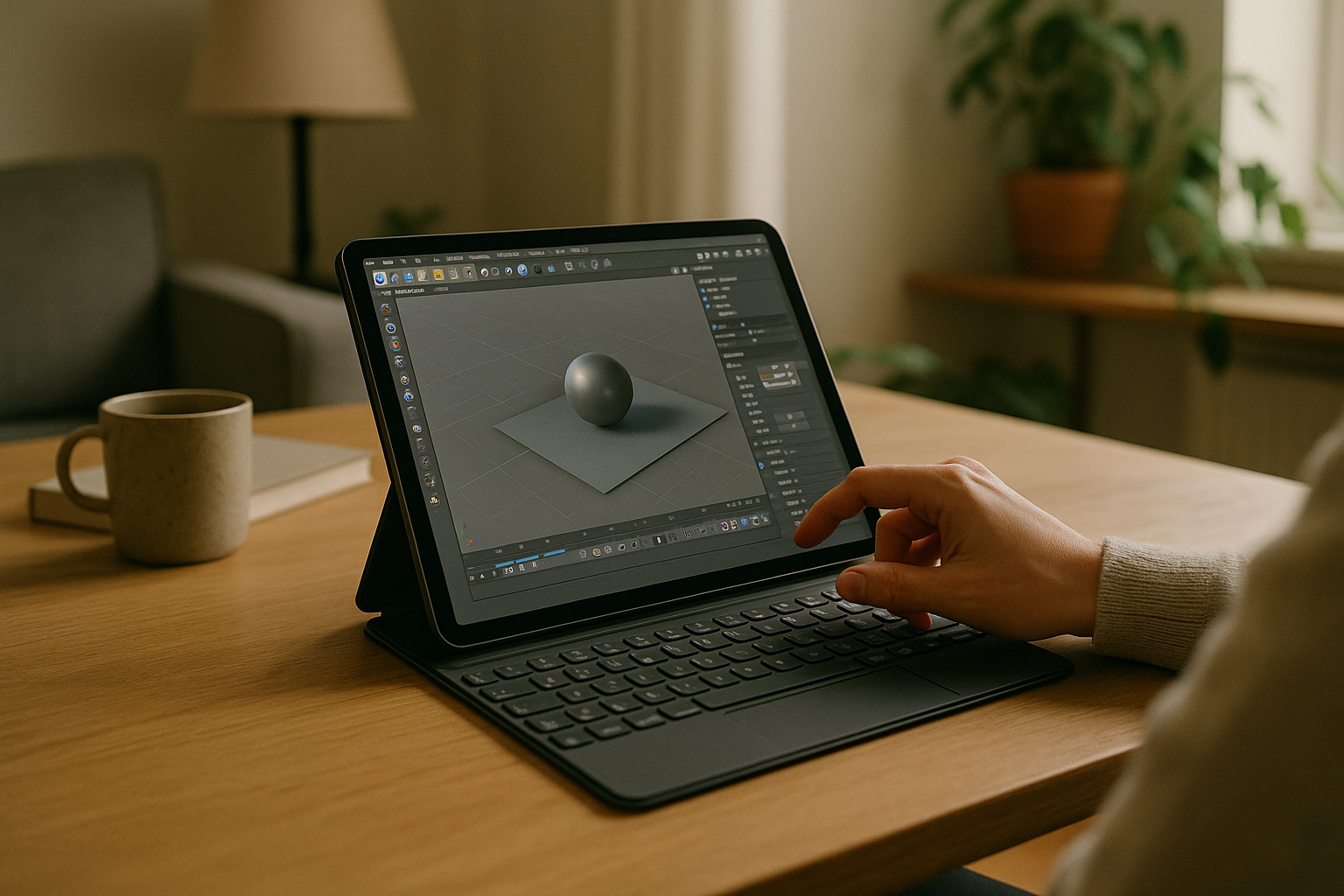
- The iPad interface is touch-friendly but limited in precision compared to mouse and keyboard input.
- Large-scale scenes, complex simulations, and rendering tasks are handled by Aristeem’s cloud servers, rather than the iPad itself.
- Certain advanced plugins may require a cloud session on Aristeem to function properly, ensuring full access to the C4D software ecosystem.
Despite these differences, using Cinema 4D on iPad via Aristeem provides a flexible and portable option for creative professionals who need full-featured 3D design capabilities outside the studio.
Conclusion
Although Cinema 4D for iPad does not exist as a native application, creative professionals can leverage Aristeem Cloud to access the complete C4D software environment on their tablets. This setup enables true mobility, allowing designers to model, animate, and render from an iPad while maintaining access to all professional features. For artists seeking flexibility, high-performance workflows, and portable C4D modelling capabilities, combining an iPad with Aristeem Cloud represents the most practical solution for professional 3D design on-the-go.


