


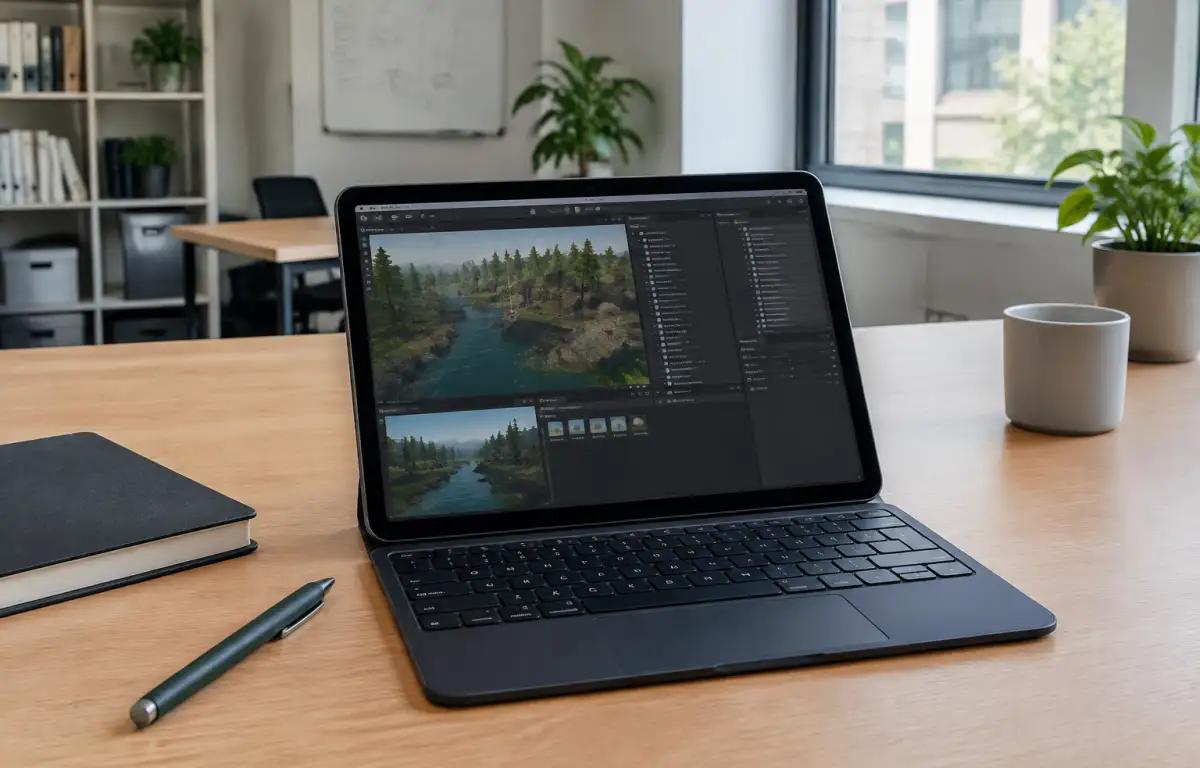
Practical Scene Reviews With Unity for iPad
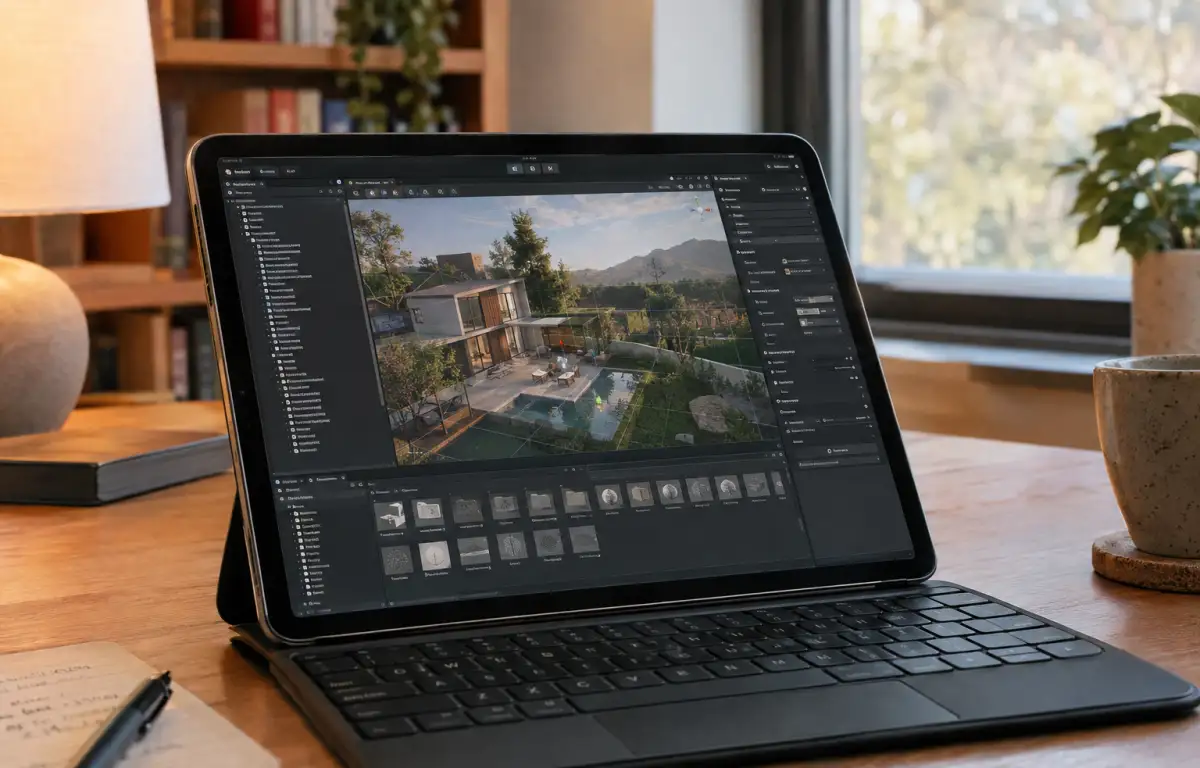
A client wants to review a real estate scene while the development team is away from their workstations. An environment artist uses an iPad to connect to a cloud Windows PC running the desktop version of Unity Editor. The project retains its approved Unity LTS release, rendering pipeline, packages, and source control setup. With remote access, the artist can navigate the scene, adjust materials, and make changes without installing Unity locally on the iPad. This approach makes it possible to continue working with the full project environment beyond the studio.
What a Unity iPad Workflow Requires
A reliable remote workflow requires the same Unity LTS release, URP or HDRP configuration, packages, and project settings used by the development team. Shader Graph assets, Input System settings, and custom editor tools must also remain available. Keeping these components aligned ensures that the project behaves consistently when accessed remotely from an iPad or another device.
For professional teams, project consistency matters more than the device used to access the editor. Different Unity versions or package configurations can affect rendering, scene behavior, and compatibility. The practical question is how to access the same desktop development environment when working away from the main workstation.
Unity Project Setup on iPad Across Locations
Whether working at the studio, visiting a client, or traveling, developers need access to the same Unity project and its configured tools. An iPad can serve as a remote access device, while the Windows PC running Unity Editor retains the installation, project files, packages, and development environment. This separates the working environment from the device and makes it possible to continue development without configuring Unity independently on each computer.
Best Way to Run the Unity Editor on iPad
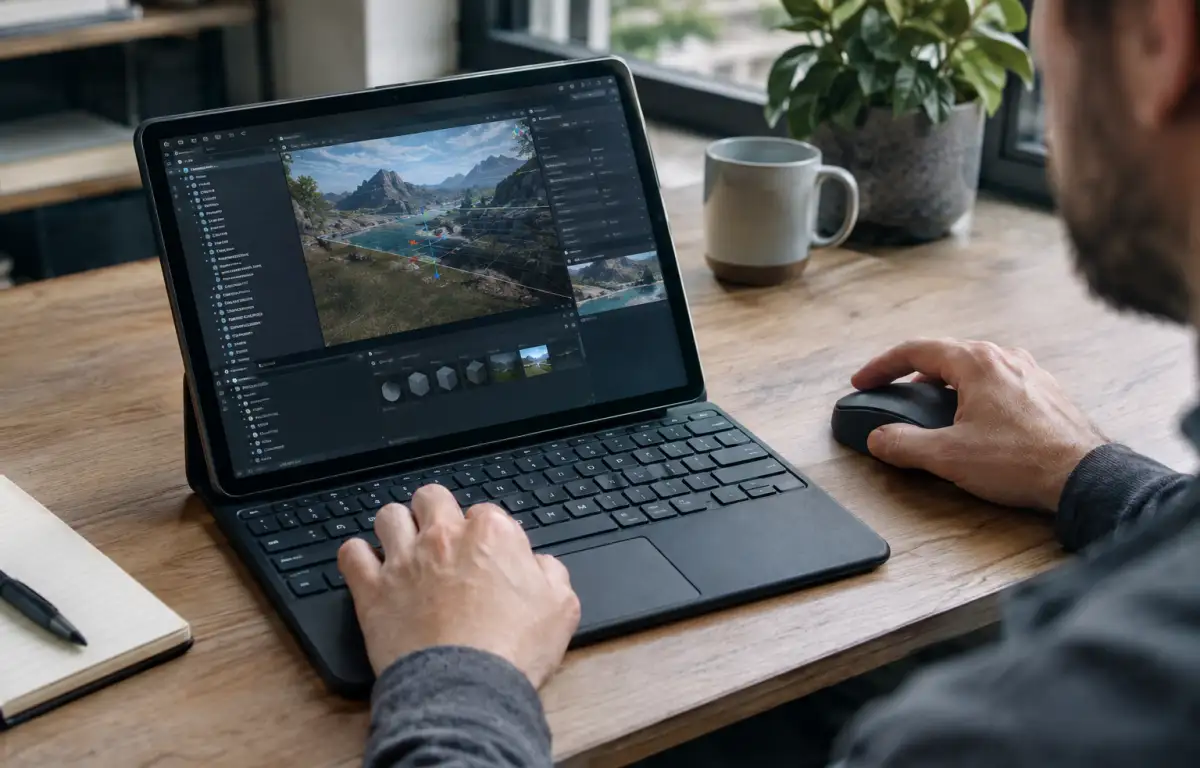
There are several ways to approach Unity work from an iPad, depending on the task. Waiting until you return to your workstation preserves access to the full desktop editor but interrupts work away from the studio. iPad-compatible project viewers can help with scene reviews and feedback, but they do not replace the full Unity Editor or its custom development tools. A cloud Windows PC provides another option: access the desktop editor remotely, work with the original project, and retain its installed packages, settings, and source control environment. This is particularly useful for developers who need to make actual project changes rather than just view scenes.
Aristeem for a Consistent Unity iPad Workflow
For more than two years, Aristeem has focused on providing professionals with access to demanding Windows software through a cloud Windows PC. You install the Unity version, packages, plugins, and development tools required for your projects, using your own software license if needed. The configured environment remains available when you connect from an iPad, Mac, or another device. This allows you to work with the desktop Unity Editor remotely without installing Windows or maintaining a separate development setup on your iPad. For more information, explore the options for using Unity on iPad and other devices through remote and cloud-based access.
Keep Unity for iPad Aligned With Desktop
Reviewing scenes, adjusting materials, and editing Unity projects from an iPad requires access to the desktop editor, not a separate mobile version of the development environment. A cloud Windows PC keeps Unity, project files, packages, and settings in one persistent workspace accessible from different devices. With Aristeem, you can continue working with your configured Unity environment wherever you have a suitable internet connection. Explore Unity on a cloud Windows PC and access your desktop development environment from an iPad or other device.


