


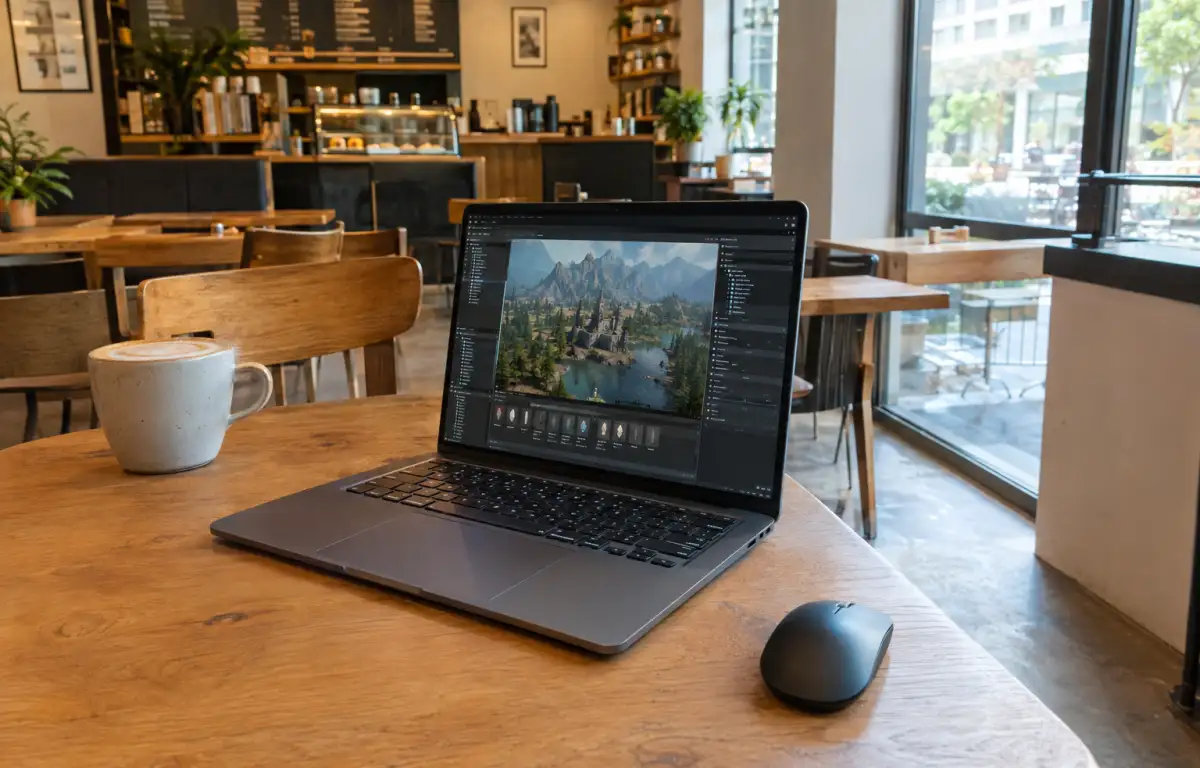
Unreal Engine system requirements for consistent level design and previews

A city-block level must ship with stable lighting and smooth viewport previews. As the environment artist, you first confirm the exact Unreal Engine 5 release your team approved, then install required plugins—Datasmith for DCC imports and the Megascans plugin for materials. Next, you set project presets for Lumen and Nanite, define the Derived Data Cache folder, and only after that open the project to lay out modular kits and trigger preview builds. Predictable results hinge on Unreal Engine hardware requirements that do not change between office, home, and on-site work.
Locking Unreal Engine hardware requirements to the project setup
Keeping that city block reproducible means the machine must match the workflow’s technical needs from the moment the engine launches and plugins load.
- Same Unreal Engine release and identical plugin set (Datasmith, Megascans) across locations.
- CPU/GPU, RAM/VRAM aligned to scene scale so Lightmass/Lumen and Nanite previews remain responsive.
- Consistent GPU driver versions validated with the project.
- Fast storage for shader cache and Derived Data Cache to avoid rebuild spikes.
- Stable path mappings and project settings so packaged builds match previews.
The question becomes which environment on your current device can guarantee this consistency every time.
Comparing Unreal Engine recommended specs options for reliability
The requirements above — specific engine release, plugin parity, known-good drivers, and fast cache—can be met in several ways, but not all approaches keep them identical across places.
| Approach | Capabilities | Complexity |
|---|---|---|
| Matching local PCs | Can mirror versions/plugins/drivers; relies on disciplined updates and identical Unreal Engine hardware requirements. | High upkeep across multiple machines |
| External SSD + local installs | Moves content/DDC; still needs each PC to match drivers, GPU, and plugins. | Medium with recurring drift risk |
| Cloud Windows PC | One persistent machine with fixed engine, plugins, drivers, and caches; same performance everywhere. | Low once configured |
This leads directly to a single, persistent environment that travels with you.
Unreal Engine PC specs that travel from studio to site
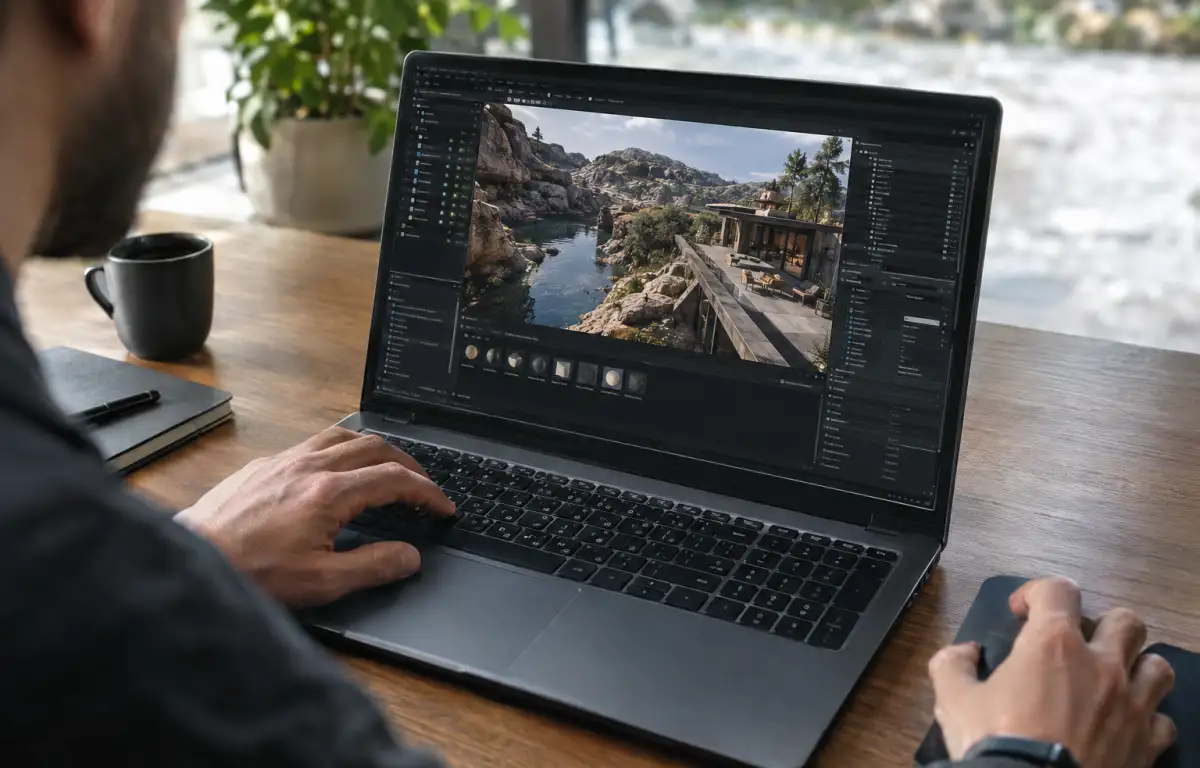
The same constraints — Datasmith and Megascans loaded, Lumen/Nanite tuned, and a warmed-up shader/DDC cache—must hold at the studio desk, your home rig, and a client site. When you open the project, it should continue exactly where you left it: identical Unreal Engine release, the same plugin versions, device profiles, and output presets, with driver behavior already validated. To keep light builds and previews consistent, the whole environment has to live in one persistent place you can open from any device.
Stabilize Unreal Engine hardware requirements with Aristeem
For more than two years, Aristeem has focused on giving professionals a cloud Windows PC for demanding software. We’ve studied how teams version-lock tools, then refined a service where you install the software you need, add plugins, drivers, and utilities, and use your own license if required. We continue testing new options to expand flexibility. Applied here, you configure Unreal Engine once, pin plugins (Datasmith, Megascans), validate drivers, and keep builds predictable. Explore the setup path for this workflow in Unreal Engine game development.
A single source of truth for Unreal Engine hardware requirements
You plan levels, run lighting builds, and preview in real time; that work depends on fixed versions, plugin parity, stable drivers, and storage that keeps caches warm. A cloud Windows PC centralizes those needs into one persistent machine, so the same Unreal Engine setup delivers identical behavior at the office, home, or on-site. That coherence makes it the most practical way to maintain a high-performance Unreal Engine cloud Windows PC workflow without risking drift or missed deadlines.


