


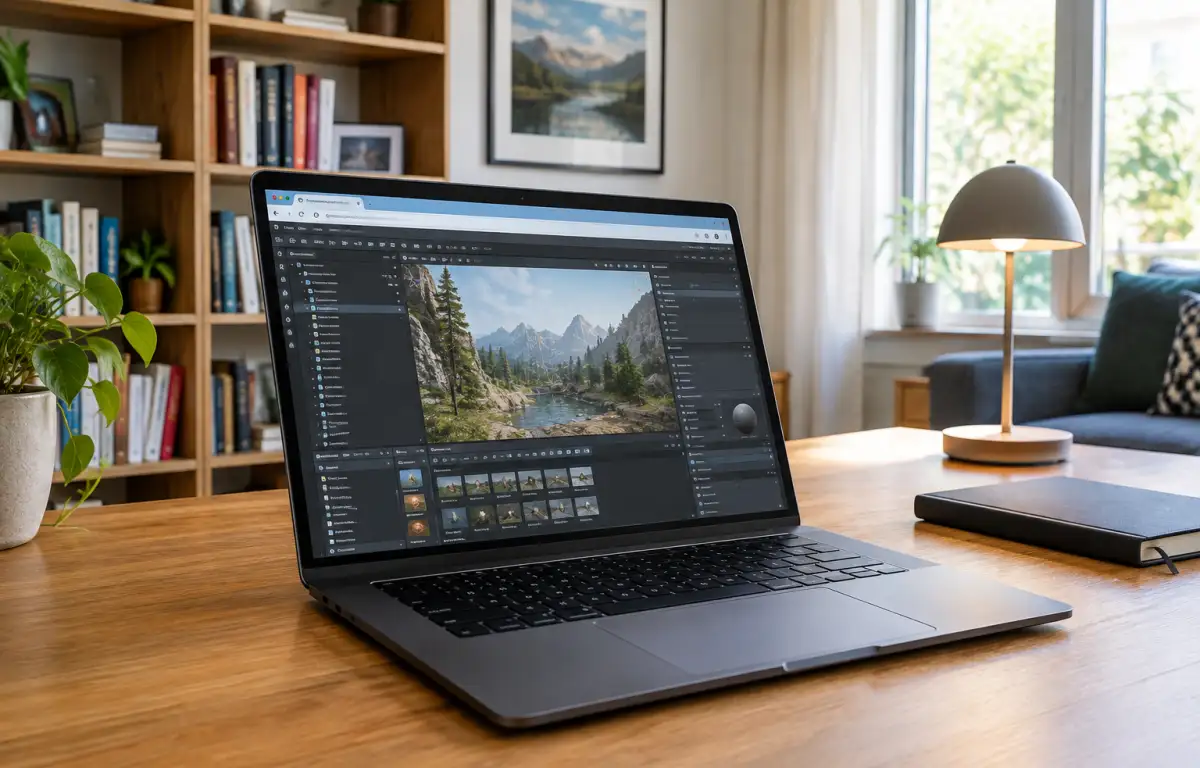
Ship CryEngine Projects With Locked Versions and Plugins
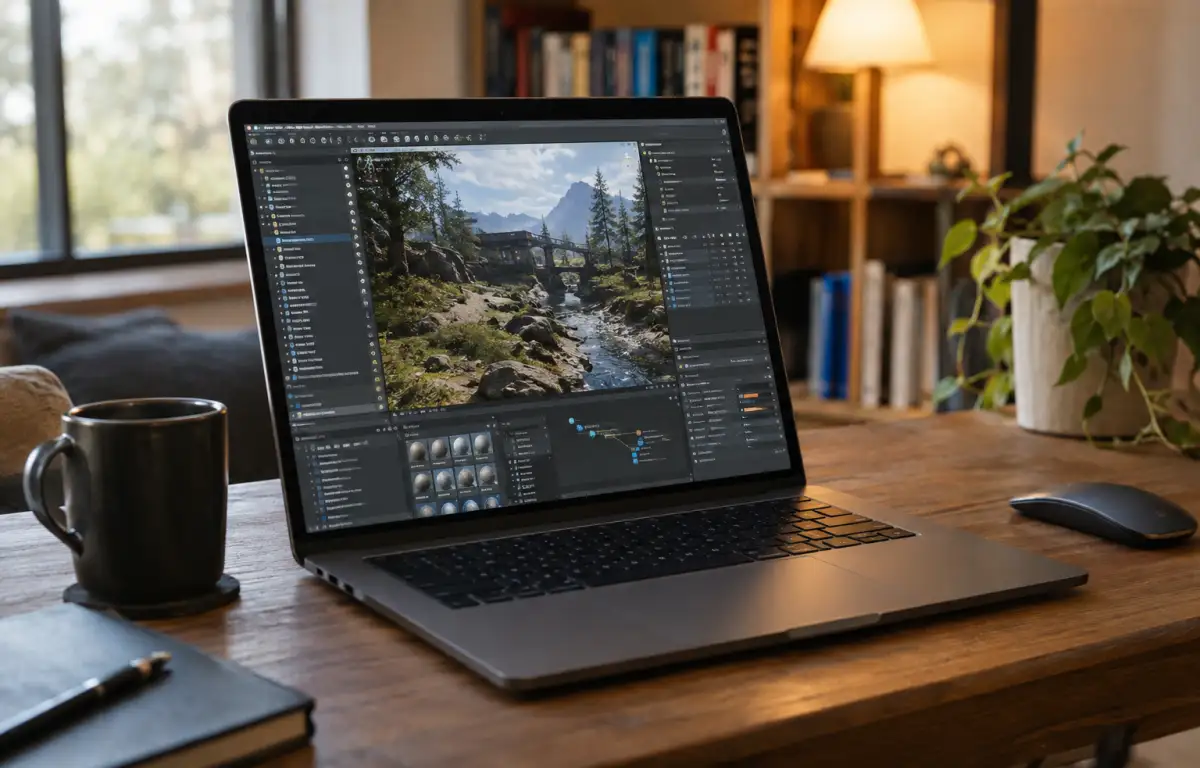
By Thursday, a vertical slice must be playable for a client walkthrough. The level designer and a technical artist plan the handoff in the CryEngine game engine: first they define the target build, then pin the exact engine build, confirm cryengine sdk setup, and install required cryengine plugins. Next they standardize FBX export presets, Resource Compiler settings, and lighting configurations. After that they clone the repo, open the editor, assemble level streams, bake lighting, and produce a test build. This flow only holds if versions, exporters, and project configs stay frozen.
CryEngine version control for stable builds and lighting
Because that slice must look identical in the studio, at home, and on-site, the workflow depends on pinning every moving part introduced above — engine build, Resource Compiler, FBX exporter presets, lighting profiles, and material libraries — under one rule set.
- Pin the exact Cryengine build and Resource Compiler version, and track relevant project configuration files in version control.
- Freeze cryengine plugins and any DLL/tool dependencies used for materials, baking, or packaging.
- Standardize cryengine sdk setup and environment variables for the asset pipeline.
- Lock FBX/animation exporter presets, texture compression profiles, and LOD rules.
- Keep per-project cvars, lighting bake presets, and render settings under source control.
What environment can guarantee these constraints on every desk without drift?
Consistent environments to run the CryEngine game engine
Meeting those requirements means running the toolchain where versions, plugins, exporters, and configs cannot silently change. For the CryEngine game engine, teams typically choose among these approaches:
| Approach | Capabilities | Complexity |
|---|---|---|
| Per-machine local installs + docs | Pins engine, RC, cryengine plugins, exporter presets, cvars if users follow steps exactly | High; manual drift risk, rework on every PC |
| Per-project portable package/installer | Bundles engine build, RC, presets; reduces variance across PCs | Medium; build/maintain package, still OS-level drift |
| Dedicated studio workstation | Very stable; single source of truth for SDK tools and exporters | Low drift, but access limited to location |
| Cloud Windows PC | One pinned workspace: exact engine build, cryengine sdk setup, plugins, exporters, cvars | Lower; single environment accessible from any desk |
A cloud Windows PC provides a single persistent workspace that remains accessible across locations.
Cryengine sdk setup that travels from studio to client sites
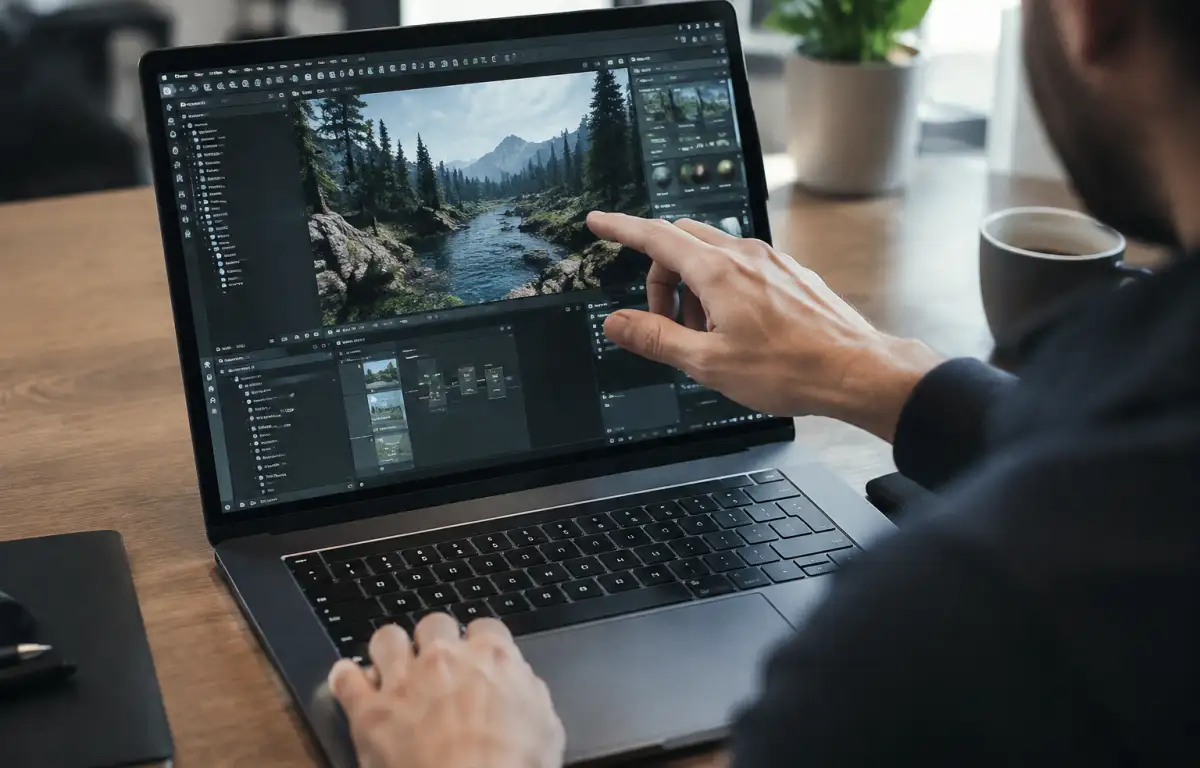
Those locked elements — engine build, Resource Compiler, cryengine plugins, FBX exporter presets, lighting profiles — must follow the project from the studio rig to a home laptop and a client meeting room. Opening the same level provides access to the same material libraries, cvars, and project settings, helping keep test builds consistent. When the technical artist tweaks an exporter preset or RC parameter, the next session anywhere must start from that exact state. The whole toolchain therefore needs to live in one persistent Windows environment reachable from any desk.
Aristeem: one cloud Windows PC for pinned CryEngine toolchains
For more than two years, Aristeem has focused on access via the cloud to professional software for engineering, design, data analysis, and other demanding work, studying real workflows and evolving the service. Today it offers a virtual Windows machine you reach from your device, and continues testing new options to expand flexibility. Apply that to the CryEngine game engine: choose the engine build, install cryengine plugins, complete cryengine sdk setup, lock exporters and cvars, and keep the same workspace on any desk. For another perspective on cross-device development, explore how to use CryEngine on Mac through a cloud Windows PC.
Ship CryEngine projects with a stable environment everywhere
Professionals build scenes, bake lighting, and generate test builds with CryEngine across locations, so the workflow depends on pinned engine builds, cryengine plugins, exporters, RC settings, and cvars. A cloud Windows PC concentrates those parts into one persistent workspace, which Aristeem makes practical to reach from any desk. This provides a consistent development environment for the entire production pipeline, accessible from different devices.


