



The Real Problem: InCopy Software When Installs Are Blocked
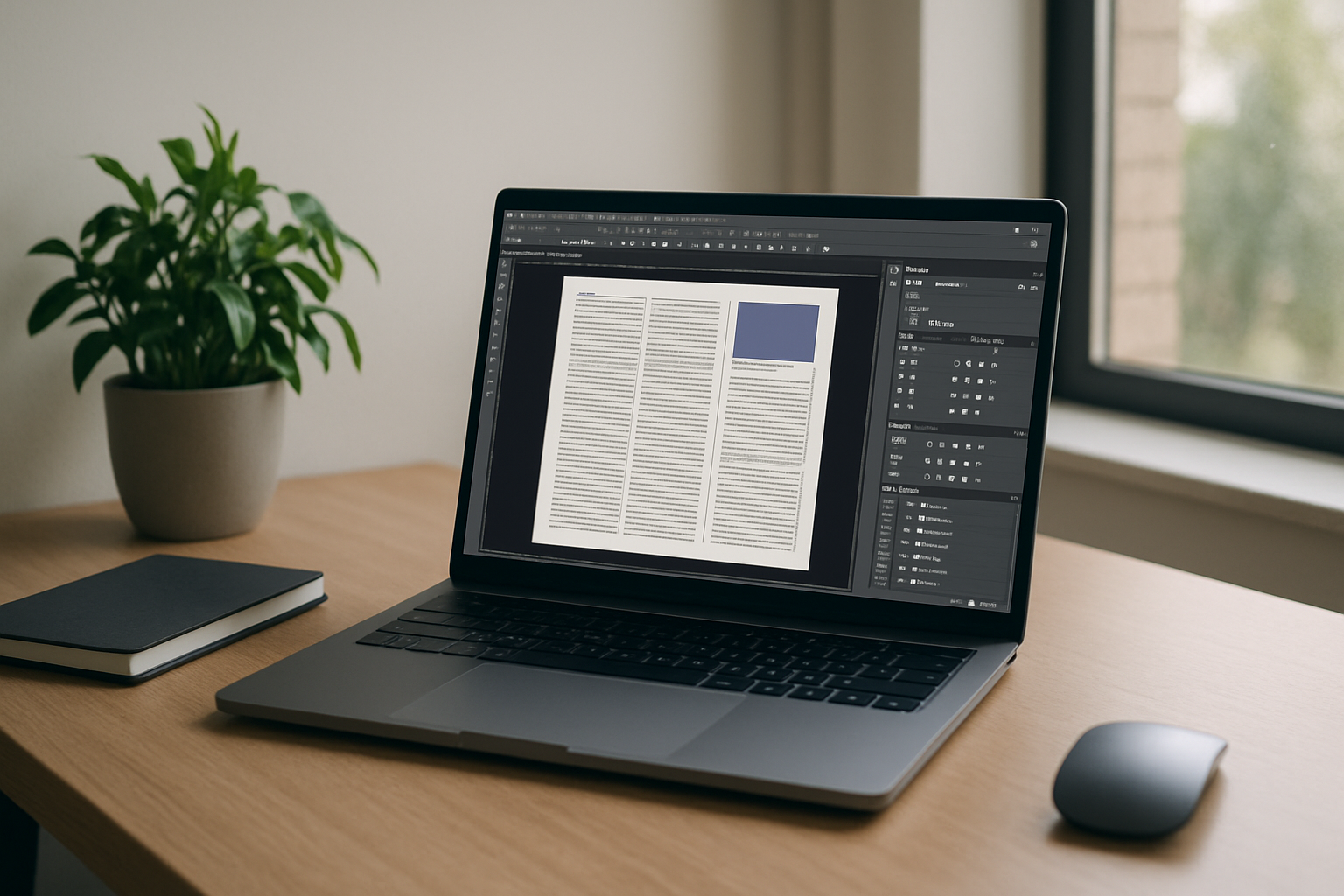
Your team expects edits in Adobe InCopy, but the computer in front of you can’t install new apps or doesn’t meet requirements. Maybe it’s a company-managed laptop with admin locks, or a Chromebook, iPad, or aging PC that crawls under layout files. The catch: you also need a specific release — InCopy CC for current projects or InCopy 2021 to match an agency workflow—plus fonts and plugins your editors rely on. Deadlines don’t wait, and emailing text around breaks links, footnotes, and assignments. You need InCopy software running now, on the device you already have.
Buying a New PC for InCopy CC Isn’t the Fix You Think
Buying a more powerful PC looks like the clean answer for InCopy CC, but the reality hits fast. Hardware is expensive, procurement takes weeks, and many workplaces still block installs on new machines. Even after the purchase, you may discover version mismatches with partners who require InCopy 2021, plus the ongoing hassle of loading fonts, extensions, and utilities each time IT reimages the device. Travel or hybrid work multiplies the problems — you can’t carry a workstation everywhere, and accessing secure files from home remains tricky. As a long-term plan, replacing hardware just to run InCopy software wastes budget and time.
Run InCopy Software Today Without New Hardware
A better approach is to run InCopy software through a full Windows desktop delivered in your browser, so you keep your current device and start working immediately. You can install the exact release your workflow needs — Adobe InCopy CC today, InCopy 2021 for a legacy book project tomorrow — along with the same fonts, plugins, and utilities your team expects. Your InCopy setup stays consistent, so you can work with the same versions, fonts, and plugins instead of rebuilding your setup on every device. IT policies remain intact because nothing is installed on the local machine, yet you still get a desktop you control. Compared with buying hardware, you get predictable access, quick setup, and a workspace that follows you to whatever screen you use.
Use Adobe InCopy Directly in Your Browser
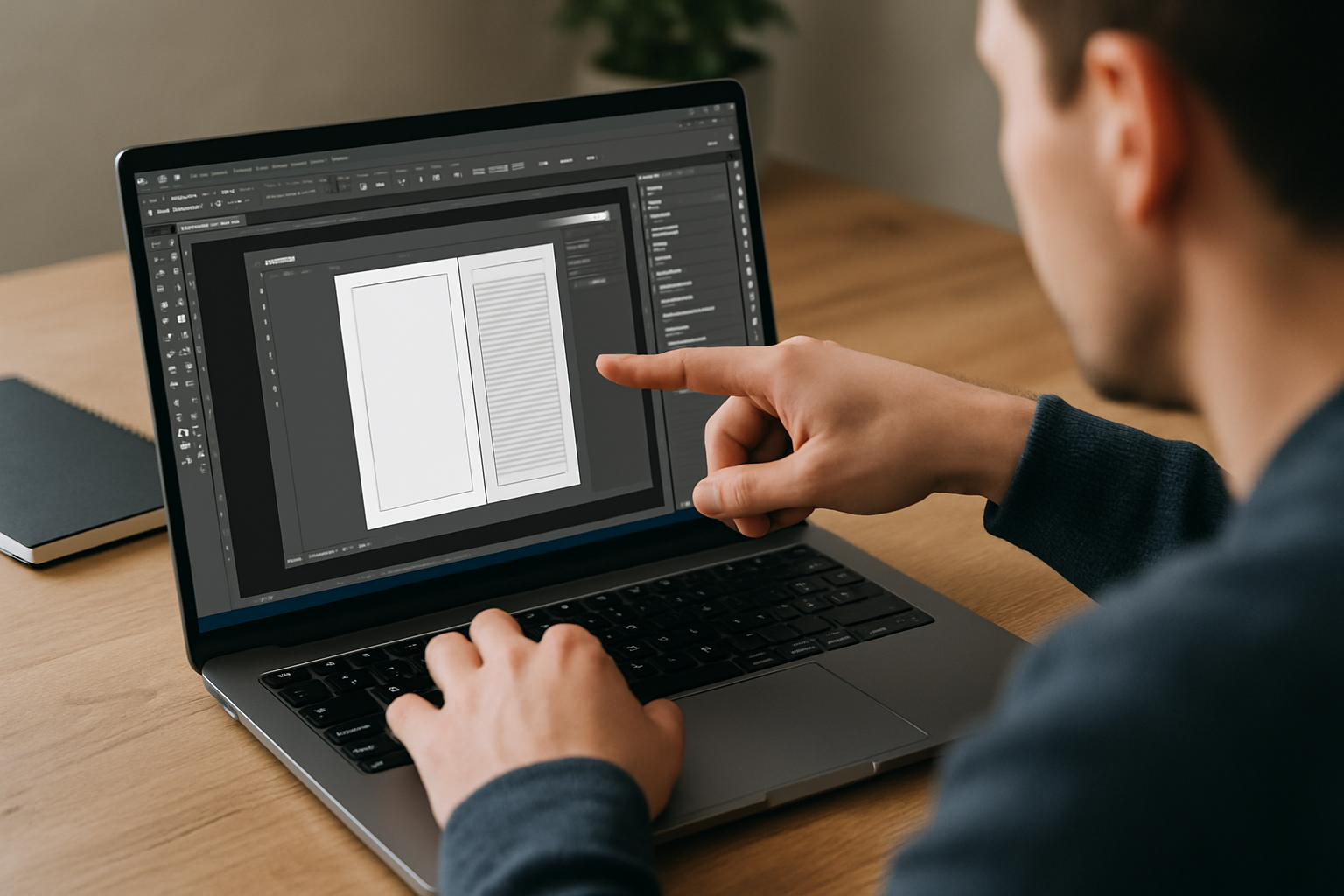
With Aristeem, you open Adobe InCopy in your browser and work in a ready-to-use environment without installing the software on your local device. You have full control of your environment, including drivers and utility tools, while using your own license if the publisher requires one. For team alignment, a single link to an InCopy online workspace ensures everyone launches the same tools and versions, whether they’re on Mac, Windows, Linux, or a lightweight device. The result is dependable, frictionless access to InCopy software from virtually anywhere.
Get Back to Work With InCopy Software in Your Browser
If your computer can’t install or run professional editors reliably, keep your workflow intact by opening a browser and working in the same desktop every time. You’ll match your team’s versions, keep fonts and plugins consistent, and avoid expensive hardware churn while staying productive on any device. See how software runs directly in a browser and decide if this approach is the simplest path back to focused editing in InCopy software.


