


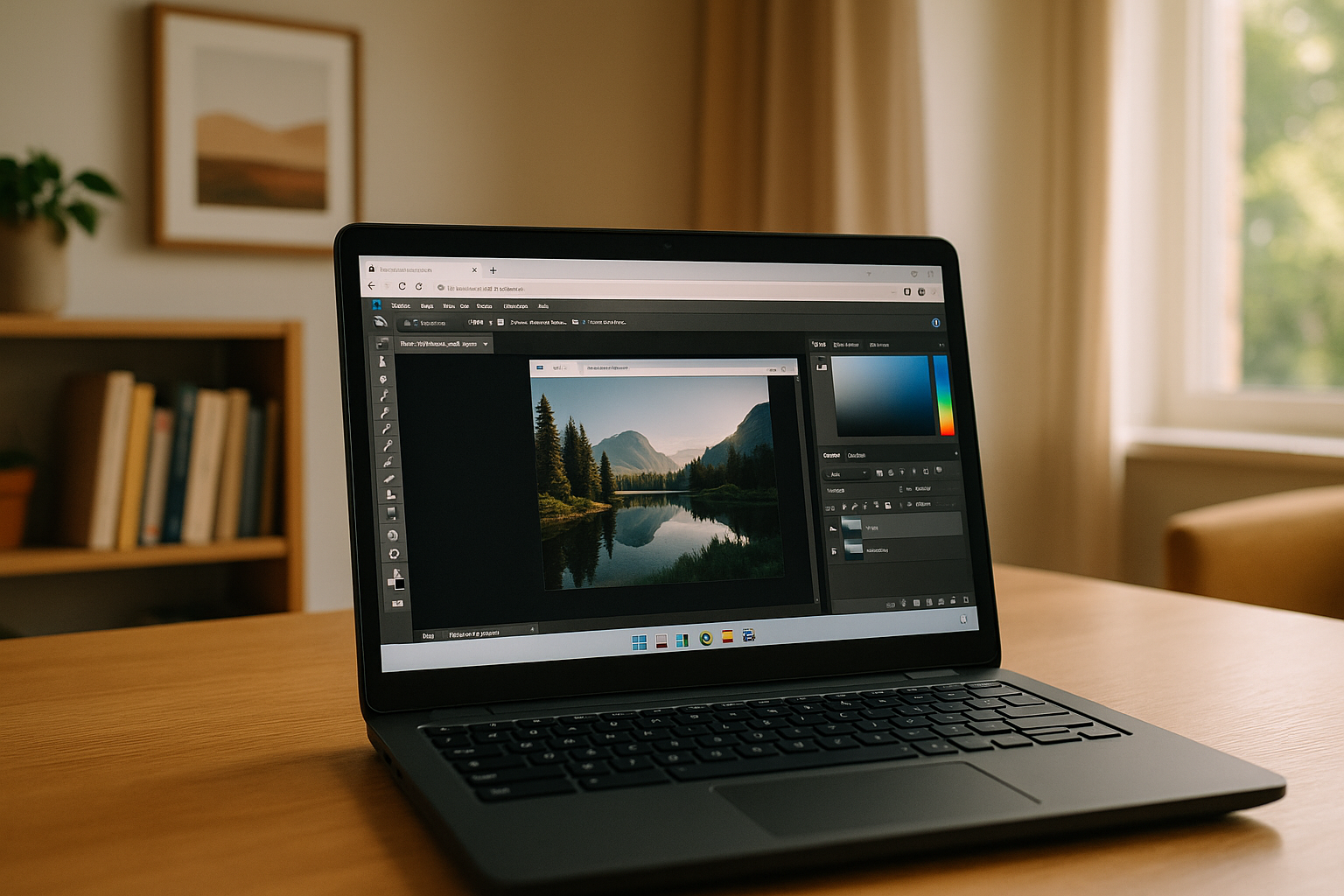
Chromebooks are known for their simplicity, speed, and cloud-first approach, but when it comes to professional design tools, many users start asking: can a Chromebook run Photoshop and how practical it really is for everyday work.
The short answer is yes — but not in the same way as on traditional desktop systems. Understanding how Photoshop works in a Chromebook environment helps avoid frustration and set realistic expectations.
Can You Run Photoshop on a Chromebook?
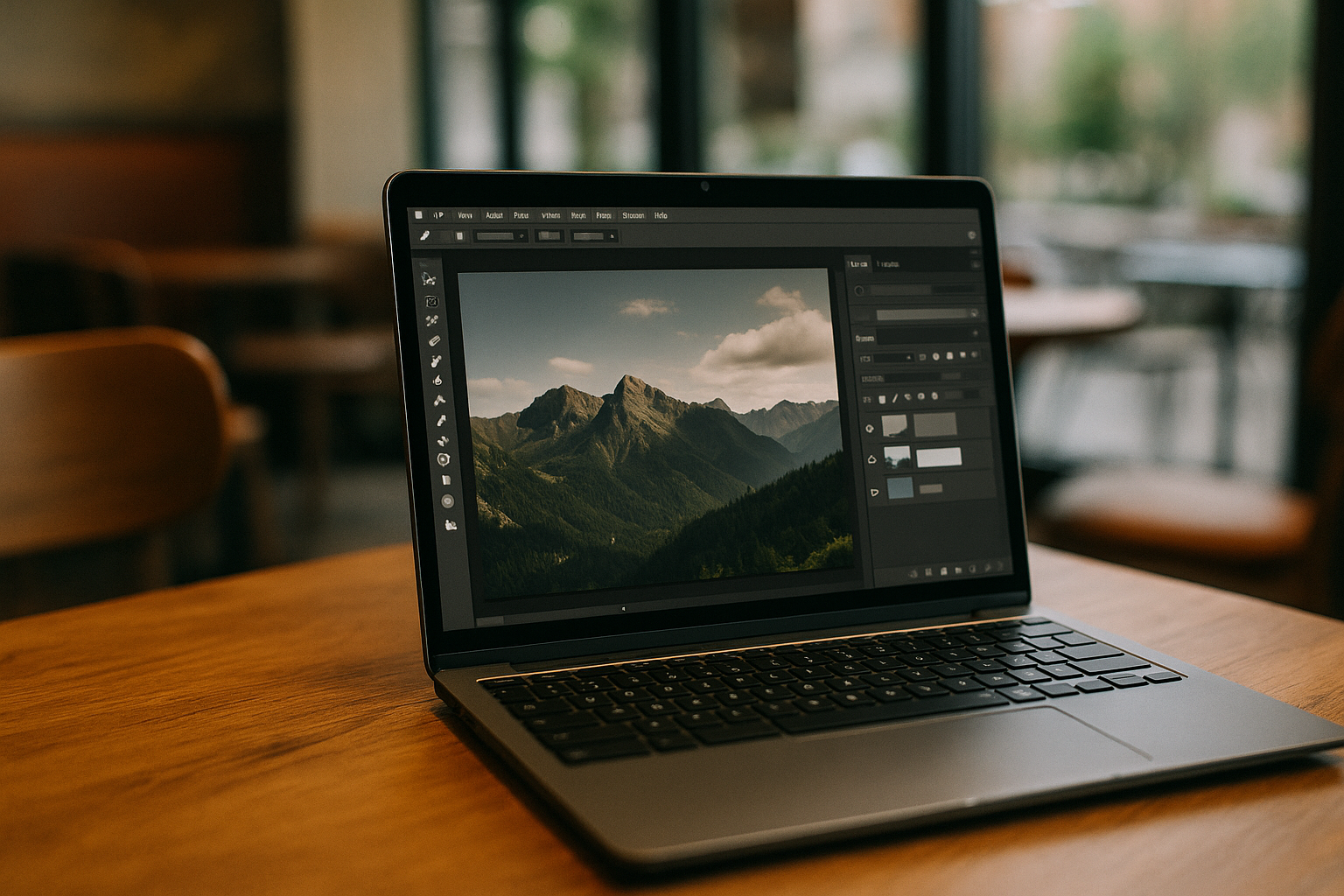
Many users wonder can you get Photoshop on Chromebook and expect a downloadable desktop version. However, ChromeOS does not support full desktop installations of Adobe apps in the traditional sense.
Instead, Photoshop is typically accessed through:
- browser-based tools
- remote environments
- cloud-powered workflows
So while the answer to can i run Photoshop on a Chromebook is technically yes, the experience depends heavily on the method used.
How Photoshop Works on Chromebook in Practice
When working with Photoshop on Chromebook devices, most users rely on web-based or remote access solutions. This means the performance is less dependent on local hardware and more on internet stability and platform optimization.
In real usage, this leads to several differences compared to desktop environments:
- simplified interface in browser-based versions
- limited support for advanced features
- reliance on cloud storage and file syncing
Because of this, workflows on Chromebook are often adapted rather than identical to traditional setups.
Common Limitations to Keep in Mind
Even though Adobe Photoshop for Chromebook is accessible in certain formats, there are still practical limitations that affect everyday work:
- large PSD files may load slower
- some plugins are not supported
- keyboard shortcuts may differ from standard layouts
- performance can vary depending on browser and connection
These factors don’t make Photoshop unusable, but they do require adjustments in workflow and expectations.
Tips for Working More Efficiently
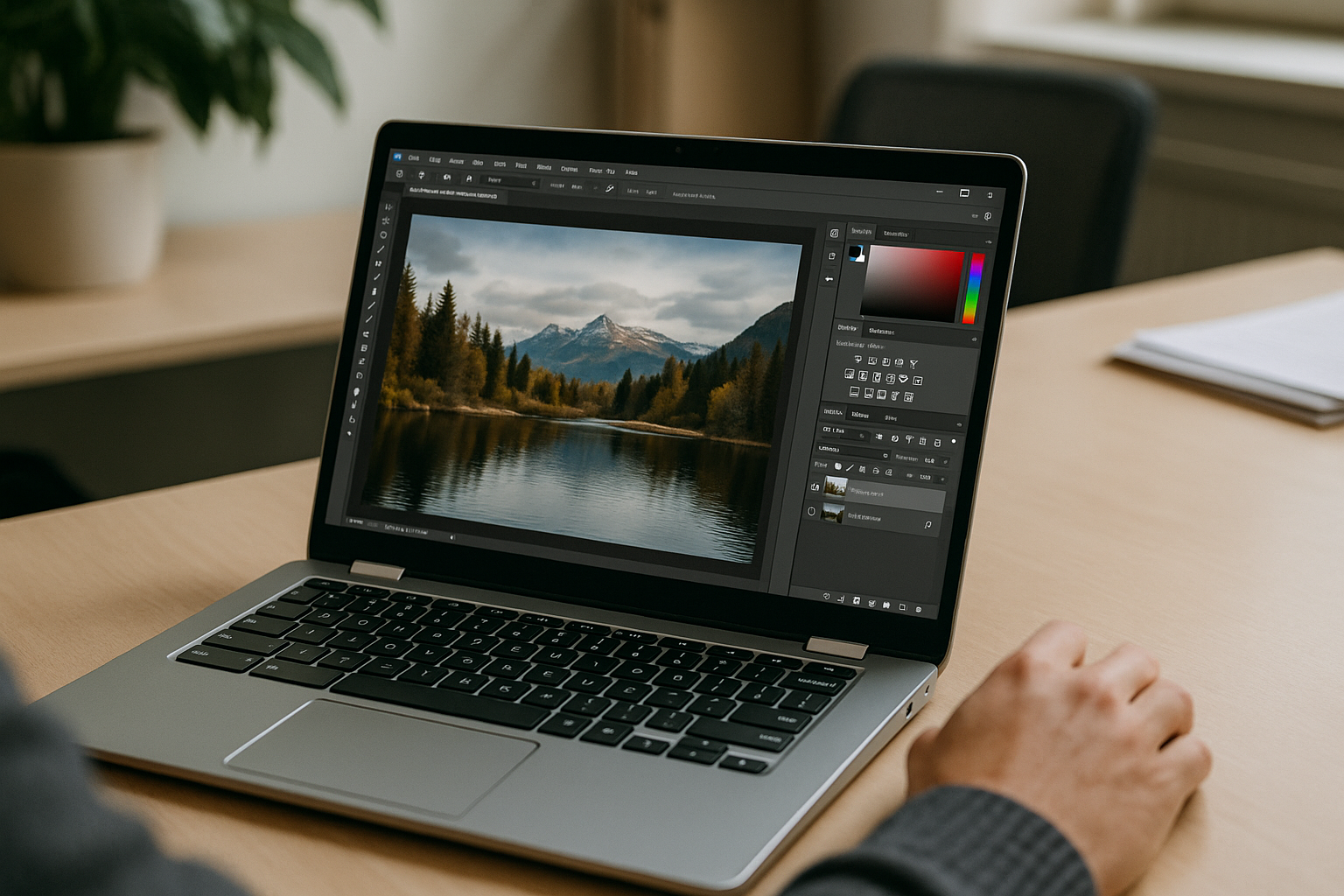
To get the most out of Photoshop on a Chromebook, users typically optimize their workflow rather than trying to replicate a full desktop experience.
Some practical tips include:
- using lightweight files when possible
- relying on cloud storage for quick access
- keeping browser tabs minimal to improve performance
- using external input devices for better control
These small adjustments can significantly improve usability, especially for regular editing tasks.
When a Chromebook Is Enough — and When It’s Not
For basic editing, social media graphics, and light design work, Chromebook setups can be more than sufficient. However, for advanced tasks like heavy retouching, complex compositions, or large-scale design projects, limitations become more noticeable.
This is why many users explore more stable environments when they need consistent performance and full feature access. If you’re looking for a complete solution with full functionality, you can check a dedicated setup here.
Final Thoughts
For everyday editing and lighter creative tasks, Chromebook setups can be practical and efficient. However, when projects become more demanding — such as working with large PSD files, complex compositions, or advanced design workflows — users often rely on more stable cloud-based environments that remove local hardware constraints.
In this context, cloud solutions like Aristeem can help bridge the gap by providing a fully configured environment where Photoshop can run without installation barriers, compatibility issues, or system limitations. This allows users to focus more on creative work and less on technical setup.
Understanding these differences helps you choose the right approach and work with Photoshop on Chromebook more effectively, depending on your level of complexity and performance needs. For a broader perspective on how Photoshop workflows differ across operating systems, you can explore this Photoshop ecosystem overview.


