


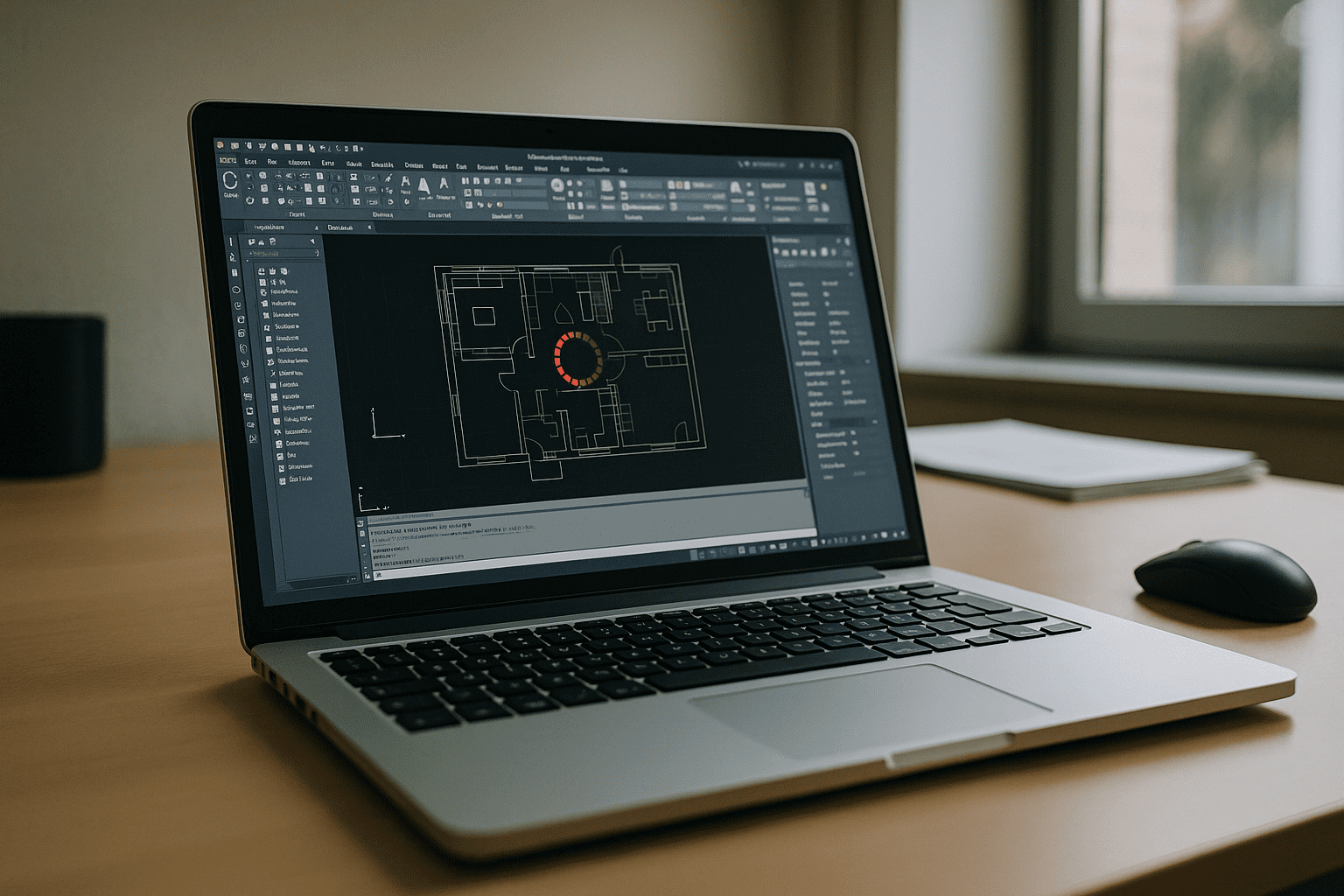
Searching for AutoCAD online often leads to limited web apps, while production teams need the full desktop AutoCAD to ship drawings: exact versions, custom tool palettes, LISP routines, and mission-critical plugins.
You might be on a lean laptop or a locked-down device, yet still responsible for opening 200MB+ DWGs, preserving standards, and using your own license. The real question is not simply how to get AutoCAD into a browser, but which online access model can preserve the full desktop workflow without tying it to one device.
Why buying a new PC isn’t the same as AutoCAD online
A more powerful workstation improves local performance, but it does not provide the flexibility implied by AutoCAD online. You still have to install AutoCAD, maintain drivers, configure plugins, and keep project-specific settings synchronized.
It also keeps the workflow tied to one physical machine. If you move between office and home, use a MacBook or Chromebook, or need temporary access from another device, the hardware purchase does not solve that portability problem.
The limitation is therefore not always processing power. It is where the AutoCAD environment lives and how easily you can access the same configuration from different devices.
Different ways to use AutoCAD online
Professionals looking for AutoCAD online access generally have several options, but they do not provide the same capabilities.
| Approach | Capabilities | Complexity |
|---|---|---|
| Buy a higher-spec workstation | Fast local performance; still requires installs and ongoing maintenance | Medium–High |
| Web viewers or lightweight web CAD | Quick preview and markup; lacks many desktop features, plugins, and exact versions | Low |
| Remote desktop / RDP | Access to an existing Windows workstation; depends on that machine and network quality | Medium–High |
| Corporate VDI-managed desktop | Full desktop AutoCAD under centralized IT control | High |
| Virtual Windows PC in the browser (persistent) | Full desktop AutoCAD, supported extensions, saved profiles, and access from multiple devices | Low |
For occasional viewing or markup, a web tool may be enough. Remote desktop can work when a suitable workstation is already available. Corporate VDI makes sense when IT manages the entire environment. But when the goal is full desktop AutoCAD online without depending on one physical PC, a persistent browser-based Windows workspace offers a more direct fit.
2026 trend: AutoCAD in browser and hardware independence

By 2026, browser-delivered workspaces are becoming an increasingly practical way to separate professional software from endpoint hardware. For CAD, the important requirements go beyond simply opening a DWG in a browser: teams need persistent profiles, plugin compatibility, predictable graphics performance, secure file access, and control over the Windows environment.
This model supports BYOD and hybrid work without requiring every contributor to maintain an identical physical workstation. Instead, the computing environment remains centralized while the browser becomes the access point.
AutoCAD online with a persistent virtual Windows PC
The Aristeem platform provides a full-featured virtual Windows PC that runs in your browser, giving you a persistent environment for desktop AutoCAD. You can use the AutoCAD version available in the workspace, configure supported plugins or extensions, and keep LISP routines, palettes, templates, and other project settings in the same environment.
This is not an emulator and not a remote desktop. With AutoCAD online on Aristeem, you get instant access from almost any device, zero setup on local machines, persistent settings across sessions, and smooth handling of large DWGs within a familiar Windows workflow.
For practical details on versions, licensing, and environment setup, see the AutoCAD environment on Aristeem.
Conclusion
There is no single way to access AutoCAD online. Web tools can work for lightweight tasks, remote desktop suits users who already have a capable workstation, and corporate VDI fits centrally managed environments. When you need the full desktop AutoCAD workflow from multiple devices without maintaining the application locally, a persistent browser-based Windows PC is a practical alternative.


