


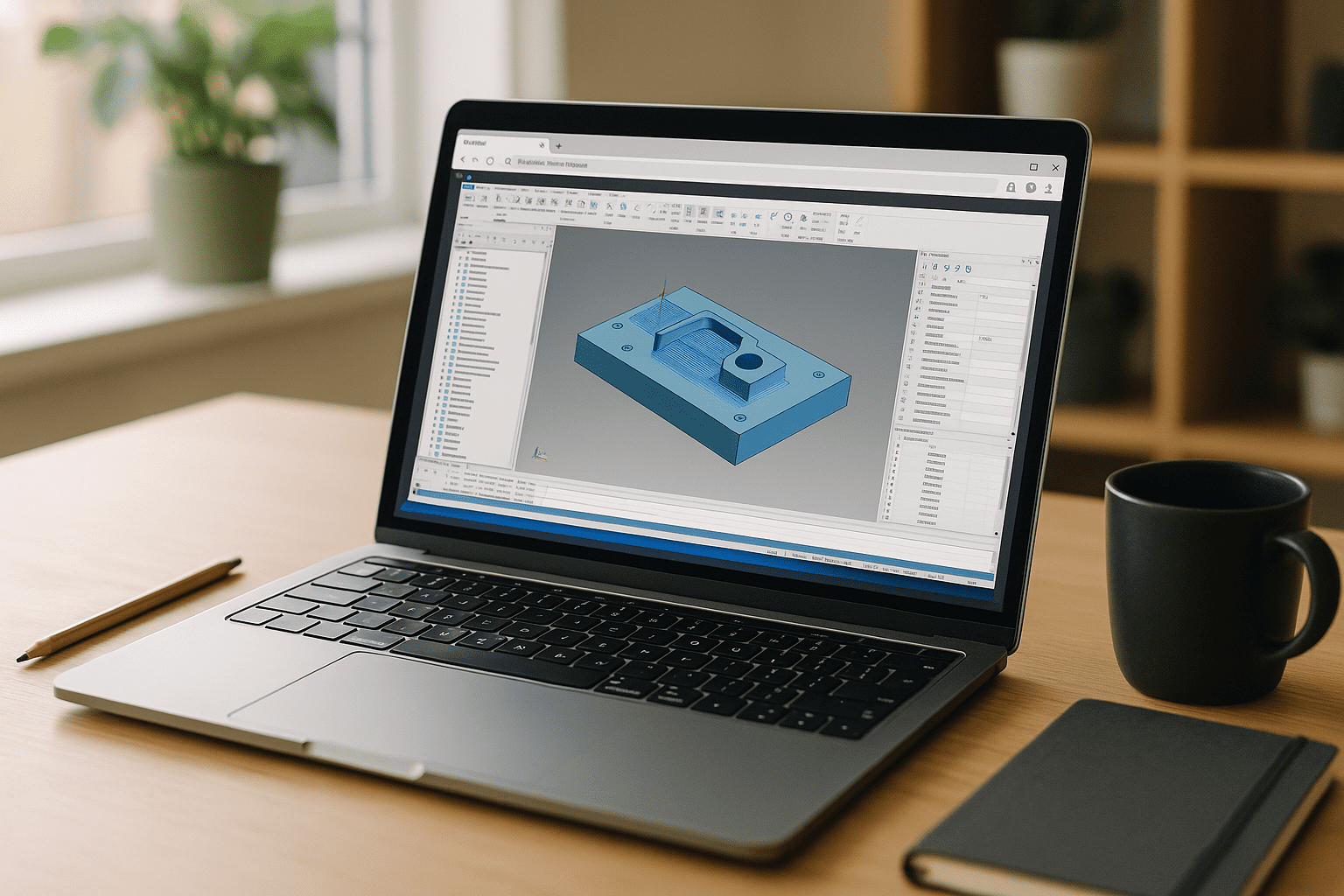
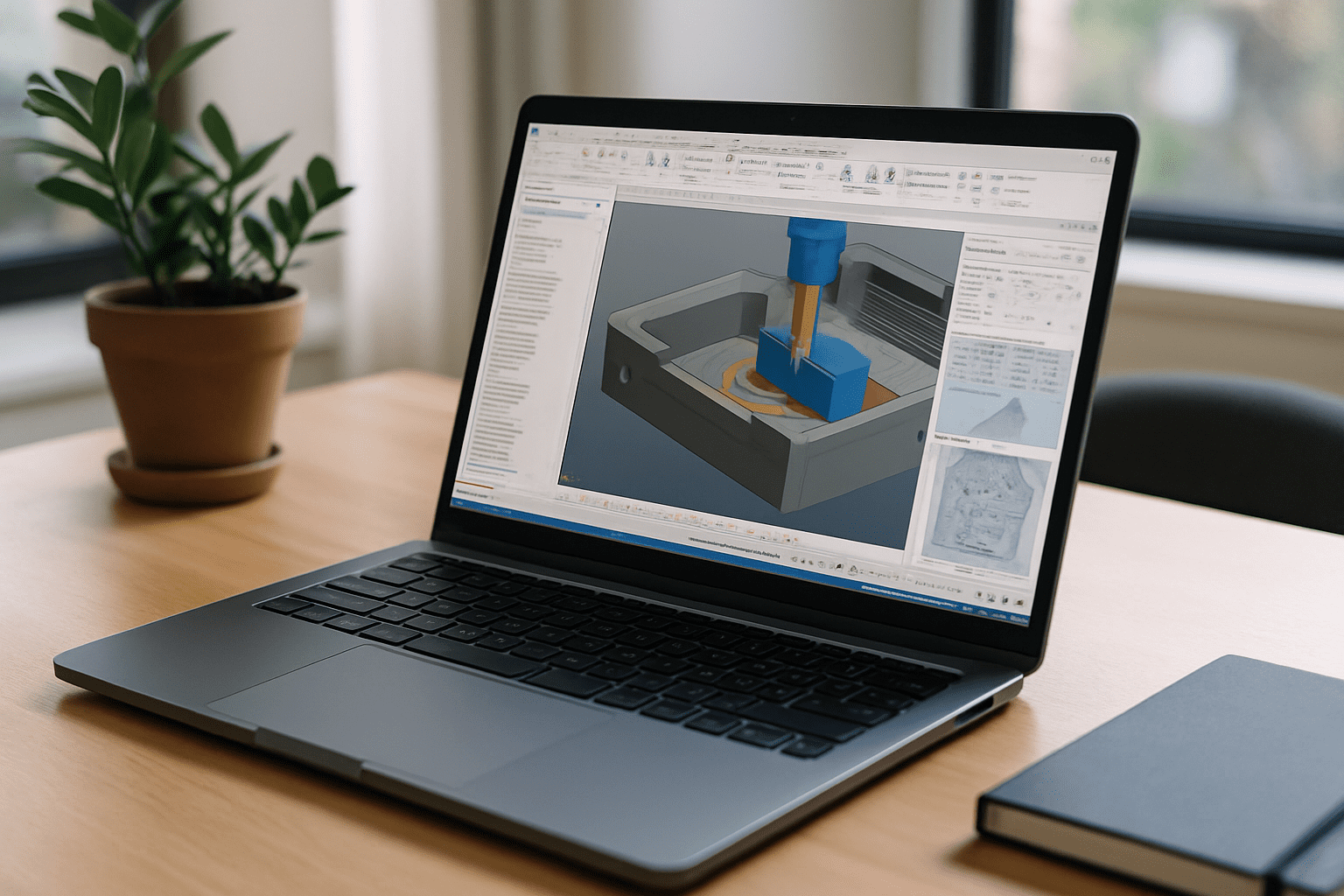
You have deadlines, toolpaths to post, and customers waiting, but your current machine can’t maintain the Mastercam setup you rely on. IT policies may block installs, while limited hardware can slow down verification, simulation, and complex assemblies. Every time you switch workstations, you risk rebuilding post-processors, tool libraries, machine definitions, and plugins instead of preparing parts for production. When CNC output needs to stay predictable, the real problem is not simply access to Mastercam — it is keeping the entire CAM environment consistent. You need Mastercam software to calculate, verify, and post exactly the way you configured it, every time.
Why Buying a New PC Won’t Fix Mastercam CAM Workflows
Upgrading hardware seems like the obvious fix, but it does not automatically reproduce a proven CAM environment. A powerful workstation may improve raw performance while leaving you to recreate post-processors, tool libraries, machine definitions, plugins, and verification settings. Version changes, Windows updates, driver changes, and license transfers can also introduce differences between workstations. For CNC production, where a small configuration change can affect the generated output, buying another PC does not guarantee a consistent Mastercam software workflow.
2026 Shift: Consistent Mastercam CAM Workflows Across Workstations
Modern engineering and manufacturing teams increasingly need repeatable digital production environments rather than CAM workflows tied to one physical workstation. The priority is keeping the same Mastercam version, post-processors, tool libraries, machine definitions, plugins, and project settings available wherever production work continues. A persistent Windows workspace can centralize these components so engineers can move between locations without rebuilding their CAM configuration. For Mastercam software workflows, this means greater consistency from toolpath calculation and verification through final post-processing.
The Better Way to Keep a Mastercam Production Environment Consistent
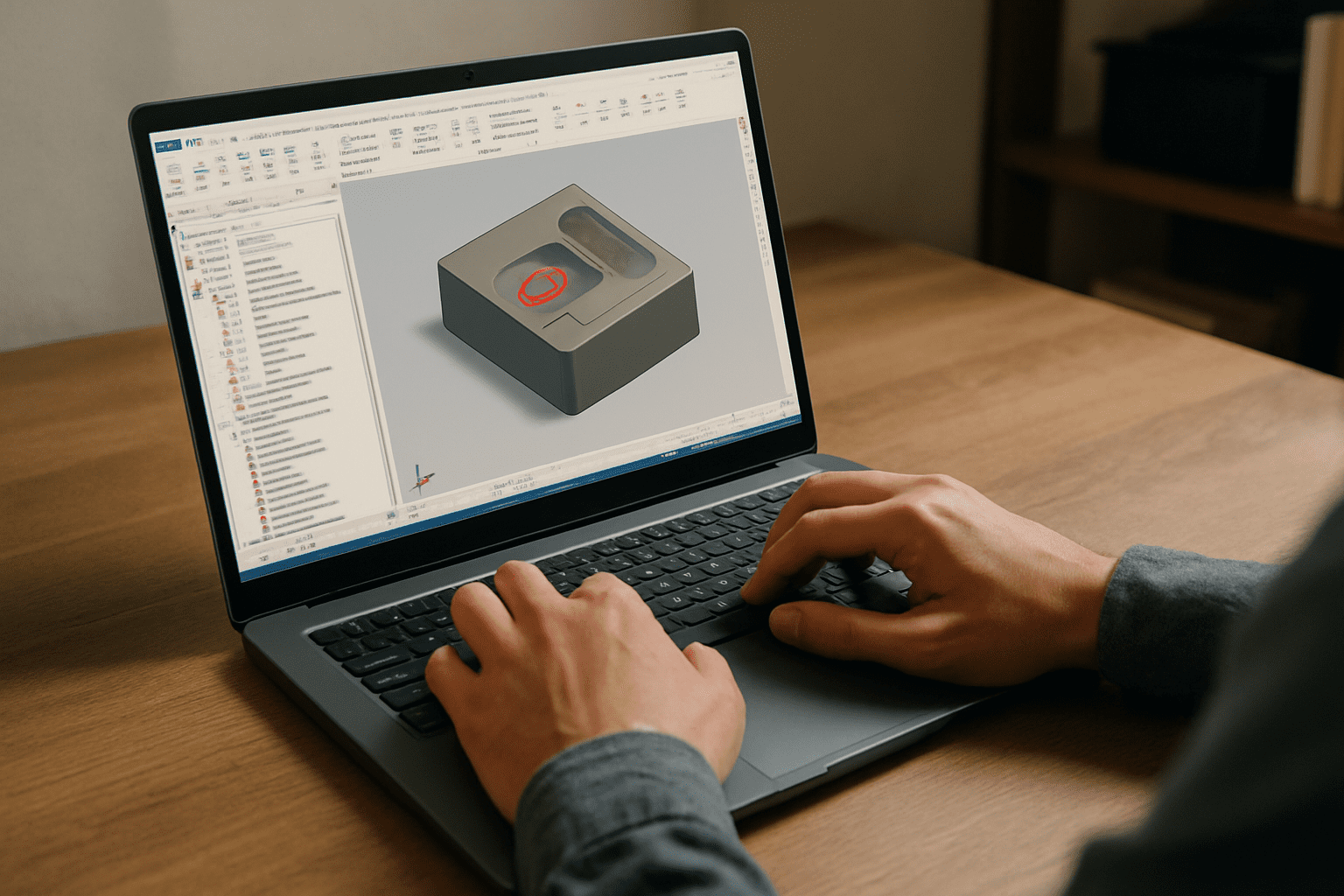
Workarounds like borrowing a shop workstation, asking IT for exceptions, or moving posts and tool libraries between machines create unnecessary configuration risk. A change to the Mastercam version, machine definition, plugin set, or post-processing setup can force additional testing before a job is ready for production. A persistent Windows desktop provides a controlled environment where these production components stay together instead of being recreated on every machine. Instead of rebuilding the CAM setup after every workstation change, you return to the same configured Mastercam software environment and continue the job.
Keep Mastercam Posts, Tool Libraries, and Settings in One Workspace
Aristeem provides a persistent Windows workspace where you can keep the Mastercam version, post-processors, tool libraries, plugins, and project settings required for your production workflow. Instead of recreating the CAM environment on each workstation, you return to the same configured workspace and continue from the existing setup. You can use your own paid Mastercam license where required and maintain the configuration your jobs depend on. For configuration details, see practical Mastercam software setup guidance. The result is a more repeatable environment for calculating toolpaths, verifying operations, and preparing CNC output.
A Consistent Mastercam Workflow From Toolpath to CNC Output
A persistent Mastercam environment reduces the need to rebuild your CAM configuration whenever your workstation changes. With your tools, settings, and production components kept together, you can move from toolpath preparation to verification and final CNC output with fewer configuration-related interruptions. If you want a clear picture of how software runs directly in a browser, explore how this model can support a stable CAD/CAM environment. With the right setup, Mastercam software stays consistent from one production job to the next.


