


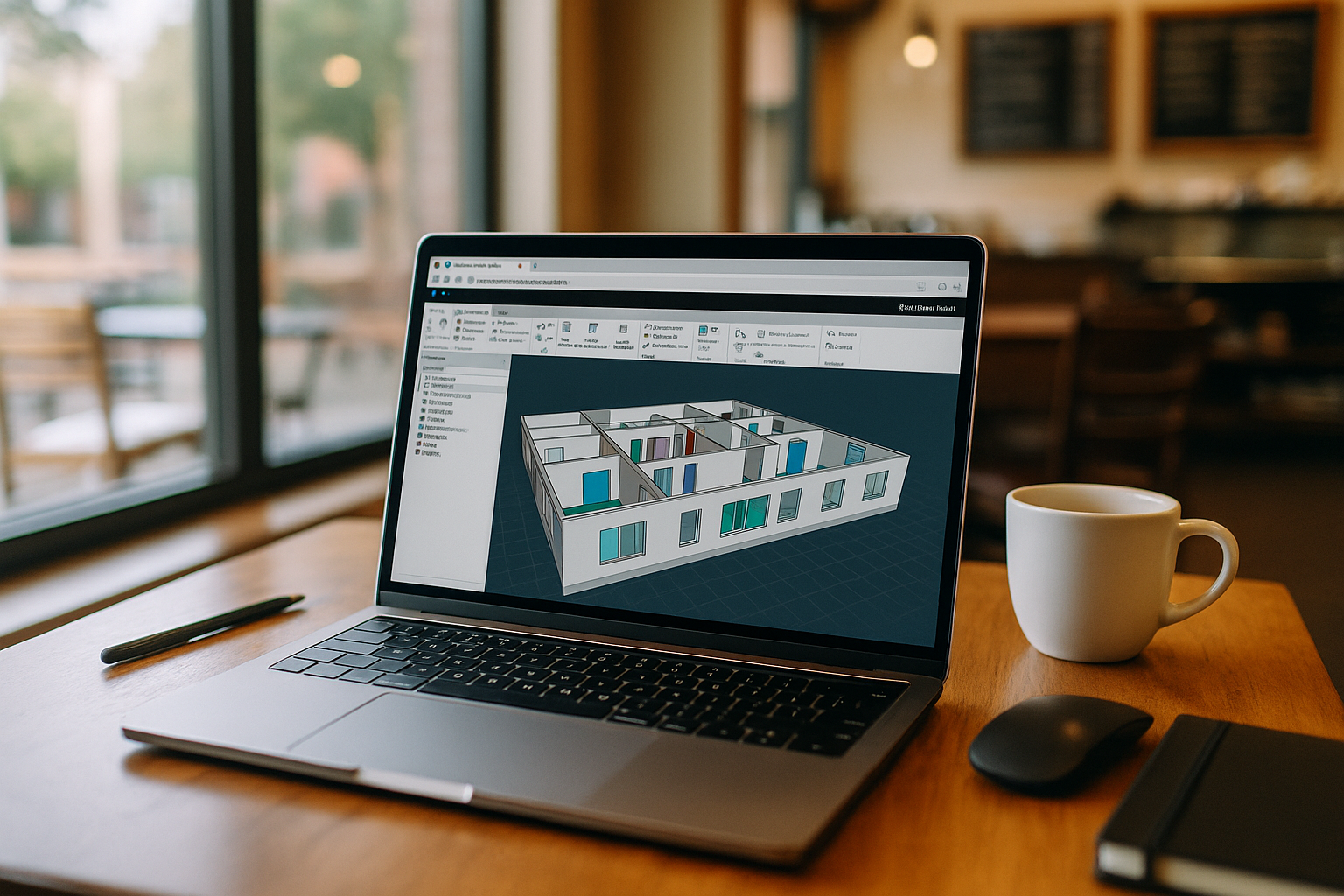
When Navisworks Manage Overwhelms Your Setup
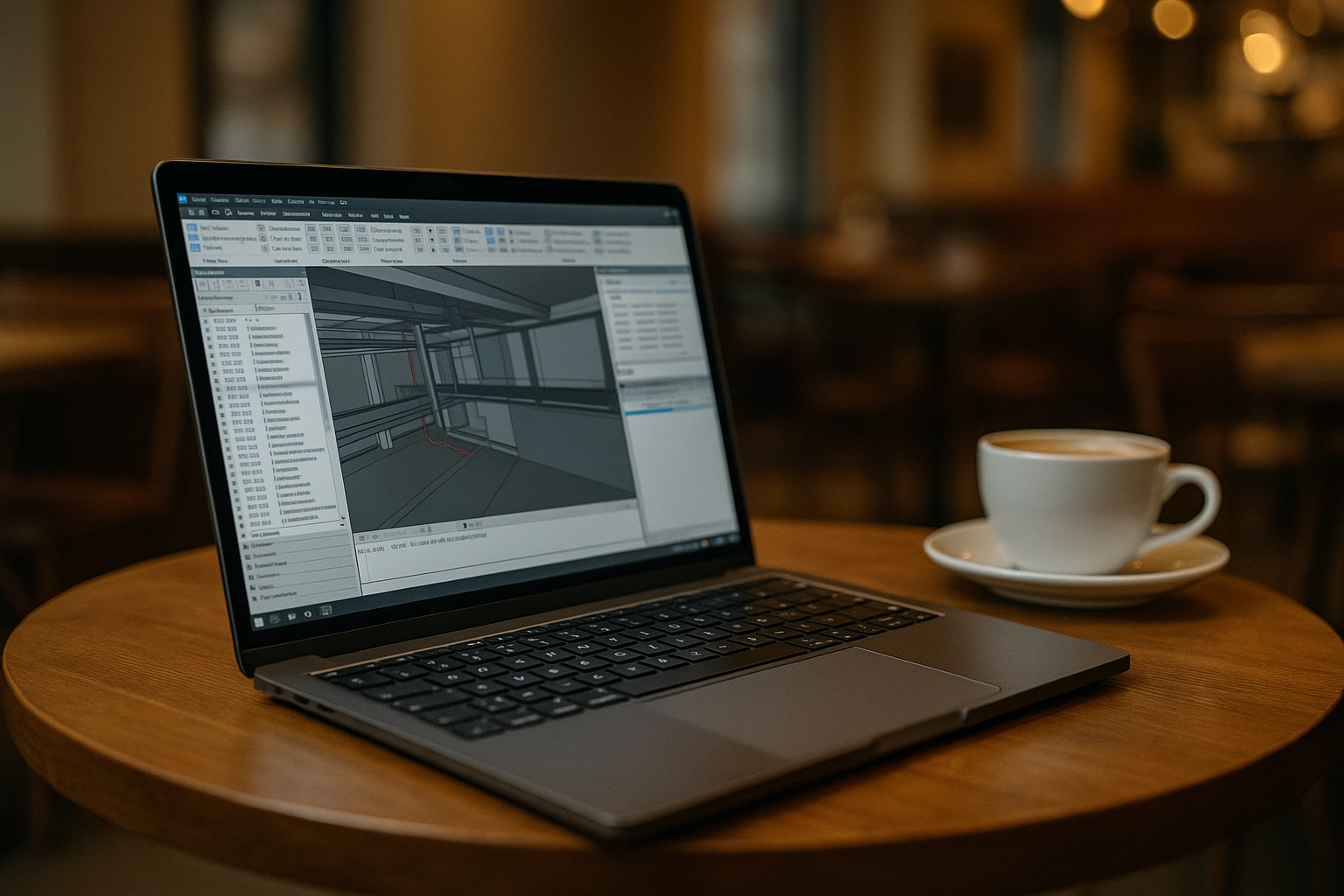
Clash detection can’t wait, but every time you open a multi‑discipline NWD or federated NWF, your machine stalls. Viewports crawl, section boxes stutter, and exports time out — especially when a project mandates a specific build of Navisworks Manage plus plugins your setup won’t keep stable. You may also be tied to an OS image your IT team won’t modify, or working from a lightweight laptop away from the office. The result: missed coordination windows, late issue tracking, and a constant worry that the exact version required by the GC or owner will crash under load. Even small changes like swapping add‑ins or codecs can break a carefully pinned environment.
Buying a New PC for Navisworks Manage Isn’t the Shortcut
Upgrading to a powerful workstation sounds straightforward, but it rarely solves the whole problem. Procurement cycles, approvals, imaging, and driver vetting can take weeks, while budgets absorb not only hardware but accessories and warranties. A newer GPU won’t fix version lock or plugin compatibility across teams, and you’ll still maintain Windows, plugins, and utilities per project. Travel or short sprints make an expensive tower impractical, and laptops with enough headroom are bulky and costly. Most frustrating, heavy models can still choke when storage, codecs, or background tools don’t align with the exact Navisworks Manage stack your project demands.
Run Navisworks Manage in Browser for Predictable Reviews
A more dependable approach is a full Windows desktop that runs in the browser and keeps project environments consistent. Instead of buying, imaging, and maintaining hardware, you open the same workspace anywhere and use the Navisworks Manage version your GC specifies. Because it’s a persistent desktop, you retain plugins, clash templates, search sets, and utilities without rework. A consistent workspace can reduce “works on my machine” surprises between project environments. When workloads spike, you add capacity for review weeks and return to normal afterward — without new long‑term hardware commitments.
Aristeem and Reliable Navisworks Manage Cloud Access
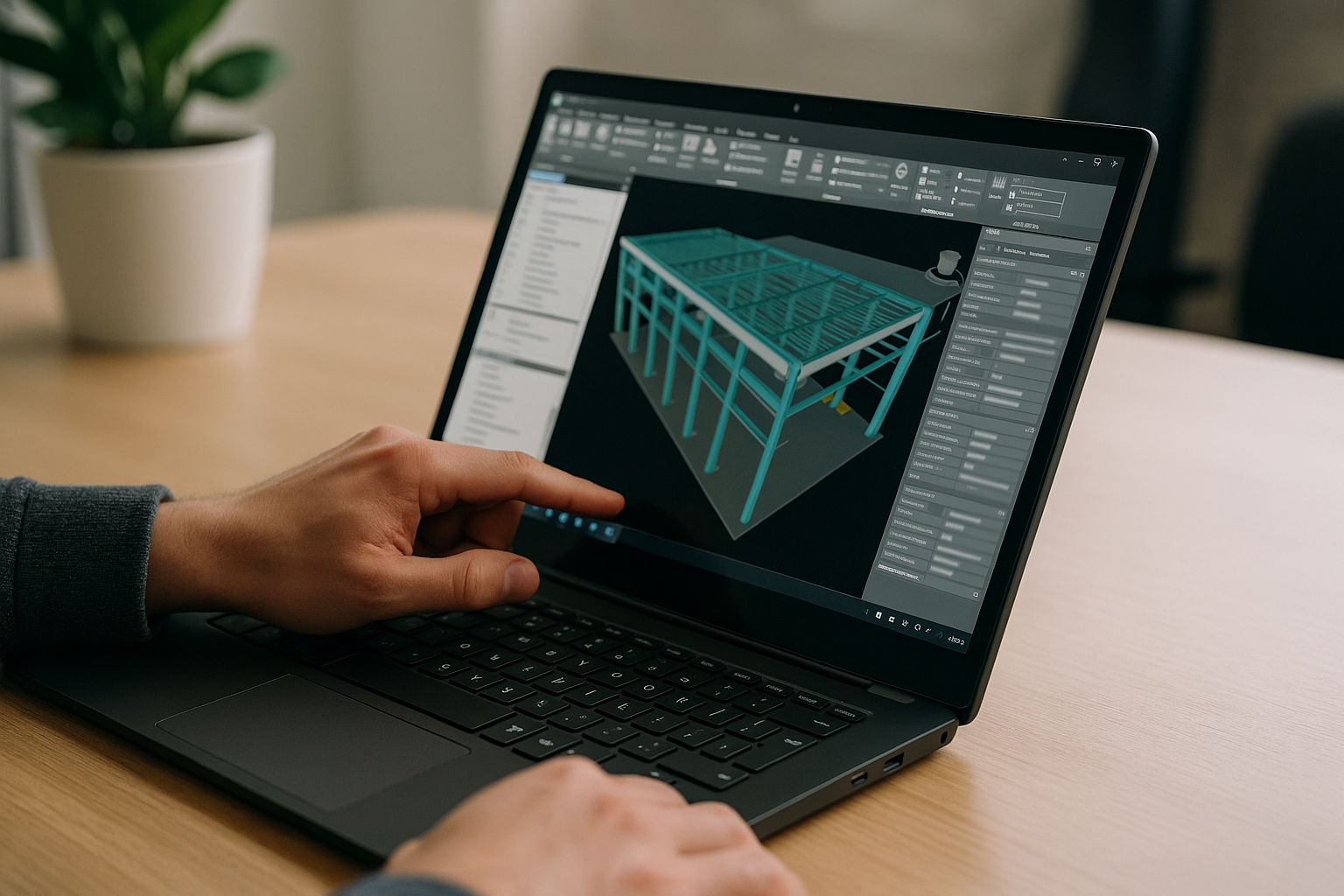
In 2024, Aristeem began as a cloud service for access to professional software across engineering, design, data analysis, and other demanding work. We studied real project needs and kept refining reliability, session continuity, and workspace control. Today we provide a virtual Windows machine that runs in your browser, without changing the OS on your device. We continue testing new options to expand flexibility and configurability. Applied to Navisworks Manage, you pick the exact version, install plugins and utilities, and sign in with your Autodesk license. For practical detail, see a version‑specific setup for Autodesk Navisworks Manage.
Keep Projects Moving in Navisworks Manage
Keep coordination moving without replacing your computer. Open heavy models, run clash detection, and maintain project‑specific toolsets in a stable browser workspace set up for the version your project requires. Because the desktop persists, you avoid rebuilding environments and keep search sets, templates, and add‑ins intact across sessions. To understand how software runs directly in a browser, explore the Aristeem programs catalog and stay focused on delivering reliable clash results with Navisworks Manage.


