


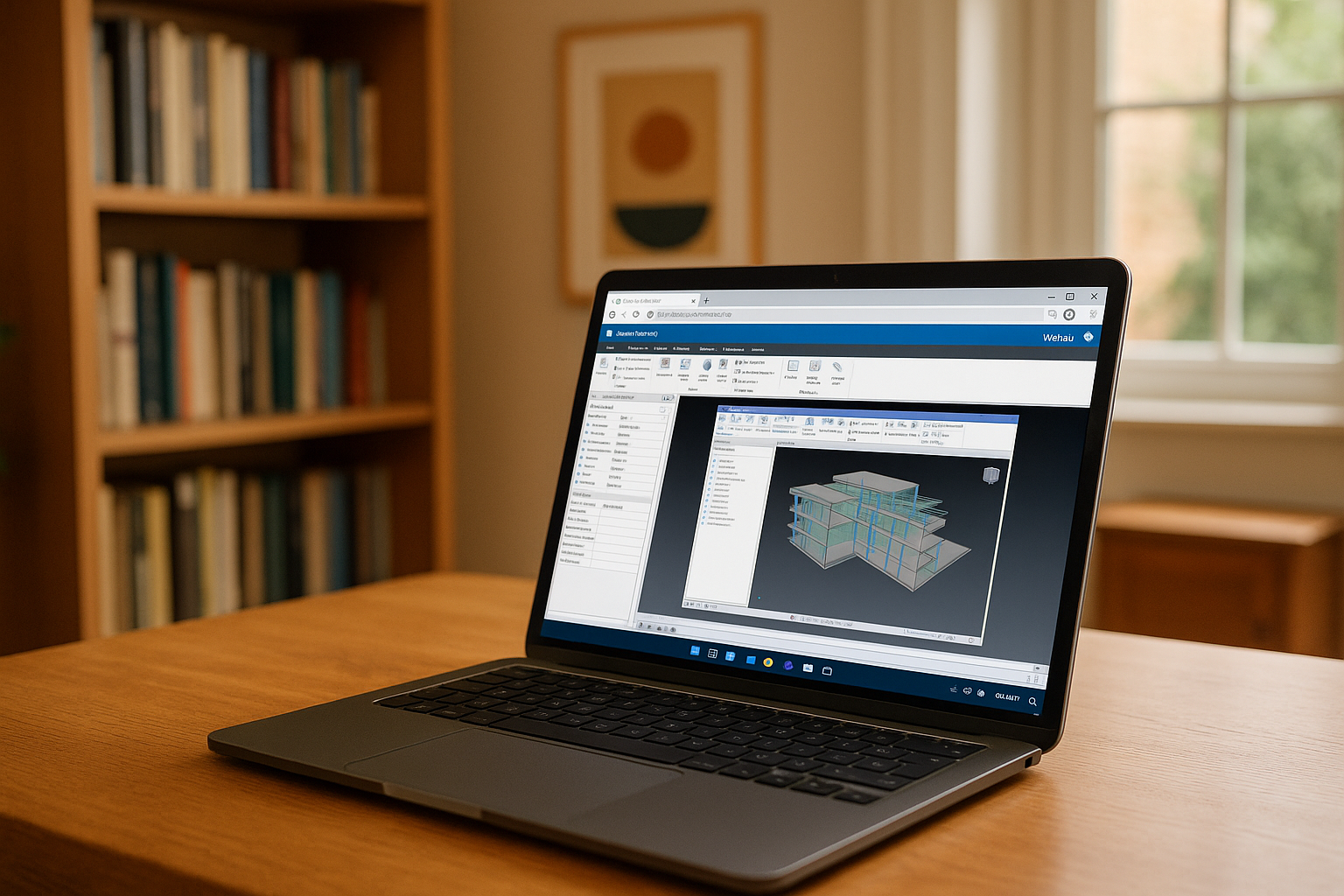
Navisworks Manage Autodesk is a professional program designed for viewing, combining, and coordinating 3D models in BIM (Building Information Modeling) projects. It allows users to identify collisions, analyze construction processes, and create accurate visualizations, clearly showing what Navisworks Manage is used for.
Download Navisworks Manage is available only for Windows, as there are no official versions for macOS or Linux. On other operating systems, the program can only be run through emulation, virtual machines, or cloud solutions.
Common problems for Navisworks users outside of Windows
Although macOS or Linux users sometimes try to run Navisworks Manage through emulators, virtual machines, or cloud services, each of these methods has its drawbacks:
Emulation through Wine or CrossOver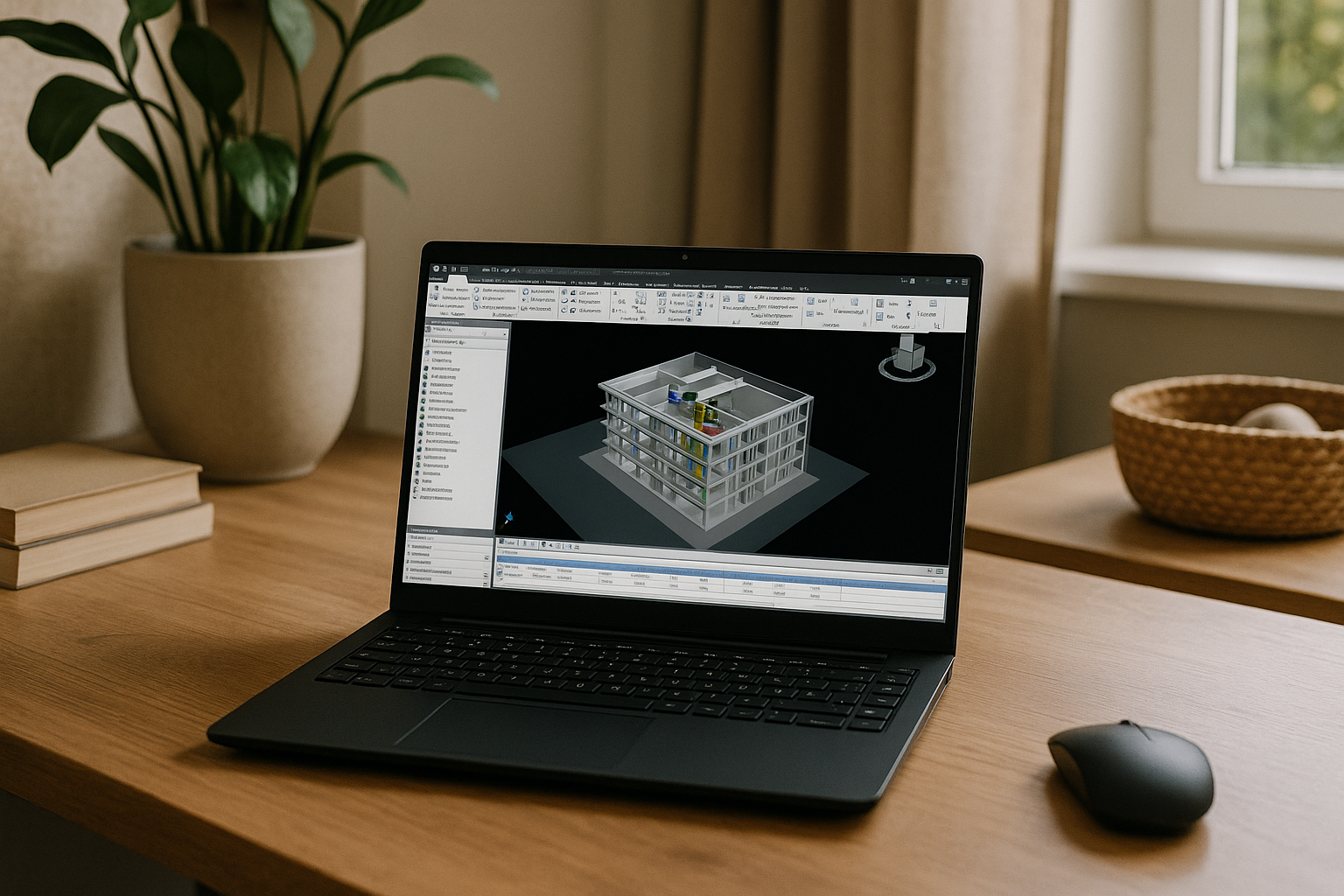
- The program may run unstable or with display errors.
- Some 3D graphics-related features are lost.
- High system load, especially when working with large models.
Virtual machines (Parallels, VMware, VirtualBox)
- A licensed copy of Windows is required, which increases costs.
- Performance is lower than when running natively.
- Rendering and collision analysis are slower, making it difficult to work with large BIM projects.
Therefore, for stable professional work with Navisworks Manage, users usually look for more optimal options — for example, Autodesk cloud computing solutions or specialized cloud environments with full 3D graphics support, such as Aristeem.
Navisworks Manage via Aristeem: full compatibility without restrictions
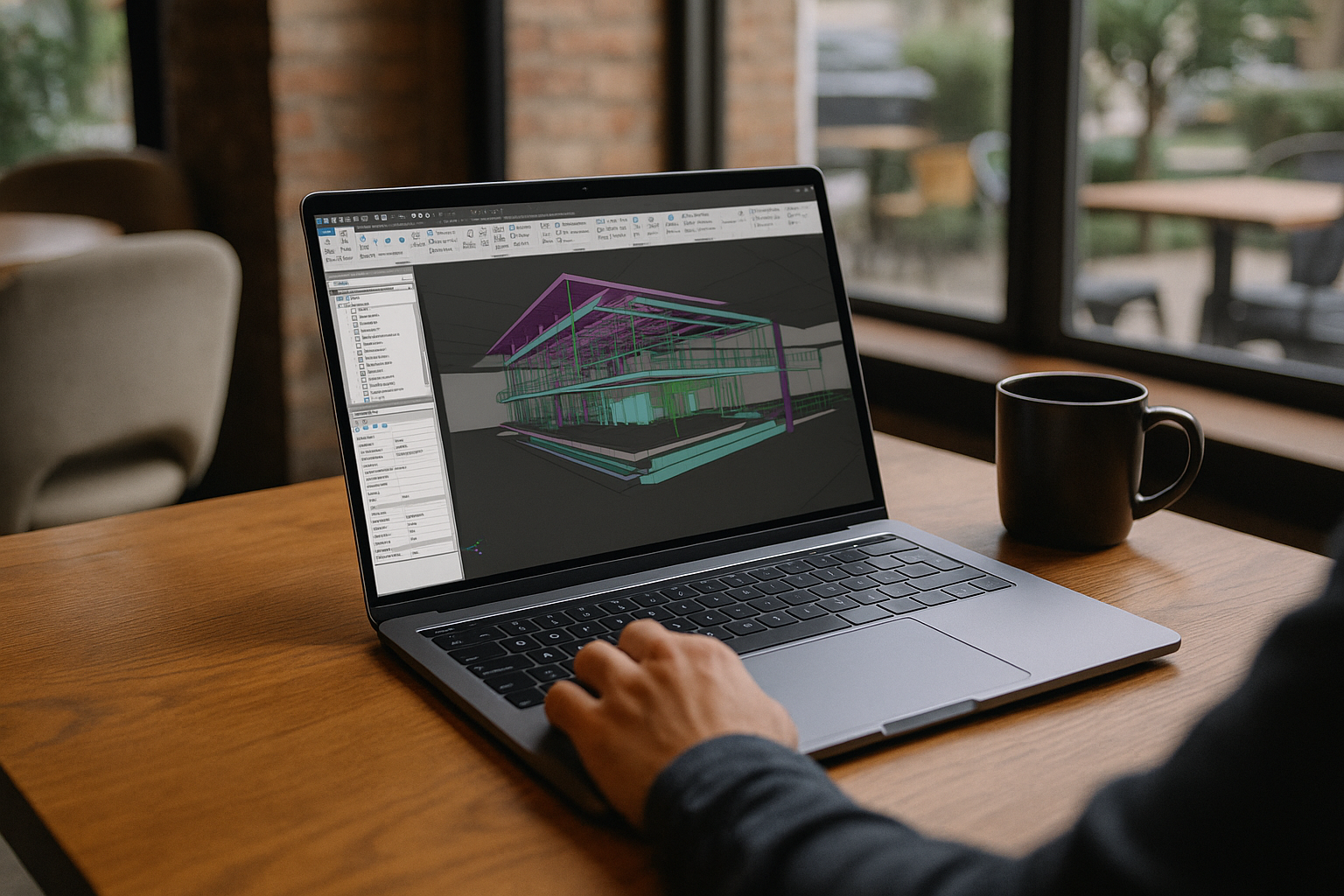
Using Navisworks Manage via the Aristeem cloud platform allows you to work with a professional BIM tool on any device, regardless of the operating system. Cloud launch eliminates all technical barriers related to installation, compatibility, or performance, even if your Navisworks Manage system requirements are higher than your device can handle.
Benefits of Aristeem for Navisworks Manage users:
-
Support for any OS
Run Navisworks Manage through a browser on macOS, Linux, Chromebook, or even tablets. No need to search for emulators or install Windows. -
Maximum performance
All calculations are performed on powerful server GPUs. Even large 3D models are processed quickly — without lag or freezing. -
No software installation
Navisworks Manage is already configured in the cloud environment. You get a ready-to-use system — no installations, updates, or driver configurations required. -
Secure project storage
Data is automatically backed up in the Aristeem cloud, and access can be restored from any device. -
Mobility and flexibility
You can continue working from anywhere — all you need is a stable internet connection. Ideal for team projects, remote collaboration, or off-site presentations.
Technical support
Need help? Check out the FAQ section on our website, where you can find answers to most questions. If the situation requires more detailed consideration, our specialists in online chat or Telegram and WhatsApp are always ready to support you and help you solve any problems related to the service and programs.
Conclusion
Navisworks Manage is a powerful tool for coordinating BIM projects, but its limitation to the Windows platform creates difficulties for users of other operating systems. The Aristeem cloud platform removes these barriers by allowing you to run Navisworks Manage on macOS, Linux, Chromebook, or even tablets without losing productivity. With powerful server resources, automatic updates, and secure data storage, Aristeem makes working with Navisworks Manage as convenient, stable, and mobile as possible. It is a modern solution for engineers, architects, and BIM professionals who need access to professional tools anywhere and on any device.


