


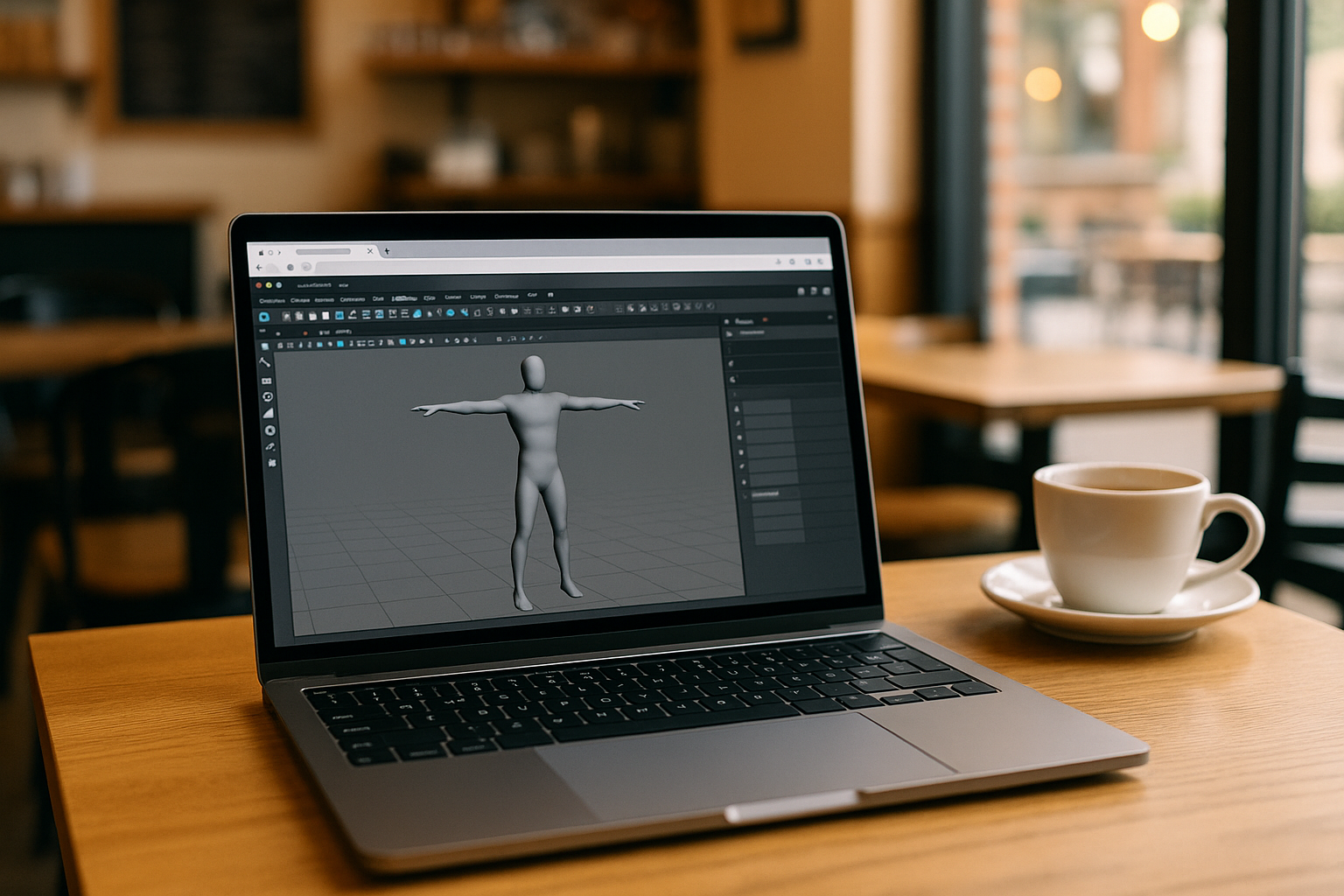
In versions ~2024 and later, Maya for Macbook added or improved support for Apple Silicon, providing better performance without emulation. Autodesk continues to release new updates (up to Maya 2026.3 in 2025) that include tooling, compatibility, and performance improvements for Maya for OS X.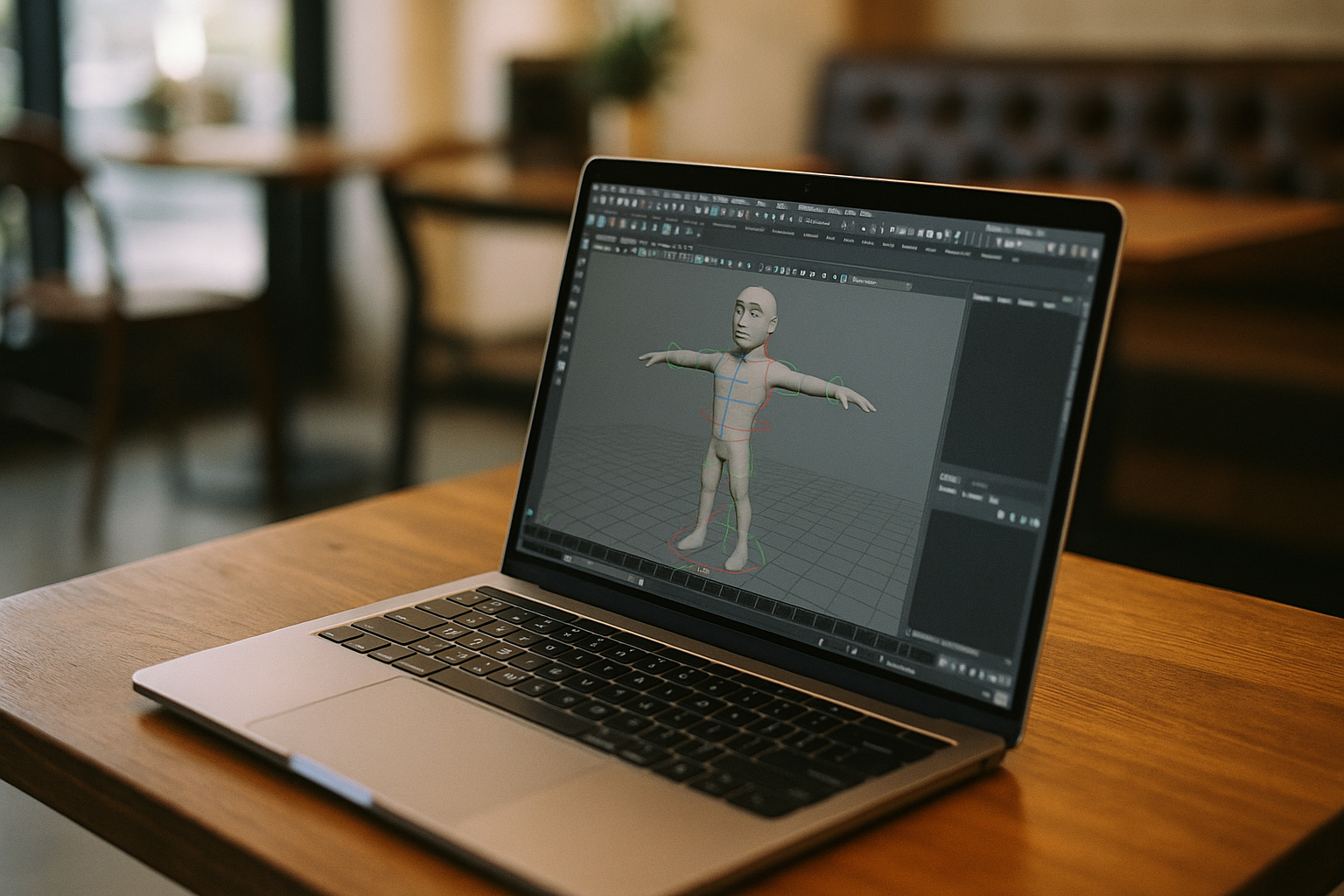
Despite this, some users experience technical difficulties installing or running the Maya program 3D on macOS, especially after system updates (such as macOS Tahoe or later). The installer sometimes fails to complete, or the application does not launch after installation, which is a challenge for designers and 3D artists working on Maya for Macintosh.
How users try to resolve issues with Maya on Mac
Even with official support for Apple Silicon, many Mac users face problems with stable operation of Maya 3D graphics software. To work around these limitations, they try alternative methods, but not all are reliable or convenient.
| Method | How it works | Drawbacks |
|---|---|---|
| 1. Using older macOS versions or Intel Macs | Install an older macOS version on which Maya for OS X is guaranteed to run, or use an older Intel Mac. | The system may be less secure, and new Maya features and third-party plugins are not supported. |
| 2. Windows emulation via Boot Camp or Parallels Desktop | Install Windows on a Mac and run the Maya program 3D in the Windows environment. | Increases load on Mac resources, reduces rendering performance, and complex scenes may run unstably. |
| 3. Custom builds or hacks for Apple Silicon | Users find or create special versions of Maya 3D graphics software adapted for ARM processors. | Risk of data loss, no official support, issues with updates and plugins. |
| 4. Using external servers or render farms | Offload some tasks (rendering, simulations) to remote machines. | Requires additional setup, not always integrated with local environment, payment is per usage time. |
Cloud solution as the best option
Modern cloud services like Aristeem offer a completely legal and stable way to work with Maya for Macbook:
-
The program runs on remote powerful servers, ensuring compatibility with any version of Maya for Macintosh and macOS.
-
All calculations are performed by the server, keeping the Mac light and fast while working with Maya 3D graphics software.
-
Flexible payment allows users to access resources only when needed, without additional hardware costs.
Thus, cloud solutions solve the main problems of running Maya for OS X and open new opportunities for 3D artists and studios of any level.
Advantages of using Aristeem for Maya on Mac
-
Access to new versions:
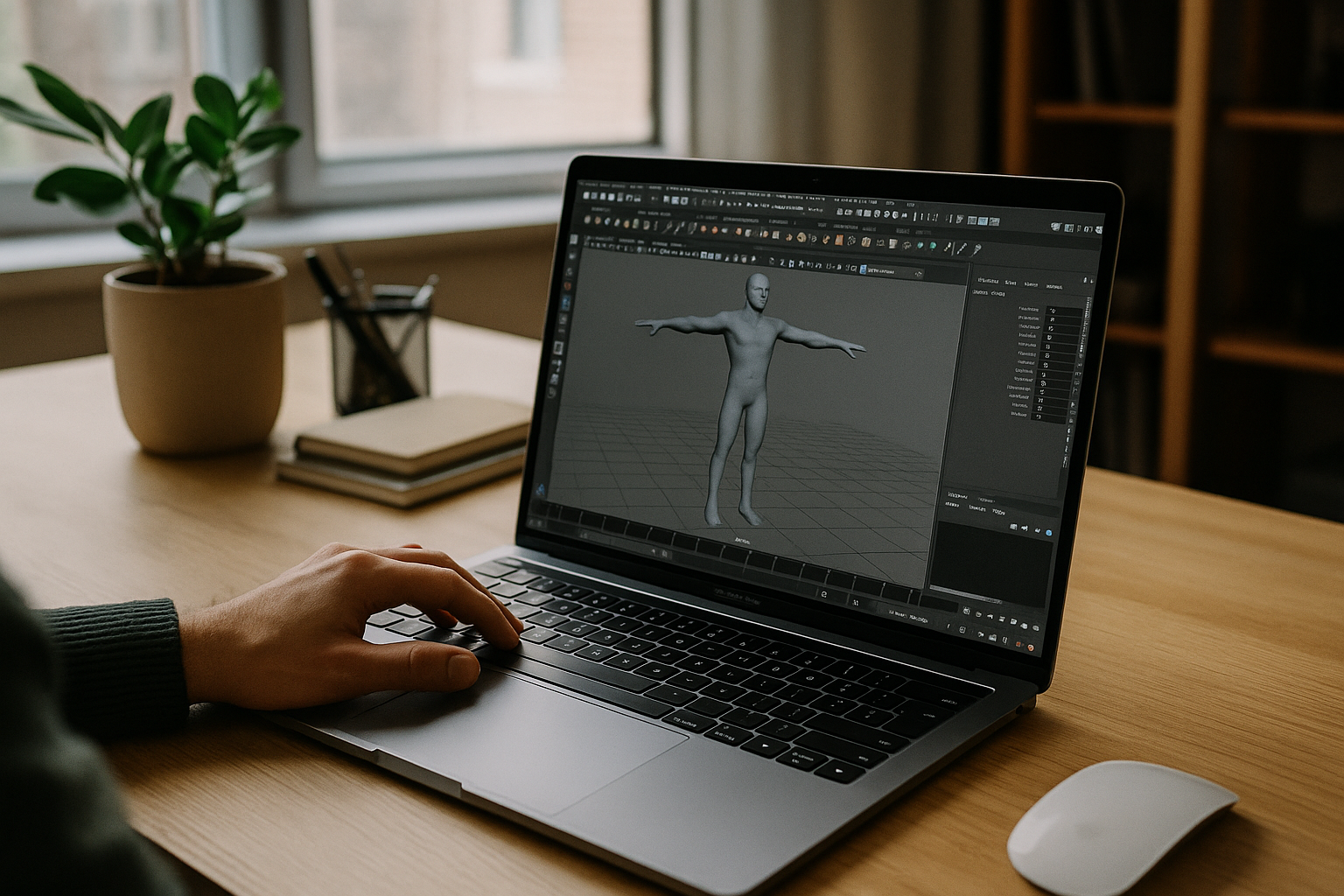
Aristeem allows working even with releases not officially supported on macOS, ensuring continuous workflow with Maya program 3D. -
High performance:
Cloud GPUs provide fast rendering and stable performance for large Maya 3D graphics software scenes on Mac, even with complex 3D projects. -
Mac-friendly:
All calculations are performed on the server, significantly reducing the load on your Mac and saving RAM and CPU resources. -
Minimum requirements:
Works even on older or low-power Macs, including MacBook Air, which might struggle with heavy local rendering in Maya for Macbook. -
Flexible payment:
Users pay only for actual usage time, making Aristeem a convenient solution for freelancers and studios of any size.
Summary
Maya for OS X supports Apple Silicon, but users often encounter installation and stability issues. Traditional workarounds — older macOS, Windows emulation, custom builds, or render farms — have limitations and complications. Cloud service Aristeem address these challenges: providing access to all versions of Maya for Macintosh, high performance thanks to server-side GPUs, minimal Mac requirements, and flexible pay-as-you-go pricing. It’s the ultimate way to work with Maya program 3D on Mac without limitations and with maximum efficiency.


